




 here!
here!
I’m your shopping assistant for PC builds, upgrades, and everything tech.
Got questions? Ask away!
Start a conversation
here!
I’m your shopping assistant for PC builds, upgrades, and everything tech.
Got questions? Ask away!
Start a conversation










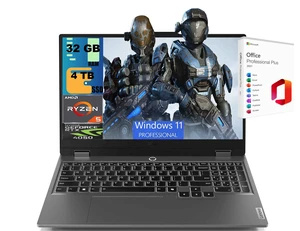
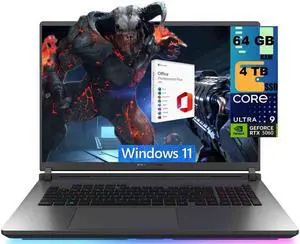

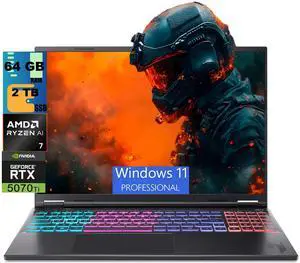
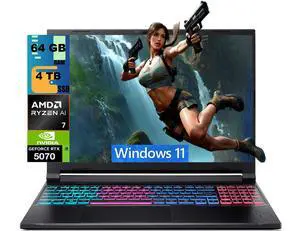
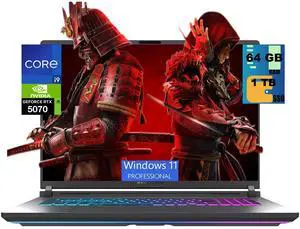
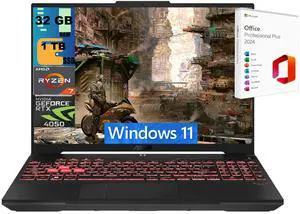
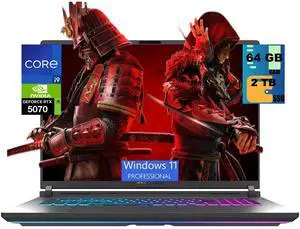
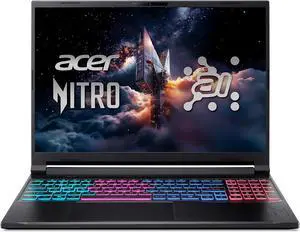
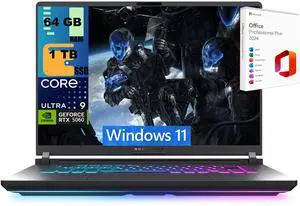
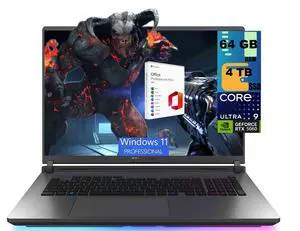
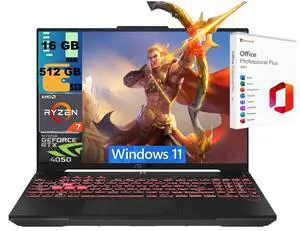
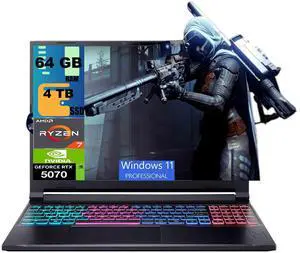
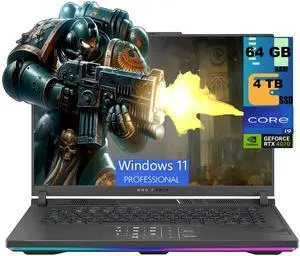
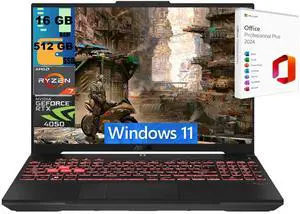
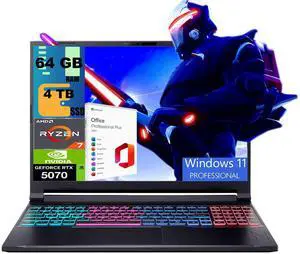
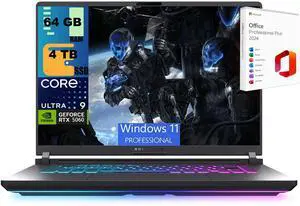
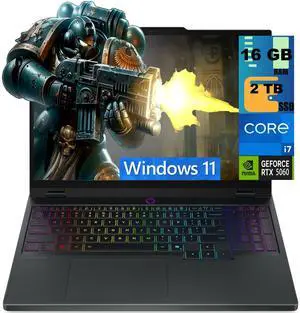
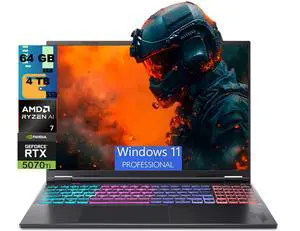
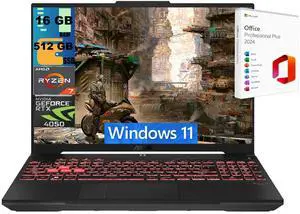
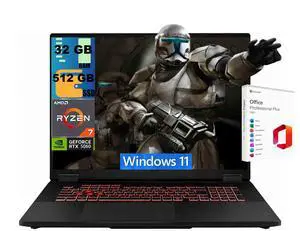
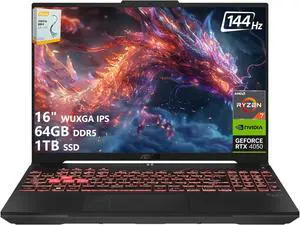
Explore the latest gaming laptops equipped with NVIDIA RTX 5090, 5080, and 5070 Ti GPUs alongside Intel Core Ultra and Ryzen AI processors. This page helps you find powerful machines for immersive PC gaming, with options tailored for every gamer’s needs.
When it comes to gaming laptops, the GPU is the defining factor of your experience. You want a card that not only renders games with high frame rates but also supports advanced features like real-time ray tracing and AI-enhanced graphics. The latest NVIDIA GeForce RTX 50 Series laptops, particularly the RTX 5090 and RTX 5080 Laptop GPUs, offer exceptional performance with next-level ray tracing and DLSS 3 technology. This combination not only delivers stunning visuals but also boosts frame rates by intelligently rendering frames faster and smoother, giving you the competitive edge in any title. For gamers focused on ultra settings and 4K gaming on the go, selecting a laptop with the newest Ada Lovelace architecture is essential for future-proofing your setup.
Gaming laptops today are not just for play—they’re powerful platforms for developers, 3D artists, and video editors who demand portable performance. With the cutting-edge Intel Core Ultra CPUs and AMD Ryzen AI processors, these machines can handle code compilation, complex rendering, and AI-driven workflows effortlessly. Professionals can also benefit from laptops that feature the GeForce RTX 5090 Laptop GPU, which accelerates ray-traced visualizations and leverages CUDA cores for GPU-accelerated computation. Additionally, browsing our broad selection of Laptop / Notebook solutions can help you find the perfect balance between work and gaming without carrying separate devices.
Newegg shopping tip: When choosing a gaming laptop, focus on comparing the GPU and CPU combo to ensure smooth performance in the latest titles. Pay attention to refresh rates and display resolution too—these have a big impact on your gaming experience.
Max out your settings with the GeForce RTX 5090 Laptop GPU, delivering top-tier ray tracing and AI performance on the latest Ada Lovelace architecture for 4K portable gaming.
Step into high-frame-rate 1440p gameplay with the RTX 5080 Laptop GPU, balancing power and efficiency using cutting-edge Ada Lovelace cores.
GeForce RTX 5070 Ti Laptop GPU
The RTX 5070 Ti Laptop GPU offers a sweet spot for 1080p competitive gaming, with DLSS 3 support to boost frame rates without sacrificing visuals.
Jumping into the world of gaming laptops can feel overwhelming with all the tech jargon and options out there. To start off right, look for machines that pair powerful processors—like the latest Intel Core Ultra or Ryzen AI—with robust graphics cards. These components work together to ensure smooth gameplay and vivid visuals. It’s also helpful to get familiar with display features such as high refresh rates, which make fast-paced games feel silky smooth. If you want a standout graphics option, check out the GeForce RTX 5090 Laptop GPU for top-level performance that can handle today’s most demanding titles with ease.
If you thrive in fast-paced, competitive games like Fortnite, Valorant, or CS:GO, your priority should be high refresh rates and ultra-responsive input. Look for gaming laptops equipped with GPUs that deliver smooth frame rates at 1080p or 1440p, such as the GeForce RTX 5070 Ti Laptop GPU. These systems also typically feature displays with 144Hz or higher refresh rates, letting you react quicker and spot enemies earlier. Lightweight designs can make it easier to carry to tournaments or LAN parties, while efficient cooling keeps your rig running stable through marathon gaming sessions.
Gaming laptops aren’t just for playing games—they’re also powerful tools for content creators who need a single device for video editing, streaming, and gaming. CPUs like Intel’s Core Ultra series or AMD’s Ryzen AI processors provide the multi-threaded performance necessary for rendering and multitasking, while GPUs like the GeForce RTX 5080 Laptop GPU accelerate real-time ray tracing and AI shading for stunning visuals in both games and creative apps. A high-resolution screen with good color accuracy is also a must-have for editing projects, making these gaming laptops a versatile all-in-one solution.
Research more: When choosing a gaming laptop, balance the GPU and CPU to match the types of games you play most. For deeper insights on specs, performance, and features, check out the Newegg Insider buying guides to help fine-tune your decision.
Last Updated: October 2026 | Newegg Gaming Laptops Buying Guide
The RTX 3070 delivers noticeably better frame rates and visuals in most current games, especially at higher settings, but it also tends to be pricier and can drain the battery faster compared to the RTX 3060.
For most gamers, 16GB is enough to run modern games smoothly, but if you're into heavy multitasking, streaming, or using RAM-heavy apps alongside gaming, 32GB offers more future-proofing and better overall performance.
You want a laptop with at least an NVIDIA GeForce RTX 3060 or AMD Radeon RX 6600M to handle most modern AAA titles at good settings and frame rates. Higher-end cards like the RTX 3070 or 3080 will deliver even better performance for demanding games.
A higher refresh rate, like 120Hz or 144Hz, makes gameplay feel smoother and more responsive compared to the standard 60Hz. It’s especially noticeable in fast-paced FPS or action games where every millisecond counts.
Focus on a laptop with a powerful GPU like an NVIDIA RTX series, at least 16GB of RAM, and a fast processor such as an Intel i7 or AMD Ryzen 7. A high refresh rate display also helps keep gameplay smooth.
Unlike desktops, most gaming laptops have limited upgrade options, so it’s smarter to invest in a solid model upfront to avoid performance bottlenecks down the line.
Gaming laptops can be reliable but they do run hotter because of their compact design, so watch for models with good cooling solutions. Checking user reviews for thermal performance and any overheating complaints is a smart move before buying.
Common issues include throttling under heavy load, noisy fans, or short battery life. Look for reviews mentioning consistent performance over hours of play and whether the laptop stays cool and quiet during gaming sessions.
First, fully charge the battery and connect to a power source during intensive use. Make sure to update your graphics drivers and Windows OS before installing games to ensure smooth gameplay.
Use a cooling pad or keep your laptop on a hard, flat surface to improve airflow. Also, regularly clean the vents and consider adjusting in-game settings to balance performance and temperature.
“ 10/10 would recommend for a gaming computer or high workload ”
MSI Vector - LCD 16" QHD+ GeForce RTX 5080 Laptop GPU - Intel Core Ultra 9 275HX - 16GB Memory - 1 TB SSD - Windows 11 Home - Gaming Laptop - 240 Hz (Vector 16 HX AI A2XWIG-050US )“ Excellent gaming performance Decent battery life for a gaming laptop Fast refresh screen Nice touchpad Compact charger No pre-installed bloatware! ”
GIGABYTE - GAMING A16 PRO Gaming Laptop - 165Hz 2560x1600 WQXGA - NVIDIA GeForce RTX 5070 Ti - Intel Core 7 240H - 1TB SSD with 32GB LPDDR5X RAM - Windows 11 Home (GAMING A16 PRO DXHG4USCC4SH)


