here!
here!
I’m your shopping assistant for PC builds, upgrades, and everything tech.
Got questions? Ask away!
Start a conversation
here!
I’m your shopping assistant for PC builds, upgrades, and everything tech.
Got questions? Ask away!
Start a conversation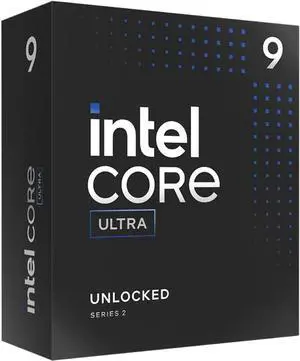
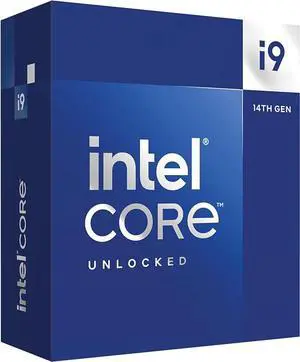
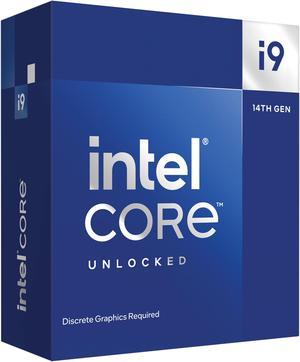
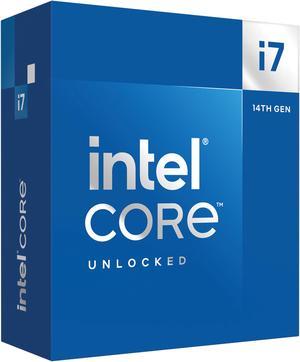
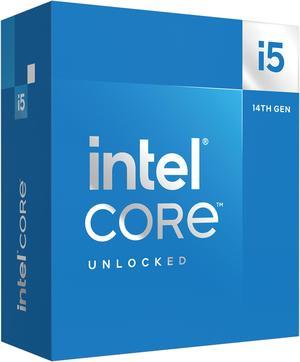
+ $10 off w/ promo code SSF73972, limited offer
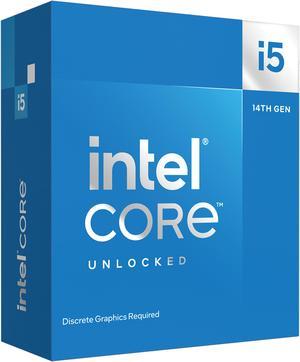
Free ASUS Z790 Gaming WIFI7 Motherboard, limited offer
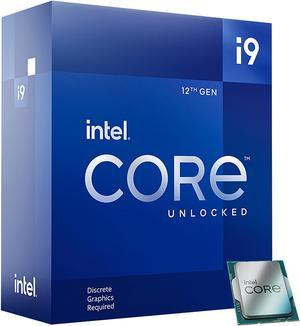
Free ASUS Z790 Gaming WIFI7 Motherboard, limited offer
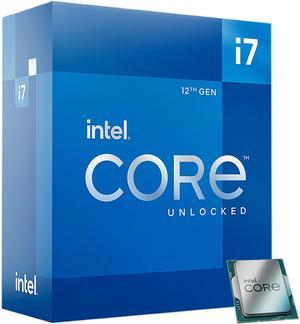
Free Cooler Master Elite Liquid 240mm AIO Cooler, limited offer
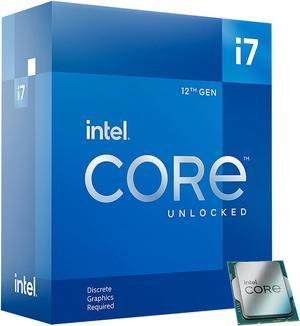
Free Cooler Master Elite Liquid 240mm AIO Cooler, limited offer
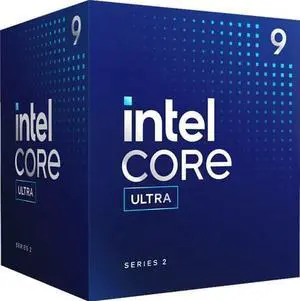
Free Intel AI Software Bundle, limited offer
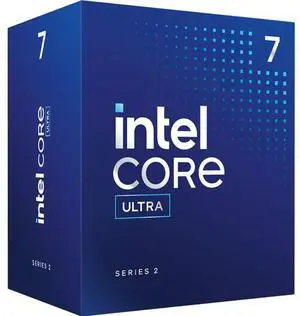
Free Intel AI Software Bundle, limited offer
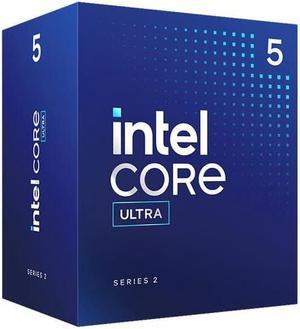
Free Intel AI Software Bundle, limited offer
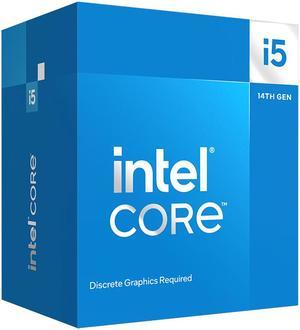
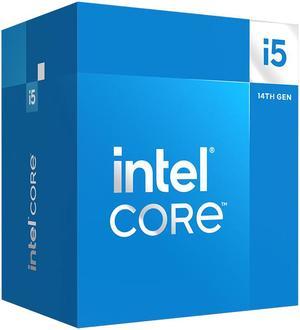
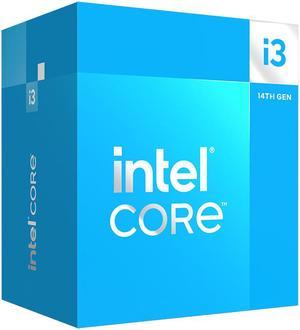
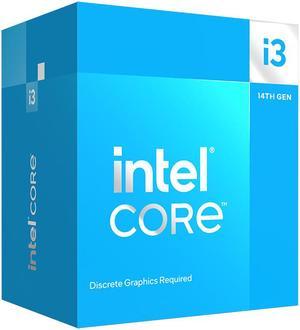
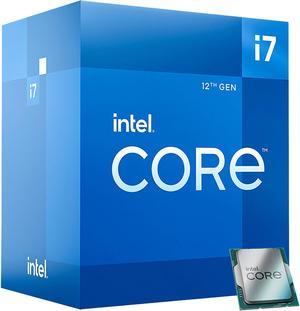
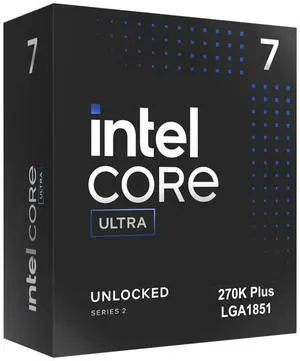
Free MSI MAG Core Liquid 240mm AIO Cooler and Intel AI Software Bundle, limited offer
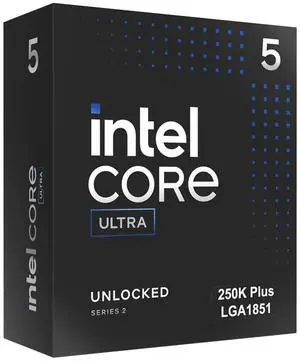
Free Gamdias Boreas CPU Air Cooler and Intel AI Software Bundle, limited offer
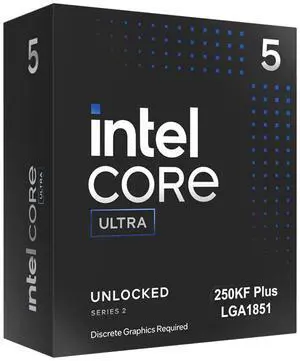
Free Gamdias Boreas CPU Air Cooler and Intel AI Software Bundle, limited offer
Limited time offer, ends 10/14
Free Intel AI Software Bundle, limited offer

| Learn about Intel CPUs & Processors | |
|---|---|
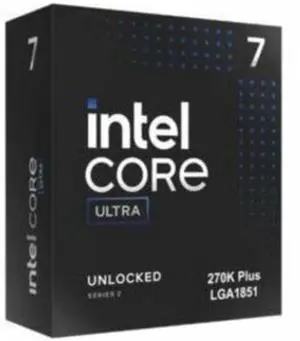
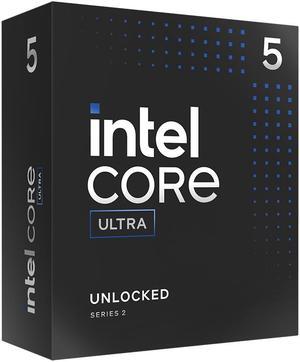
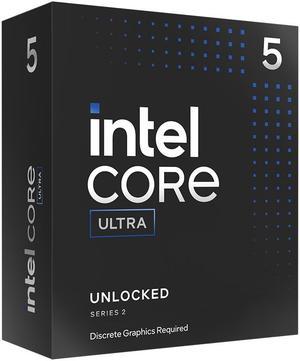
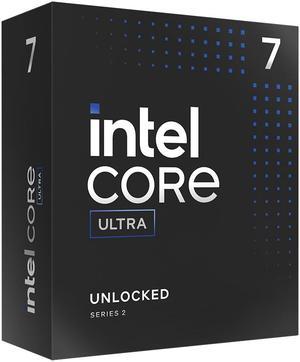
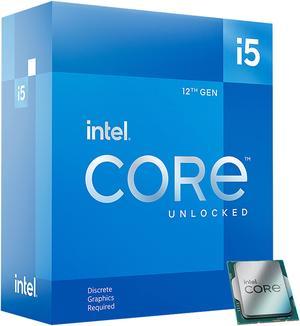
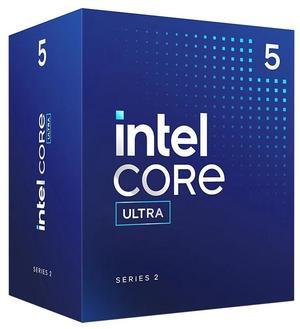
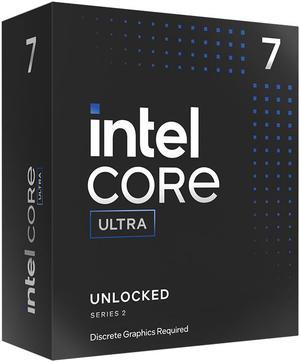
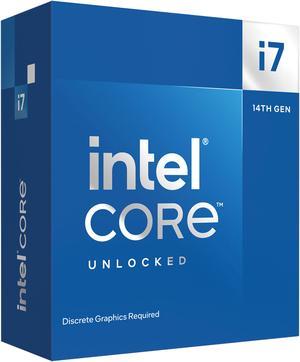
Understanding Intel Desktop CPUsIntel desktop processors power everything from everyday productivity PCs to high-end gaming rigs and creator workstations. Your CPU is the “brain” of your system — it processes instructions, drives multitasking, and determines how responsive your PC feels in gaming, creative work, and daily computing. Today’s Intel lineup spans two major platforms: the newest Intel Core Ultra 200S (Arrow Lake) on the LGA 1851 socket with DDR5 and PCIe 5.0, and the widely supported 12th / 13th / 14th Gen Intel Core series on LGA 1700, which supports DDR4 or DDR5 depending on your motherboard. Intel Core Ultra 200S (Arrow Lake) — Efficiency + AI FocusIntel’s latest desktop platform is the Intel Core Ultra 200S series , built for higher efficiency, DDR5-only memory, PCIe 5.0 connectivity, and a new socket (LGA 1851). These CPUs use a hybrid design that combines performance cores and efficiency cores, and include an integrated NPU for AI-enhanced workloads. Intel also introduced a free performance profile called Intel 200S Boost for unlocked Core Ultra 200S CPUs on Z890 motherboards , designed to improve gaming performance through memory and fabric tuning — without voiding warranty. Intel Core 12th / 13th / 14th Gen — Popular Value PlatformIntel’s previous-generation Core series remains extremely popular for gaming and content creation because it offers a wide range of CPUs across i3 / i5 / i7 / i9 tiers, broad motherboard availability, and flexible DDR4 or DDR5 platform choices. For many mainstream builds, these generations still deliver excellent value and strong real-world performance. Intel CPU Segments
| Choosing the Right Intel CPU for Your BuildThe right Intel CPU depends on how you use your PC: competitive gaming, streaming, content creation, or everyday productivity. Start by choosing your platform (LGA 1851 or LGA 1700), then match your CPU tier to your workload and budget. Use Cases and Recommendations (Intel-only)
Platform, Compatibility, and Cooling
Watch: How to Install a CPU Safely (Avoid Bent Pins)For a full step-by-step guide with photos, check out: How to Install a CPU on a Motherboard Without Damaging Pins . Need Help Picking an Intel CPU?
|
Last Updated: 2026 | Newegg CPU/Processors Buying Guide
Core Ultra 200S (Arrow Lake) moves to the LGA 1851 platform with DDR5-only support, PCIe 5.0, and an integrated NPU for AI acceleration. 14th Gen stays on LGA 1700 and can use DDR4 or DDR5 depending on your motherboard.
Yes. A modern Core i5 paired with a capable GPU delivers smooth 1080p and 1440p gaming. For high-refresh esports or heavy multitasking, Core i7 provides extra headroom.
Intel 200S Boost is a free performance profile for unlocked Core Ultra 200S CPUs on Z890 motherboards. It increases memory/fabric clocks for better gaming performance, and Intel states it does not void warranty when used with supported hardware. :contentReference[oaicite:2]{index=2}
Many Intel CPUs include integrated graphics, but “F” suffix models (example: i7-14700KF) do not. If you want display output without a GPU, avoid F-models.
LGA 1851 is for Core Ultra 200S and is the newer platform with DDR5-only support. LGA 1700 supports 12th/13th/14th Gen CPUs and has more budget options, including DDR4 boards.
DDR5 can improve bandwidth and sometimes boost FPS in CPU-limited games, especially paired with a high-end GPU. For budget builds, DDR4 still delivers excellent real-world gaming performance.
Core i7 is often the sweet spot for gaming + streaming. Core i9 is best if you stream while running heavy tasks like editing, encoding, or multiple apps at once.
Mid-range CPUs can run fine on quality air cooling. High-end i7 and i9 chips benefit from premium air coolers or 240–360mm AIOs for sustained boost clocks and lower noise under load.
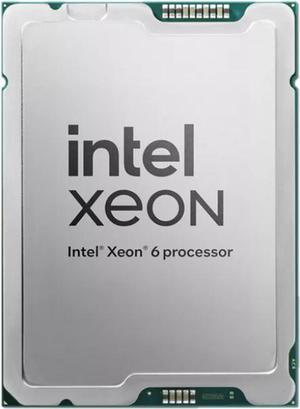
Xeon CPUs are designed for workstation/server stability, ECC memory support, and enterprise workloads. For most creators and gamers, Core i7/i9 often provides better performance-per-dollar.
16GB is the minimum for gaming and everyday use, while 32GB is ideal for modern gaming + multitasking. For creation and workstation workflows, 32GB–64GB provides more comfortable headroom.
No. K-series CPUs allow overclocking, but modern Intel chips already boost aggressively at stock. Most gamers can choose non-K CPUs and still get excellent performance.
Usually GPU upgrades give the biggest FPS jump, especially at 1440p and 4K. CPU upgrades help most in esports titles, 1080p high-refresh gaming, or if your CPU is bottlenecking a powerful GPU.
It depends on the socket and mounting hardware. Many coolers support multiple Intel sockets, but you may need an updated bracket for LGA 1851 or LGA 1700.
Yes. Newer Intel platforms can support PCIe 5.0 depending on CPU and motherboard chipset. PCIe 5.0 SSDs can improve sequential speeds, and PCIe 5.0 GPUs help future-proof builds.
It can be worthwhile if you want higher boost clocks, more cores in some models, and better overall performance without changing platform. If you’re already on a strong 13th Gen i7/i9, the upgrade may be smaller.