




 here!
here!
I’m your shopping assistant for PC builds, upgrades, and everything tech.
Got questions? Ask away!
Start a conversation
here!
I’m your shopping assistant for PC builds, upgrades, and everything tech.
Got questions? Ask away!
Start a conversation




Any questions? Ask CelesteSM will help you find out quickly.


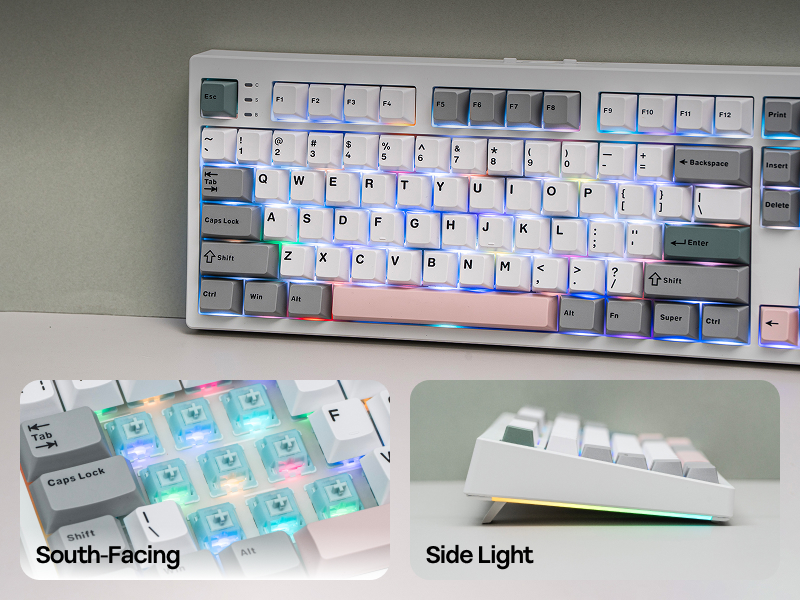
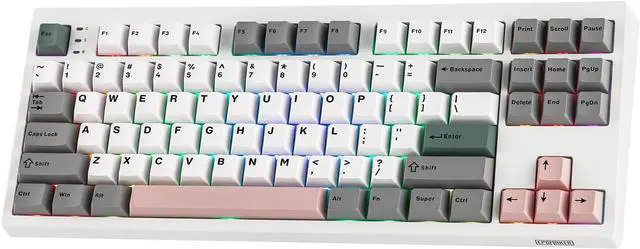
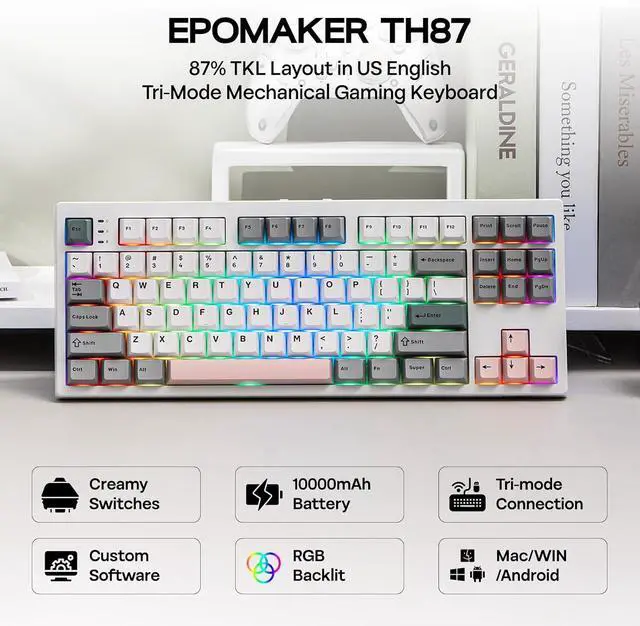
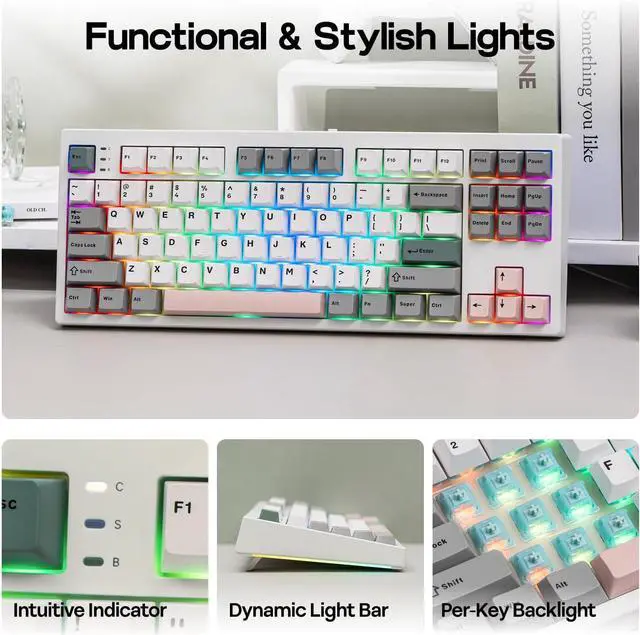
Fast and reliable with anti-ghosting, the EPOMAKER TH87 Gaming keyboard features per-key RGB backlights, fully adjustable in saturation, brightness, and speed, for personalized gaming, and two straps of customizable side lights that reflect on your desk.
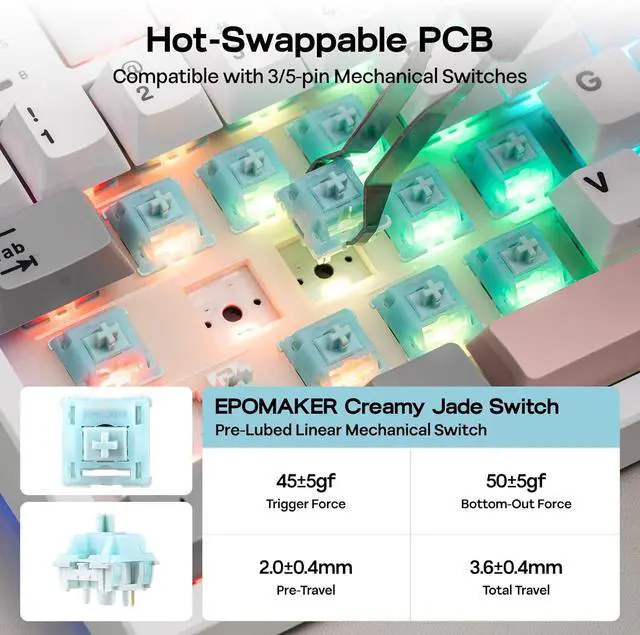
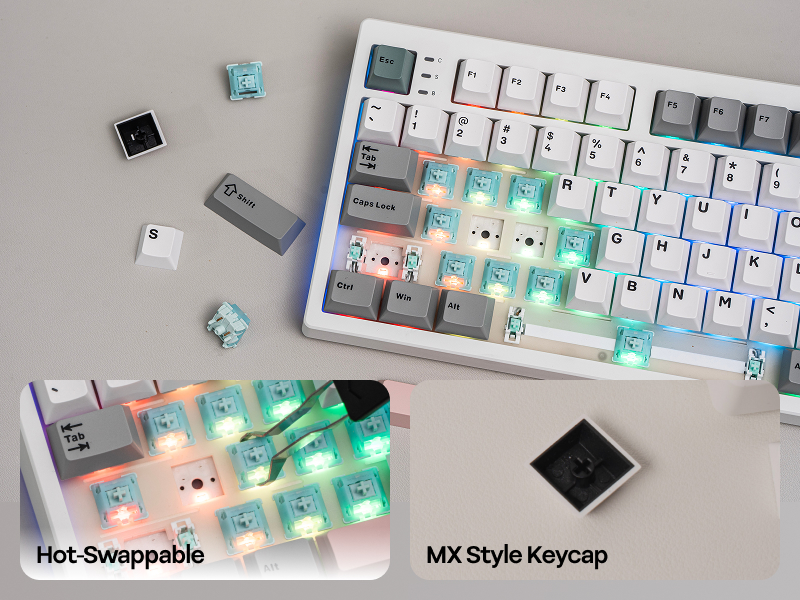
For gamers who demand performance and flexibility, the TH87 Custom Keyboard is a joy to personalize. The hot-swappable PCB streamlines the switch-swap process, while the included 2-in-1 tool makes keycap-swap easy as a breeze.
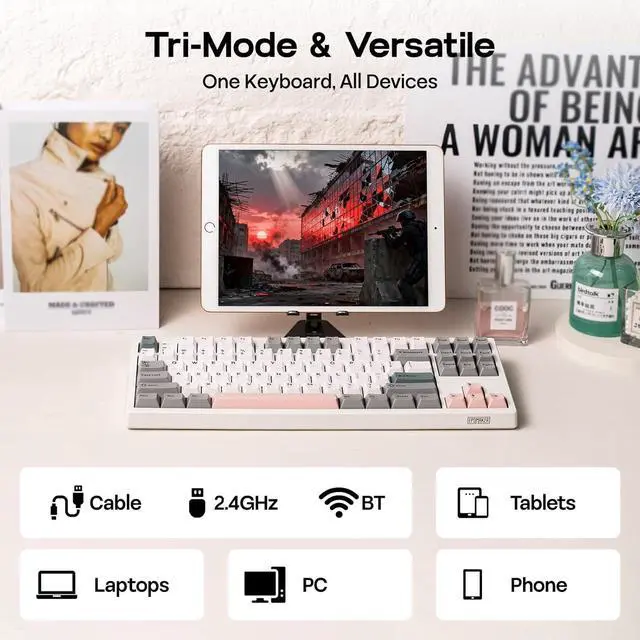
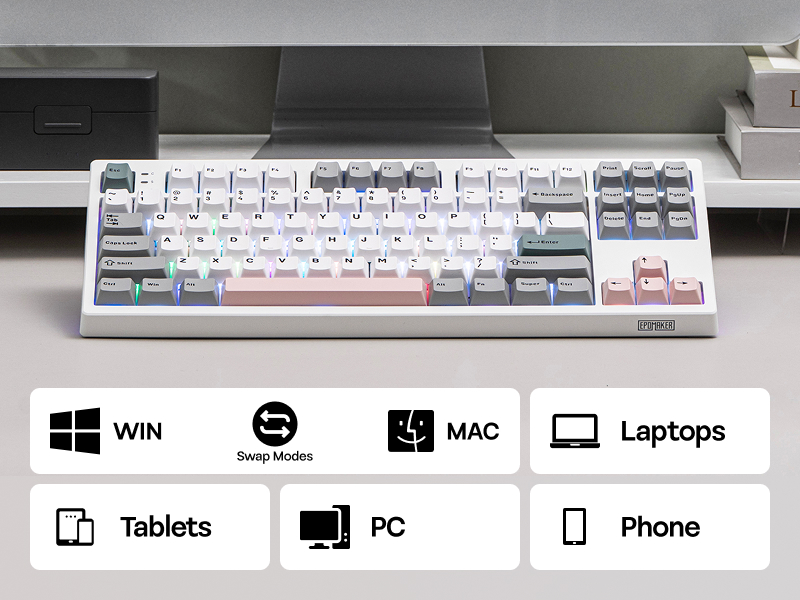
Enjoy the weeks long battery life the TH87 keyboard offers, for those intense gaming sessions or the all-nighters for catching up on deadlines. Ultra-fast 2.4GHz wireless, convenient Bluetooth or reliable wired cable, connection with the TH87 keyboard is seamless across any device from PC, Mac Laptops, Android Tablets to iOS phones.
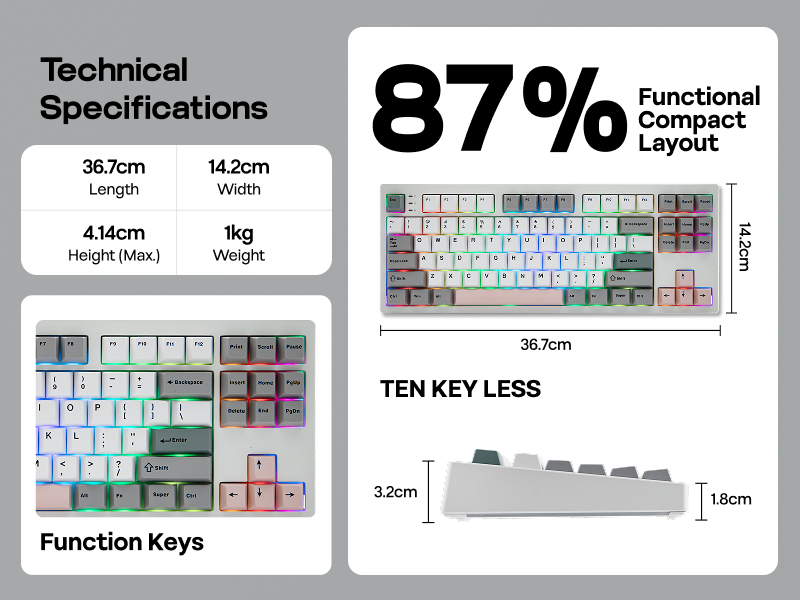
Featuring the compact tenkeyless layout, the TH87 TKL keyboard preserves all essential keys in a standard UK English key map with comfortable spacing, for hassle-free transition from a full-sized layout, while reclaiming space for sweeping your mouse.
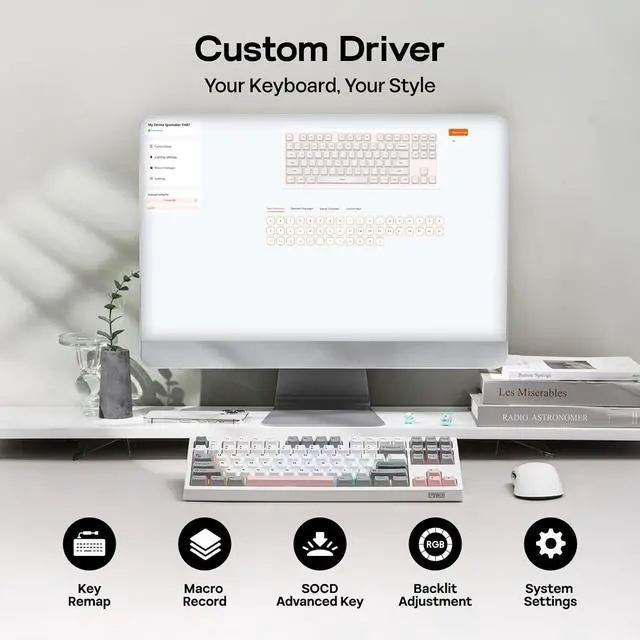
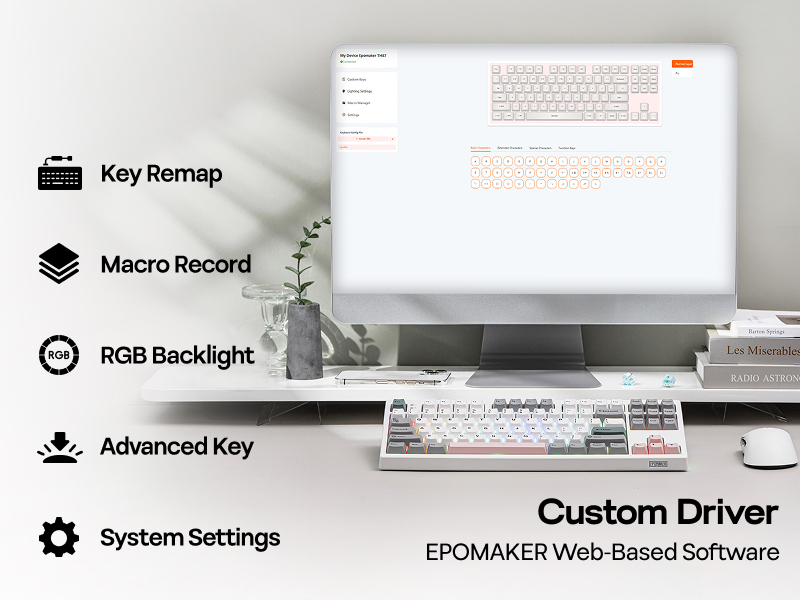
Embrace total control with the Chrome-based software of TH87 custom keyboard, for accesssible customization online and offline, on WIN and Mac. Assign a complex key sequence to a single macro key for efficiency, or remap rarely used keys to essential shortcuts for streamlined workflow. With the web-based driver, the TH87 keyboard is a perfectly tailored extension of your workflow, for a decisive edge in any task.
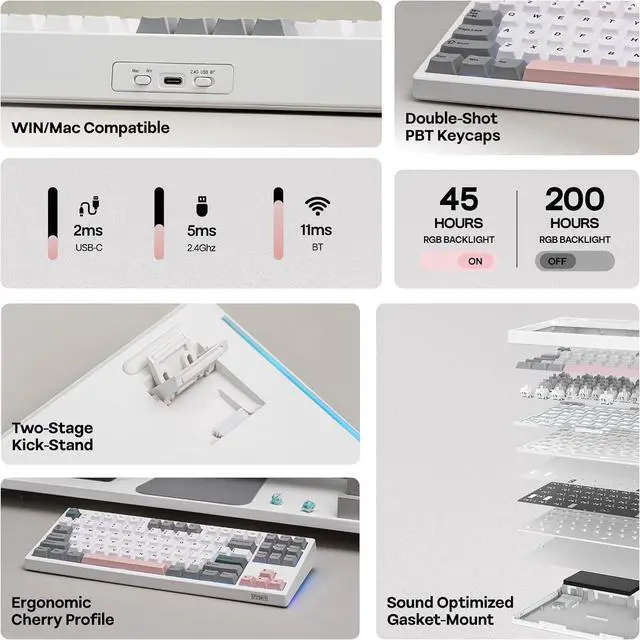
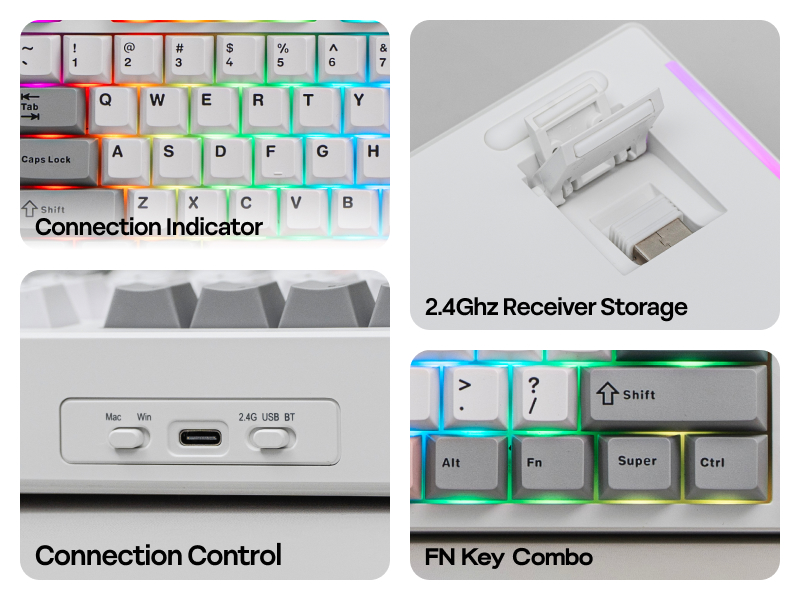
Packed with three modes of connection and an easily accessible mode switch besides the USB port, the TH108 keyboard offers reliable 2.4GHz wireless, low-latency cable mode, and versatile Bluetooth connectivity.
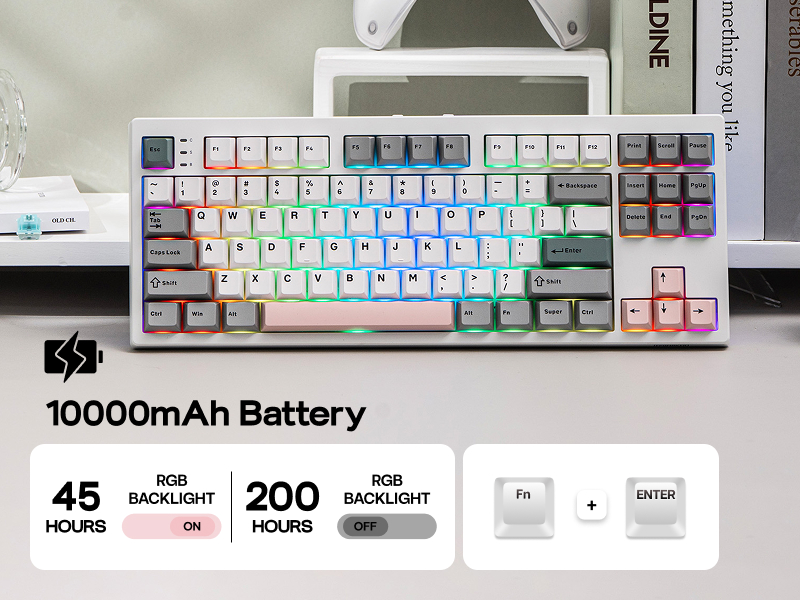
Get up to 45 hours of continuous use with the backlight set to its brightest for those intense all-night gaming sessions, or an incredible 200 hours with the backlight off.
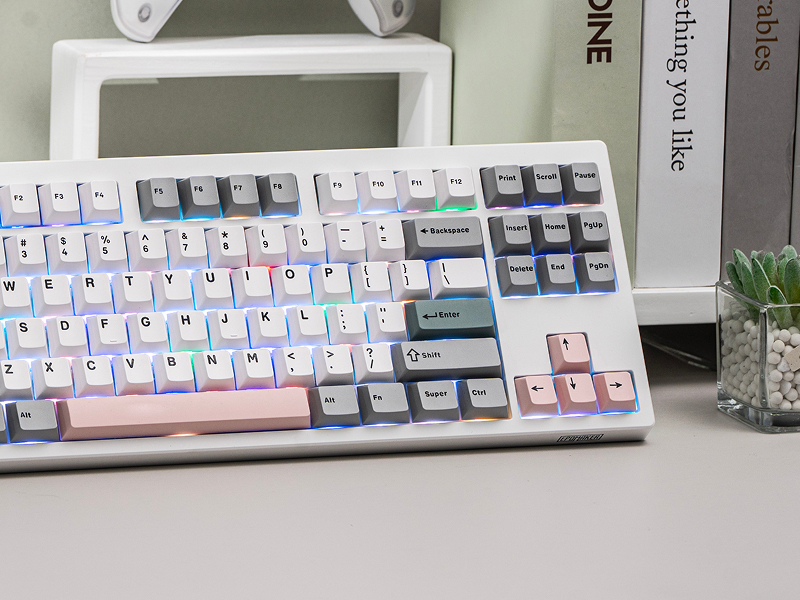
Why the WIN key stopped working and stays white? Why the WIN/ALT (Command/Option) Key on my TH87 swapped places?
If WIN Key stopped working, use FN+WIN to en/disable the WIN key. If WIN/Alt Key swapped places, use the WIN/Mac switch besides USB port to swap OS Modes to swap the places of WIN/Alt Key back.
Why the QWER Key on my TH87 shines in a different color?
These keys are indicator lights for connection. Q/W/E flashes slowly in BT connecting mode, and flashes quickly when keyboard is in BT pairing mode. R is the same for 2.4G (slow=connecting, quick=pairing).
What's the function of the three indicator lights besides ESC key? (C=CapsLock, S=Scroll Lock, B=Battery)
When Lights up on C or S, the CapsLock or Scroll Lock is on. For B, it indicates power status or charging status: Red=charging, Green=Fully Charged, Red Flash=Power Low).
How long does TH87 keyboard lasts with its 10000mAh Battery? Is the battery swappable or rechargeable?
The battery is rechargeable. For safe charging, only charge with the original cable and via your computer. Do not use quick charge charger or charger over 1A/5V. When connected in 2.4Ghz/BT, use FN+ENTER to check power percentage.
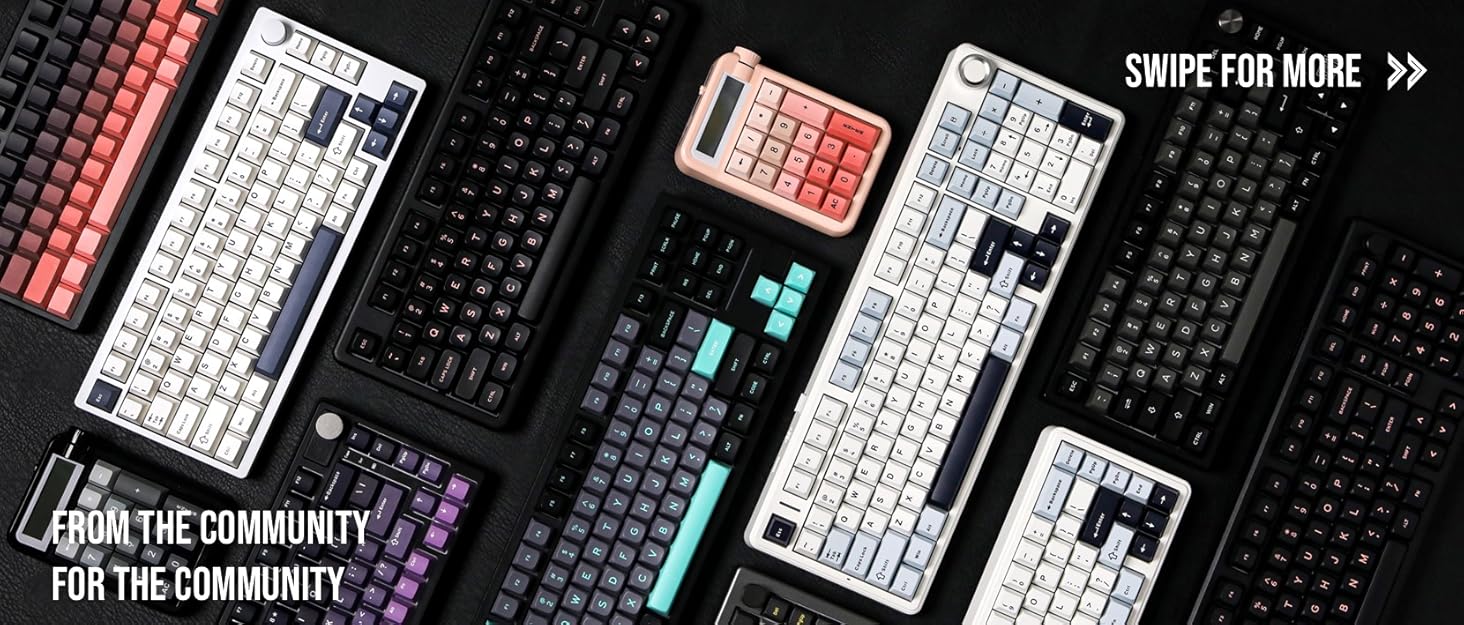

Composed of a team of young gamers, software engineers, and product designers who love tech gadgets, we set out to develop the best products that encapsulate personality, functionality, and affordability. Unsatisfied with the keyboards currently out there, we have created our ultimate sturdiness, wireless, and fully-customizable mechanical keyboard. Our promise is to deliver a keyboard that meets all of your workflow needs.


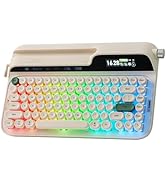
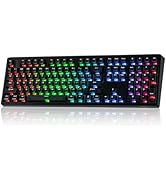

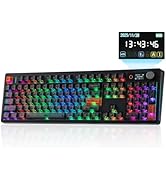
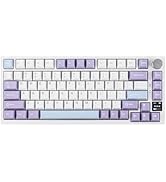
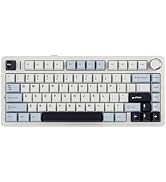
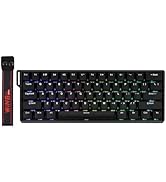
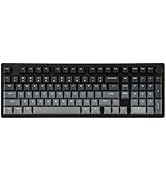
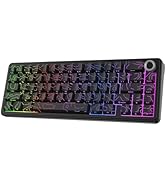
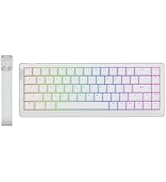
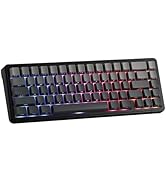
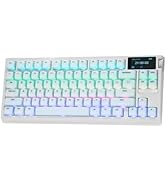
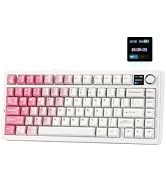
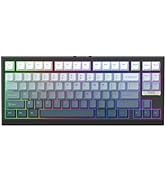
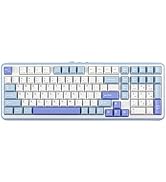
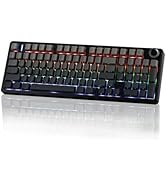
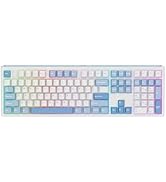
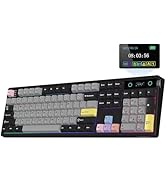
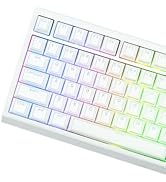


Fast and reliable with anti-ghosting, the EPOMAKER TH87 Gaming keyboard features per-key RGB backlights, fully adjustable in saturation, brightness, and speed, for personalized gaming, and two straps of customizable side lights that reflect on your desk.
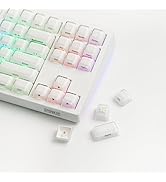
For gamers who demand performance and flexibility, the TH87 Custom Keyboard is a joy to personalize. The hot-swappable PCB streamlines the switch-swap process, while the included 2-in-1 tool makes keycap-swap easy as a breeze.
Enjoy the weeks long battery life the TH87 keyboard offers, for those intense gaming sessions or the all-nighters for catching up on deadlines. Ultra-fast 2.4GHz wireless, convenient Bluetooth or reliable wired cable, connection with the TH87 keyboard is seamless across any device from PC, Mac Laptops, Android Tablets to iOS phones.
Featuring the compact tenkeyless layout, the TH87 TKL keyboard preserves all essential keys in a standard UK English key map with comfortable spacing, for hassle-free transition from a full-sized layout, while reclaiming space for sweeping your mouse.
Embrace total control with the Chrome-based software of TH87 custom keyboard, for accesssible customization online and offline, on WIN and Mac. Assign a complex key sequence to a single macro key for efficiency, or remap rarely used keys to essential shortcuts for streamlined workflow. With the web-based driver, the TH87 keyboard is a perfectly tailored extension of your workflow, for a decisive edge in any task.
Packed with three modes of connection and an easily accessible mode switch besides the USB port, the TH108 keyboard offers reliable 2.4GHz wireless, low-latency cable mode, and versatile Bluetooth connectivity.
Get up to 45 hours of continuous use with the backlight set to its brightest for those intense all-night gaming sessions, or an incredible 200 hours with the backlight off.
Why the WIN key stopped working and stays white? Why the WIN/ALT (Command/Option) Key on my TH87 swapped places?
If WIN Key stopped working, use FN+WIN to en/disable the WIN key. If WIN/Alt Key swapped places, use the WIN/Mac switch besides USB port to swap OS Modes to swap the places of WIN/Alt Key back.
Why the QWER Key on my TH87 shines in a different color?
These keys are indicator lights for connection. Q/W/E flashes slowly in BT connecting mode, and flashes quickly when keyboard is in BT pairing mode. R is the same for 2.4G (slow=connecting, quick=pairing).
What's the function of the three indicator lights besides ESC key? (C=CapsLock, S=Scroll Lock, B=Battery)
When Lights up on C or S, the CapsLock or Scroll Lock is on. For B, it indicates power status or charging status: Red=charging, Green=Fully Charged, Red Flash=Power Low).
How long does TH87 keyboard lasts with its 10000mAh Battery? Is the battery swappable or rechargeable?
The battery is rechargeable. For safe charging, only charge with the original cable and via your computer. Do not use quick charge charger or charger over 1A/5V. When connected in 2.4Ghz/BT, use FN+ENTER to check power percentage.
Composed of a team of young gamers, software engineers, and product designers who love tech gadgets, we set out to develop the best products that encapsulate personality, functionality, and affordability. Unsatisfied with the keyboards currently out there, we have created our ultimate sturdiness, wireless, and fully-customizable mechanical keyboard. Our promise is to deliver a keyboard that meets all of your workflow needs.
|
Brand |
EPOMAKER |
|---|---|
|
Model |
TH87 |
|
Layout |
Tenkeyless TKL Layout, US English Layout, ANSI Layout |
|
Number of Keys |
87 Keys |
|
Battery |
10000mAh Battery |
|
Battery Life |
About 45 hours (Backlight at brightest) or 200 hours (backlight off) |
|
Connectivity |
BT, 2.4Ghz Wireless, USB A-to-C Wired |
|
Compatibility |
Mac/WIN/Android |
|
Keyboard Dimensions |
36.65*14.21*4.14cm |
|
Keyboard Weight |
1kg |
|
Front Height |
18.5mm |
|
Typing Angle |
A two-stage kickstand offering 3 adjustable angles in 6 degrees, 8 degrees, and 10.5 degrees. |
|
Case Material |
ABS Plastic |
|
Plate Material |
PC Plate |
|
Flex-Cut |
Yes, the TH87 Keyboard has a flex-cut plate and PCB |
|
Stabilizers |
Plate-Mounted Stabilizer |
|
Mounting Structure |
Gasket-Mounted |
|
Sound Dampening |
5-Layer Sound Optimizing Design with PORON Sandwich Foam, IXPE Switch Pad, Sound Enhancement Pad, EPDM Switch Socket Pad, and Silicone Bottom |
|
Keycaps Profile |
Cherry Profile |
|
Keycaps Material |
PBT Keycaps |
|
Keycaps Manufacturing Technique |
Double Shot Keycaps |
|
Switch |
5-Pin Mechanical Switches, Pre-Lubed in Factory |
|
Hot swappable |
Yes, the TH87 custom keyboard is hot-swappable |
|
RGB |
Yes, the TH87 RGB Backlit Keyboard has per-key adjustable south-facing LEDs, offering dynamic and static lights in RGB and singular colors. |
|
Polling Rate |
1000Hz polling in wired and 2.4GHz mode, and 125Hz polling rate in BT mode. |
|
Latency |
2ms (Wired), 5ms (2.4Ghz), 11ms (BT) |
|
Anti-Ghosting |
Yes, the TH87 anti-ghosting keyboard supports N-key rollover. |
Switch Specs:
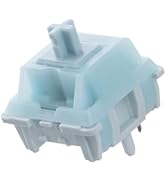
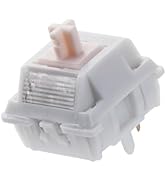
EPOMAKER Creamy Jade Switch
Switch Type: 5-pin Mechanical Switch, Linear, Pre-Lubed
Trigger Force: 45±5gf
Bottom-out Force: 50±5gf
Pre-Travel: 2.0±0.4mm
Total Travel: 3.6±0.4mm
Light Diffuser: No Light Diffuser
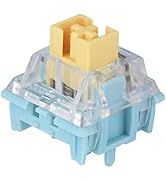
EPOMAKER Sea Salt Silent Switch
Switch Type: 5-pin Mechanical Switch, Silent, Linear, Pre-Lubed
Trigger Force: 45±5gf
Bottom-out Force: 51±5gf
Pre-Travel: 1.8±0.4mm
Total Travel: 3.5±0.4mm
Top Case: Transparent PC
Bottom Case: Light Blue PA66
Stem: Yellow POM
Special: Dust-Proof
Package Content:
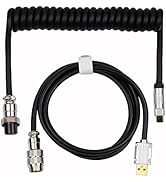
1* TH87 Wireless Gaming Keyboard
1* USB A-to-C Cable
1* Wireless 2.4Ghz Receiver (stored under the side kick-stand)
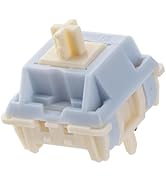
2* Extra Switches
1* 2-in-1 Switch-and-Keycap Puller
1* Multilingual Manual & Brand Card


