here!
I’m your shopping assistant for PC builds, upgrades, and everything tech.
Got questions? Ask away!
Start a conversation
here!
I’m your shopping assistant for PC builds, upgrades, and everything tech.
Got questions? Ask away!
Start a conversation
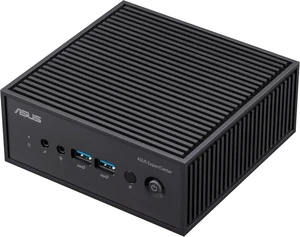
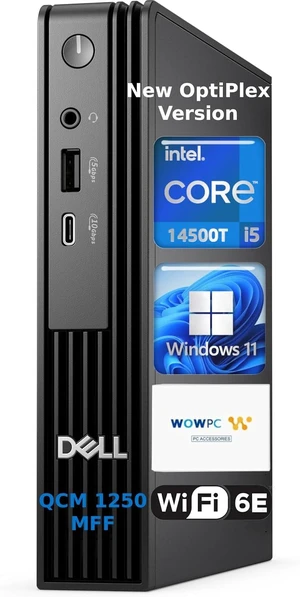

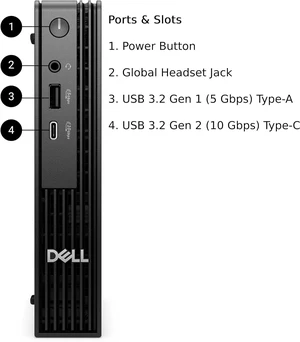
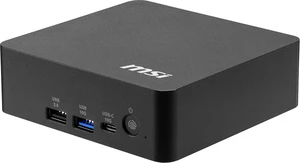

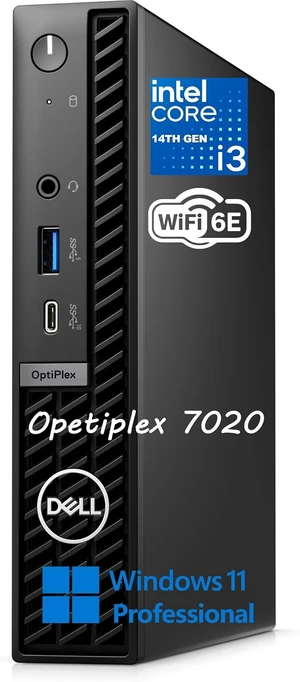
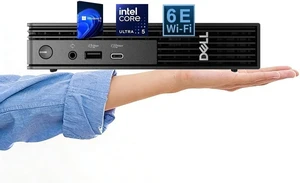
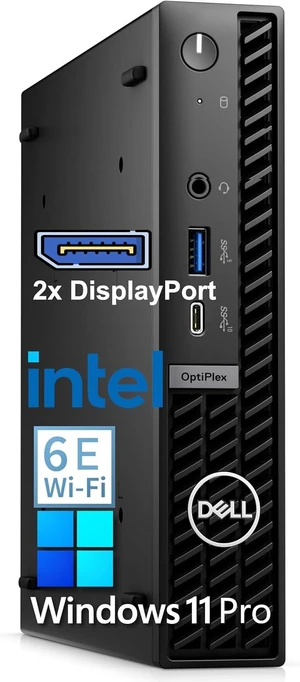
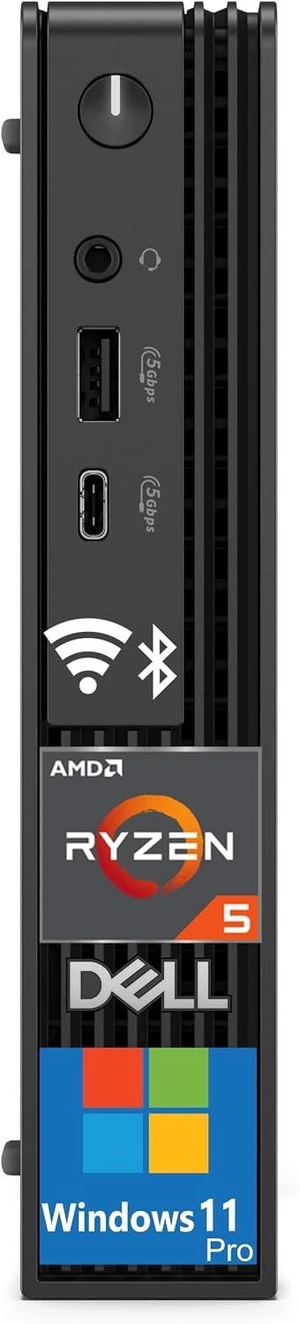
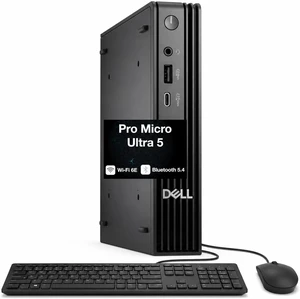
Explore compact Mini PCs and Chromebox desktops featuring Intel 11th Gen processors, 8GB RAM, and 512GB SSD, ideal for remote work and home use. Find Black November deals and Black Friday deals on versatile mini desktops with Windows 10 or Chrome OS to suit your computing needs.
Selecting the right mini PC involves weighing several crucial features that impact performance, size, and use cases. Consider the following:
The processor in a mini PC sets the foundation for everything from responsiveness to multitasking ability. Intel's 11th Gen processors, featured on many models here at Newegg, combine improved integrated graphics with efficient cores to provide solid performance without compromising on compactness. For typical home or office environments, these CPUs handle productivity apps, video conferencing, and streaming with ease. They also support newer standards like PCIe Gen 4 and enhanced AI features, giving your mini PC some future-proof muscle without excess power draw or heat output—key in the confined housings of mini desktops.
For tech professionals and developers, mini PCs can deliver surprisingly robust performance in a portable and efficient footprint. Whether you need to run virtual machines, compile code, or manage remote workstations, consider models with expandable RAM up to 32GB and NVMe SSD options that drastically improve load times and file transfers. These configurations are available through Computer Systems designed for power users who demand efficient, quiet, yet capable desktop replacements. Integrating features like Thunderbolt 4 or dual-display support makes these mini PCs versatile tools that fit into professional workflows without the bulk of traditional desktop towers.
Newegg shopping tip: When choosing a Mini PC, compare processor types and RAM capacities to ensure smooth multitasking, especially if you plan to work from home. Also, check whether the device includes an SSD for faster boot times and storage, and keep an eye out for Black November deals and Black Friday deals to find options that fit your budget.
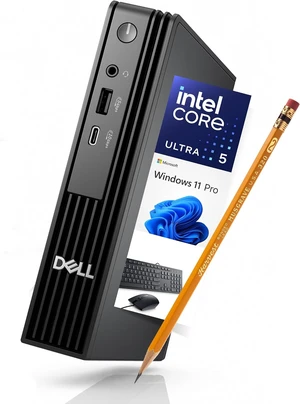
Compact desktop PC built with Intel 12th Gen processors, ideal for 4K streaming and light gaming in tight workspaces.
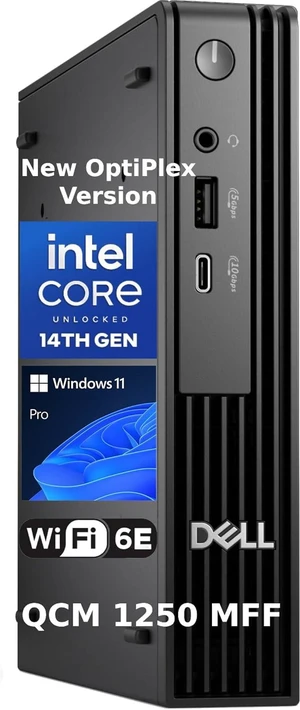
Explore full mini PC systems featuring up to 32GB RAM and NVMe SSDs, ready for multitasking and home office setups.
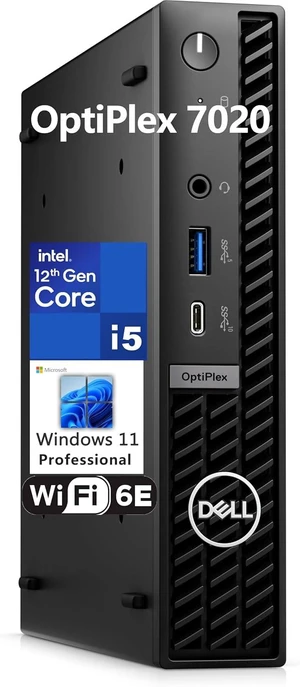
Pinpoint your perfect mini PC with filters for CPU type, RAM size, and connectivity options like Thunderbolt 4 or Wi-Fi 6E.
If you’re new to mini PCs, welcome to a world of compact desktop computing that fits almost anywhere—on your desk, in a classroom, or even tucked behind a TV. These small yet capable machines typically come with Windows 10 or Chrome OS, making them accessible right out of the box. Whether you’re browsing the web, streaming videos, or managing emails, mini PCs offer an intuitive and space-saving alternative to bulky traditional desktops. To explore broader setups and upgrade options, check out our Computer Systems selection built for various experience levels.
Designed with productivity in mind, mini PCs are an excellent choice for remote workers who want a reliable, quiet, and powerful desktop solution that won’t overcrowd the home office. Models featuring Intel 11th Gen processors paired with 8GB RAM and 512GB SSD provide the speed and storage crucial for multitasking across video calls, document editing, and cloud collaboration. Their compact footprint complements any desk setup, and many include modern connectivity options to keep your peripherals seamlessly connected. For an even more tailored search, use our Power Search tool to find the ideal mini PC that fits your home office needs. Keep an eye out for Black November deals and Black Friday deals to get top performance without sacrificing budget.
Mini PCs aren’t just for work—they make fantastic media hubs for streaming your favorite shows, playing light games, or running digital signage setups. Equipped with crisp 4K video support and reliable performance, these tiny machines can replace larger desktops or dedicated streaming devices. Whether you're creating a cozy entertainment corner or need a device for casual gaming, mini PCs offer versatility without the bulk. For multiple usage scenarios, including creative work or light gaming, consider also browsing our Desktop Computer selection. Black November deals and Black Friday deals often spotlight these multimedia-ready systems, perfect for holiday gifting or upgrading your entertainment setup.
Research more: If you’re exploring Mini PCs for work or home, Newegg Insider’s buying guides are a great resource to compare specs like RAM, storage, and operating systems. Check out their detailed advice to help you make the most of Black November deals and find the right Mini PC for your needs.
Last Updated: November 2026 | Newegg Mini PC Buying Guide
Intel NUCs generally offer more power and run full desktop operating systems smoothly, making them better for tasks like video editing or multitasking. Raspberry Pis are great for basic browsing, DIY projects, or learning programming but don’t handle heavy workloads as well.
For gaming, a Mini PC with active cooling is a smarter pick because it can handle the heat generated during intensive play sessions. Fanless models are quieter but tend to throttle performance to stay cool, which can affect gaming smoothness.
Mini PCs usually feature low-power Intel or AMD processors designed to balance performance with energy efficiency, like Intel Core i3/i5 or AMD Ryzen chips. Some models even offer entry-level Celeron or Pentium options for basic tasks.
Many mini PCs allow you to upgrade RAM and storage, though the extent of upgrades depends on the model. It's important to check the specifications beforehand since some have soldered components that can't be changed.
Focus on a Mini PC with a decent processor like an Intel i3 or AMD Ryzen 3, at least 4GB of RAM, and built-in Wi-Fi. You don’t need a high-end graphics card for streaming, but a good set of ports for connecting to your TV is helpful.
Start by deciding which tasks are most important and prioritize features around that—like storage space if you save a lot of files, or more RAM if you multitask. Look for models with entry-level processors and options to upgrade components later if needed.
Mini PCs can be just as reliable as desktops for everyday tasks, but they often use mobile or low-power components that might limit long-term performance under heavy use. Checking reviews for thermal management and build quality can give you a better sense of durability.
Pay attention to reports of overheating, noise levels, and connectivity issues like Wi-Fi or USB port failures. These are often the weak spots in compact systems and can vary widely between models.
Most Mini PCs come with HDMI or DisplayPort outputs, so just plug in your monitor cable. Then connect your keyboard, mouse, and any other USB devices to the available ports, and you’re good to go.
Start by updating the operating system and drivers to ensure everything runs smoothly. Keep your software lightweight since Mini PCs usually have limited storage and processing power compared to full-sized desktops.
“ Exceptional Product, would buy again and have recommended to friends. ”
Prittec F8C Mini PC, Intel Alder Lake-N N100, 8GB DDR4, 256GB M.2 SSD, Support 4K, Triple Display, HDMI x 2, USB3.2 Gen2 x 2, USB2.0 x 2, Type-C x 2, WiFi6/BT5.2, GB LAN (RJ45), OS“ Very good. ”
Bitspower TITAN One MINI 2.0 White- LIAN LI O11D MINI Case, Radiator & Distro-Plate (pre-installed), CPU Cooling Accessory Kit with Pre-Bent Hard Tubing, Included LGA1700, AM5 installation parts“ Definitely recommend great product. ”
TITAN One MINI 3.0-Included LIAN LI O11 DYNAMIC MINI Case, FSP DAGGER PRO 850W power supply, and CPU water cooling system