here!
here!
I’m your shopping assistant for PC builds, upgrades, and everything tech.
Got questions? Ask away!
Start a conversation
here!
I’m your shopping assistant for PC builds, upgrades, and everything tech.
Got questions? Ask away!
Start a conversation



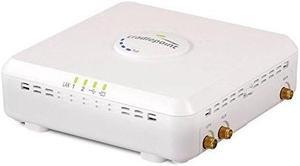
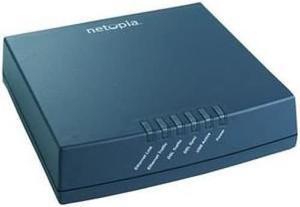
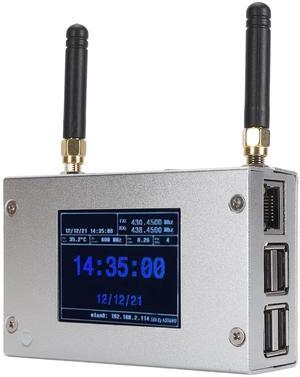
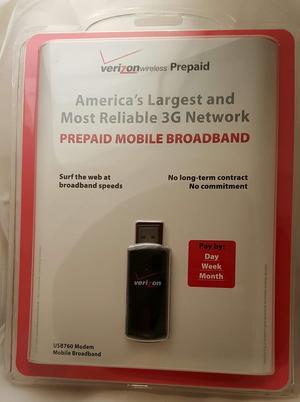
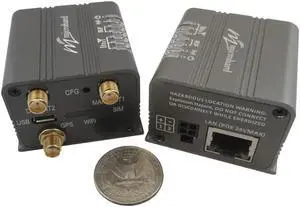
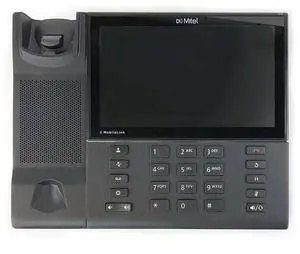
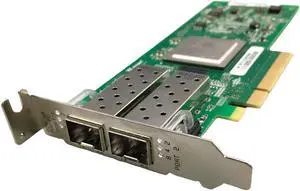

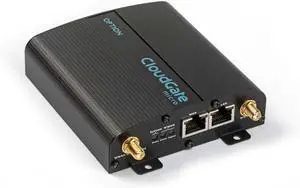
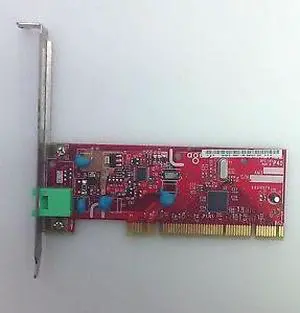
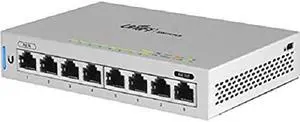
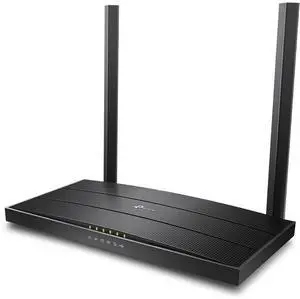
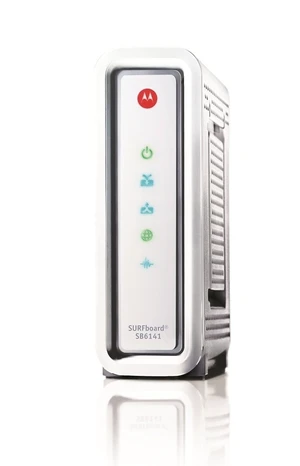
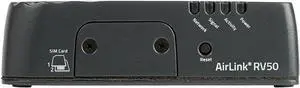
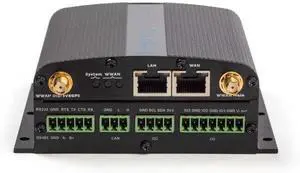

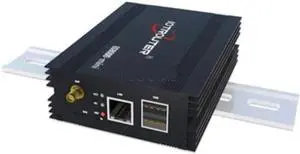
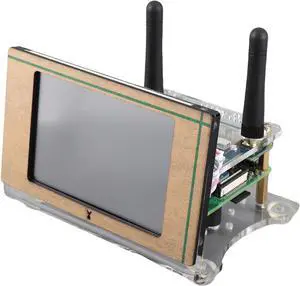
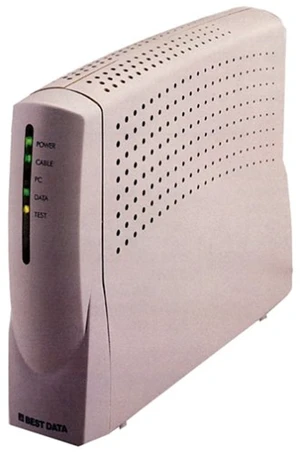
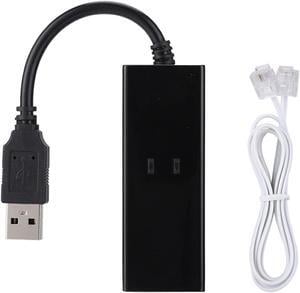
A modem connects your home to the ISP network; a router creates your local network; a gateway combines both in one device. Explore Newegg’s full selection of modems & gateways to match your plan speed, coverage needs, and budget.
Cable Modems (DOCSIS): Pick a model aligned to your plan—DOCSIS 3.1 for gigabit tiers and future upgrades. See DOCSIS 3.1 cable modems.
Modem-Router Combos: All-in-one simplicity with fewer cables and a single admin app. Compare modem router combos when you want quick setup and integrated Wi-Fi.
DSL Modems: For VDSL/ADSL lines, choose the profile supported by your provider. Browse DSL modem options.
Look for multi-gig (2.5GbE) WAN/LAN for faster ISP tiers, link aggregation on cable modems, voice/eMTA ports for telephony, and Wi-Fi 6/7 radios on gateways. If you need wider coverage or wired backhaul, pair a standalone modem with a wireless router or a whole-home mesh Wi-Fi system.
Confirm your ISP’s approved models and plan speed, then pick hardware that meets or exceeds it (e.g., DOCSIS 3.1 for gigabit). Decide between a flexible modem + separate router (best for upgrades) or an easy all-in-one gateway. For VoIP home phone, select a voice-enabled modem or add an ATA (analog telephone adapter). Power users and gamers may prefer dedicated routers—look for multi-gig routers with strong CPUs, QoS, and WPA3.
A modem links you to the ISP; a router creates your local network and manages Wi-Fi; a gateway is a modem and router in one device.
Yes. DOCSIS 3.1 is recommended for gigabit service and provides more headroom for future speed upgrades.
Combos are simple and compact. A separate modem + router gives more control, easier upgrades, and typically better performance at the high end.
Enable bridge mode on the gateway (or disable the router function) and let your standalone router handle DHCP, NAT, and Wi-Fi.
“ Connected to my old Netgear router(AC2300) right away as well, no issues ”
Netgear Nighthawk CM3000 Mid/High-Split Multi-Gig 2.5Gbps Cable Modem, CM3000-100NAS“ integrates easily with my TP Link WiFi 7 router ”
Netgear Nighthawk CM3000 Mid/High-Split Multi-Gig 2.5Gbps Cable Modem, CM3000-100NAS