




 here!
I’m your shopping assistant for PC builds, upgrades, and everything tech.
Got questions? Ask away!
Start a conversation
here!
I’m your shopping assistant for PC builds, upgrades, and everything tech.
Got questions? Ask away!
Start a conversationShipped by Newegg
 Hot Seller


Make informed decisions with expert advice. Learn More




Any questions? Ask CelesteSM will help you find out quickly.


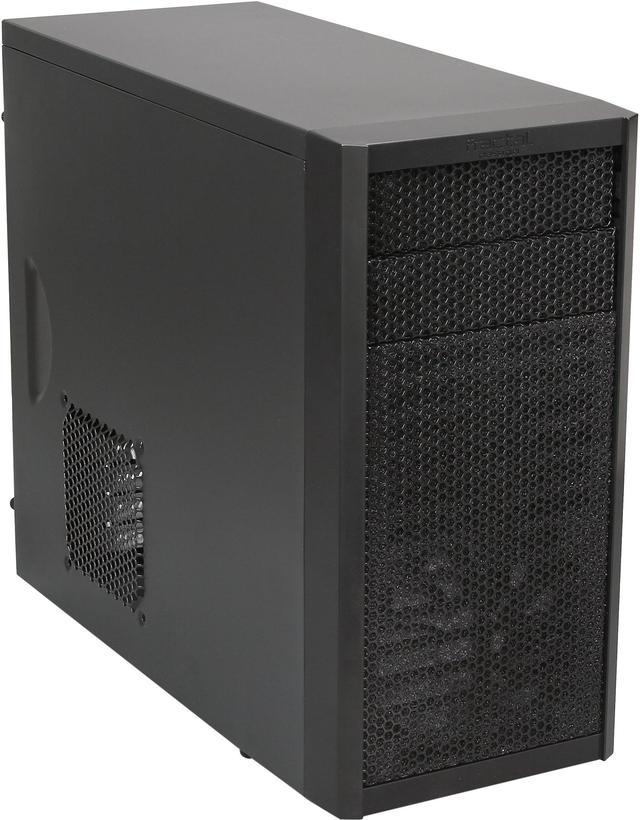
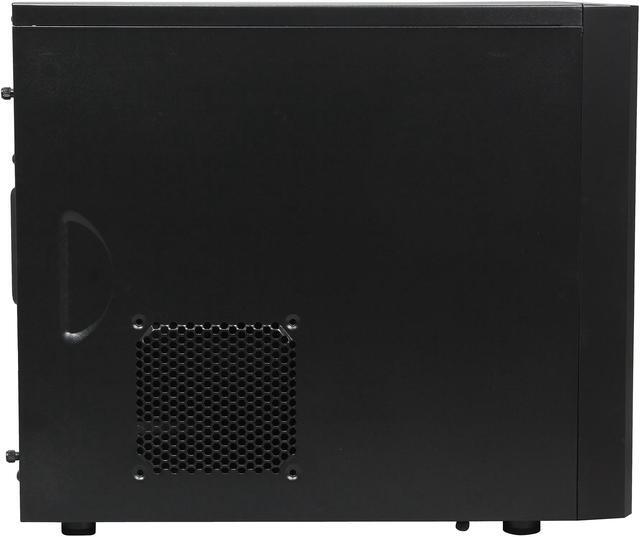
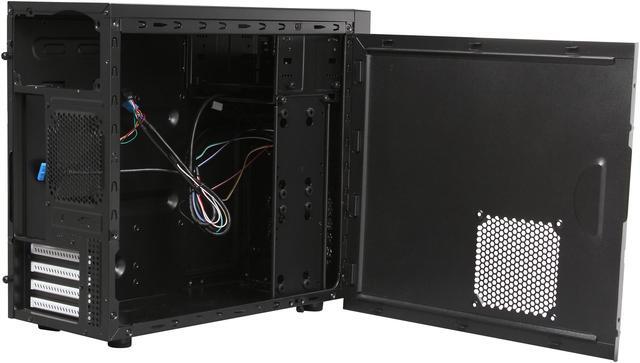
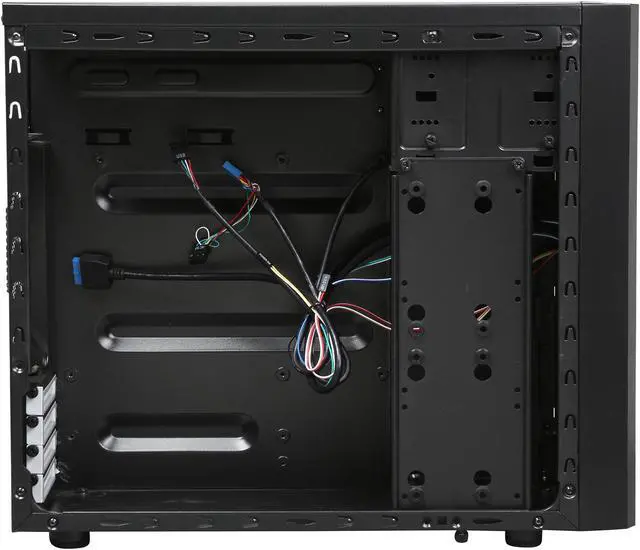
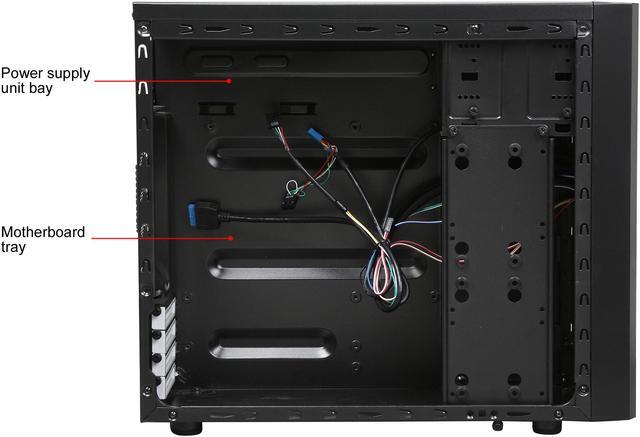
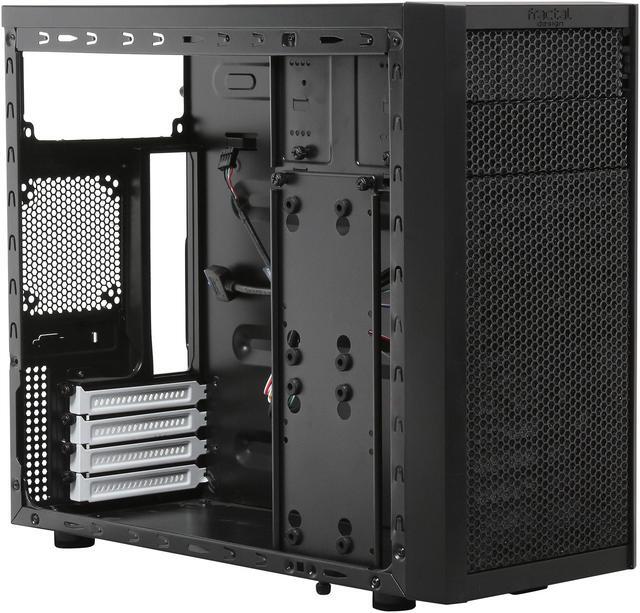
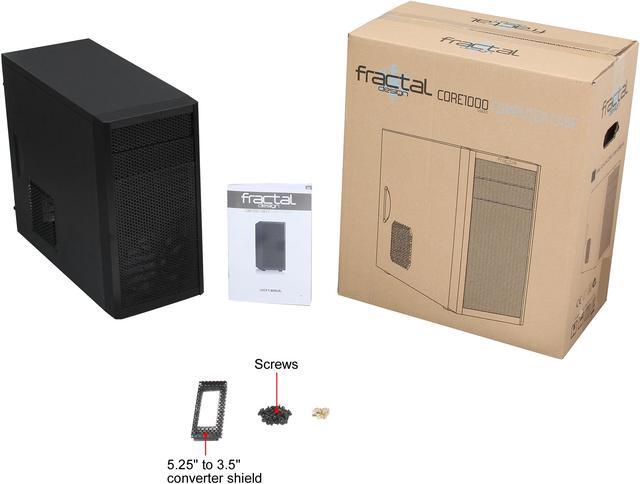
With a unique combination of design, cooling performance and value, the Fractal Design Core 1000 is a perfect choice for you. It brings many features usually only seen in more expensive and larger cases, supporting long graphics cards up to 350mm in length as a result of the innovative, vertical HDD mounting bracket. The removable front fan filter ensures a dust free interior. The sleek black interior is contrasted with white expansion slots while all HDD mountings are fitted with anti-vibration silicone grommets for optimal silence.

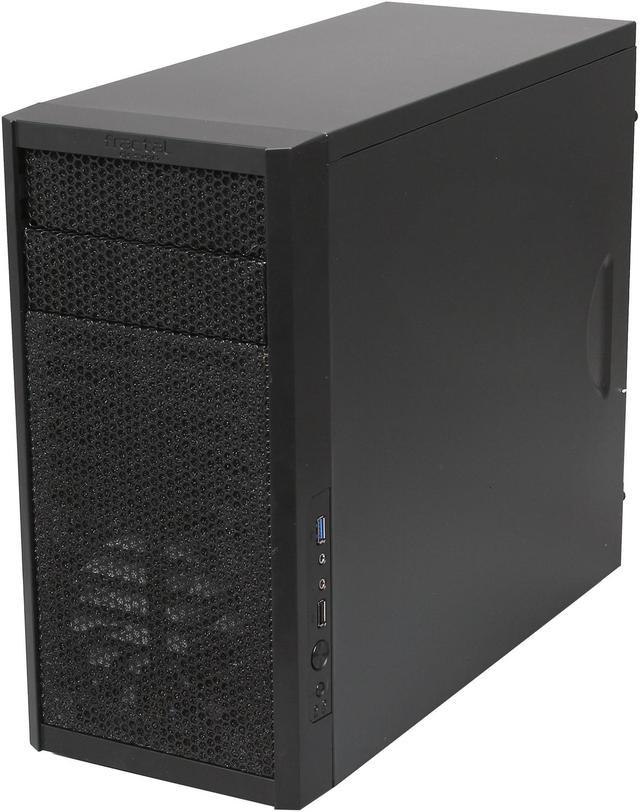
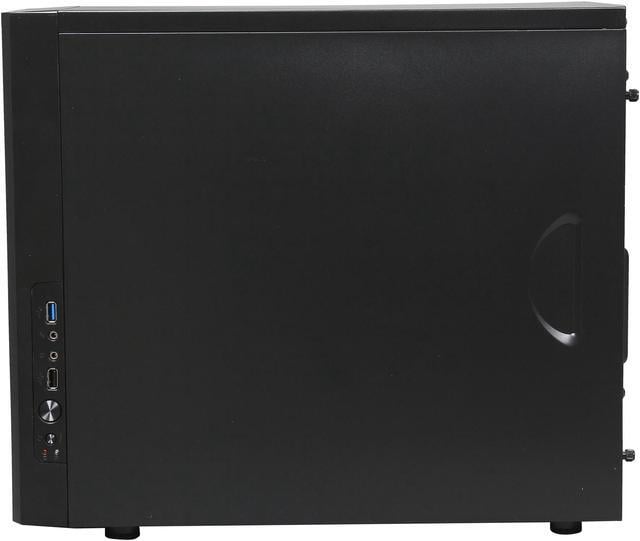
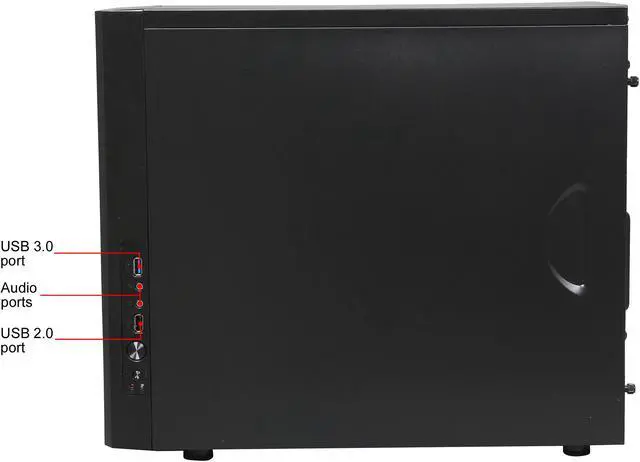
1x USB 3.0 with internal connector and 1x USB 2.0 allow for easy connectivity to external devices.

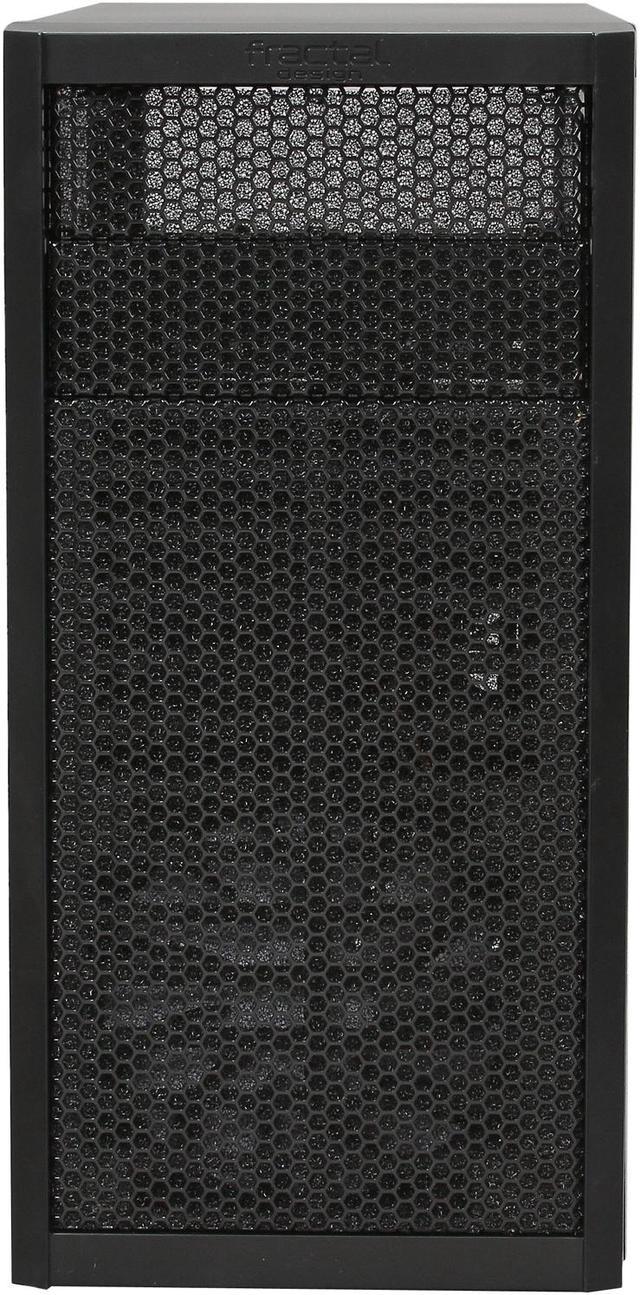
One Silent Series R2 120mm fan is pre-installed in the front which will deliver excellent airflow in combination the mesh front panel. The case also supports a 92mm rear fan and a 120mm side fan.

Innovative HDD positioning mounts the HDD or SSDs vertically on the mounting bracket with anti-vibration silicone grommets. It supports various combinations of drive setups: 3x 2.5" SSD, 2x 3.5" HDD or 1x 2.5" SSD + 1x 3.5" HDD.
We want to ensure your holiday shopping this year is hassle-free. That’s why we’re automatically extending our return policies on almost every product! For purchases placed between November 1st, 2025 and December 31, 2025 you will have until January 31, 2026 to return your product.
The Fractal Design Core 1000 is a compact steel Micro ATX mini tower case for budget desktop builders who want solid airflow, support for long graphics cards, and straightforward front USB connectivity in a small-footprint setup.
| Attribute | Value |
|---|---|
| Best For | Compact Micro-ATX and Mini-ITX desktop builds (including gaming-focused builds) that need good airflow, support for long graphics cards, and flexible drive configurations |
| Model Identifiers | Fractal Design Core 1000 (FD-CA-CORE-1000-USB3-BL) |
| Chassis And Materials | Micro ATX mid-tower / mini-tower form factor in black with steel construction |
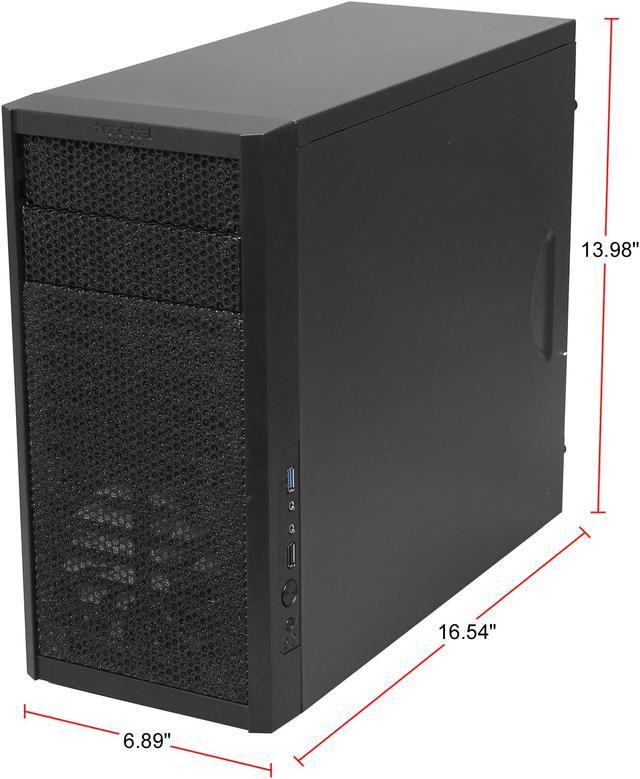
| Dimensions And Weight | External dimensions 16.54 x 6.89 x 14.37 inches; item weight 9.04 lbs |
| Packaging | Package quantity 1; package weight 4.79 kg; package dimensions 23.8 L x 42.1 W x 50 H centimeters |
| Motherboard Compatibility | Supports Mini-ITX and Micro-ATX motherboards |
| Drive Bays And Storage | Two external 5.25" bays and one external 3.5" bay; internal drive configurations support combinations such as up to 3 x 2.5" SSDs and/or up to 2 x 3.5" HDDs |
| Cooling And Fans | Air cooling with one pre-installed 120mm front Silent Series R2 fan; three fan slots total (front 120mm, rear 92mm, side 120mm); includes front dust filter and side air duct |
| Front I O And USB | Front I/O includes 1 x USB 3.0 (with internal connector), 1 x USB 2.0, and 2 x audio ports |
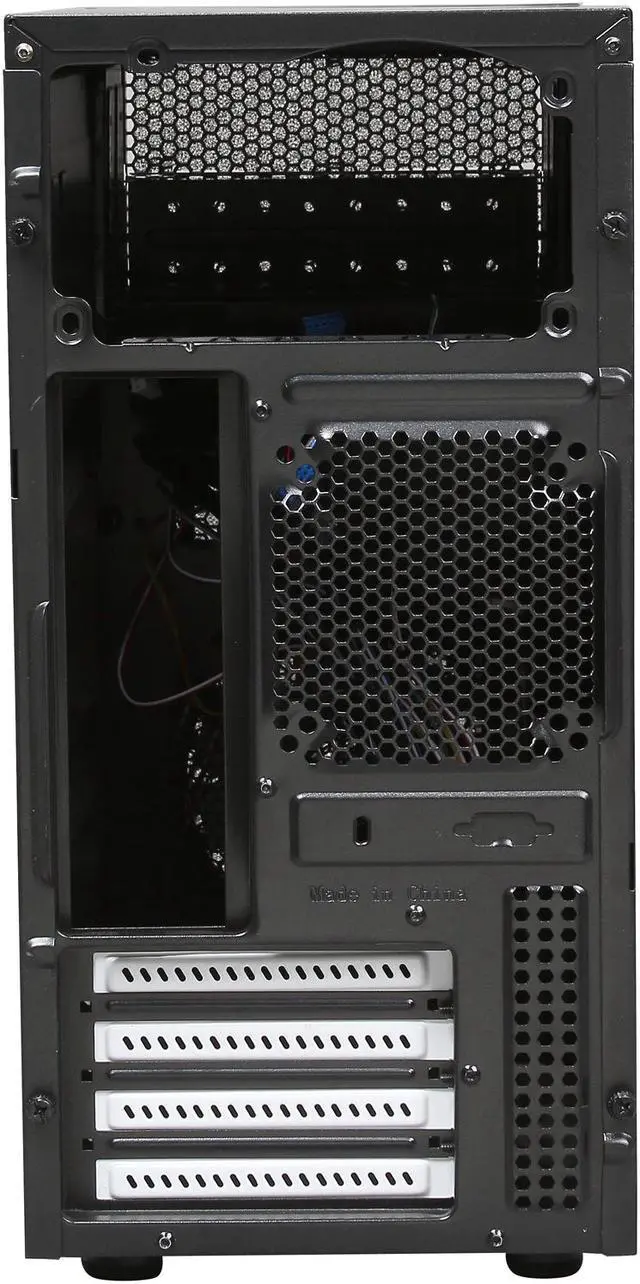
| Expansion And Clearance | Four expansion slots; supports GPUs up to 350 mm, CPU coolers up to 148 mm, and PSU maximum length 185 mm (with optical drive) |
| Power Supply | No power supply included; PSU is mounted at the top of the case |
| Features And Design | Mesh front panel for increased airflow, removable front dust filter, side air vent, no side window, and vertical HDD/SSD mounting bracket with anti-vibration silicone grommets |
| Safety And Compliance | Safety attestation present; California Proposition 65 on-product warning (cancer/reproductive) |
Q: Should I choose the Fractal Design Core 1000 or Cooler Master N200 for a compact microATX build?
A: Choose the Fractal Design Core 1000 if you want a smaller, simpler microATX case with two 5.25-inch bays and support for long GPUs in a compact footprint. Choose the Cooler Master N200 if you want more cooling headroom out of the box, including support for up to five fans, a 240 mm front radiator, and taller CPU coolers. In short: Core 1000 fits straightforward budget or office-style builds, while N200 is the better fit for users planning more aggressive airflow or liquid-cooling setups.
Q: Is the Fractal Design Core 1000 worth choosing over the Fractal Design Core 1100?
A: Choose the Core 1000 if airflow and component length matter more than front-panel styling. Fractal positions the Core 1000 around a mesh-front layout with a 120 mm front intake and support for GPUs up to 350 mm, while the Core 1100 is the smaller, more basic option in the same family. The Core 1100 makes sense when you want the lowest-footprint Fractal microATX tower for modest hardware, but the Core 1000 is the safer choice for longer graphics cards and more performance-oriented parts.
Q: Should I buy the Core 1000 or move up to a Fractal Focus G Mini?
A: Choose the Core 1000 if you want a plain, compact enclosure with external drive bays and a low-complexity layout. Move up to the Focus G Mini if your priority is a more modern airflow-focused budget case with more fan positions, two included front fans, better cable-routing space, and support for larger air coolers. The trade-off is that the Focus G Mini is aimed more at gaming-style builds, while the Core 1000 stays attractive for simpler builds that still need microATX support and optical-bay flexibility.
Q: Is the Core 1000 a better choice than a mini-ITX case like the Fractal Node 304?
A: Choose the Core 1000 if you want lower motherboard costs and easier part selection with microATX support. Choose the Node 304 if your main goal is a smaller footprint and you are comfortable building around mini-ITX limits. The Core 1000 gives you more expansion flexibility and external drive-bay options, while the Node 304 is positioned specifically for compact mini-ITX systems, NAS-style storage builds, or small gaming PCs where board size matters more than expansion.
Q: Is the Fractal Design Core 1000 good for a compact gaming build, or is it better for office and general-purpose PCs?
A: The Core 1000 can work for a compact gaming build when you want to keep costs down, use a microATX board, and still fit a long graphics card. It is a stronger fit for practical builds than for showcase builds, because its layout focuses on basic airflow, steel construction, and drive-bay flexibility rather than tempered glass or high-end radiator support. If your priority is portability, simplicity, and broad part compatibility, the Core 1000 makes sense. If your priority is maximum cooling expansion for newer high-wattage parts, a newer airflow-focused microATX case is usually the better step up.
Q: Is the Fractal Design Core 1000 a good budget case for a basic or office PC build?
A: Yes. The Core 1000 is best suited to budget micro-ATX or Mini-ITX builds where airflow, compact size, and legacy drive support matter more than modern extras. It fits small everyday PCs well, including office, home, and light gaming systems, but it is an older layout with fewer convenience features than newer budget cases.
Q: Will it fit a long graphics card for a gaming build?
A: Usually yes, within limits. The Core 1000 supports GPUs up to 350 mm, which is enough for many full-length cards. The trade-off is that this is still a compact older case, so clearance around the drive area and cable routing can be tighter than in newer airflow-focused cases. It is workable for a modest gaming build, but not the easiest case for oversized parts.
Q: Is airflow good enough, or should I buy a newer airflow case instead?
A: Airflow is decent for the price and size, mainly because of the mesh front panel and included 120 mm front fan. It is good enough for low- to mid-power builds, but newer airflow cases usually offer more fan mounts, easier cable management, and more open interiors. Choose the Core 1000 if you want a simple compact case; choose a newer airflow case if cooling flexibility is a priority.
Q: Who is this case best for, and who should skip it?
A: It is best for buyers who want a compact, low-cost micro-ATX case with optical drive bays, basic front I/O, and support for multiple drive types. It is less ideal for builders who want tempered glass, hidden cable routing, bottom-mounted PSU layouts, or a modern showcase interior. In short, it suits practical budget builds better than aesthetics-focused builds.
Q: What are the main trade-offs versus a newer micro-ATX case?
A: The Core 1000 gives you a smaller price-focused design with optical bays, front mesh airflow, and support for long GPUs. The trade-offs are an older internal layout, top-mounted PSU, tighter cable management, fewer modern convenience features, and less builder-friendly space than many newer micro-ATX cases. It is a value pick, not a feature-rich one.
Q: Who is the Fractal Design Core 1000 best suited for?
A: The Core 1000 is best suited for budget micro-ATX or Mini-ITX builds where you want a compact footprint, a plain non-windowed design, and support for older-style expansion such as 5.25-inch bays. It makes the most sense for practical office, home, or value-focused gaming builds rather than showcase PCs.
Q: Is the Fractal Design Core 1000 still worth buying for a budget gaming PC?
A: Yes, if your priority is low cost and basic functionality over modern case features. It supports Micro-ATX boards, long GPUs on paper, and front airflow, but it is an older design with limited fan support, top-mounted PSU placement, and less clearance flexibility than newer budget airflow cases.
Q: What are the main trade-offs of choosing the Core 1000 instead of a newer micro-ATX case?
A: The main trade-offs are older internal layout, tighter cooler clearance, fewer included cooling options, and less convenient cable management. In return, you get a smaller simple steel case with optical-drive support, a mesh front, and room for basic or carefully planned gaming builds.
Q: Can the Core 1000 handle modern full-length GPUs and cooling hardware?
A: It can handle many modern parts, but only within strict clearance limits. The case officially supports GPUs up to 350 mm and CPU coolers up to 148 mm, so part selection matters. It is a better fit for builders who are willing to check dimensions carefully than for anyone wanting maximum compatibility margin.
Q: Is the Core 1000 a good choice if airflow is a top priority?
A: It is acceptable for airflow at its price, but not ideal if maximum stock cooling is your priority. The mesh front and front 120 mm intake help, but the case only includes one fan and has a limited fan layout. It works best when paired with modest-power parts or with extra attention to fan selection and thermals.


