

Your Browsing History
- Free 30-day Returns
$75.21
Ships from Canada.


Meet Your Seller

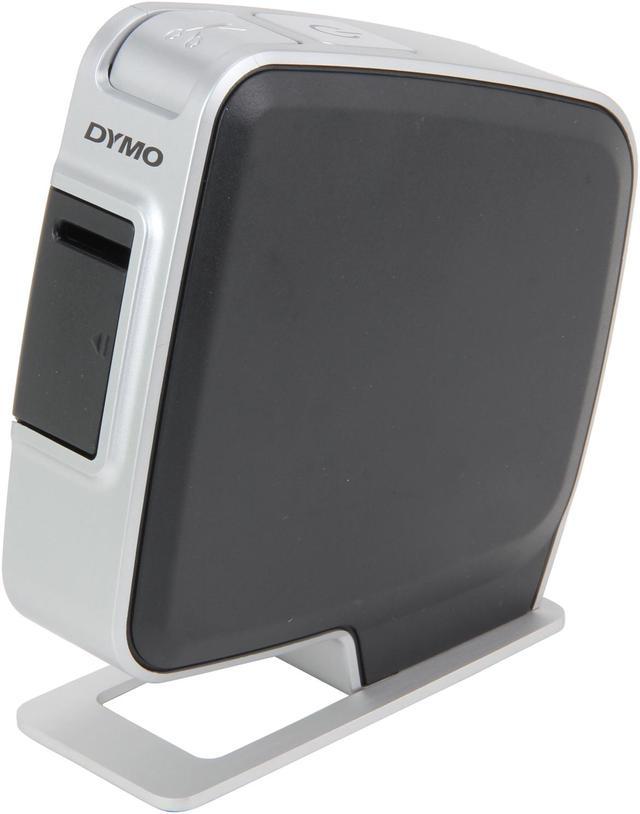
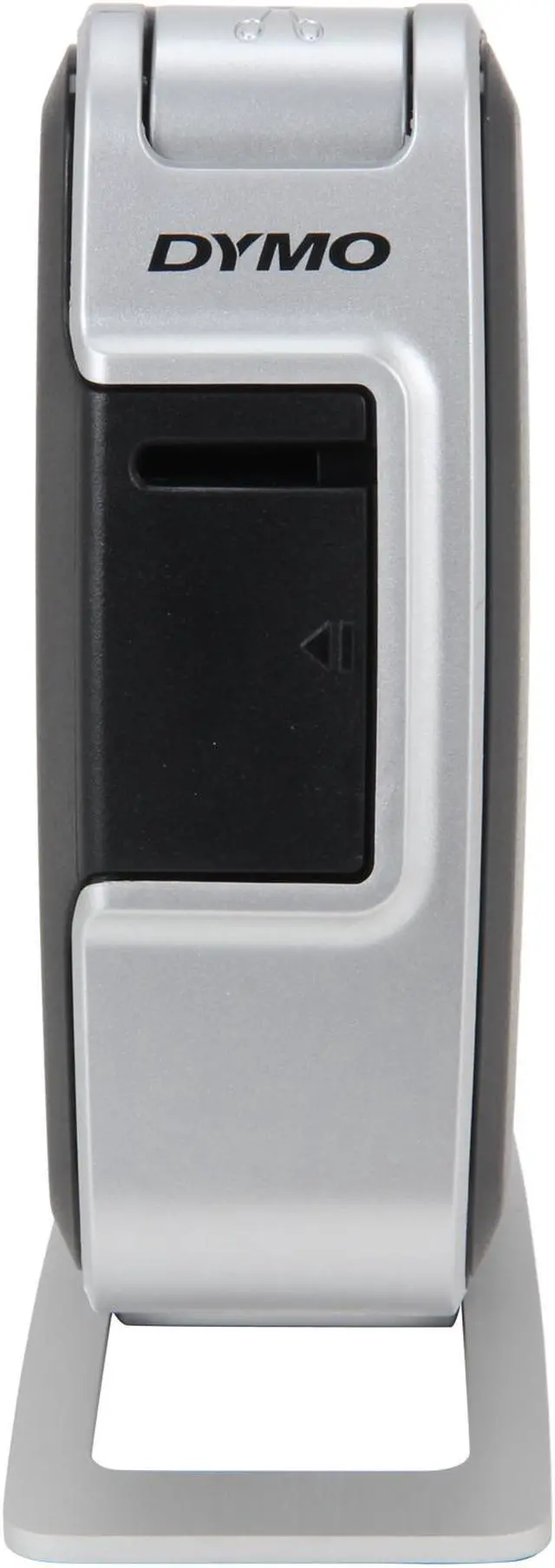




DYMO LabelManager PnP 1768960 180 dpi LabelManager PnP Label Maker for PC or Mac
- Connect via USB to your PC1 or Mac
- Software Built-In
- Prints Fonts & Graphics in Your Computer
- Powered by Lithium-Ion Battery
- Uses 1/4", 3/8" and 1/2" DYMO D1 labels
+
+
Overview
Specs
Reviews (1)
See all Q & A 
Any questions? Our AI mode will help you find out quickly.
Try me now
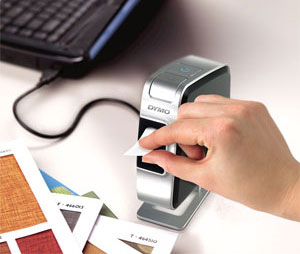
Plug and play label maker for PC or Mac features a small footprint and connects to your PC or Mac via USB. |
DYMO LabelManager PnP Label Maker
Just Plug, Type and Print--It's That Easy
Tired of hard-to-read handwritten labels--but frustrated with the time and effort it takes to use a label printer? The DYMO LabelManager PnP label maker was made just for you.
With the LabelManager PnP label maker there's no software to install. Just plug it into your PC or Mac*--this label maker's built-in software pops up on your computer screen, and you're ready to create great-looking labels as fast as you can type.
Instantly print clear, professional-looking labels for your file folders, supplies, binders, media, presentation materials and more. Customize your labels using the fonts and graphics on your computer.
Plus unlike other label printers, the lightweight, compact LabelManager PnP label maker works just as easily on the go as it does at your desk. And it runs on a lithium-ion battery that recharges over the USB connection, while you work--no AA batteries or power adapters required.
It's the fast, easy way to create labels, wherever you work. The LabelManager PnP label maker measures approximately 6.8 by 3.2 by 8.7 inches and uses 1/4-inch, 3/8-inch and 1/2-inch DYMO D1 labels.
Multi-Purpose Convenience
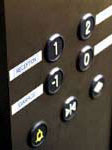
Elevator-button labels |
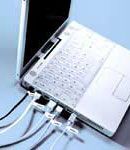
Equipment labeling |
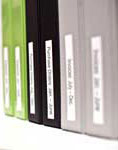
Binder labels |
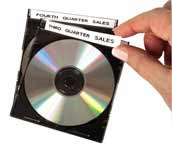
CD labels |
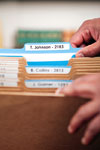
File labels |
What's in the Box
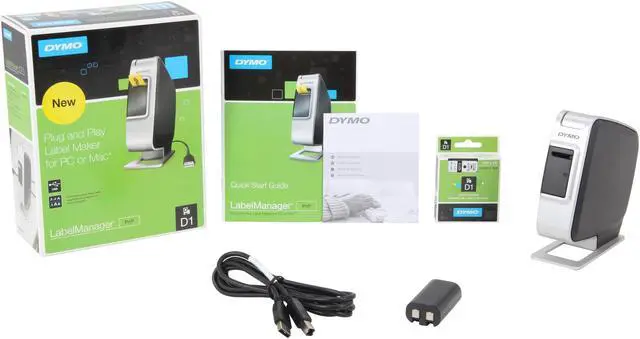
LabelManager PnP label maker, 1 DYMO D1 1/2-inch black-on-white starter label cassette, rechargeable battery pack, quick start guide, warranty card
Choose the LabelManager That's Right For You
| DYMO Label Makers |
 Label
LabelManager 500TS |
 Label
LabelManager 450D |
 Label
LabelManager 420P |
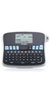 Label
LabelManager 360D |
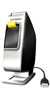 Label
LabelManager PnP |
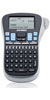 Label
LabelManager 260P |
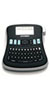 Label
LabelManager 210D |
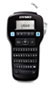 Label
LabelManager 160 |
| Reasons for Use (Files, binders, office supplies, etc.) | • | • | • | • | • | • | • | • |
| Label Widths | 1/4-inch; 3/8-inch; 1/2-inch; 3/4-inch; 1-inch | 1/4-inch; 3/8-inch; 1/2-inch; 3/4-inch; 1-inch | 1/4-inch; 3/8-inch; 1/2-inch; 3/4-inch | 1/4-inch; 3/8-inch; 1/2-inch; 3/4-inch | 1/4-inch; 3/8-inch; 1/2-inch | 1/4-inch; 3/8-inch; 1/2-inch | 1/4-inch; 3/8-inch; 1/2-inch | 1/4-inch; 3/8-inch; 1/2-inch |
| Keyboard Style | QWERTY | QWERTY | ABC | QWERTY | N/A | ABC | QWERTY | QWERTY |
| Machine Style | Desktop | Desktop | Handheld | Desktop | Desktop | Handheld | Desktop | Handheld |
| PC or Mac Connectivity* | • | • | • | • | ||||
| Uses D1 Label Cassettes (a variety of colors available) | • | • | • | • | • | • | • | • |
| Prints Water-Resistant Labels | • | • | • | • | • | • | • | • |
| Prints Easy-Peel Labels | • | • | • | • | • | • | • | • |
| Barcode Printing (Asset Tagging) | • | • | • | • |
*Compatible with Microsoft Windows XP, Windows Vista, Windows 7 or Mac OS v10.5 or later
Dymo LabelManager PnP... Finally, printing a label is fast and easy! With the LabelManager PnP label maker there's no software to install - just plug it into your PC or Mac, and you're ready to create great-looking labels as fast as you can type! Plus you can customize your labels using the fonts and graphics on your computer. The lightweight, compact LabelManager PnP label maker is ideal for labeling at your desk or on the go - and it runs on a rechargeable battery that charges over the USB connection! Uses 1/4", 3/8" and 1/2" DYMO D1 labels.
 PnP Label MakerCombining the style with a compact, streamlined design with the convenience of PnP operation, the DYMO LabelManager PnP offers a great solution to your desk label printing. Simply connect it via USB to your PC or Mac, no software to install – built-in software pops up on your computer screen, ready-to-use.
 Computer-Based EnhancementCustomize your label with any fonts or graphics on your computer. Also includes free download of DYMO Label Software v8 which enables you to print logos, batch labels from database files and much more.
 Truly Portable DesignLithium-ion battery recharges via USB connection – no power adapter or AA batteries needed.
 PnP Label MakerCombining the style with a compact, streamlined design with the convenience of PnP operation, the DYMO LabelManager PnP offers a great solution to your desk label printing. Simply connect it via USB to your PC or Mac, no software to install – built-in software pops up on your computer screen, ready-to-use.
 Computer-Based EnhancementCustomize your label with any fonts or graphics on your computer. Also includes free download of DYMO Label Software v8 which enables you to print logos, batch labels from database files and much more.
 Truly Portable DesignLithium-ion battery recharges via USB connection – no power adapter or AA batteries needed.
Warranty & Returns
Warranty, Returns, And Additional Information
Warranty
- Please contact the Seller directly for warranty information. Warranty information may also be found on the Manufacturer's website.
- Read full details
- CONTACT
Return Policies
- Return for refund within: 30 days
- Return for replacement within: non-replaceable
- This item is covered by BTE Outlet Return Policy
Manufacturer Contact Info
- For a directory of all our manufacturers, please click below.
- Manufacturers Directory
LOADING...
LOADING...