here!
here!
I’m your shopping assistant for PC builds, upgrades, and everything tech.
Got questions? Ask away!
Start a conversation
here!
I’m your shopping assistant for PC builds, upgrades, and everything tech.
Got questions? Ask away!
Start a conversation




Any questions? Ask CelesteSM will help you find out quickly.
| Brand | Targus |
|---|---|
| Model | ACP50US |
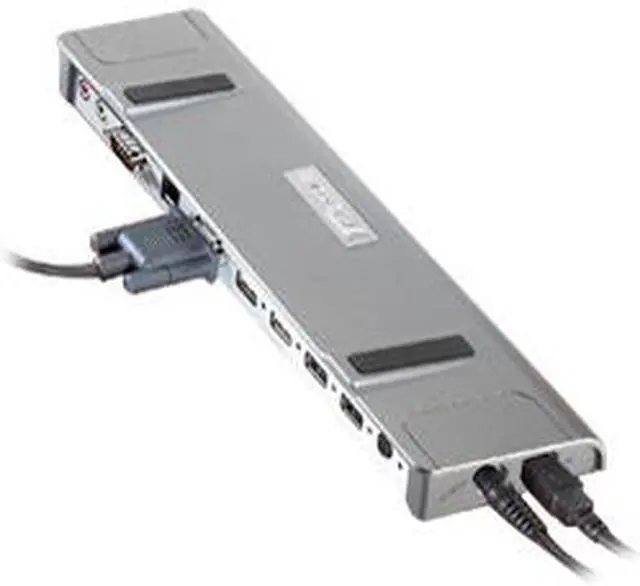
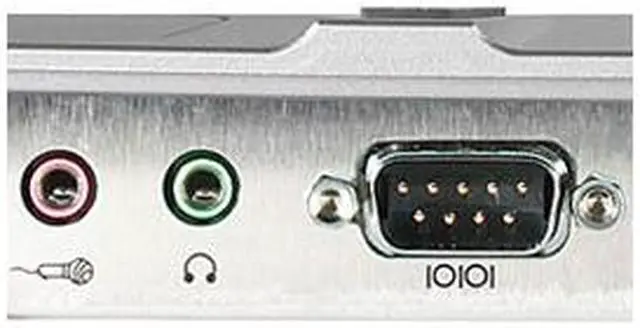
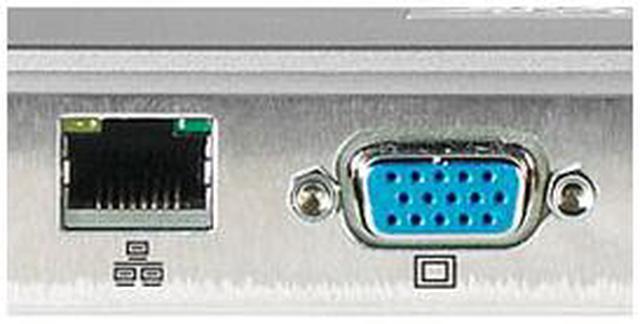
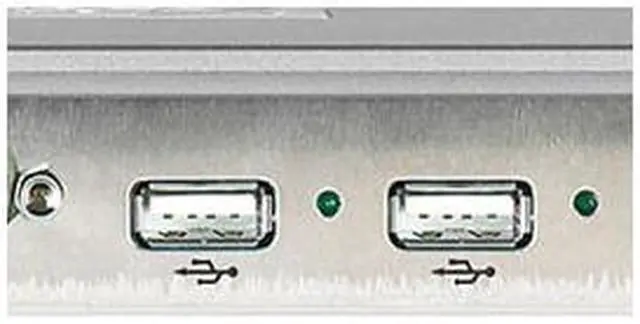
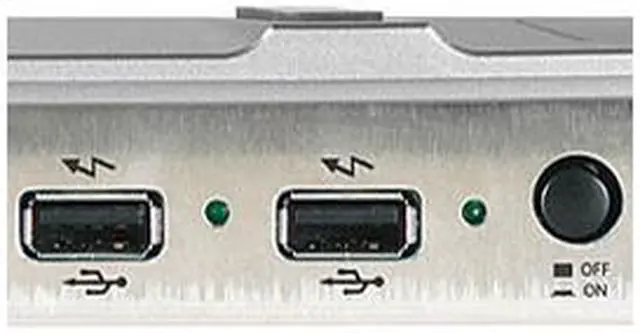
| Ports Spec | 1 x Monitor/Video Port (15 pin D-Sub) 1 x 10/100 Base-T Ethernet (RJ-45) Jack 1 x Serial Port 1 x Stereo Audio-Out Jack (3.5 mm for speakers or headphone) 1 x Mono Audio-In Jack (3.5mm for microphone) 4 x Hi-Speed USB 2.0 Ports (two Power Ports and two standard USB ports both are backward compatible with USB 1.1 devices and support transfers up to 480Mbps) |
|---|
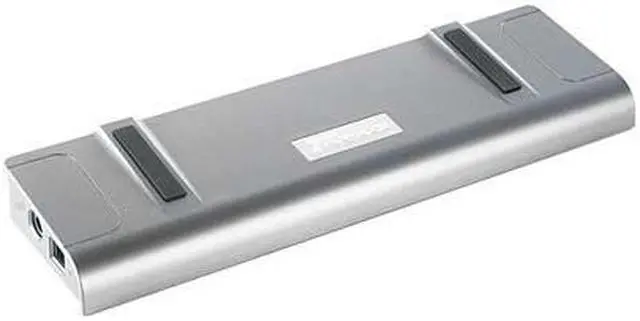
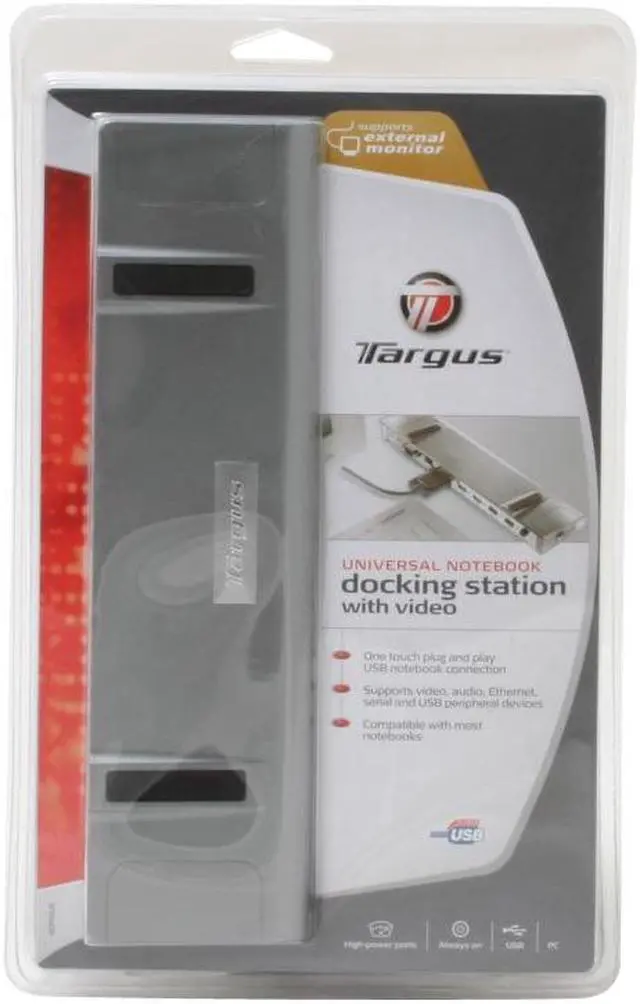
| Features | Uniquely Designed for Comfort and Cooling: Raised notebook platform improves airflow and convection cooling. "One touch" connection to notebook and tablet PCs: Simply plug in a USB cable and have your keyboard, monitor/LCD and other external devices connected to your notebook. True Video Support: Connect your monitor or LCD directly to the docking station; no additional cable connection required. Plug and Play Connectivity: Automatically recognizes new USB devices when plugged in without rebooting. No need to reconnect every time you boot-up. Enhanced USB Ports - Power Ports: Two power ports provide twice as much power (1,000 mA) as standard USB ports - Always On: Power ports remain powered even when notebook is shut down or disconnected (perfect for recharging mice, phones and other devices) - Adapter Friendly USB Ports: USB ports are double spaced to accommodate larger adapters Power ports remain powered even when notebook is shut down or disconnected (perfect for recharging mice, phones and other devices) Includes: Universal Notebook Docking Station with Video 6-foot (1.8 m) USB cable Driver CD User's Guide AC Adapter System Requirements Windows-based computers with USB 2.0 ports AC Adapter required for Targus Docking Station (will not function as a BUS powered device) Windows 2000 (SP4), XP or Vista |
|---|
| Dimension | 10.6" x 3" x 1.2" |
|---|---|
| Weight | 13 oz. |
| First Listed on Newegg | April 04, 2025 |
|---|