here!
here!
I’m your shopping assistant for PC builds, upgrades, and everything tech.
Got questions? Ask away!
Start a conversation
here!
I’m your shopping assistant for PC builds, upgrades, and everything tech.
Got questions? Ask away!
Start a conversation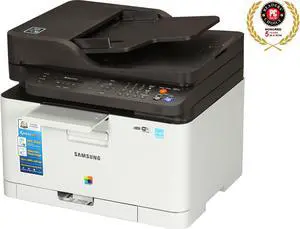
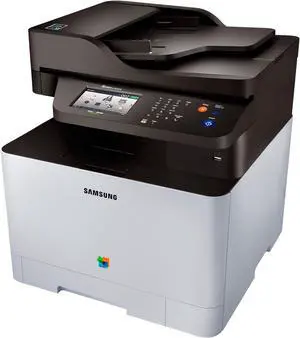

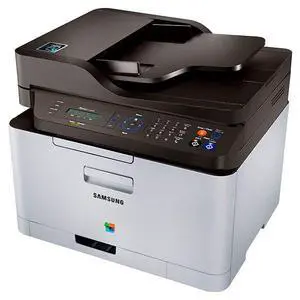
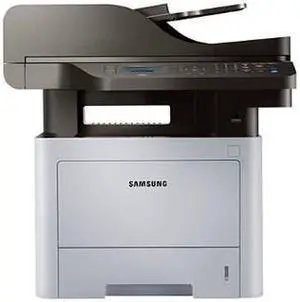
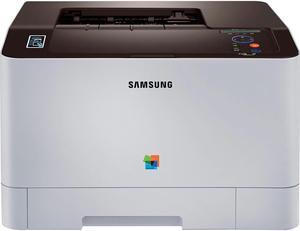
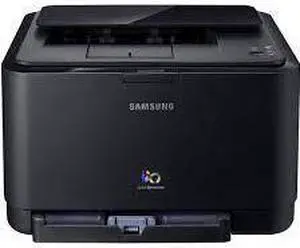
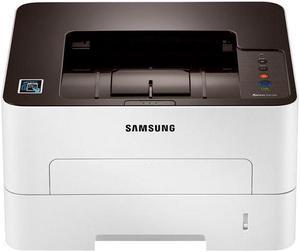
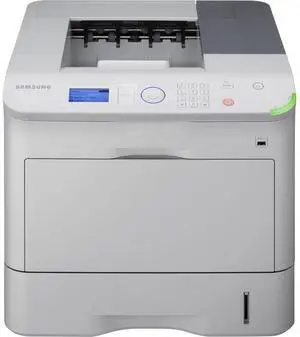
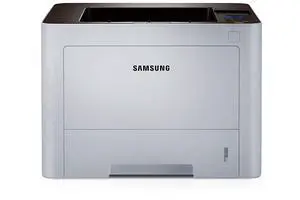
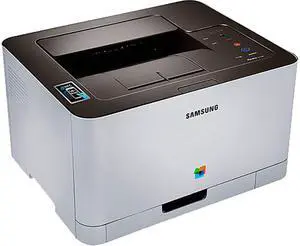
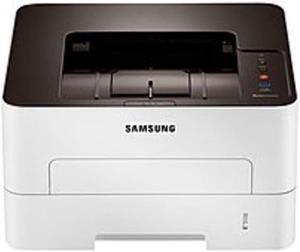
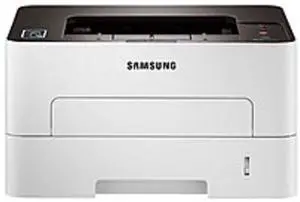
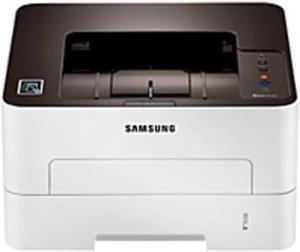
Complete printing tasks on time with Samsung® laser printers that offer smudge-free prints. With yield options of up to 50,000 pages, office managers can prepare for upcoming projects accordingly. Monochrome and color printers are available to give users flexibility, depending on the intended use. Wireless connectivity options are practical in small rooms. Samsung printers come in manual or automatic duplex printing variants to meet the specs of the series at hand.
The convenient design of Samsung printing machines offers ample space to load up paper in the tray. The toner cartridge compartment is easy to work for seamless and mess-free replacements. A pad of dedicated buttons in Samsung laser printers allow users to key in commands and adjustments faster. Like 3D printers, they are built to streamline production and accommodate new, less tech-savvy users.
Laser printing is precise and fast, due to its advanced method that uses heat and static electricity to transfer toner onto sheets. Rendering Engine for Clean Pages (ReCP) technology ensures crisp color display on pages by sharpening edges and enhancing thin lines. High-quality toner for Samsung wireless laser printers resists fading over time, which is practical for archival prints. Some color laser printers from Samsung include 2400x600 resolution to make prints legible and visually appealing. Built-in memory in laser printers speeds up processing, which saves users' time during extended printing sessions. Small businesses can also consider dot matrix printers, which are cost-effective but still deliver clear prints. The onboard processors in these devices run at a clock speed of 300MHz for efficient use.
Use the USB port to upload digital files to the Samsung printer easily. Printers are easy to detect via Wi-Fi® or an Ethernet LAN connection. Operate a laser printer from a distance by adjusting all settings via a smartphone, tablet or laptop. The one-touch wireless setup removes hassles when establishing an online connection to speed up the printing process. Wireless connectivity is also a good option to have in offices or workplaces with other large equipment and limited physical space.
Use Samsung monochrome laser printers to print on paper, cardstock and envelopes for diverse output. Color models step in for users seeking detailed graphs, charts, posters and photographs. A standard Samsung Xpress™ printer can deliver at a rate of up to 40 pages per minute (ppm) to keep the flow going in a busy office setting. All-in-one laser printers from Samsung offer the option of printing, scanning and faxing documents. The printers are compatible with the most widely used operating systems, such as Windows®, Linux® and macOS®. Companies can save on energy by using the Eco Mode in Samsung laser printers, reducing power consumption while printing. These printers support multiple file formats such as PDF, Word and PowerPoint, and can function as barcode and label printers for more specific printing projects, such as labeling store products.