here!
I’m your shopping assistant for PC builds, upgrades, and everything tech.
Got questions? Ask away!
Start a conversation
here!
I’m your shopping assistant for PC builds, upgrades, and everything tech.
Got questions? Ask away!
Start a conversation


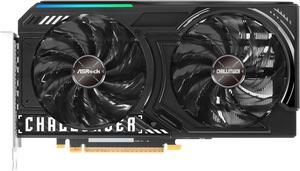
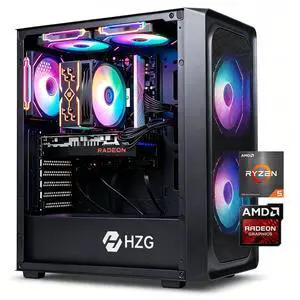
+ $40 off w/ promo code GPC40OFF, limited offer
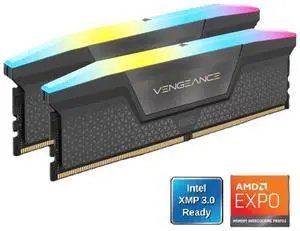
Save even more w/ promo code BNWF97, limited offer


+ $20 off w/ promo code BNWF65, limited offer
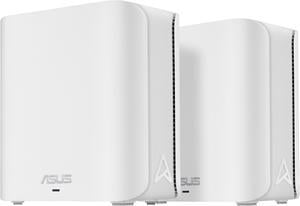
+ $10 off w/ promo code EPF56957, limited offer
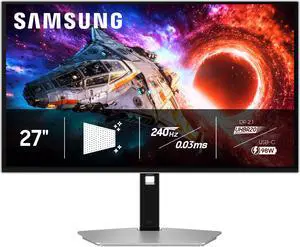
+ $250 off w/ promo code BNWF528, limited offer
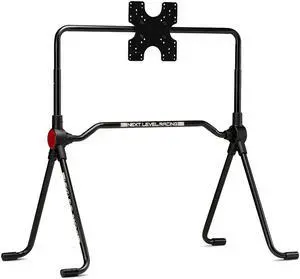
+ $25 off w/ promo code BNWF46, limited offer
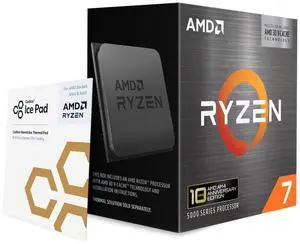
+ $29 off w/ promo code BNWF272, limited offer
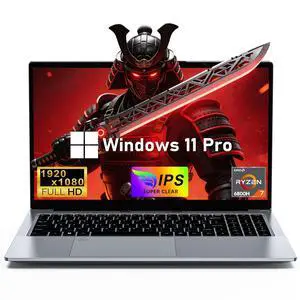
$30 promotional gift card w/ purchase, limited offer
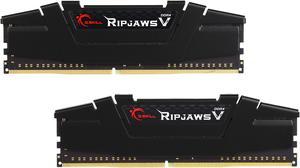
+ $30 off w/ promo code BNWF83, limited offer
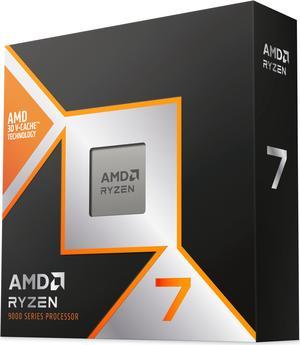
+ $20 off w/ promo code SSF74386, limited offer
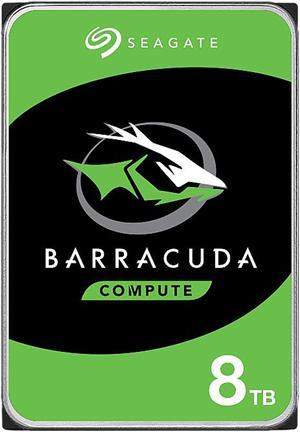
Save even more w/ combo purchase, limited offer
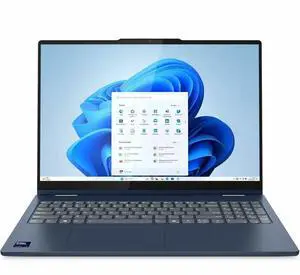

Free Intel AI Software w/ purchase, limited offer
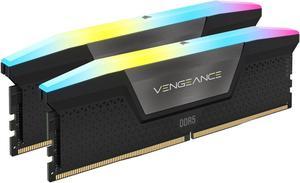
Save even more w/ promo code BNWF89, limited offer
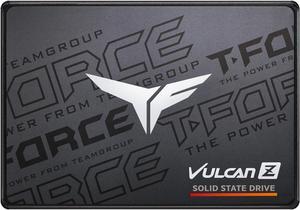
+ $15 off w/ promo code BNWF253, limited offer
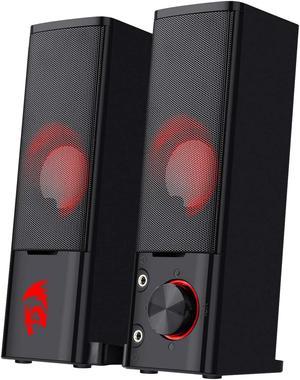
+ $3 off w/ promo code SSF74379, limited offer
+ $20 off w/ promo code SPCNW3, limited offer

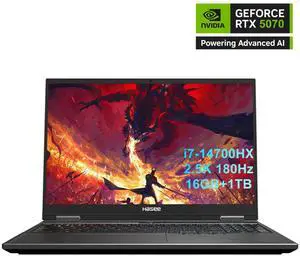
+ $50 off w/ promo code BNWF533, limited offer

+ $30 off w/ promo code BNWF22, limited offer
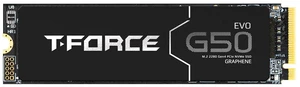
+ $50 off w/ promo code BNWF256, limited offer

+ $34 off w/ promo code BNWF56, limited offer

+ $45 off w/ promo code GAMING45, limited offer


Black November is Newegg's holiday sales event, bringing Black November deals and early Black Friday deals together in one place. Browse PC components, gaming PCs, laptops, monitors, storage, networking, smart home and more, and check back for the Daily Doorbusters. It is built for shoppers who want to compare sale options across categories before they buy.
A bigger percentage is not always the better deal. Compare the full product details: a higher-priced item with a newer platform, more memory or a longer warranty can be better value than a deeper discount on older hardware. During Black November and Black Friday it also helps to compare similar models side by side, since several are often on sale at once.
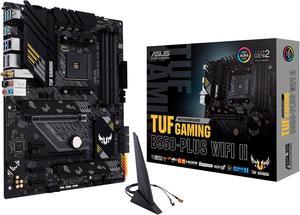
If you build or upgrade your own PC, start with the platform: pick the processor and motherboards, then match memory, internal SSDs and a power supplies with enough headroom. Builders who want a ready-made system can compare gaming desktop PCs, and those who need portability can look at gaming laptops. Planning the full parts list first makes it easier to spot which Black Friday deals actually fit your build.
Newegg shopping tip: Make a short list of the parts or products you actually need before you start browsing. It is much easier to recognize a good Black November deal when you already know the specs you are looking for.
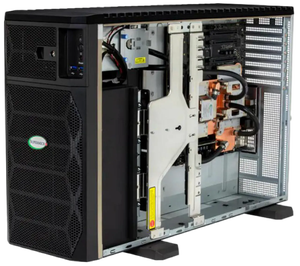
High-Performance AI Workstations. Unbeatable Deals.
Newegg's Shell Shocker deals page.
More deals and coupons across Newegg.
New to holiday sales? Start with the category you need most, then use the filters on this page to narrow by brand and price. Read the product details and recent reviews before you add anything to your cart, and compare at least two or three similar items.
A gaming upgrade usually comes down to the graphics card, the display and storage. Compare graphics cards for the resolution you play at, pair them with a monitors that matches the refresh rate you want, and make sure your power supplies can handle the extra load.
For work-from-home and productivity setups, look at monitors, keyboards and mice, networking gear and storage. A second monitor, a faster SSD or a better router can improve a daily workflow without replacing the whole computer. Check the Daily Doorbusters for fresh deals as they are added.
Research more: Not sure where to start? Newegg Insider buying guides explain how to choose between models in each category, which helps when several Black Friday deals look similar.
Last Updated: November 2026 | Newegg Black November Deals Buying Guide
Black November is Newegg's November holiday sales event, while Black Friday deals are the sale pricing around Black Friday itself. On this page you can browse both together and compare similar products side by side.
Parts give you control over every component and are ideal if you enjoy building or upgrading. A prebuilt gaming PC saves time and arrives ready to use, so compare the full spec list of each option.
The event covers PC components such as CPUs, graphics cards, motherboards, memory and SSDs, plus computer systems, peripherals, servers, networking, gaming, smart home and more.
Newegg highlights Daily Doorbusters with fresh deals, so it is worth checking back regularly. Availability can change quickly, so confirm the details on the product page before you order.
If a deal fits your budget and the product is in stock, buying now avoids the risk of it selling out. If you can be flexible, compare listings and look for badges such as Lowest Price in 30 Days or Black Friday Price Protection.
Compare the full specs, warranty and seller rather than only the discount. A deal is worth it when the product matches what you need and the total price fits your budget.
Listings can be sold and shipped by Newegg or by marketplace sellers. Check the seller and shipping details on the product page, and read the warranty and return information before you buy.
Compare it with similar models, read recent customer reviews, confirm the warranty and make sure the specs match your needs. A large discount on older hardware may not be better value than a smaller one on a newer model.
Use the category list and the filters on this page to narrow results by brand and price. You can also open a category page such as graphics cards or monitors for a deeper product comparison.
Match the processor socket to the motherboard, confirm the memory type, check the case size and make sure the power supply has the right wattage and connectors. Newegg's PC Builder tool can help you plan a compatible build.