here!
here!
I’m your shopping assistant for PC builds, upgrades, and everything tech.
Got questions? Ask away!
Start a conversation
here!
I’m your shopping assistant for PC builds, upgrades, and everything tech.
Got questions? Ask away!
Start a conversation













+ $5 off w/ promo code BNWF254, limited offer
Find a wide selection of SSDs from Samsung, WD, Crucial, and more for gaming, laptops, consoles, and portable storage upgrades. Explore Black November deals and Black Friday deals on SSD drives to enhance your system’s speed and capacity.
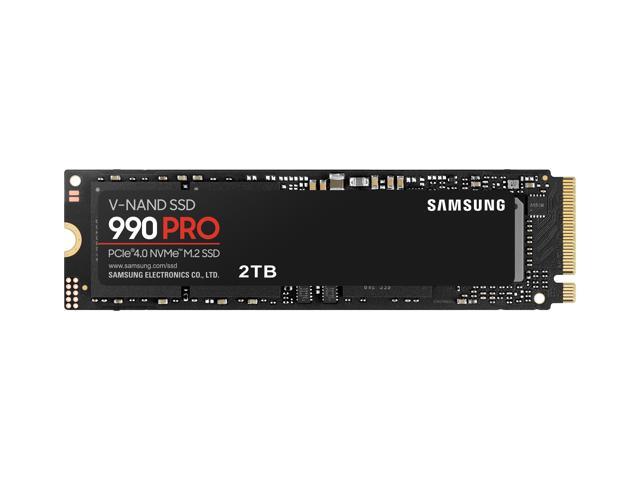
Among all technical specs, the PCIe generation of an SSD critically determines its speed ceiling and future-proofing. PCIe 4.0 and PCIe 5.0 SSDs offer substantial improvements in bandwidth and read/write speeds compared to SATA or earlier PCIe 3.0 drives. For example, PCIe 4.0 SSDs can approach sequential speeds up to 7,000 MB/s, dramatically reducing game load times, speeding up file transfers, and accelerating professional workflows like video editing.
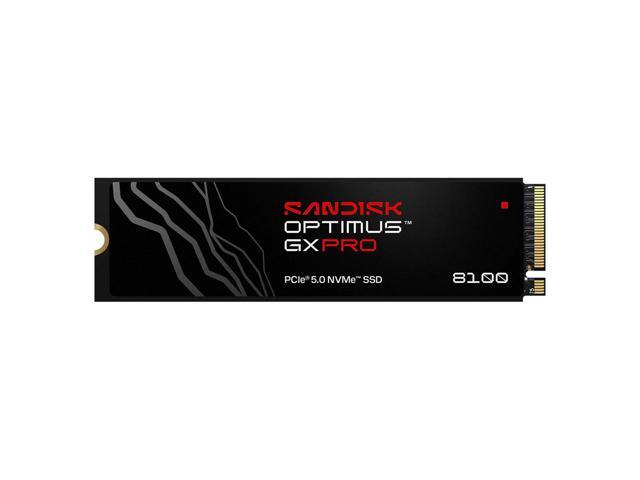
While PCIe 5.0 SSDs promise even faster performance, they are best suited for cutting-edge PCs and workstations with compatible motherboards. If your motherboard supports it, exploring PCIe Gen 4.0 SSD or PCIe Gen 5.0 SSD options will maximize your system’s capabilities and deliver a highly responsive experience.
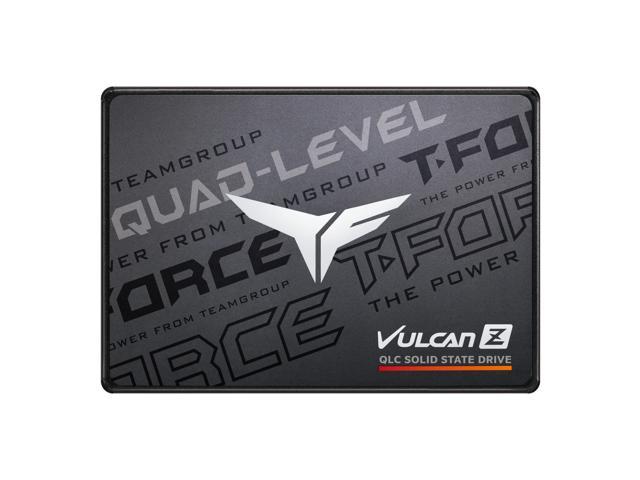
For everyday use and budget-conscious builds, SATA 2.5" SSDs still offer a solid upgrade over traditional hard drives, but do not match the speed of NVMe PCIe SSDs. Assess your motherboard and system needs carefully during the Black November deals season to pick the generation that fits best.
For developers, content creators, and enterprise-level users, choosing the right SSD goes beyond speed and capacity to include reliability, endurance, and specialized features. Enterprise SSDs featuring enhanced error correction, higher TBW ratings, and consistent performance under heavy workloads are ideal for servers and data centers. Professionals working with 4K+ video editing, virtualization, or databases often require the latest PCIe Gen 4.0 or Gen 5.0 drives to streamline massive data transfers and minimize bottlenecks.
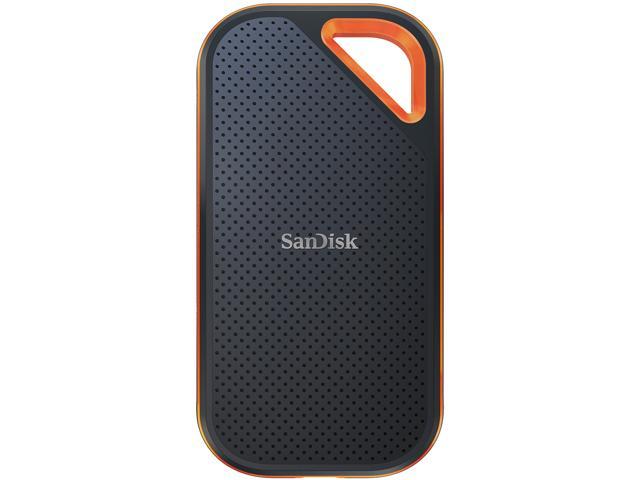
In addition, external NVMe drives with USB 3.2 Gen 2 or Thunderbolt 3 interfaces, like these Portable SSD, enable convenient high-speed workflows outside the office or studio.
For deep technical customization, pairing your SSD with appropriate HDD / SSD Accessories might also be essential, such as heatsinks for thermal management or specialized enclosures that fit your environment.
Newegg shopping tip: When comparing SSDs, consider the interface type—NVMe drives offer faster speeds than SATA, while PCIe 4.0 and 5.0 models deliver cutting-edge performance for high-end builds. Also, check capacity, endurance ratings, and compatibility with your device to make the best choice during Black November deals and Black Friday deals.
Speed meets portability: these SSDs use USB 3.2 Gen 2 or Thunderbolt 3 for rapid file transfers on the go, perfect for creators and mobile pros. Unlock Gen 4’s full potential with blazing NVMe SSDs delivering up to 7,000
Explore PCIe Gen 4.0 SSD on Newegg.
Explore PCIe Gen 5.0 SSD on Newegg.
If you're new to solid state drives, understanding the key differences can make all the difference when upgrading your storage. SSDs offer faster performance, greater durability, and quieter operation compared to traditional hard drives. The main types include SATA, NVMe PCIe Gen 4.0, and the latest PCIe Gen 5.0 SSDs, each varying in speed and compatibility. SATA SSDs are a great entry point with broad device support, while PCIe Gen 4.0 and Gen 5.0 deliver blazing speeds for high-demand tasks. Check out Internal SSDs for the perfect upgrade inside your PC or laptop. Keep your Black November deals in mind to get the best value this holiday season.
Gamers demand SSDs that can keep up with intense load times and fast asset streaming in modern titles. That’s why many turn to specialized Gaming SSD options built on PCIe Gen 4.0 or the newer PCIe Gen 5.0 interfaces, which deliver ultra-fast read and write speeds to reduce lag and loading times. Whether you’re upgrading a high-end PC or adding storage to a gaming console, these SSDs help you unlock smooth, immersive gameplay. Keep an eye out for Black Friday deals to maximize your performance while staying budget conscious.
If you’re a creative professional or mobile user who needs fast, reliable storage that travels with you, portable SSDs are your best friend. These drives use USB 3.2 Gen 2 or Thunderbolt 3 connections to move large files quickly and securely, perfect for editing video, photography, or working remotely. When looking for an SSD that blends power with portability, exploring Portable SSD options will point you in the right direction. Watch for Black November deals to secure a high-speed external drive without overspending.
Research more: When choosing an SSD, it helps to understand the differences between NVMe, SATA, and PCIe generations to find the best fit for your device and needs. For deeper insights and comparison tips, check out the Newegg Insider buying guides before browsing Black November deals or Black Friday deals.
Last Updated: November 2026 | Newegg SSD Buying Guide
NVMe SSDs are much faster than SATA SSDs, especially for large file transfers and gaming load times, but SATA drives are still perfectly fine for everyday tasks and usually cost less.
A single larger SSD tends to be simpler to manage and usually offers slightly better performance, while two smaller drives can provide more total capacity and flexibility but might complicate setup if you want to use RAID.
SSDs generally offer much faster read and write speeds, often 5 to 10 times quicker than HDDs, which means your computer boots up faster and loads programs more efficiently.
NVMe stands for Non-Volatile Memory Express, an interface that lets SSDs communicate with your computer at higher speeds than older SATA drives. If you want the best performance for gaming or heavy workloads, NVMe is definitely a step up.
If you mainly use your computer for browsing and light apps, 256GB is usually enough. For gaming or professional work, consider 500GB or more to avoid running out of space quickly.
NVMe drives are faster and great if you want quick load times, especially for large files or intensive tasks. But for basic use, a SATA SSD still offers a solid speed boost over traditional hard drives and is more budget-friendly.
Look for reviews that mention long-term use and consistency rather than just speed benchmarks. Check if the drive has a strong warranty and good ratings for failure rates.
Frequent issues include premature failure or performance drops after heavy use, so pay attention to reviews describing how the SSD holds up over months, not just right out of the box.
Power down your PC and unplug it, then open the case. Mount the SSD in a drive bay or M.2 slot, connect it to the motherboard with the correct cable, and attach the power connector from the PSU. Close the case, boot up, and format the new drive in your operating system.
Install your operating system on the SSD to benefit from faster boot times and app launches. Make sure to enable AHCI mode in the BIOS for optimal performance and avoid filling the drive above 75% capacity to keep speeds consistent.
“ Great product zero complaints bought this because I had a Samsung ssd with 128 GB so I got 1 terabyte now I think it's awesome, great for vintage gaming ”
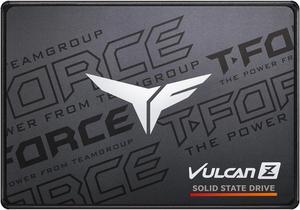
Team Group T-FORCE VULCAN Z 2.5" 1TB SATA III 3D NAND Internal Solid State Drive (SSD) T253TZ001T0C101“ It is difficult to imagine something better that Samsung 990 Pro SSD, which works better than expected. ”
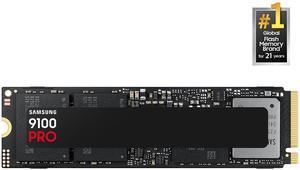
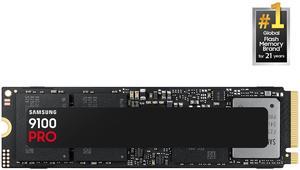
SAMSUNG SSD 9100 PRO 2TB, PCIe 5.0x4 M.2 2280, Seq. Read Speeds Up to 14,700MB/s, Best for AI Computing, Gaming, and Heavy Duty Workstations (MZ-VAP2T0B/AM)“ But in todays market putting out an NVME that people can afford makes the EVO a reasonable option. ”
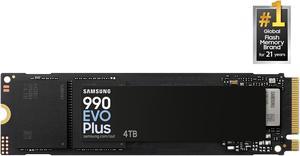
SAMSUNG 990 EVO PLUS SSD 2TB, PCIe Gen 4x4 | Gen 5x2 M.2 2280, Speeds Up-to 7,250 MB/s, Upgrade Storage for PC/Laptops, HMB Technology and Intelligent Turbowrite 2.0 (MZ-V9S2T0B/AM)“ I have been using Samsung for years and this one is the newest great toy. ”
SAMSUNG SSD 9100 PRO 2TB, PCIe 5.0x4 M.2 2280, Seq. Read Speeds Up to 14,700MB/s, Best for AI Computing, Gaming, and Heavy Duty Workstations (MZ-VAP2T0B/AM)“ Fantastic NVMe Stick Very fast I've not had any problems. ”
WD_BLACK 4TB SN850X NVMe Internal Gaming SSD Solid State Drive - Gen4 PCIe, M.2 2280, Up to 7,300 MB/s - WDS400T2X0E“ cloned an existing SATA SSD using the dd command in linux mint - flawless switchover ”
SAMSUNG SSD 9100 PRO 1TB, PCIe 5.0x4 M.2 2280, Seq. Read Speeds Up to 14,800MB/s, Best for AI Computing, Gaming, and Heavy Duty Workstations (MZ- VAP1T0B/AM)“ I've been building PCs for well over 20 years and have been very happy with all my Samsung SSDs. ”
SAMSUNG 990 PRO SSD 1TB PCIe 4.0 M.2 2280 Internal Solid State Hard Drive, Seq. Read Speeds Up to 7,450 MB/s for High End Computing, Gaming, and Heavy Duty Workstations, MZ-V9P1T0B/AM“ This WD drive did the trick! ”
WD_BLACK 4TB SN850X NVMe Internal Gaming SSD Solid State Drive - Gen4 PCIe, M.2 2280, Up to 7,300 MB/s - WDS400T2X0E