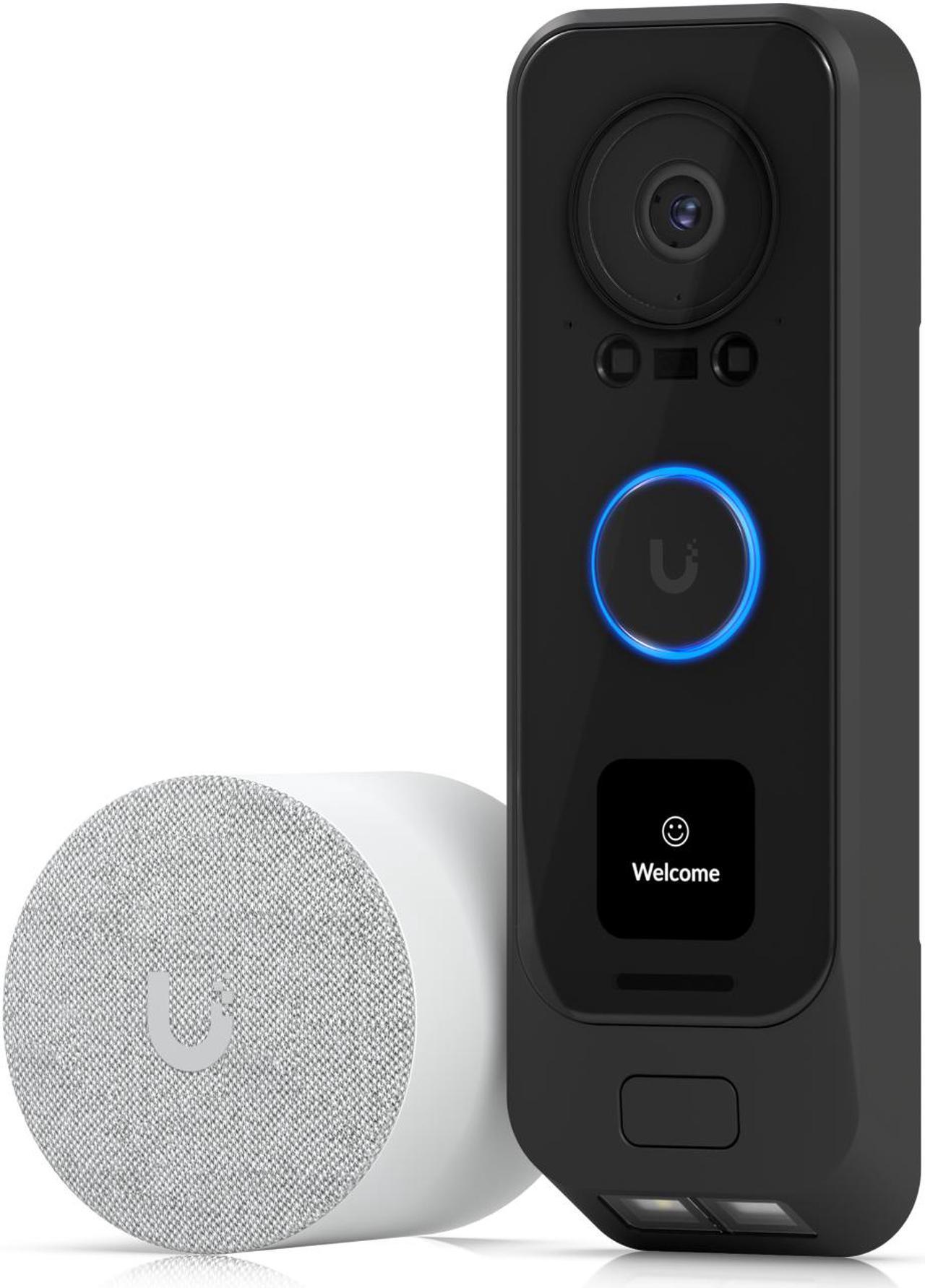
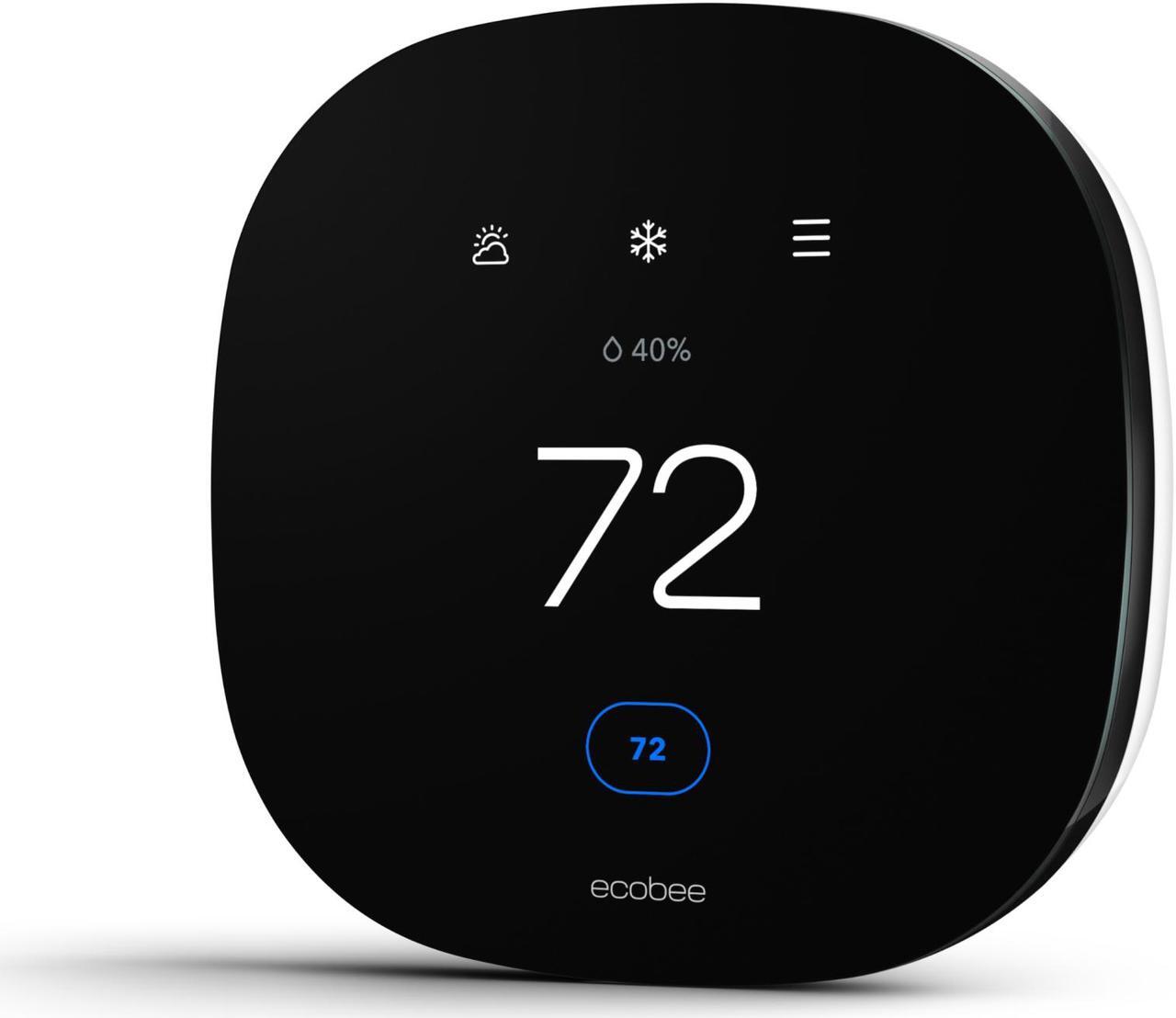
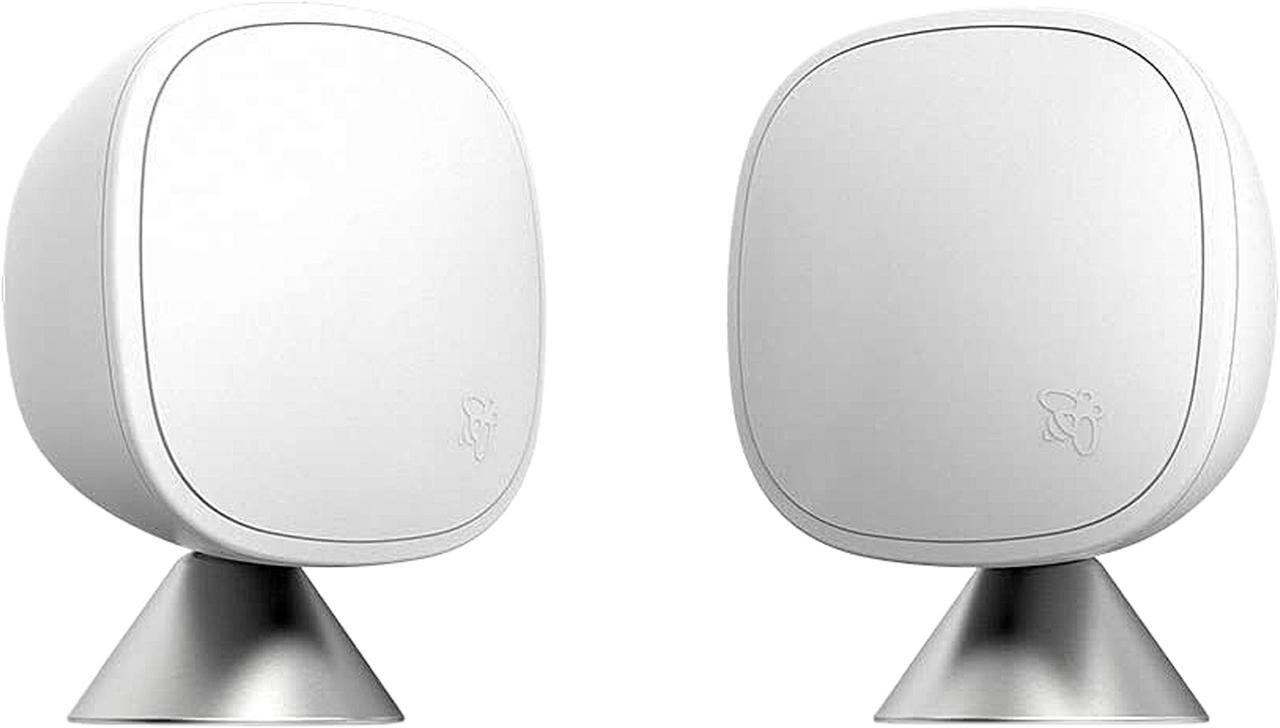
here!
here!
I’m your shopping assistant for PC builds, upgrades, and everything tech.
Got questions? Ask away!
Start a conversation
here!
I’m your shopping assistant for PC builds, upgrades, and everything tech.
Got questions? Ask away!
Start a conversation
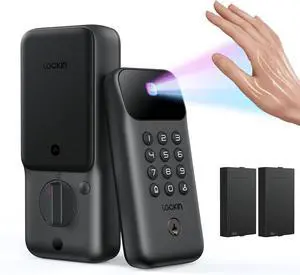
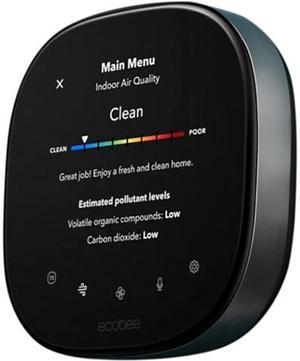
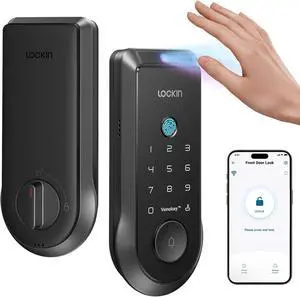
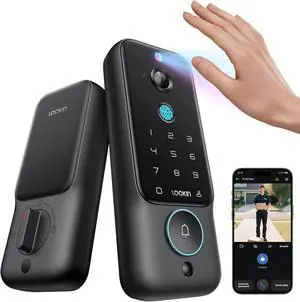
+ $70 off w/ promo code EDF45583, limited offer
| Smart Home Automation: Build a Connected Home for Security & Convenience | |
|---|---|
Smart Home Automation in 2026: What Shoppers PrioritizeSmart home devices aren’t just about “remote control” anymore. Newegg shoppers increasingly look for a setup that feels reliable day-to-day: fast response, fewer random disconnects, and automations that run consistently—even when the home gets busy. A good starting point is picking the device category that delivers an immediate quality-of-life upgrade—like smart plugs/lighting, a smart lock for the front door, or a smart thermostat for comfort + energy control—then building from there. Shop Smart Home Automation on NeweggStart here: Smart Home Automation and browse by device type: Smart Plug & Lighting, Smart Door Locks, Smart Thermostats, and Smart Hubs. Newegg Tip: Build in “Layers”The easiest way to avoid returns is to build in layers: start with a few devices, confirm the control experience you like, and then expand room-by-room. This approach keeps your smart home consistent instead of feeling like a mix of disconnected apps. |
How to Choose Devices That Work Well Together1) Choose Your Primary Control ExperienceSome households prefer a phone-first setup, while others like a dedicated “home dashboard” (display/panel) for quick access to lights, locks, and routines. Decide how you want to control your home most of the time—then choose devices that fit that workflow. 2) Pick Connectivity That Matches Your HomeWi-Fi devices are a simple starting point. If you plan to add many devices across multiple rooms, consider using a hub/controller with supported device networks to improve responsiveness and reduce Wi-Fi clutter. Newegg shoppers often notice the difference once they scale beyond a handful of devices. 3) Focus on Automation Value, Not Just App ControlThe best upgrades are the ones you stop thinking about: scheduled lighting, “leave home” routines that lock doors and turn off devices, and thermostats that maintain comfort with less waste. When comparing products, look for clear automation features, not just “works with app.” 4) Plan for GrowthIf you expect to expand later, prioritize devices and ecosystems that make it easy to add more rooms without changing how you manage everything. This saves time and keeps your setup consistent as your smart home grows. Quick Picks by Use Case
|
Last Updated: January 2026 | Newegg Smart Home Automation Buying Guide
Start with one “daily win” category—smart plugs/lighting, a smart lock, or a thermostat—then expand once you’re happy with reliability and controls. Many Newegg shoppers build room-by-room to keep the setup consistent.
Wi-Fi-only can be great for smaller setups. If you plan to scale up, a hub/controller can make management easier and help keep performance stable as you add more devices.
Yes—smart plugs are one of the simplest ways to add automation. They’re popular for lamps, fans, seasonal lighting, and setting schedules. Some models also offer energy monitoring so you can understand what’s drawing power over time.
Many smart locks can still operate locally (keypad/Bluetooth). Wi-Fi or a bridge is typically used for remote unlock, event history, and alerts. When shopping, check how remote features are enabled.
Compatibility depends on your HVAC type and wiring (for example, whether a C-wire is needed). Review the compatibility notes and installation requirements on the product page before purchasing.
Kits can be a good value when you’re building multiple rooms and want a consistent experience from day one. A hub can also simplify expanding later—especially if you want routines to control many devices at once.
Choose your primary control experience first (how you want to manage the home), then confirm ecosystem support on each device listing. Also watch for notes about bridges, hubs, or required accessories.
Both can work. Staying within one ecosystem can be simpler for routines and controls. Mixing brands can offer better choice and pricing— as long as you confirm compatibility and keep your setup manageable.
Start with brightness, color options (white vs RGB), and whether you want bulbs, strips, or switches. Then consider whether you want scenes, schedules, and room-based automation.
Filter by device type and the features you care about most (schedules, energy monitoring, keypad access, voice control). Then check recent reviews for real-world notes on setup and reliability.
“ you can operate the lights and ceiling fan using the voice remote from the smart TV Alexa link. ”
Kasa Smart Light Switch HS200, Single Pole, Needs Neutral Wire, 2.4GHz Wi-Fi Light Switch Works with Alexa and Google Home, UL Certified, No Hub Required , White“ I've built a ton of these types of devices for my home automation, but I just moved to an apartment and don't have the luxury anymore. ”
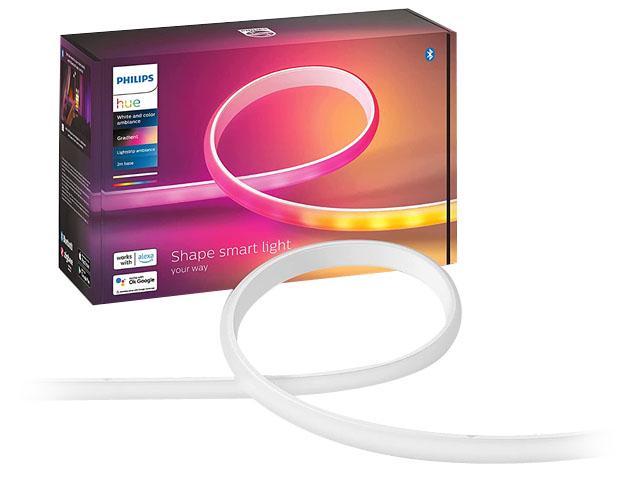
Philips Hue Bluetooth Gradient Ambiance Smart Lightstrip 2m/6ft Base Kit with Plug (Multicolor Strip, Works with Apple Homekit and Google Home), White, 570556“ I've built a ton of these types of devices for my home automation, but I just moved to an apartment and don't have the luxury anymore. ”
Philips Hue Bluetooth Gradient Ambiance Smart Lightstrip 2m/6ft Base Kit with Plug (Multicolor Strip, Works with Apple Homekit and Google Home), White, 570556