here!
here!
I’m your shopping assistant for PC builds, upgrades, and everything tech.
Got questions? Ask away!
Start a conversation
here!
I’m your shopping assistant for PC builds, upgrades, and everything tech.
Got questions? Ask away!
Start a conversation





Limited time offer, ends 11/08
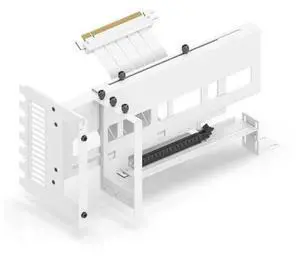
Limited time offer, ends 11/08
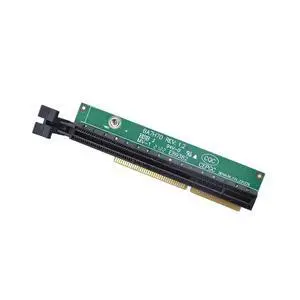
Limited time offer, ends 11/08
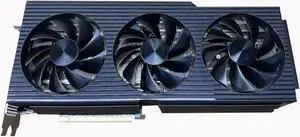
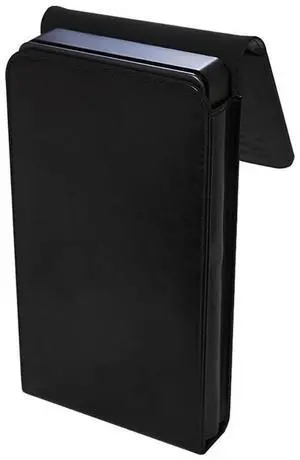
Limited time offer, ends 11/21

Limited time offer, ends 11/07
Limited time offer, ends 11/09
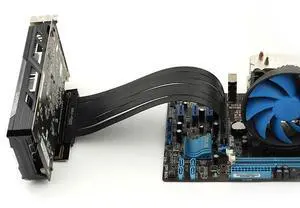

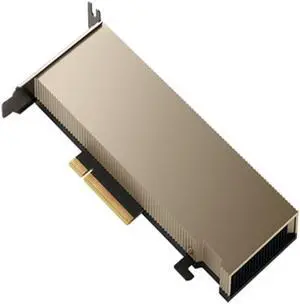
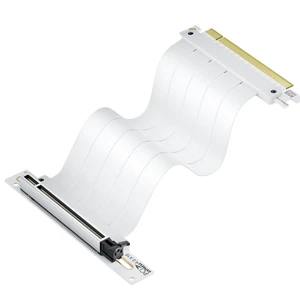
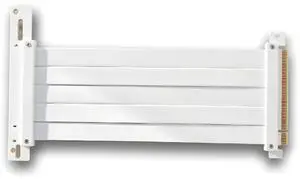
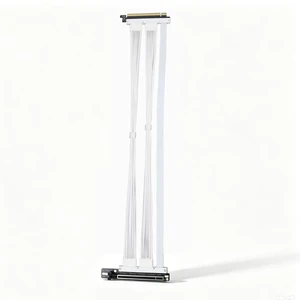
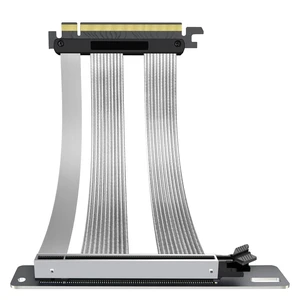
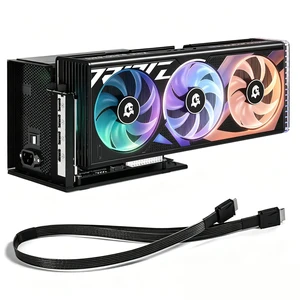
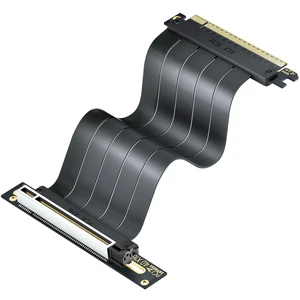

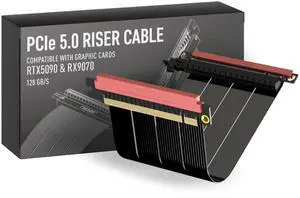
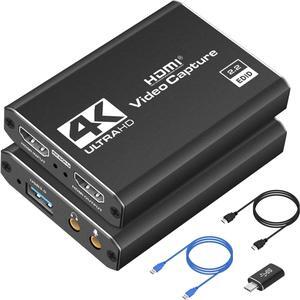
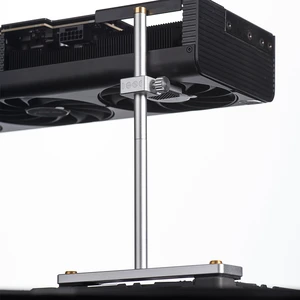
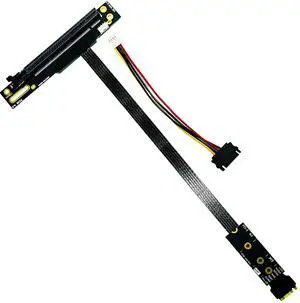
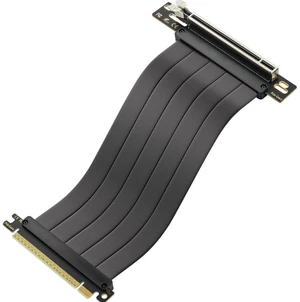
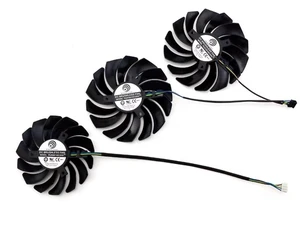
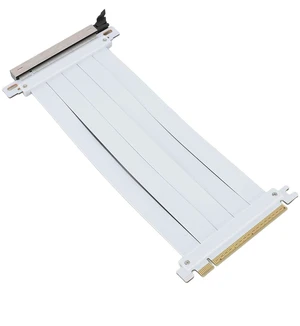
Video card accessories help you to make the most out of your GPU. SLI and Crossfire bridges allow for adding two or more graphics cards to your computer, boosting its video performance. If you don't feel like opening your PC to add a new GPU, you can use external graphics card enclosures. VGA adapters let you connect your new GPU to older monitors.
A GPU bridge lets you install multiple workstation graphics cards at the same time to boost the performance of your gaming PC. This boost will improve your gaming experience with higher frame rates and better graphics. There are two technologies to make multiple GPUs work together: scalable link interface (SLI) and Crossfire. The first one works with graphics cards from Nvidia®, while the latter works with GPUs from AMD.
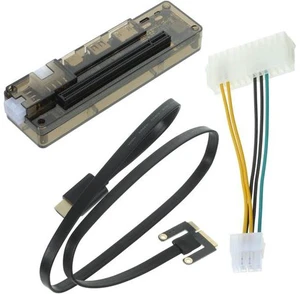
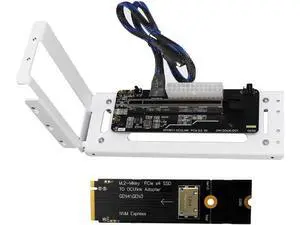
Opening your computer and installing multiple GPUs requires not only time and know-how, but also enough space in the case of the computer. Therefore, it may not be the best solution for smaller laptops. Luckily, external graphics card (eGPU) enclosures allow connecting a desktop video card to a laptop. These graphics card accessories can hold and provide power to one or multiple GPUs. Most models connect to the PC via a Thunderbolt connection, and to the video cards with a PCI connection. eGPU enclosures also feature fans to cool down the GPU. Be sure you know what kind of VGS cooling system is in the build.
To install a new graphics card on your PC, you need an expansion slot on your motherboard. The most common expansion slots used for video cards are the PCI ones. They allow the GPU to bypass the CPU, improving the overall performance of the computer. AGP slots provide more bandwidth than PCI, resulting in better graphics. PCI Express expansion slots use a newer standard that offers faster data transfer rates and even better performance. With PCI Express, it's also possible to connect two video cards to your motherboard. Most modern graphics cards are compatible with PCI Express, while the older ones are more likely to have PCI or AGP connectors.
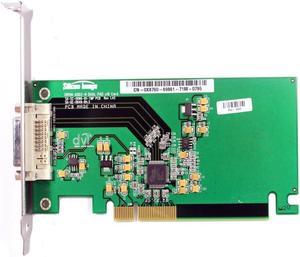
Most graphics cards use HDMI, DVI or VGA cables to communicate with the monitor. HDMI is the most recent standard, and it can carry high-quality audio and video signals. The DVI standard only transmits digital video signals, so you'll need a separate cable for audio. VGA is the oldest standard, and it only supports analog signals. Some gaming video cards support the DisplayPort™ connection standard, which offers excellent video quality like the HDMI standard. If you need to connect an older monitor to a new video card, you can use a VGA adapter. VGA splitters, instead, allow connecting the GPU to two different monitors for gaming or productivity.
“ Pick the accessory that fits your chassis' theme. ”
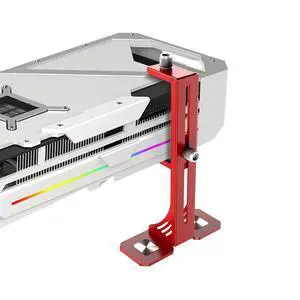
AAAwave AURAWAVE GPU Support Bracket, Gaming Graphics Card Brace Support, Anti-Sag Video Card Holder, Adjustable Height with Magnet Base, 5V 3PIN ARGB GPU Support Brace, Video Card Stand (Black)“ The packaging was secure and presented the bracket and accessories as an item of this price tier should be shown. ”
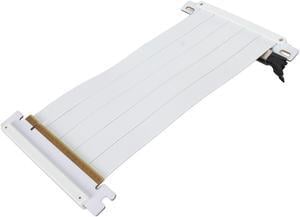
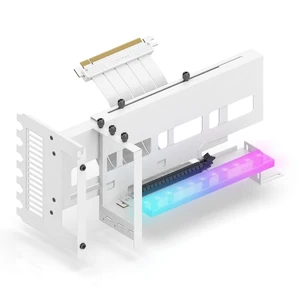
Phanteks Premium GEN4 Vertical GPU Bracket, DRGB Lighting, Adjustable tilt position 15 to 30 degrees, White