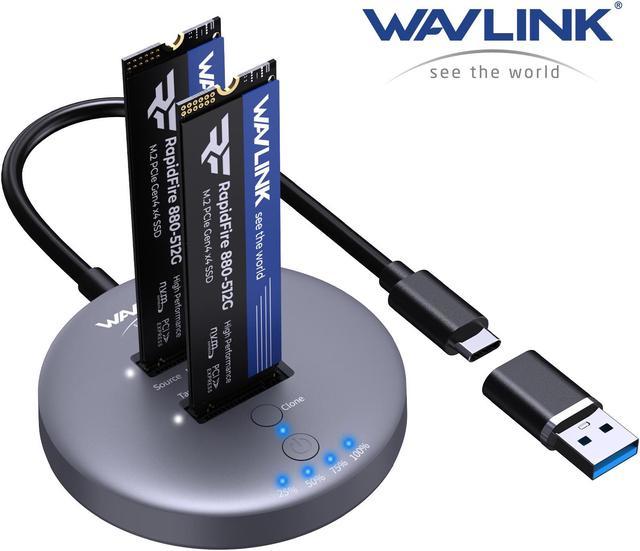
WAVLINK 10Gbps Dual Bay USB-C to M.2 NVMe SSD Docking Station ---- Read/Write/Offline Clone
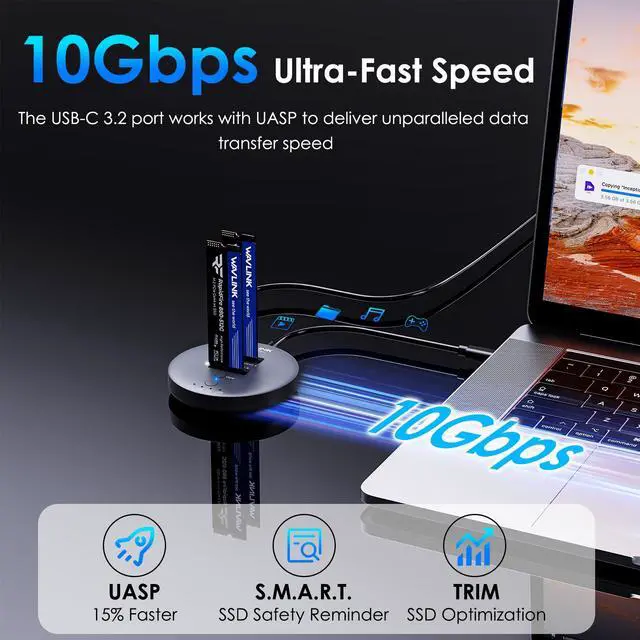
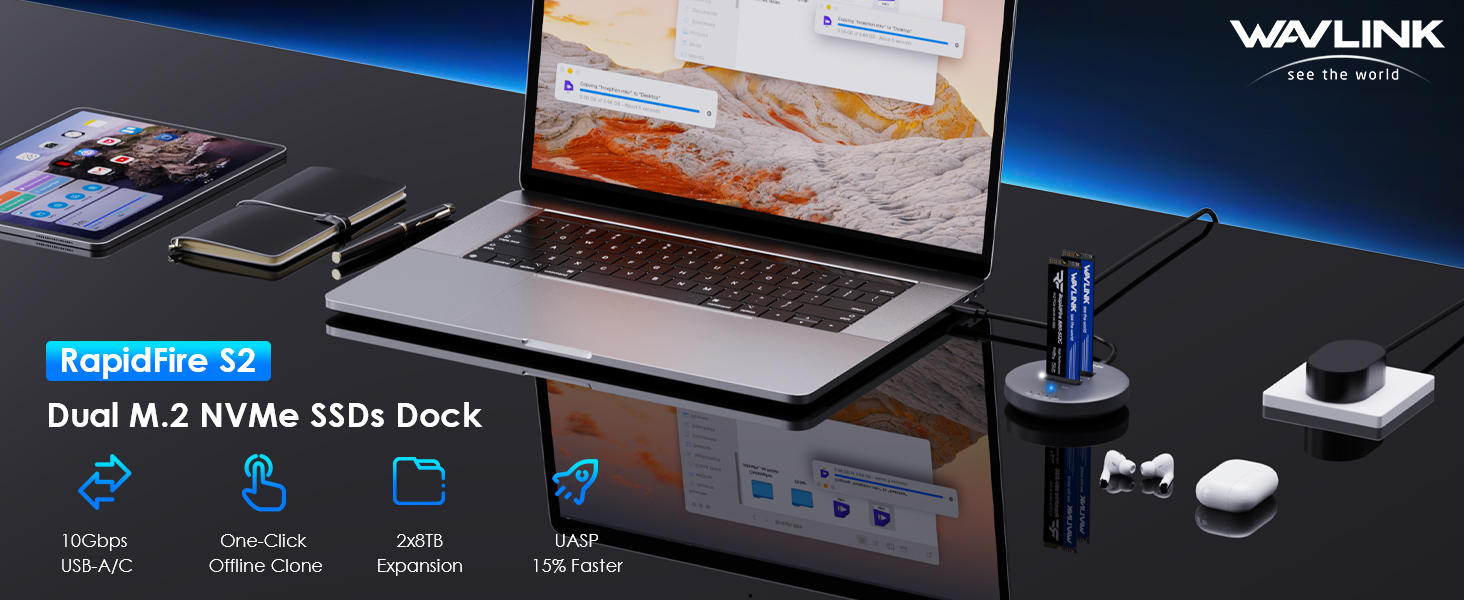
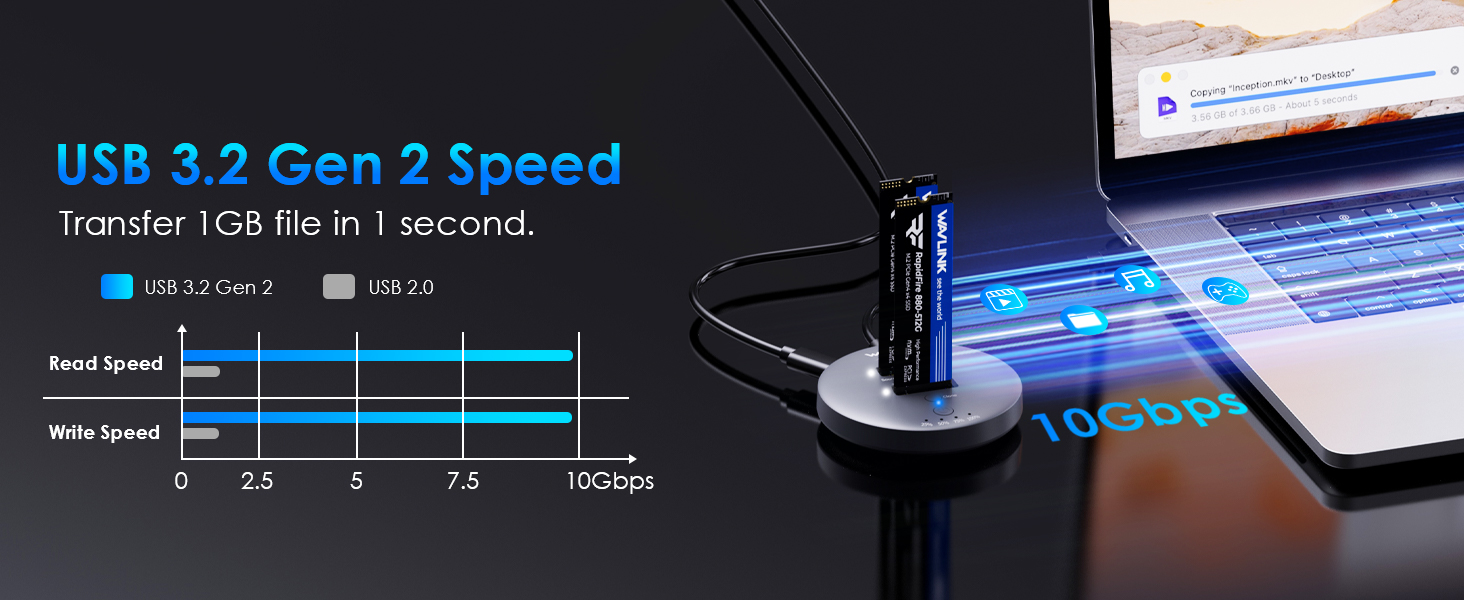
RapidFire S2, your ultimate data companion for lightning-fast performance and seamless data management. With a high-speed 10Gbps port and the UASP function, this M.2 SSD cloner ensures swift and efficient file transfers.
The one-click cloning simplifies data backup and migration processes, providing convenience at your fingertips. Supporting TRIM and S.M.A.R.T., RapidFire S2 optimizes SSD performance and enhances reliability. Elevate your data experience with RapidFire S2 - the perfect blend of speed, functionality, and convenience.
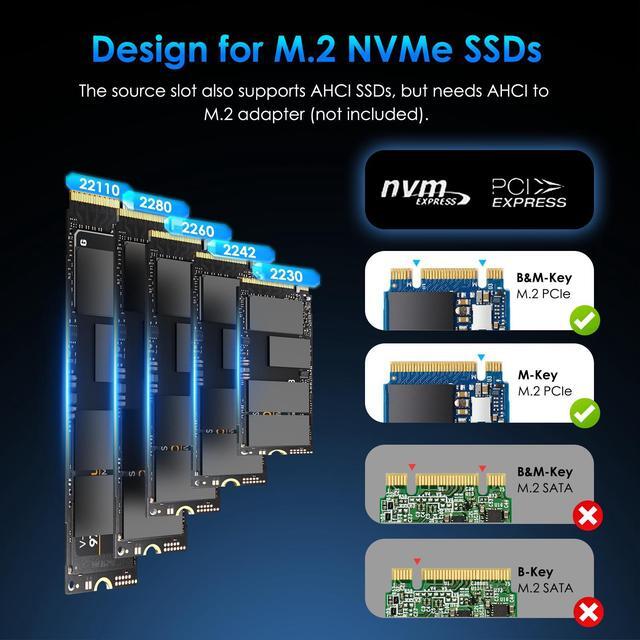
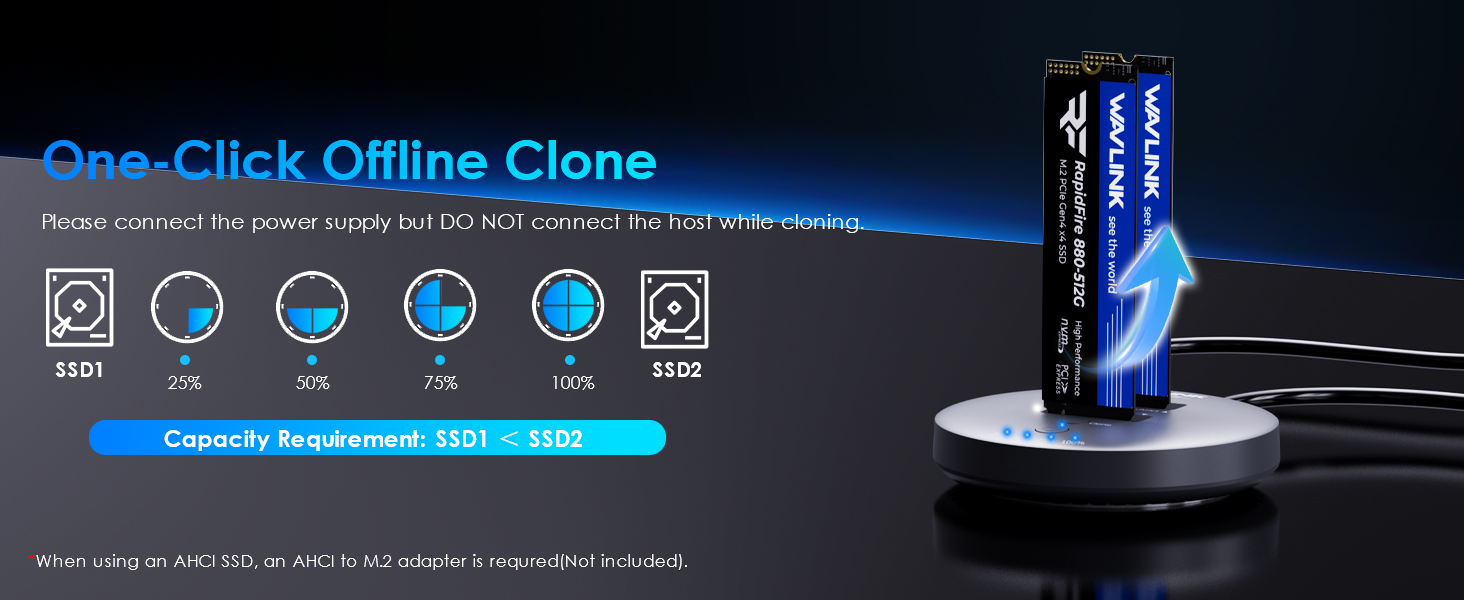
- Only the source slot supports AHCI SSD, and the AHCI to M.2 adapter is required(not included).
- Performance will be limited if the standard of the host USB port is lower than USB 3.2 Gen 2.
- The NVMe/SATA SSD is not included in the package.
- Before using the USB-A adapter, connect it to the dock to check which side supports 10Gbps data transfer.
- If the SSD is brand-new and unformatted, please perform partition installation so that the computer can read the data normally. If the SSD is formatted and has stored data, you have no need to perform partition installation because the computer can read the data normally.
Notes for offline cloning:
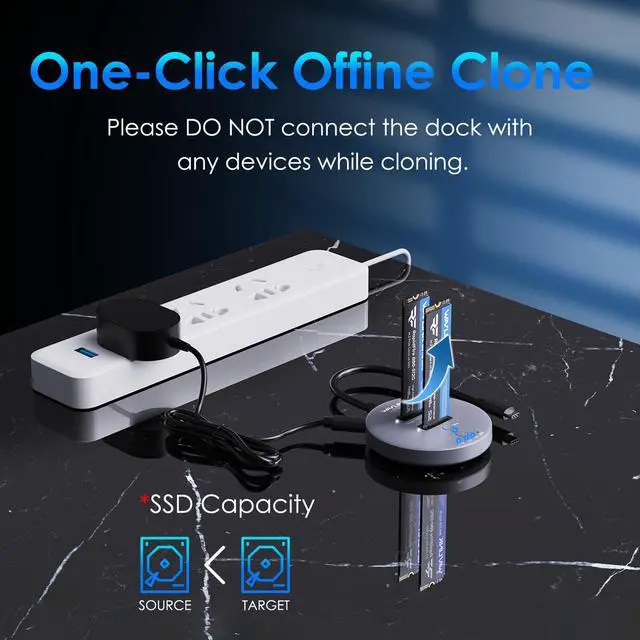
(1)Capacity requirements: source disk < target disk.
(2)Please connect the power supply but DO NOT connect the host while cloning.
(3)Do not touch the SSD during operation and be cautious of its heated surface.
(4)Cloning duration varies based on the SSD size (not data size).
- Notes for data security:
(1)Before removing the SSD, perform a safe removal operation to prevent data loss and hard disk damage.
(2)Back up all crucial data before the offline cloning.
(3)Avoid forcibly disconnecting the device during data cloning to prevent data loss and hard disk damage.
WAVLINK 10Gbps Dual Bay USB-C to M. 2 NVMe SSD Docking Station ---- Read/Write/Offline Clone
RapidFire S2, your ultimate data companion for lightning-fast performance and seamless data management. With a high-speed 10Gbps port and the UASP function, this M. 2 SSD cloner ensures swift and efficient file transfers. The one-click cloning simplifies data backup and migration processes, providing convenience at your fingertips. Supporting TRIM and S. M. A. R. T., RapidFire S2 optimizes SSD performance and enhances reliability. Elevate your data experience with RapidFire S2 - the perfect blend of speed, functionality, and convenience.
Widely Compatible with
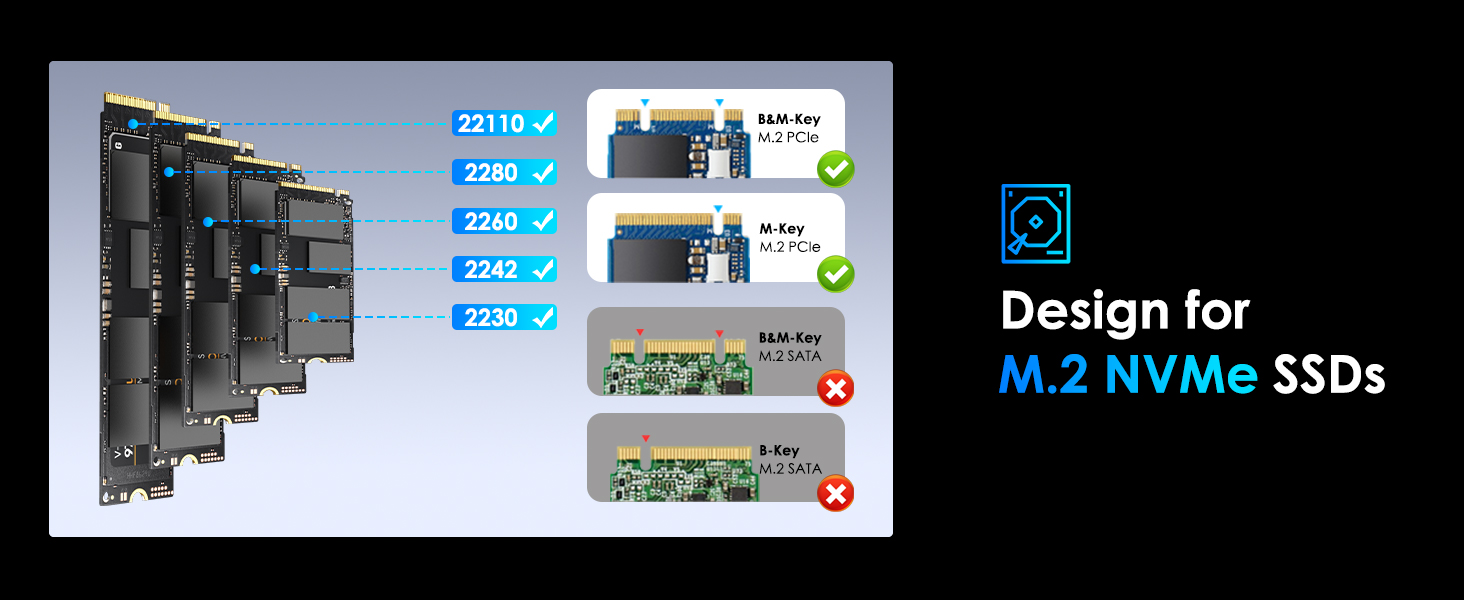
SSDs: M. 2 B-Key & B+M Key PCIe SSDs in 22110/2280/2260/2242/2230 sizes; The source slot also supports AHCI SSDs, but needs AHCI to M. 2 adapter (not included);
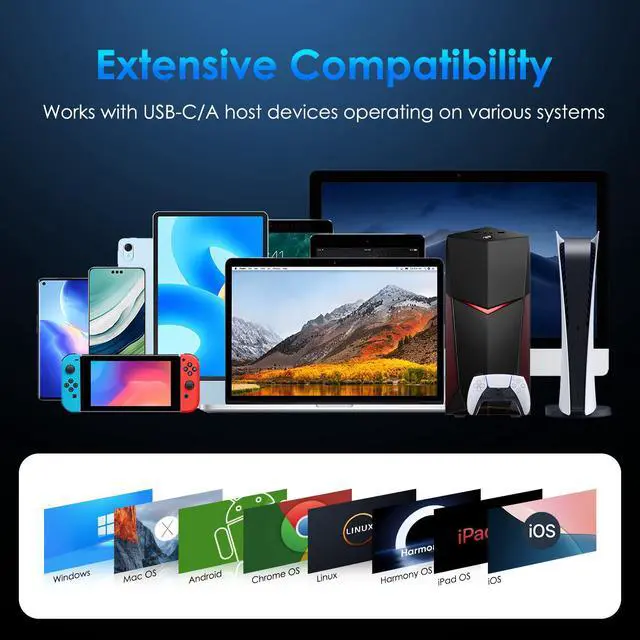
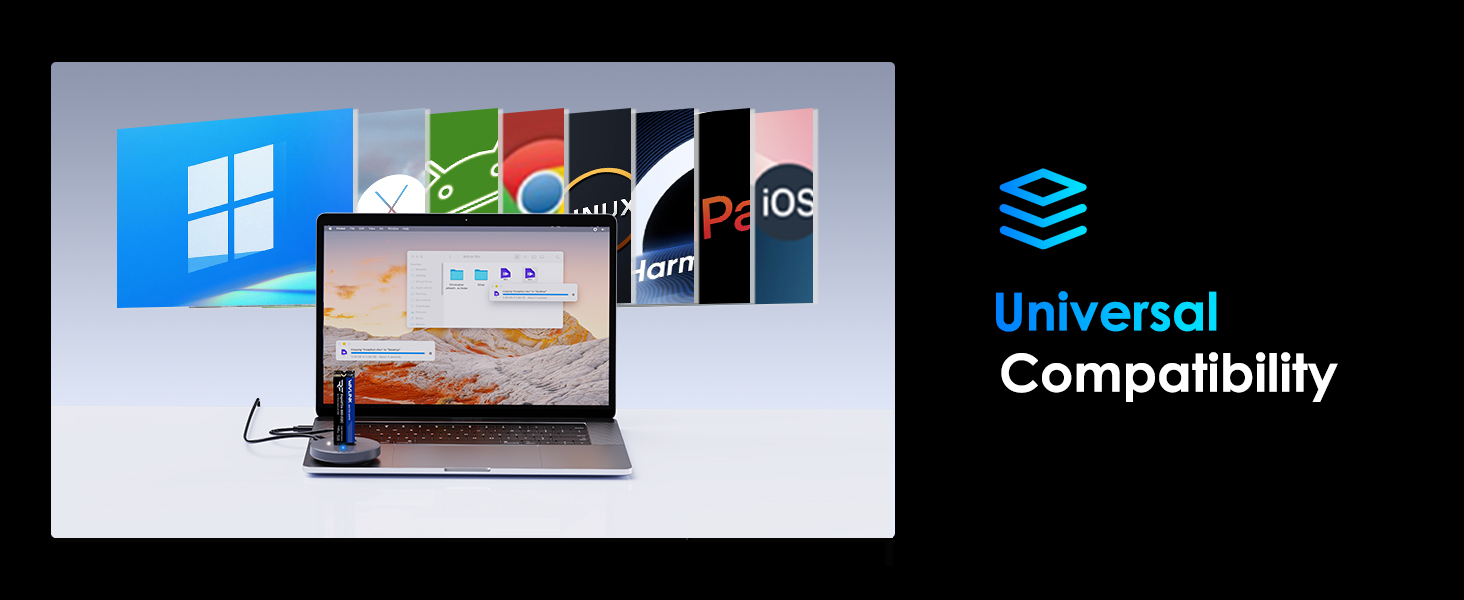
Systems: Windows, Mac OS, Chrome OS, Linux, iPad OS, Android, iOS, Harmony OS;
Host Devices: PCs, laptops, pads, phones (OTG), smart TVs, smart routers, PS5, etc. (Performance will be limited if the standard of the host USB port is lower than USB 3.2 Gen 2)
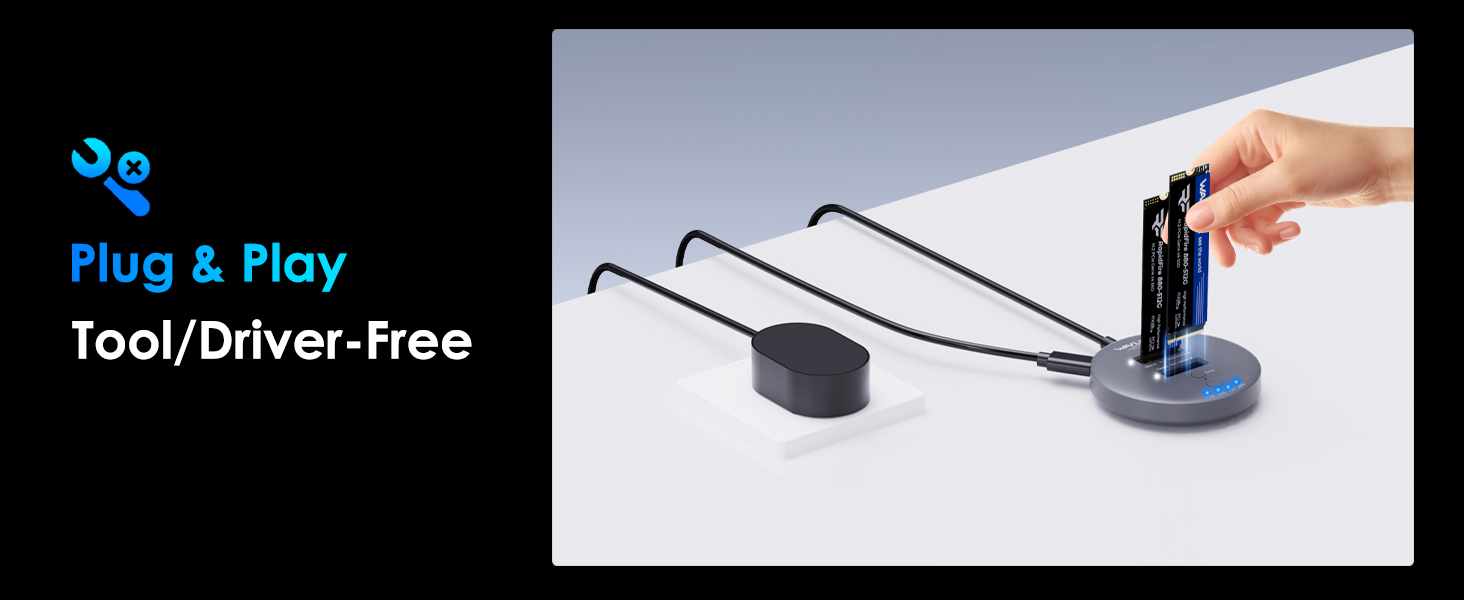
Driver- & Tool-Free Use
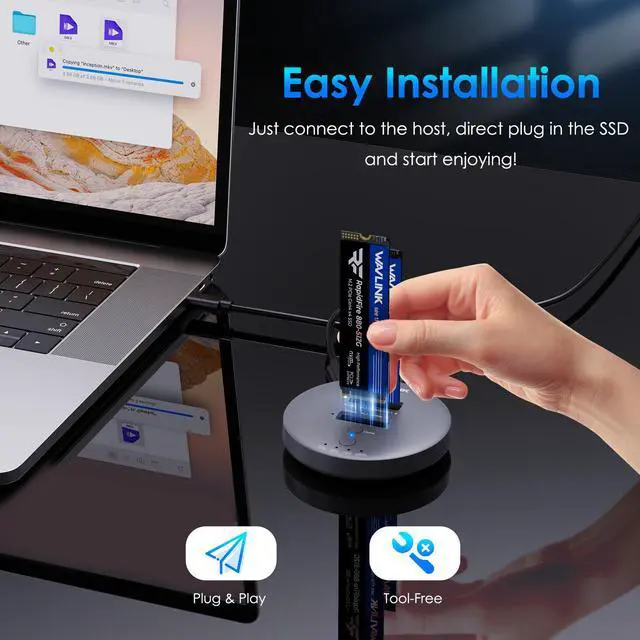
Plug and play, without the hassle of installing any drivers. Just connect to your host device and start using it right away. The direct plug-in design eliminates the need for additional tools - you can easily install the SSD with just one hand.
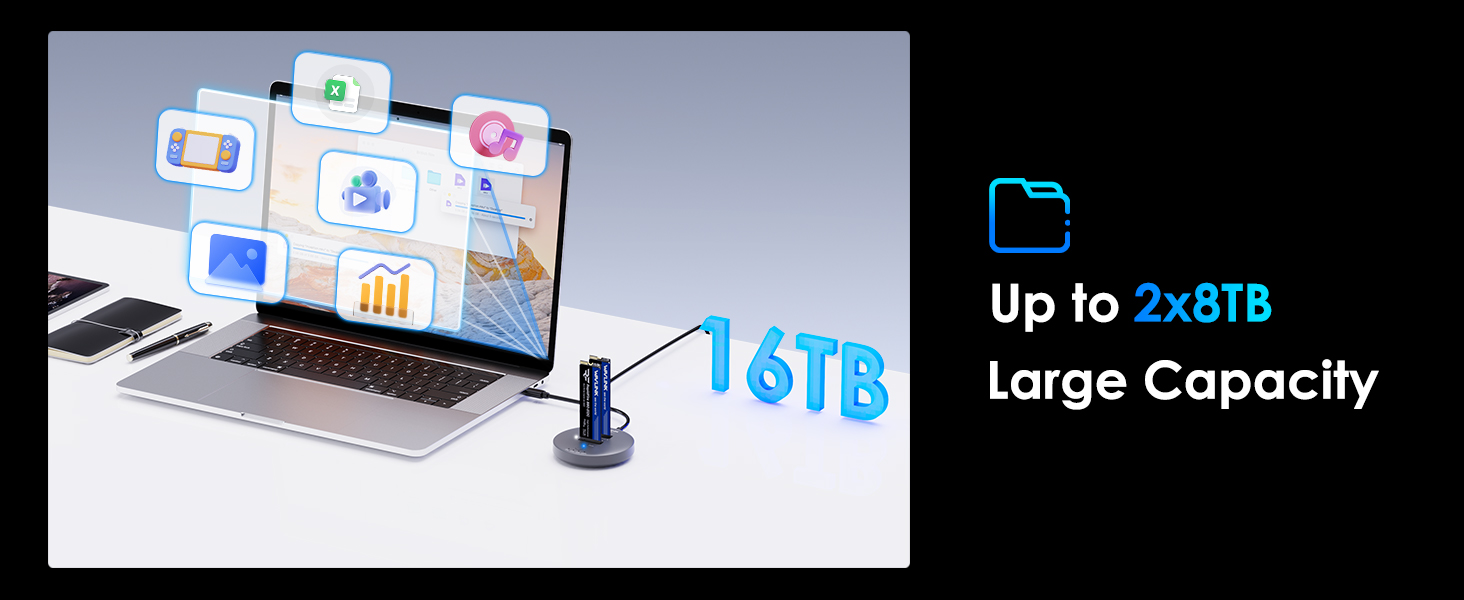
Great Extended Capacity
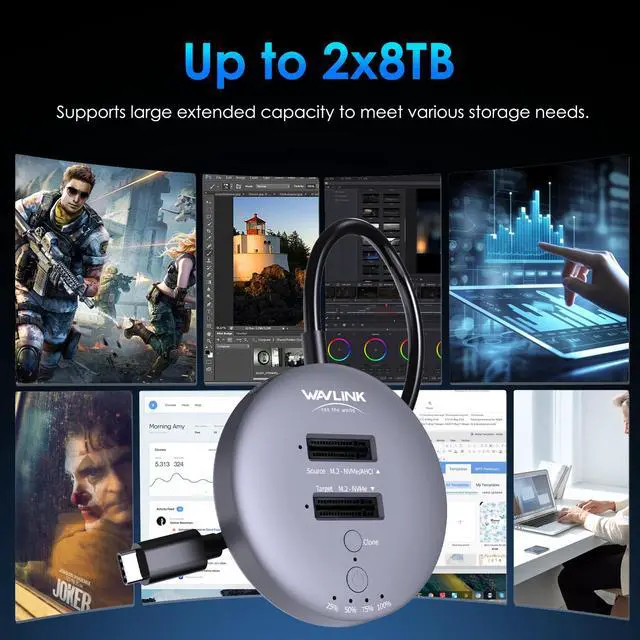
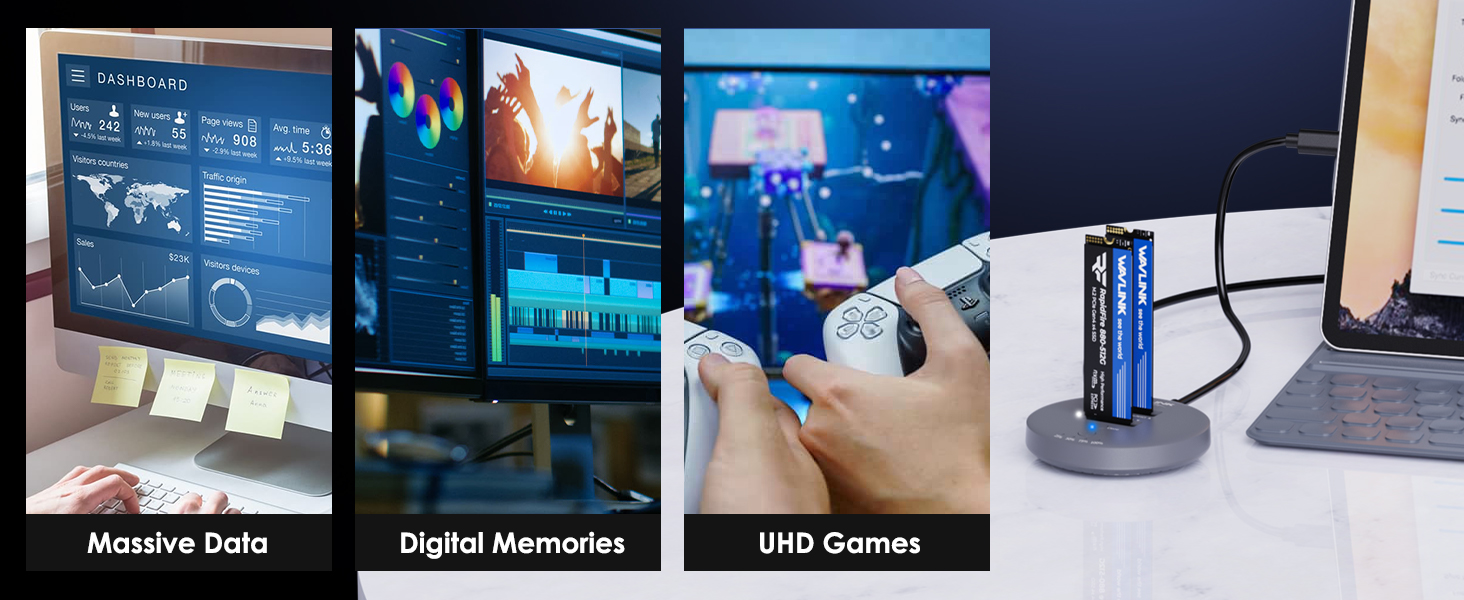
The USB-C M. 2 enclosure enables simultaneous reading and writing of dual SSDs, offering a combined capacity of 2x8TB. Whether you're looking to transfer extensive office data, store photos and videos, or play UHD games smoothly, the RapidFire S2 is tailored to fulfill your diverse requirements.
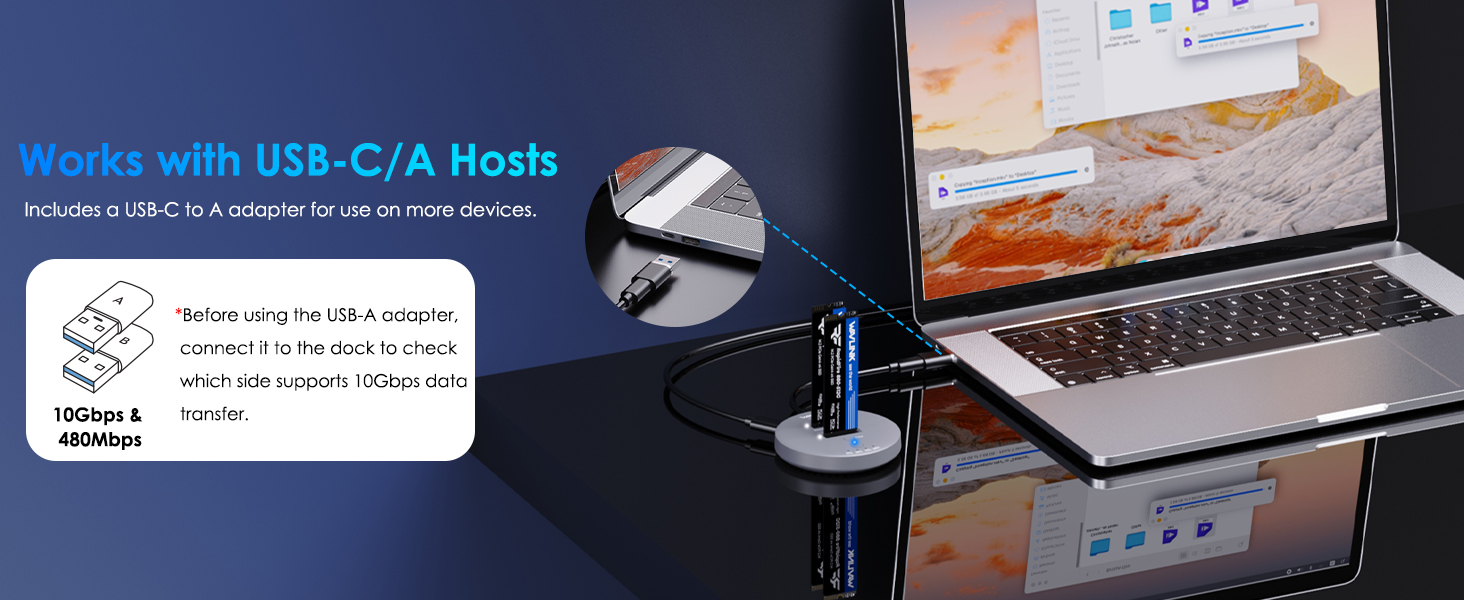
USB-C to A Adapter Included
The bundled USB-C to A adapter enhances the hard drive cloner's versatility, enabling it to be utilized with both USB-C and USB-A devices.
Easy to Carry Around
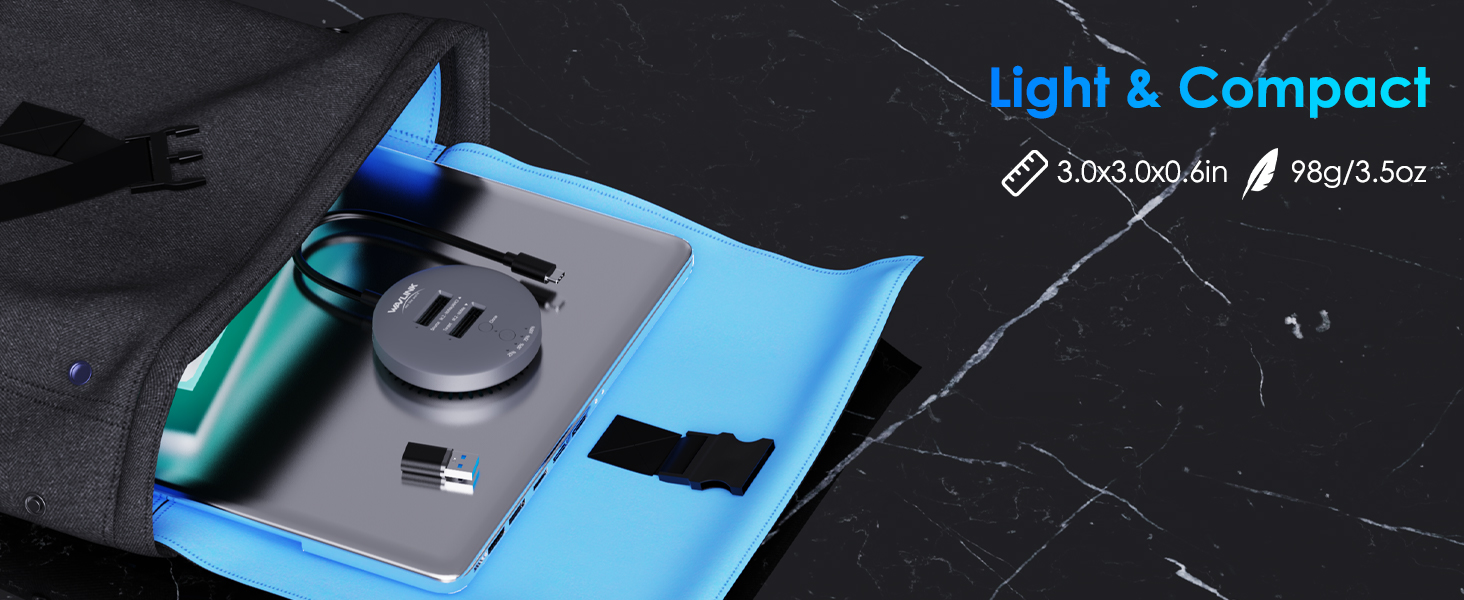
The compact and lightweight design of the dual NVMe enclosure makes it especially portable, fitting snugly into pockets, handbags, or briefcases, ideal for on-the-go usage.
360° Heat Dissipation
The direct plug-in design facilitates the discharge of heat generated by SSDs during operation. Thermal holes located at the bottom further ensure efficient cooling for optimal performance.
Anti-Slip Pad
The ring-shaped silicone anti-slip pad ensures the stability, effectively preventing movement or slippage during use, which safeguards against potential data loss, providing a secure and reliable user experience.
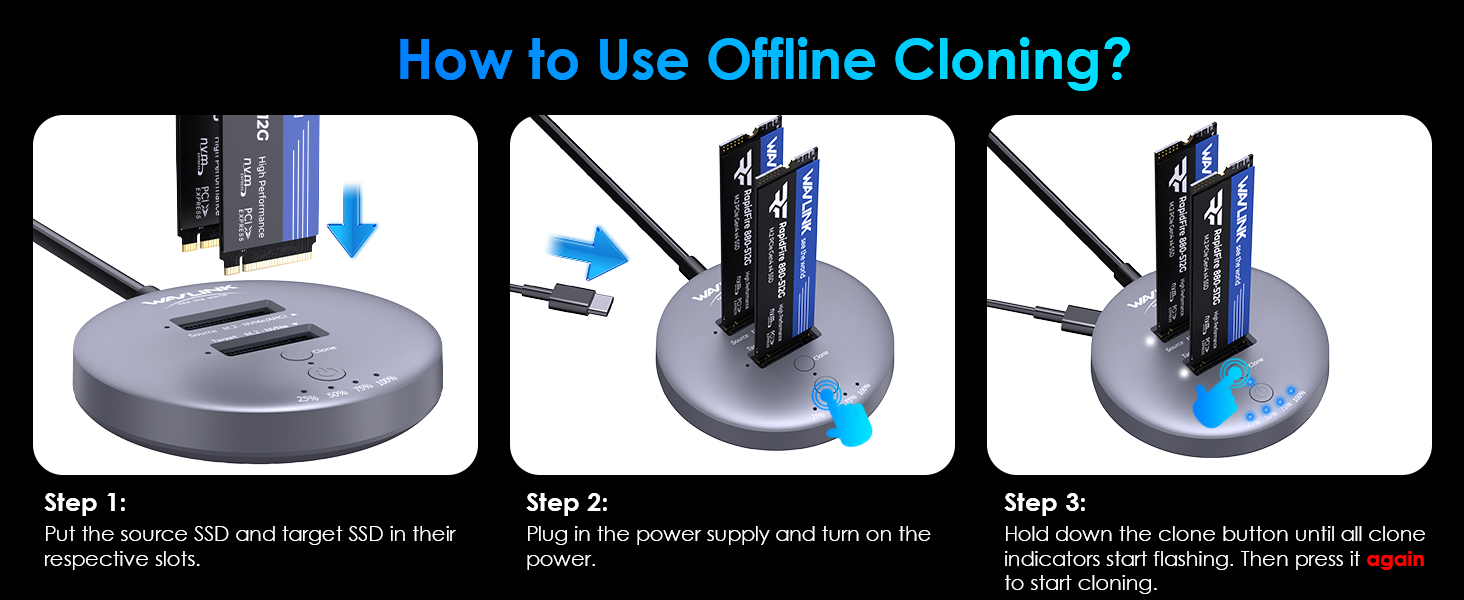
Steps to Offline Clone
1. Put the source SSD and target SSD in their respective slots.
2. Plug in the power supply and turn on the power.
3. Hold down the clone button until all clone indicators start flashing. Then press it again to start cloning.
Specification:
1.
Model: WL-Rapid Fire S2
2.
LED: 1xPower LED (blue); 2xSSD LED (white); 4xClone LED (blue)
3.
Unit Size: 7.5 x 7.5 x 1.5 cm/ 3.0 x 3.0 x 0.6 in (WxDxH)
4.
Cable Length: 24cm/ 9.5 in
Power Adapter Cable Length: 100cm/ 39.4 in
5.
Unit Weight: 98g/ 3.5 oz
6.
Housing Material: ABS
Features
- One USB-C interface transfers speed up to 10Gbps, and compatible with USB 3.2 / 3.1 / 3.0 / 2.0 computers.
- Dual NVMe M. 2 slot, source bay also supports AHCI SSD with AHCI to NVMe adapter (not included).
- One-button offline cloning simplifies the data copying process.
- Plug and play, Driver-free.
- Supports OTG function.
- Supports 2230/2242/2260/2280/22110 SSD.
In the Box
- 1 x USB-C Dual NVMe M. 2 SSD Docking Station
- 1 x Power Adapter
- 1 x USB-A Adapter
- 1 x Quick Start Guide
Warm Tips:
- Only the source slot supports AHCI SSD, and the AHCI to M. 2 adapter is required (not included).
- Performance will be limited if the standard of the host USB port is lower than USB 3.2 Gen 2.
- The NVMe/SATA SSD is not included in the package.
- Before using the USB-A adapter, connect it to the dock to check which side supports 10Gbps data transfer.
- If the SSD is brand-new and unformatted, please perform partition installation so that the computer can read the data normally. If the SSD is formatted and has stored data, you have no need to perform partition installation because the computer can read the data normally.
- Notes for offline cloning:
(1) Capacity requirements: source disk < target disk.
(2) Please connect the power supply but DO NOT connect the host while cloning.
(3) Do not touch the SSD during operation and be cautious of its heated surface.
(4) Cloning duration varies based on the SSD size (not data size).
- Notes for data security:
(1) Before removing the SSD, perform a safe removal operation to prevent data loss and hard disk damage.
(2) Back up all crucial data before the offline cloning.
(3) Avoid forcibly disconnecting the device during data cloning to prevent data loss and hard disk damage.