here!
here!
I’m your shopping assistant for PC builds, upgrades, and everything tech.
Got questions? Ask away!
Start a conversation
here!
I’m your shopping assistant for PC builds, upgrades, and everything tech.
Got questions? Ask away!
Start a conversation

Limited time offer, ends 10/29
Limited time offer, ends 10/29
Limited time offer, ends 10/29

Limited time offer, ends 10/29
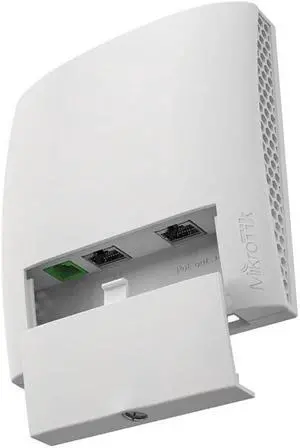
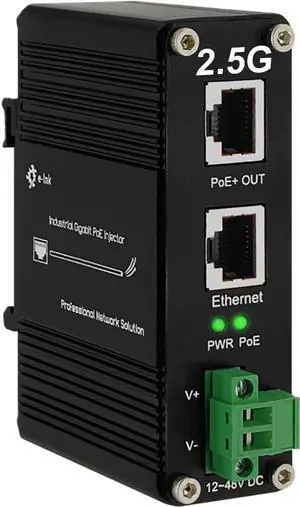

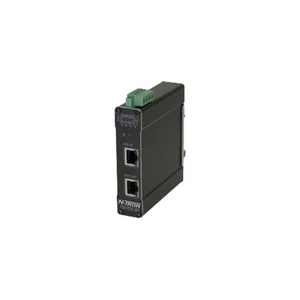
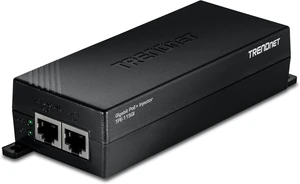
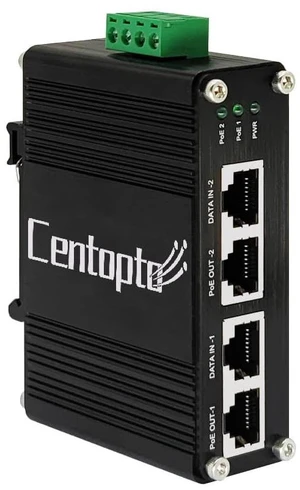
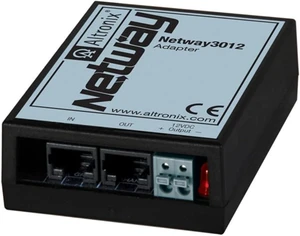
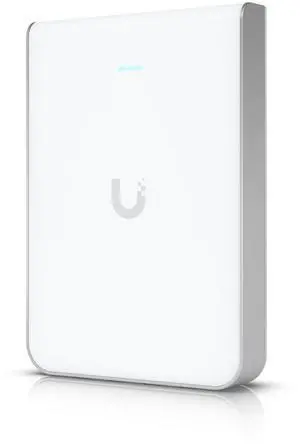
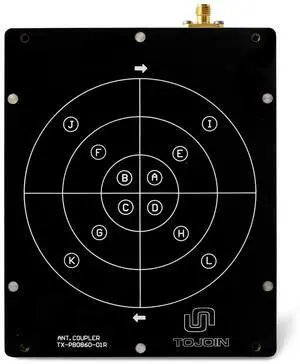
Wireless network accessories include hardware and auxiliary equipment that boost the reliability of installed home and office networks. Some components also reduce the setup time as well as the risk of problems during setup. The essential factors to consider before buying wireless networking equipment products include the number of connected devices, network compatibility and the size and layout of the network cover, among other factors. Whether you are looking to install a network conveniently or you want to provide ease of use and boost speeds, a versatile range of routers, network antennas and PoE adapters and injectors are well-suited to meet your wireless networking needs.
Most network antennas have an internal pigtail piece that connects the wireless card to the chassis exterior and a customizable external antenna. Consider factors such as gain, physical size and frequency bands when shopping for these wireless network accessories. Typical screw-on antennas have a gain range of about 2-7db. Network antennas with a higher decibel rating perform better at strengthening weak signals. Make sure the antenna covers both single- and dual-band frequencies, so you can have both Bluetooth® and legacy wireless networks operating seamlessly within the same frequency range.
A variety of routers are available with features and performance capabilities for different building layouts and positioning requirements. Routers that use Wi-Fi® 5 are significantly faster, and they provide stronger signals throughout the house with their more advanced features. Signal sipper routers offer less throughput, and they are well-suited for small apartments where you can install them a room away. Signal gulpers have a long range with stable data throughput, and they are cost-effective for large buildings with many floors and rooms. In addition to tolerance to orientation, a sector antenna delivers high gain (13-16dBi) and superior beam performance. Choose a climate-resistant outdoor antenna that can operate reliably in a range of environmental conditions.
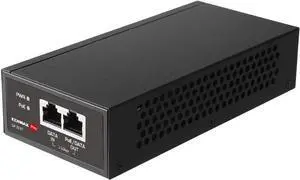
The essential factors to consider when choosing wireless adapters include the build quality, adapter size, form factor, frequency and wireless protocols. The USB adapter operates as a typical flash drive, and it is convenient and easy to install. PCI adapters feature multiple antennas and spatial multiplexing for maximum data throughput. Choose a wireless adapter that transmits in the same frequency as your router to guarantee fast and reliable connectivity. Experts recommend using adapters with at least 2.4GHz for homes with many walls or other interfering wireless devices to maintain signal strength over a distance. A wireless range extender/media bridge rebroadcasts the existing Wi-Fi signal so you can simultaneously stream and rebroadcast media content and engage in online gaming. The Gigabit Ethernet adapter is a type of PoE adapter that is essential for connecting network devices far away from the power source. The two-wire pairs in the Ethernet cable transmit data, and the remaining pair transmits electric power to the device.
“ After having so many issues and fixing them somewhat on both of my Asus (Z490 and Z690 STRIX-E Gaming motherboards), I decided to try this TPLink UE306 UN due to TPLink actually being in the Network business/field for so long and tried some of their wireless Routers, it solved the issues I had with wired connectivity. ”
TP-Link USB to Ethernet Adapter (UE306), Foldable USB 3.0 to Gigabit Ethernet LAN Network Adapter, Supports Windows, Linux, Apple MacBook, Surface