here!
I’m your shopping assistant for PC builds, upgrades, and everything tech.
Got questions? Ask away!
Start a conversation
here!
I’m your shopping assistant for PC builds, upgrades, and everything tech.
Got questions? Ask away!
Start a conversation





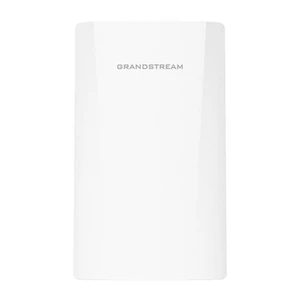
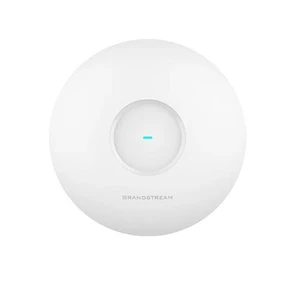
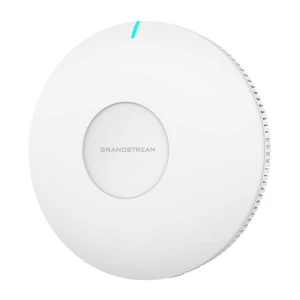

Wireless Access Points extend fast, secure Wi-Fi where routers can’t reach. Browse Newegg’s Wireless AP catalog for indoor ceiling-mount models, outdoor weatherproof units, mesh nodes, and controller-managed enterprise APs. Pair with PoE switches or PoE injectors for clean single-cable installs.
Indoor APs: Low-profile, ceiling/wall mount units optimized for density and roaming in offices, classrooms and hospitality.
Outdoor APs: Rugged, weather-sealed models for campuses, warehouses and venues—see outdoor access points.
Mesh Systems: Easy, scalable whole-home/whole-office coverage with seamless roaming—explore mesh Wi-Fi.
Controller-Managed APs: Centralized configuration, RF tuning, guest portals, and monitoring—shop wireless LAN controllers.
Upgrade to modern standards for capacity and latency: Wi-Fi 6 (802.11ax) boosts efficiency with OFDMA and MU-MIMO, Wi-Fi 6E adds the clean 6 GHz band for lower interference, and emerging Wi-Fi 7 targets multi-gigabit throughput and ultra-low jitter.
For tidy installs, ceiling-mount APs with mounting brackets and keystone jacks keep cabling discrete. Power APs via PoE from a PoE switch or adapter, and use quality Ethernet cables for best performance.
Size your APs by client count and application mix. High-density offices benefit from Wi-Fi 6/6E with OFDMA, while outdoor venues need weatherproof enclosures and directional antennas. For multi-site IT, choose controller-managed APs with centralized updates, guest captive portal and role-based policies.
Shop Wireless Access Points – Explore APs for home, office, and outdoor coverage.
Wireless Routers – Choose routers for fast and secure Wi-Fi networks.
Mesh Wi-Fi Systems – Get whole-home coverage without dead zones.
LAN Switches – Expand your wired network connections.
Wi-Fi 6 fits most offices and homes. Choose 6E if you want the 6 GHz band for lower interference and more channels for high-density or latency-sensitive work.
Start with one per floor and add more for concrete walls or large areas. Mesh systems make expansion simple without running new cables.
Not required, but recommended—PoE powers the AP over Ethernet for cleaner installs and easier placement away from outlets.
“ A very good Wifi 6 AP for the Omada ecosystem ”
TP-Link Omada EAP650-Desktop AX3000 Desktop Wi-Fi 6 Access Point