- Home
- Networking
- Networking Accessories
- Wireless Adapters
Wireless Adapters
- In Stock
- Sold by Newegg
- Make an Offer
- New
- Brands
- Show More
- Price
- Show More
- Type
- Show More
- Wireless Data Rates
- Show More
- Interface
- Show More
- Antenna
- Show More
- Frequency Band
- Show More
- Sold by
- All Top Brands
- Availability
- Condition
- Current Promotion
- Discount
- Useful Links
- Show More
- Customer Ratings
- & up

- Type: Accessories
- Model #: CB01BKA2MOU
- $17.99 –
- More options from $17.99 - $25.98
- Free Shipping

- Type: M.2 Wi-FI Adapter
- Model #: ef0-465330000273310
- $17.99 –
- Free Shipping

- $18.99 –
- Free Shipping

- Type: Accessories
- Model #: CB07MLZ94JY
- $39.95 –
- Free Shipping
- $36.75 - $39.95

- Type: M.2 Wi-FI Adapter
- Model #: 806721-001
- $9.49 –
- $4.99 Shipping

- Type: M.2 Wi-FI Adapter
- Model #: 1JKGC Lot 5
- $69.99 –
- Free Shipping

- Type: Accessories
- Model #: CB008IH948G
- $54.28 –
- Free Shipping

- Part Number: PJ864
- Type: Accessories
- Model #: PJ864+AA
- $9.98 –
- Free Shipping
- $9.18 - $9.98

- Type: Accessories
- Model #: CB00PG88UKS
- $47.23 –
- Free Shipping

- Type: Accessories
- Model #: CB01H1NZIK0
- $30.60 –
- Free Shipping
- $28.15 - $30.60

- Type: Accessories
- Model #: CB00Q6QL9NO
- $39.67 –
- Free Shipping

- Type: Accessories
- Model #: CB01L9T79J0
- $39.30 –
- Free Shipping
- $36.16 - $39.30

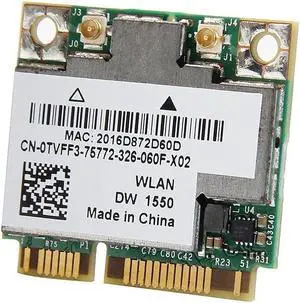
- Type: M.2 Wi-FI Adapter
- Model #: TVFF3
- $49.99 –
- $4.99 Shipping

- Model #: cy-5036
- $26.46 –
- Free Shipping

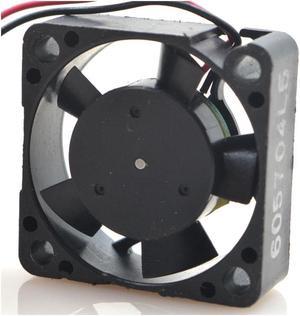
- Type: Case Fan Accessory
- Model #: 300Mbps USB Wifi 1
- $14.58 –
- Free Shipping

- Model #: cy-4972
- $27.95 –
- Free Shipping

- Type: Accessories
- Model #: CB07MQ82RR7
- $84.25 –
- Free Shipping
- $77.51 - $84.25

- Type: Accessories
- Model #: CB07PR83CKD
- $86.35 –
- Free Shipping
- $79.44 - $86.35

- Type: Accessories
- Model #: CB004LNGT5C
- $106.33 –
- Free Shipping
- $97.82 - $106.33

- Type: Accessories
- Model #: CB01GJJXU1Q
- $105.30 –
- Free Shipping
- $96.88 - $105.30

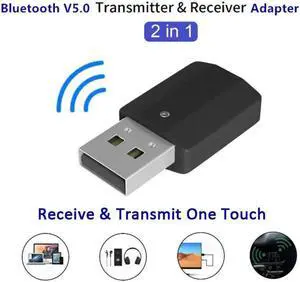
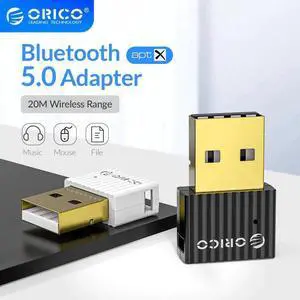
- Type: Bluetooth Adapter
- Color: Black
- Bluetooth: Bluetooth 5.0
- Operating Range: 30 meters
- Model #: 436V8
- $10.94 –
- $5.99 Shipping

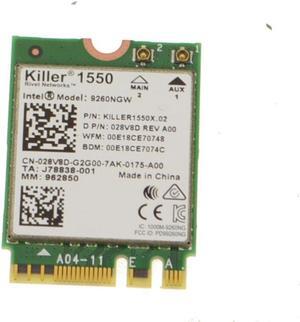
- Brand: Dell
- Type: M.2 Wi-FI Adapter
- Model #: 28V8D
- $20.94 –
- $5.99 Shipping

- Type: Accessories
- Model #: CB017U4CTA2
- $72.61 –
- Free Shipping
- $68.98 - $72.61

- Brand: Dell
- Type: M.2 Wi-FI Adapter
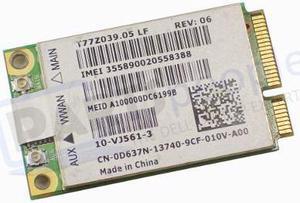
- Model #: D637N
- $10.98 –
- $5.99 Shipping

- Brand: Dell
- Type: M.2 Wi-FI Adapter
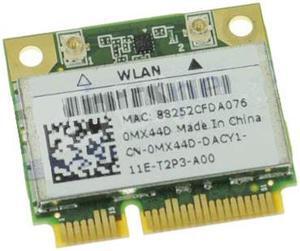
- Model #: MX44D
- $20.94 –
- $5.99 Shipping

- Brand: Dell
- Type: M.2 Wi-FI Adapter
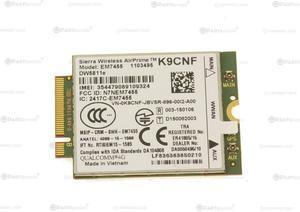
- Model #: K9CNF
- $18.94 –
- $5.99 Shipping

- Model #: INC019BTBK
- $41.02 –
- More options from $41.02 - $52.61
- Free Shipping

- Brand: Dell
- Type: M.2 Wi-FI Adapter
- Model #: FFMD6
- $15.98 –
- $5.99 Shipping

- Brand: Dell
- Type: M.2 Wi-FI Adapter
- Model #: 5VM4C
- $14.94 –
- $5.99 Shipping

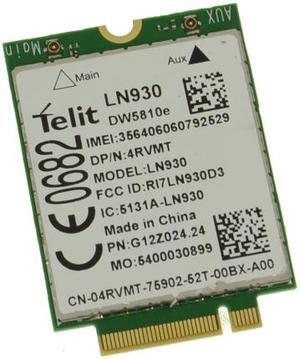
- Brand: Dell
- Type: LTE Adapter
- Model #: 4RVMT
- $20.94 –
- $5.99 Shipping

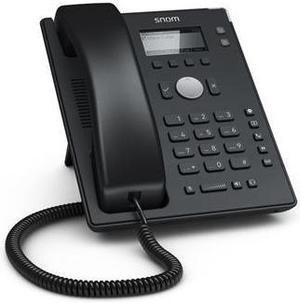
- Type: Bluetooth Adapter
- Bluetooth: Bluetooth 1.2
- Operating Range: 100m
- Features: Wireless communication within radius of 328 Feet (100 Meters) Connect up to 7 different enabled Bluetooth devices Encryption and authentication ensure safe, secure communications Blue LED indicator light Plug and Play
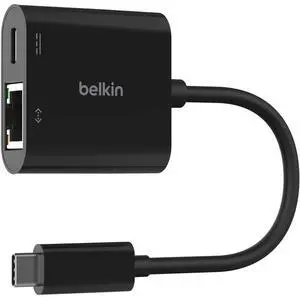
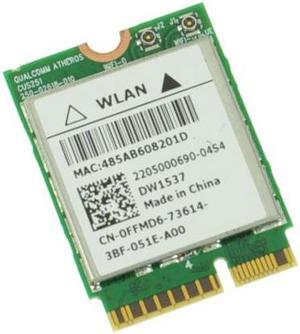
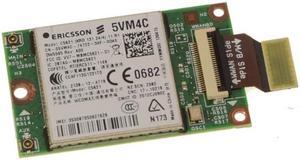
- Model #: SNO-D120
- $69.45 –
- Free Shipping

- Brand: Dell
- Type: M.2 Wi-FI Adapter
- Model #: P065X
- $20.94 –
- $5.99 Shipping

- Brand: DELL
- CPU Type: laptop-computer-replacement-parts
- Model #: A197V1
- $19.94 –
- $5.99 Shipping

- Model #: oo-1476
- $25.46 –
- Free Shipping

- Brand: Dell
- Type: LTE Adapter
- Model #: PN01C
- $25.94 –
- $5.99 Shipping
Learn about Wireless Adapters (USB & PCIe)
Add Fast, Stable Wi-Fi to Any PC
Whether you’re upgrading a desktop or reviving a laptop, Newegg’s Wireless Adapters include plug-and-play USB dongles and high-performance PCIe cards with external antennas. Choose Wi-Fi 6/6E/7 for higher throughput, lower latency, and better efficiency on busy networks.
Popular Adapter Types
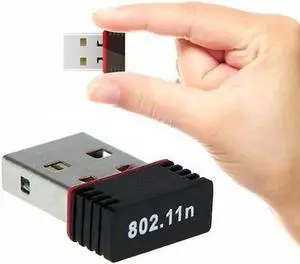
USB Wi-Fi Adapters
Best for laptops and quick installs—no case opening required. Look for USB 3.0/USB-C and compact designs for travel. Browse USB Wi-Fi adapters.
PCIe Wi-Fi Cards
Ideal for desktops and gaming rigs—bigger antennas, stronger radios, and often integrated Bluetooth. See PCIe Wi-Fi cards.
Wi-Fi 6/6E/7 Adapters
Wi-Fi 6 boosts efficiency with OFDMA and MU-MIMO; Wi-Fi 6E opens clean 6 GHz; Wi-Fi 7 adds multi-link operation and wider channels. Explore Wi-Fi 6E and Wi-Fi 7 adapters.
Before You Buy
Match adapter speed to your router—pair with a modern Wi-Fi 6/6E/7 router. Check OS/driver support, USB 3.0 availability for high-throughput dongles, and antenna placement for desktops. For the largest homes, combine with a mesh Wi-Fi system or wired backhaul to access points.
Choosing the Right Wireless Adapter
Form factor: USB for portability; PCIe for peak performance. Bands: Dual-band (2.4/5 GHz) covers most needs; 6 GHz (6E/7) reduces interference. Features: WPA3 security, Bluetooth combo, beamforming, and driver packages for Windows/macOS/Linux. Environment: Avoid USB front ports behind metal cases; use a USB extension cradle or PCIe antennas for a clear line of sight.
Accessories & Tools
Essential Accessories
- Wireless Routers – Unlock full adapter speed and new features.
- Mesh Wi-Fi Systems – Improve roaming and coverage in large homes.
- Access Points – Create strong Wi-Fi where Ethernet is available.
- Cat6/Cat6a Cables – For wired backhaul or AP connections.
- Networking Deals – Save on adapters, routers, and accessories.
Newegg Networking Tools & Promotions
FAQs
USB or PCIe—Which is better?
USB is convenient and portable; PCIe generally delivers stronger radios, better antennas, and lower latency—great for gaming desktops.
Is Wi-Fi 6E/7 worth it?
If you have a compatible router and devices, 6 GHz delivers cleaner spectrum and less congestion. Wi-Fi 7 further improves throughput and responsiveness.
Do I need external antennas?
High-gain external antennas help in challenging layouts or when the PC is under a desk. USB cradles also improve line of sight for small dongles.
How can I lower ping for gaming?
Use 5 GHz/6 GHz bands, enable QoS on your router, and position antennas away from interference. For the most stable latency, consider a wired connection to an access point.
Bestselling Wireless Adapters Reviews:
“ In my opinion, the WAVLINK AX5400 USB 3.0 WiFi Adapter is a reliable solution for anyone looking to upgrade their wireless connectivity. ”
WAVLINK AX5400 USB 3.0 WiFi Adapter, Wi-Fi 6E Tri-band 2.4/5/6GHz Wireless Network Adapter with 4 High Gain 5dBi Antennas, WPA3 for PC, Desktop, Laptop, Supports Windows 10/11