
Your Browsing History

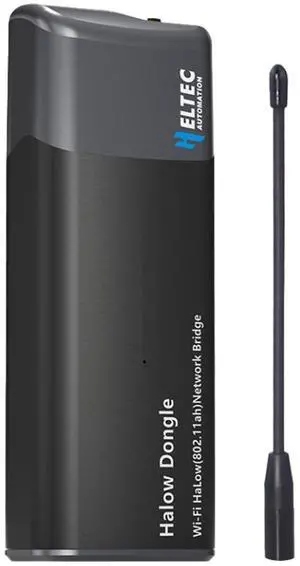

Quick View
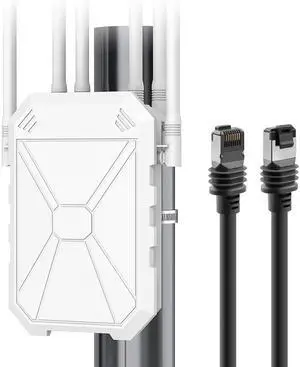
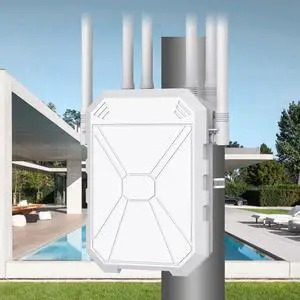
AX1800 Outdoor WiFi 6 Extender & Starlink Gen 3 Cable-125FT/38M
- Model #: 9391048943192
- $329.99 –

Quick View
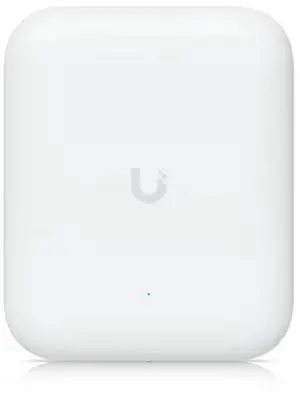
Ubiquiti U7 Pro Tri Band IEEE 802.11n/ac/ax/be/v/r/k 8.60 Gbit/s Wireless Range Extender - Outdoor
- Model #: 9391048970822
- $415.99 –
Quick View
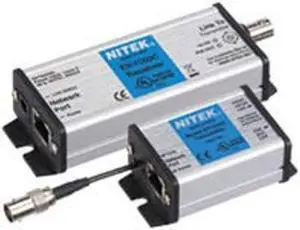
Etherstretch IP Cameras Over Coax Extender EL1500C
- Model #: 9158154880991
- $778.99 –
- $5.99 Shipping

Quick View
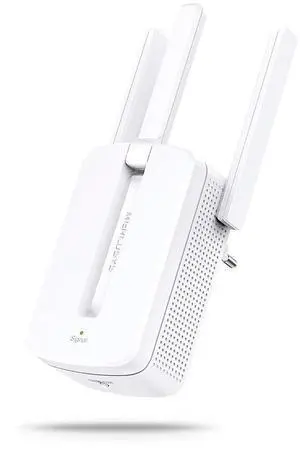
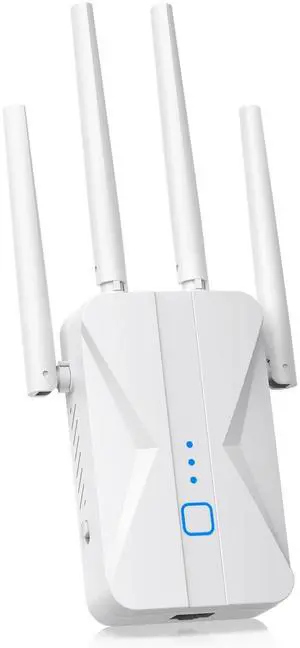
WiFi Extender Signal Booster, 2026 WiFi Extender AC1200Mbps Dual Band (5.8GHz/2.4GHz), WiFi Booster with Ethernet Port for Home Covers up to 10000 Sq.ft, Compatible with More Devices
- Brand: ROQRL
- Part Number: M-97D
- Standards: 802_11_ABGNAC
- Frequency Band: 2.4 GHz, 5 GHz
- Model #: 290539315694
- $67.00 –
- Free Shipping
Quick View
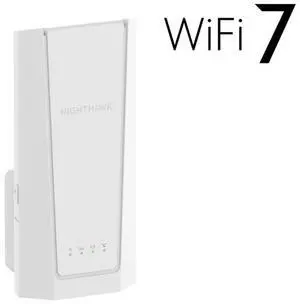
Netgear BE5000 Nighthawk WiFi 7 Dual-Band Extender, EXS27-100NAS
OUT OF STOCK
- Brand: NETGEAR
- Series: EXS27
- Part Number: EXS27-100NAS
- Standards: BE5000 Dual-Band WiFi1 : IEEE® 802.11b/g/n/ax/be 2.4 GHz up to 689 Mbps IEEE 802.11a/n/ac/ax/be 5 GHz up to 4320 Mbps IEEE 802.11k
- Model #: EXS27-100NAS
Quick View

OUT OF STOCK
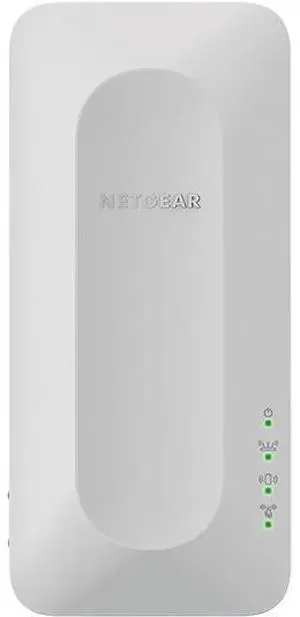
- Brand: NETGEAR
- Standards: IEEE 802.11ax
- Frequency Band: 2.4 GHz / 5.0 GHz
- Wireless Data Rates: Up to 1.8Gbps
- Model #: EAX15-100NAS
Quick View
- $89.99 –
- $5.00 Shipping
Learn about Wireless Range Extenders & Media Bridges
Eliminate Dead Zones the Right Way
A Wi-Fi range extender/repeater relays your existing signal to reach farther rooms, while a media bridge links Ethernet-only devices (PCs, TVs, consoles) to Wi-Fi. If you prefer a single SSID and seamless roaming across the whole home, consider a mesh Wi-Fi system; extenders are a fast, budget-friendly fix for specific dead zones.
Extender vs. Repeater vs. Media Bridge
Range Extender (Repeater): Creates a new wireless hop to increase coverage. Tri-band models reserve a dedicated backhaul to keep speeds high.
Media Bridge (Wireless Bridge): Connects Ethernet devices to Wi-Fi via a wireless link; great for smart TVs, game consoles, and desktops far from the router.
AP Mode: Some extenders can become a wired access point when you run an Ethernet line to the device—best performance and stability.
Key Buying Factors
Bands & Backhaul: Dual-band works for light use; tri-band or Ethernet backhaul prevents bandwidth halving on the relay link.
Roaming & Security: For smoother hand-offs, look for 802.11k/v/r support; choose WPA3 where available.
Ports & Power: One or more Gigabit LAN ports help hard-wire TVs/PCs; PoE isn’t common on extenders—use a nearby outlet or a UPS for uptime.
Placement Tips
Place the extender midway between your router and the weak area—still within a strong signal (2–3 bars). Avoid thick walls/metal, and try a different outlet if speeds dip. For the best results, use Cat6/Cat6a cables for wired backhaul or to run AP mode.
Performance Tip: If you stream 4K or game online, prefer a tri-band extender or a media bridge with Gigabit Ethernet. When possible, pair with a modern Wi-Fi 6/7 router.
Choosing the Best Device for Your Network
Start with your coverage goal and client types. Use a range extender to fix one or two dead spots quickly, a media bridge to wire up non-Wi-Fi devices, or a whole-home mesh kit for consistent roaming across large homes. For offices or multi-floor houses, an Ethernet drop feeding AP mode often outperforms pure repeating.
Accessories & Tools
Essential Accessories
- Wireless Routers – Upgrade the core Wi-Fi and reduce the need for multiple extenders.
- Access Points – Run AP mode with wired backhaul for maximum stability.
- LAN Switches – Add extra Ethernet ports near TVs, consoles, and PCs.
- Cat6/Cat6a Ethernet Cables – Support gigabit and multi-gig backhaul.
- Powerline Adapters – Extend connectivity via electrical wiring when Ethernet pulls are hard.
Newegg Networking Tools & Promotions
Deals & Tools: Looking to save or plan a full setup? See current networking deals for discounts on extenders, bridges, routers, and accessories.
FAQs
Will an extender cut my speed in half?
Single-radio repeaters often share airtime and can reduce throughput. Tri-band extenders or Ethernet backhaul maintain higher speeds.
Mesh system or extender—which should I choose?
Use a mesh kit for whole-home coverage and seamless roaming; choose an extender for quick, targeted fixes to one or two rooms.
Where should I place a range extender?
Halfway between the router and the dead zone, still within good signal (2–3 bars). Avoid thick walls/metal; try another outlet if speeds drop.
Can a media bridge create Wi-Fi?
A media bridge provides Wi-Fi to Ethernet-only devices and doesn’t broadcast a new SSID. To create Wi-Fi, use AP mode or a dedicated access point.
Bestselling Wireless Range Extender/Media Bridge Reviews:
David L.
2/13/2025 10:50:56 AM
Perfect for my needs
“ This device provides wireless to ethernet perfectly in addition to its typical use as a range extender. ”
Netgear AX1600 4-Stream Dual-band WiFi 6 Mesh Extender, 1.6Gbps, Wall-plug, Internal Antenna, EAX12-100NASYufei Y.
5/2/2024 2:49:22 AM
Powerful outdoor wifi extender
“ Very powerful outdoor wifi extender. ”
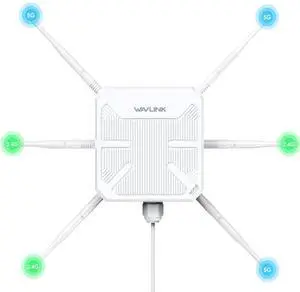
WAVLINK WiFi6 Outdoor WiFi Extender Access Point, Dual Band AX3000 2.4G+5G Long Range Outdoor WiFi Mesh Extender with PoE/4x8dBi High-gain Antennas/IP67 Weatherproof Enclosure/Signal Booster AmplifierAnonymous
8/7/2023 11:01:36 AM
You cannot beat TP-Link
“ as a wifi extender, I highly recommend this product. ”
TP-Link | AC750 WiFi Range Extender - Dual Band Cloud App Control | 2019 Release | Up to 750Mbps | One Button Setup Repeater, Internet Booster, Access Point | Smart Home & Alexa Devices (RE220)