here!
here!
I’m your shopping assistant for PC builds, upgrades, and everything tech.
Got questions? Ask away!
Start a conversation
here!
I’m your shopping assistant for PC builds, upgrades, and everything tech.
Got questions? Ask away!
Start a conversation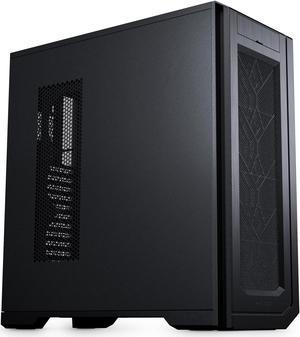
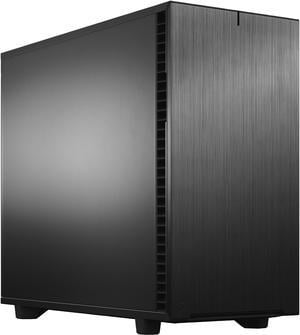
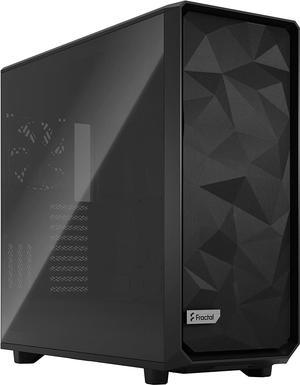
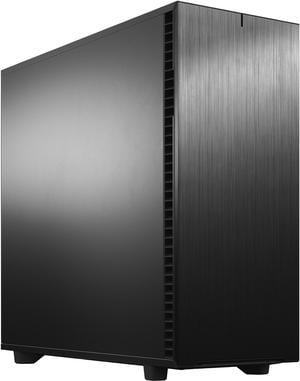
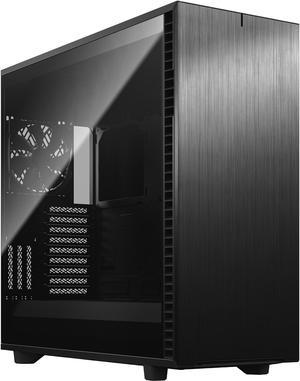
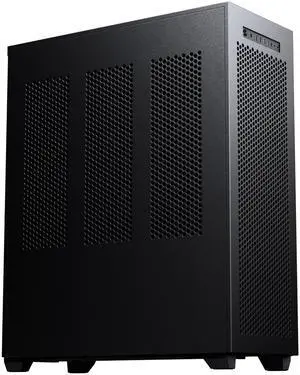
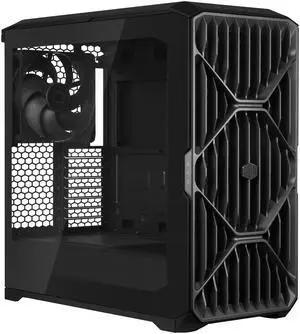
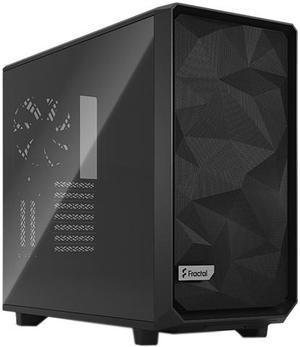
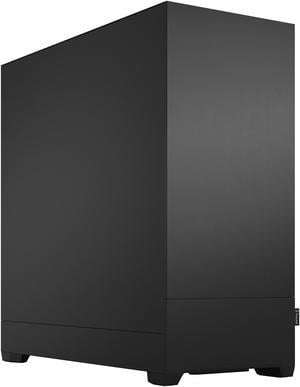
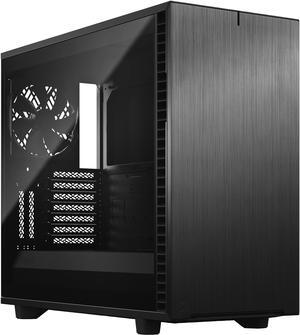
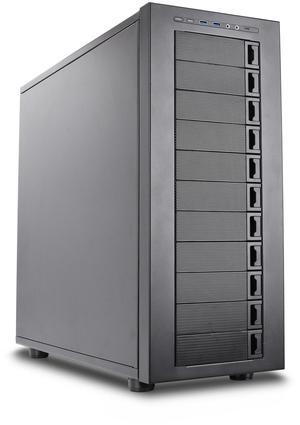
+ $30 off w/ promo code FTTF7835, limited offer
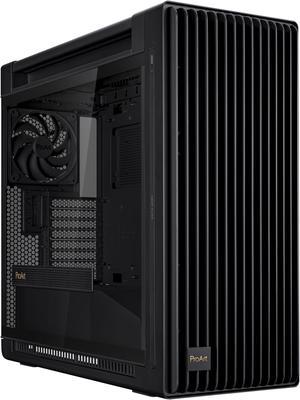
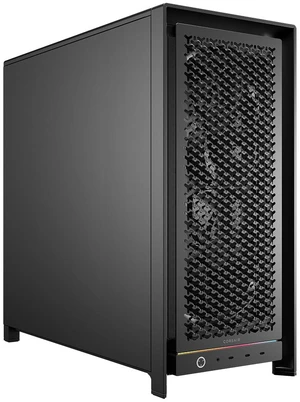

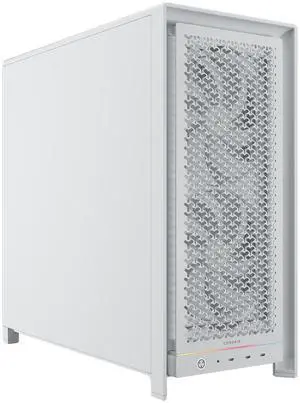

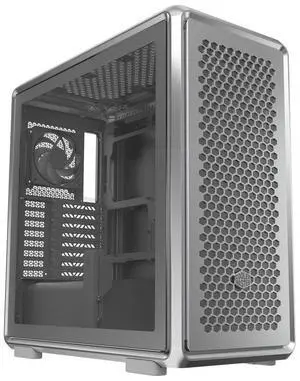

Explore a range of workstation PC cases designed to support high-performance hardware and efficient cooling for demanding professional tasks. This page covers various sizes and features to help you find the right case for your custom workstation build.
When selecting a workstation PC case, focus on these essential elements to balance performance, expandability, and reliability:
For workstation PCs, the case’s cooling capabilities are paramount because sustained high-performance computing generates considerable heat. Workstation cases typically provide advanced airflow channels, support for multiple large-diameter fans, and compatibility with 240mm or larger liquid cooling radiators. Look for cases with strategically placed ventilation, such as front intakes and rear/top exhausts, to create optimal airflow paths. A well-ventilated chassis not only preserves component longevity but also ensures stable performance during continuous heavy workloads, such as 3D rendering or simulation. Additionally, modular fan mounts and dust filters improve thermal management and maintenance ease without sacrificing noise levels.
Professional users often require workstation cases capable of hosting multi-GPU setups or specialized hardware like ECC memory and server-grade Xeon processors. Newegg offers a comprehensive selection of Workstation Components that pair perfectly with robust chassis solutions. These cases provide ample space and cooling support for high-end GPUs like NVIDIA RTX A6000 and offer flexible configurations that can adapt to future upgrades. For those building AI-driven or video editing workstations, exploring AI & Workstation hardware options along with a reliable case can significantly streamline the build process.
Newegg shopping tip: When choosing a workstation case, prioritize size compatibility with your motherboard and ensure there’s enough room for multiple drives and expansion cards. Also, consider airflow and cooling options to keep high-performance components running smoothly under heavy workloads.
Explore expert workstation builds optimized for multi-GPU setups and ECC memory, perfect for CAD and video editing workflows.
Save more on high-end chassis with rebates tailored to pro-grade cooling and spacious drive bays.
Find vetted workstation parts, from Xeon CPUs to ECC RAM modules, designed for 24/7 reliability under heavy compute loads.
Starting your journey into workstation building can feel daunting, but picking the right case is a crucial first step. A workstation case is designed to accommodate professional-grade components that demand better cooling, expandability, and durability than typical consumer PC cases. When you’re new to this category, focus on features like ample internal space for multiple GPUs or large motherboards, efficient airflow to keep temperatures in check during heavy workloads, and sturdy construction that will protect expensive parts. Take a look at the Build Showcases to see how beginners and pros alike optimize their workstation setups with the right chassis.
Creative professionals such as video editors, 3D artists, and graphic designers require a case that can comfortably house high-end GPUs, multiple storage drives, and ample cooling solutions. These users often rely on workstation cases with extensive drive bays for large SSD or HDD arrays and support for water cooling systems to maintain quiet, stable operation during rendering or multi-tasking. The case’s layout should enable easy upgrades and customization to keep pace with evolving project demands. For creatives pushing visual workloads, consider browsing our Workstation Components collection to pair with your case for a smooth build experience.
Data scientists and AI developers require workstation cases that support highly specialized hardware like NVIDIA RTX A6000 GPUs, massive RAM modules, and robust power supplies to handle extended heavy computation. Their cases benefit from optimized thermal designs that keep GPUs and CPUs cool under constant load, preventing throttling and performance drops. Tower cases with superior airflow and modular internal layouts are popular choices, allowing room for expandability and ease of maintenance. If you’re focused on AI workloads, check out the AI & Workstation category for tailored options that meet your high-performance computing needs.
Research more: Choosing the right workstation case means balancing size, cooling options, and expandability to match your hardware needs. For a deeper dive into features and compatibility, check out the Newegg Insider buying guides to help make an informed decision.
Last Updated: October 2026 | Newegg Workstation Case Buying Guide
Workstation cases generally offer better cooling solutions and more expansion slots to handle high-end GPUs, multiple drives, and professional-grade components, unlike standard desktop cases that prioritize basic setups and airflow.
If you frequently upgrade or swap out components, a workstation case with tool-less drive bays can save time and hassle; otherwise, cases with screws offer similar durability at a lower price.
A workstation case is built to handle larger, high-performance components like multiple GPUs, extra cooling options, and advanced storage setups, making it sturdier and more spacious than typical desktop cases.
Most workstation cases support standard ATX and often larger form factors such as E-ATX or XL-ATX, so they provide flexibility for various motherboard sizes depending on the model.
Look at the motherboard compatibility and the number of drives or components you plan to install. Bigger cases offer more expansion options but can take up more space on your desk.
It depends on your needs—higher-end cases usually have better build quality, cooling options, and cable management which can improve performance and maintenance if you’re running heavy workloads.
Workstation cases are usually made with durable materials to handle heavy components and long hours of use, so they rarely need replacing unless you upgrade to a significantly different setup.
Keep an eye out for issues like poor airflow, difficult cable management, or compatibility problems with larger GPUs and coolers, as these are the most frequent complaints from users.
Start by positioning the power supply and fans to create a clear path for air to flow from front to back or bottom to top. Avoid blocking vents with large components and use cable management options to keep wires tidy and out of the airflow path.
Measure your motherboard size, GPU length, and cooler height, then compare those dimensions with the case specs. Also, ensure the case has enough bays and slots for your drives and expansion cards before making a purchase.
“ Great airflow ”
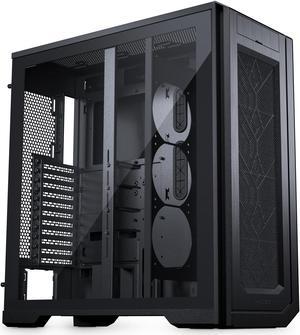
Phanteks Enthoo Pro 2 Server Edition – SSI-EEB Motherboard support, 11-PCI slots, 15x fan positions, Tempered Glass Side Panel, Black“ Moved from ITX to this monster and the airflow is next level. ”
Cooler Master HAF II 500 ATX PC Case, High Airflow Dual 220mm + 180mm Fans, 430mm Graphics Cards Support, 360mm AIO Support, ATX Motherboards, 4 Dual-Slot GPUs, Dedicated GPU Airflow, AI Workstation“ If you are looking for cooling performance you will not find anything better. ”
Cooler Master HAF II 500 ATX PC Case, High Airflow Dual 220mm + 180mm Fans, 430mm Graphics Cards Support, 360mm AIO Support, ATX Motherboards, 4 Dual-Slot GPUs, Dedicated GPU Airflow, AI Workstation“ Can fit large fans on Front and top and medium sized fans on sides and rear which gives this case super airflow capacity. ”
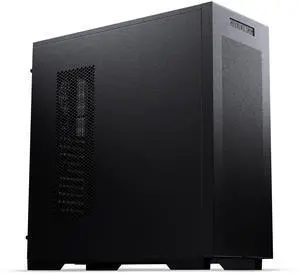
Phanteks Enthoo Pro 2 Server Edition – SSI-EEB Motherboard support, 11-PCI slots, 15x fan positions, Closed Panel with Mesh, Black“ I choose Fractal Design cases for the noise reduction they have as well, this one is the quietest yet. ”
Fractal Design Define 7 Black Brushed Aluminum / Steel E-ATX Silent Modular Dark Tinted Tempered Glass Window Mid Tower Computer Case“ Love the way it all comes apart to work on. ”
Fractal Design Meshify 2 Black ATX Flexible Mid Tower Computer Case“ If you really want a nice silent case, with ample room for everything... this is it. ”
Fractal Design Pop XL Silent Black ATX Sound Damped Solid Panel Full Tower Computer Case“ the dust filters are wonderful, and very easy to clean. ”
Fractal Design Define 7 XL Black Brushed Aluminum / Steel E-ATX Silent Modular Full Tower Computer Case