- Home
- Components & Storage
- GPU & Video Graphics Device
- Workstation Graphics Cards
Workstation Graphics Cards
- In Stock
- Sold by Newegg
- AI Ready
- Make an Offer
- New
- Combo Deals Only
- Brands
- Show More
- Price
- Show More
- GPU
- Show More
- Chipset Manufacturer
- Interface
- Show More
- Memory Size
- Show More
- DisplayPort
- Thunderbolt
- Memory Interface
- Show More
- Memory Type
- Show More
- Sold by
- OpenGL
- Show More
- DirectX
- Show More
- Stream Processors
- Show More
- DVI
- Operating Systems Supported
- Ray Tracing Support
- Tensor Cores
- Power Consumption
- Show More
- Max GPU Length
- Show More
- Slot Width
- All Top Brands
- Availability
- Condition
- Useful Links
- Show More
- Customer Ratings
- & up
Shop By Scenario
AI Development & Coding
20–24 GB covers the models most day-to-day dev work touches. VRAM can’t be added later, so if you expect to outgrow 24 GB, start at 32.
PNYRTX A4500 20GB ECC
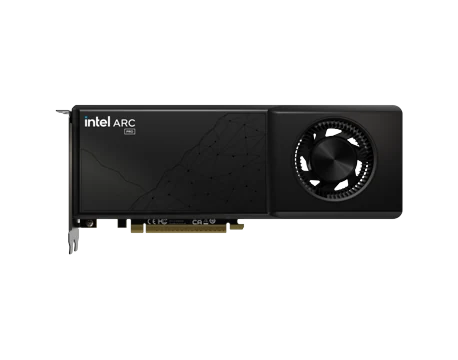
ARKNArc Pro B60 24GB
Shop 20 – 24 GB cards
LLM Fine-Tuning & Training
Fine-tuning is bounded by memory, not speed — buy the largest single card you can. Two smaller cards need x16/x16 and a 7-slot chassis.
RTX PRO 6000 Blackwell 96GB ECC
PNYRTX PRO 5000 72GB GDDR7
Shop 72 – 96 GB cards

Private Local Inference
32 GB serves one model with room left for context. For a service that runs non-stop, check the card’s ECC support — not every model lists it.
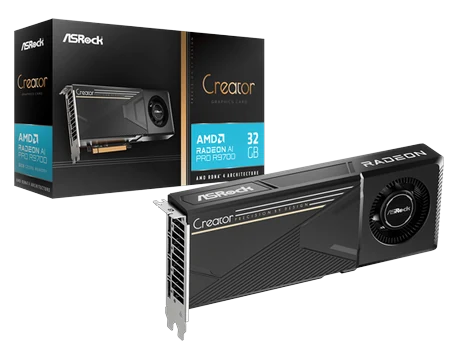
ASROCKCreator Radeon AI Pro R9700 32GB
RTX PRO 4500 Blackwell 32GB ECC
Shop 32 GB cards

Data Science & Analytics
Dataset size sets the bar here, not model size — 24–32 GB plus plenty of host RAM usually beats spending up for a bigger GPU.
ARKNArc Pro B60 24GB
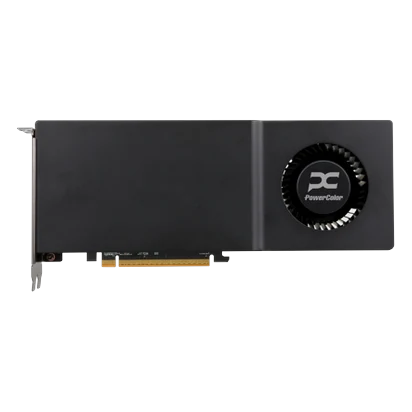
POWERCOLORRadeon AI Pro R9700 32GB
Shop 24 – 32 GB cards
Content Creation & Rendering
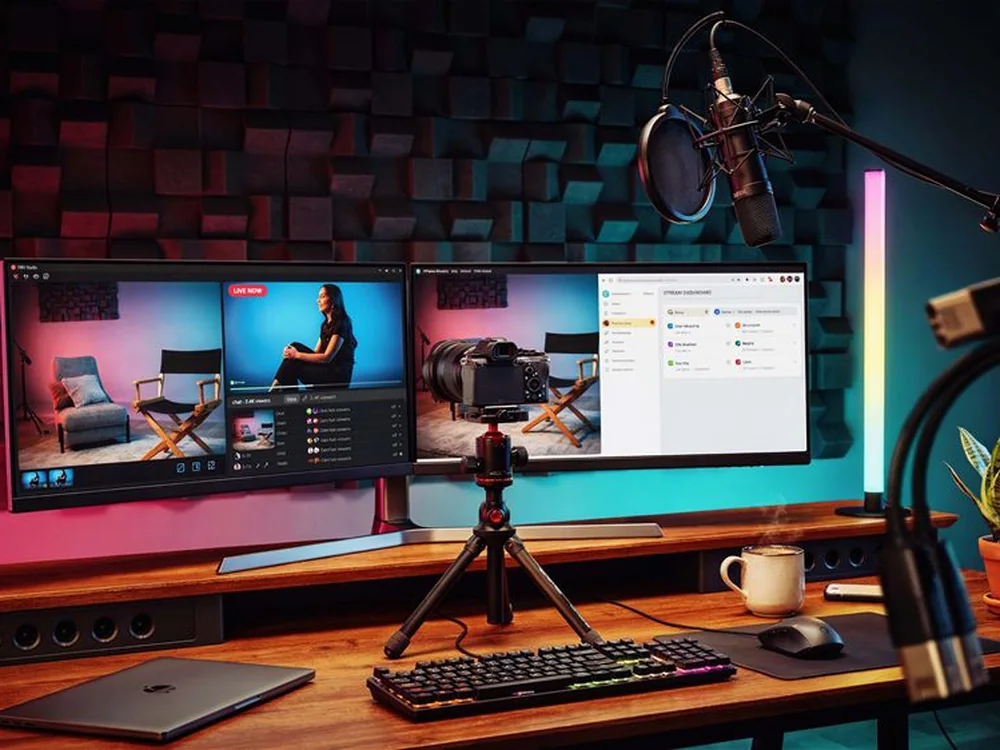
24–32 GB covers high-resolution timelines and rendering. Check display-output count and the video encoder — they vary card to card.
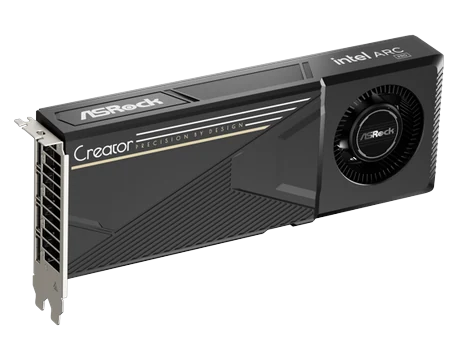
ASROCKArc Pro B60 CT 24GB
ASUSTURBO Radeon AI Pro R9700 32GB
Shop 24 – 32 GB cards
Research & Engineering
Size to your largest model or mesh, and confirm ISV certification for your solver. If it’s FP64-bound, a compute accelerator will beat any workstation card.
RTX PRO 4500 Blackwell 32GB ECC
PNYRTX PRO 5000 72GB GDDR7
Shop 32 – 96 GB cards
Shop By Memory Size
View all in list viewShop By Brand
All brand stores
- Brand: PNY
- Interface: PCI Express 3.0 x16
- Chipset Manufacturer: NVIDIA
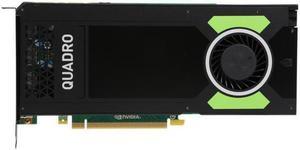
- GPU: Quadro M4000
- Model #: B-Quadro M4000
- $179.00 –
- Free Shipping

- Brand: PNY
- Interface: PCI Express 3.0 x16
- Chipset Manufacturer: NVIDIA
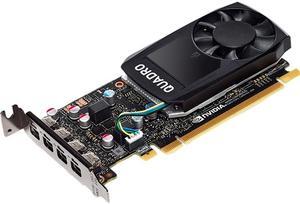
- GPU: Quadro P620
- Model #: VCQP620V2-PB
- $99.00 –
- More options from $64.99 - $179.76
- Free Shipping

- Brand: PNY
- Interface: PCI Express 2.0 x16
- Chipset Manufacturer: NVIDIA
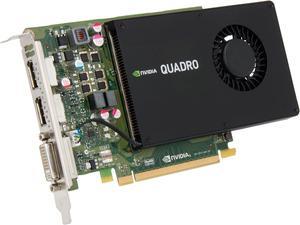
- GPU: Quadro K2200
- Model #: VCQK2200-PB
- $127.00 –
- More options from $69.99 - $179.99
- Free Shipping

- Brand: PNY
- Interface: PCI Express 2.0 x16
- Chipset Manufacturer: NVIDIA
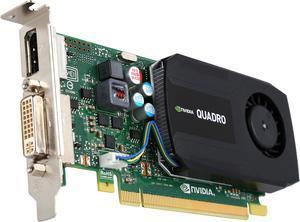
- GPU: Quadro K420
- Model #: VCQK420-2GB-PB
- $89.99 –
- More options from $89.99 - $150.00
- Free Shipping

- Memory Type: GDDR5
- Model #: TCSP40M-24GB-PB
- $411.84 –
- More options from $409.99 - $469.00
- Free Shipping

- Brand: PNY
- Series: NVS
- Interface: PCI Express 2.0 x16
- Chipset Manufacturer: NVIDIA
- Model #: VCNVS315DVI-PB
- $59.00 –
- More options from $55.00 - $59.00
- Free Shipping

- Brand: PNY
- Interface: PCI Express 3.0 x16
- Chipset Manufacturer: NVIDIA
- GPU: Quadro M2000
- Model #: VCQM2000-PB
- $125.00 –
- More options from $97.99 - $125.00
- Free Shipping

- Brand: AMD
- Interface: PCI Express 4.0 x16
- Chipset Manufacturer: AMD
- GPU: Radeon Pro W7800
- Model #: 100-300000075
- $2,421.95
- $2,370.41 –
- More options from $2,330.99 - $3,435.00
- Free Shipping

- Brand: PNY
- Interface: PCI Express 2.0 x16
- Chipset Manufacturer: NVIDIA
- GPU: Quadro K1200
- Model #: VCQK1200DP-PB
- $139.00 –
- More options from $79.99 - $139.00
- Free Shipping

- Brand: AMD
- Interface: PCI-Express x16 (x8 Electrical)
- Chipset Manufacturer: AMD
- GPU: Radeon Pro WX 3100
- Model #: 100-505999
- $149.00 –
- More options from $149.00
- Free Shipping

- Brand: PNY
- Interface: PCI Express 3.0 x16
- Chipset Manufacturer: NVIDIA
- GPU: Quadro P1000
- Model #: VCQP1000-PB
- $130.00 –
- More options from $129.95 - $143.00
- Free Shipping

- Brand: NVIDIA
- Memory Type: Computer Accessories
- Model #: 900-5G172-2540-000
- $272.92 –
- More options from $272.92 - $359.99
- Free Shipping

- Brand: NVIDIA
- Interface: PCI Express 2.0 x16
- Chipset Manufacturer: NVIDIA
- GPU: GK110
- Model #: 900-22081-2220-000
- $188.49
- $179.00 –
- Save: 5%
- Free Shipping

- Brand: PNY
- Interface: PCI Express 3.0 x16
- Chipset Manufacturer: NVIDIA
- GPU: Quadro K5200
- Model #: VCQK5200-PB
- $190.00 –
- More options from $159.43 - $250.00
- Free Shipping

- Brand: AMD
- Interface: PCI Express 4.0 x8
- Chipset Manufacturer: AMD
- GPU: Radeon Pro W7600
- Model #: 100-300000077
- $628.56 –
- More options from $628.56 - $786.99
- Free Shipping

- Brand: PNY
- Interface: PCI Express 2.0 x16
- Chipset Manufacturer: NVIDIA
- GPU: Quadro 2000
- Model #: VCQ2000-PB
- $153.00 –
- More options from $38.99 - $153.00
- Free Shipping

- Brand: PNY
- Interface: PCI Express 2.0 x16
- Chipset Manufacturer: NVIDIA
- GPU: Quadro K1200
- Model #: VCQK1200DVI-PB
- $149.00
- $139.00 –
- Save: 6%
- More options from $108.23 - $249.00
- Free Shipping

- Brand: PNY
- Interface: PCI Express 3.0 x16
- Chipset Manufacturer: NVIDIA
- GPU: Quadro M5000
- Model #: VCQM5000-PB
- $310.00 –
- More options from $279.12 - $310.00
- Free Shipping

- Brand: PNY
- Interface: PCI Express 4.0 x16
- Chipset Manufacturer: NVIDIA
- GPU: RTX A2000
- Model #: VCNRTXA2000-PB
- $599.00 –
- More options from $599.00 - $768.00
- Free Shipping

- Brand: PNY
- Interface: PCI Express 2.0 x16
- Chipset Manufacturer: NVIDIA
- GPU: Quadro K4200
- Model #: VCQK4200-PB
- $149.00 –
- More options from $148.23 - $395.00
- Free Shipping

- Brand: PNY
- Interface: PCI Express 3.0 x16
- Chipset Manufacturer: NVIDIA
- GPU: NVS 810
- Model #: VCNVS810DP-PB
- $899.99
- $498.00 –
- Save: 44%
- More options from $439.99 - $536.35
- Free Shipping

- Brand: PNY
- Interface: PCI Express 3.0 x16
- Chipset Manufacturer: NVIDIA
- GPU: Quadro P600
- Model #: VCQP600-PB
- $92.85 –
- More options from $92.85 - $99.00
- Free Shipping

- Brand: PNY
- Interface: PCI Express 3.0 x16
- Chipset Manufacturer: NVIDIA
- GPU: Quadro M6000
- Model #: VCQM6000-24GB-PB
- $639.00 –
- More options from $639.00 - $699.00
- Free Shipping

- Brand: PNY
- Interface: PCI Express 2.0 x16
- Chipset Manufacturer: NVIDIA
- GPU: Quadro 4000
- Model #: VCQ4000-PB
- $159.00 –
- Free Shipping

- Brand: NVIDIA
- Interface: PCI Express 2.0 x16
- Chipset Manufacturer: NVIDIA
- GPU: Quadro K4000
- Model #: VCQK4000-PB
- $119.99 –
- More options from $119.00 - $220.00
- Free Shipping

- Brand: PNY
- Interface: PCI Express 2.0 x16
- Chipset Manufacturer: NVIDIA
- GPU: Quadro FX 580
- Model #: VCQFX580-PCIE-PB
- $129.00 –
- More options from $129.00 - $135.00
- Free Shipping

- Brand: PNY
- Interface: PCI Express 2.0 x16
- Chipset Manufacturer: NVIDIA
- GPU: Quadro NVS 295
- Model #: VCQ295NVS-X16-DVI-PB
- $43.00 –
- Free Shipping

- Brand: PNY
- Interface: PCI Express x1
- Chipset Manufacturer: NVIDIA
- GPU: Quadro NVS 420
- Model #: VCQ420NVS-X1-DVI-PB
- $176.00 –
- Free Shipping

- Brand: PNY
- Interface: PCI Express x16
- Chipset Manufacturer: NVIDIA
- GPU: Quadro NVS 300
- Model #: VCNVS300X16-PB
- $49.00 –
- More options from $49.00 - $99.00
- Free Shipping

- Brand: PNY
- Interface: PCI Express 2.0 x16
- Chipset Manufacturer: NVIDIA
- GPU: Quadro K5000
- Model #: VCQK5000-PB
- $199.00 –
- Free Shipping

- Brand: PNY
- Interface: PCI Express 2.0 x16
- Chipset Manufacturer: NVIDIA
- GPU: Quadro FX 1800
- Model #: VCQFX1800-PCIE-PB
- $158.00 –
- Free Shipping

- Brand: PNY
- Interface: PCI Express 3.0 x16
- Chipset Manufacturer: NVIDIA
- GPU: Quadro RTX 5000
- Model #: VCQRTX5000-PB
- $775.00 –
- More options from $692.02 - $775.00
- Free Shipping

- Brand: PNY
- Interface: PCI Express x16
- Chipset Manufacturer: NVIDIA
- GPU: Quadro NVS 450
- Model #: VCQ450NVS-X16-DVI-PB
- $155.00 –
- Free Shipping

- Brand: PNY
- Series: OEM Version, No box
- Interface: PCI Express 3.0 x16
- Chipset Manufacturer: NVIDIA
- Model #: VCQP5000-PB
- $495.00 –
- Free Shipping

- Brand: PNY
- Interface: PCI Express 3.0 x16
- Chipset Manufacturer: NVIDIA
- GPU: Quadro P1000
- Model #: VCQP1000-PB
- $120.00 –
- More options from $120.00 - $239.00
- Free Shipping

- Brand: PNY
- Interface: PCI Express 2.0 x16
- Chipset Manufacturer: NVIDIA
- GPU: Quadro 2000D
- Model #: VCQ2000D-PB
- $177.00 –
- More options from $175.00 - $177.00
- Free Shipping
Workstation Graphics Cards for CAD, 3D Modeling & Professional Use
Discover top-tier NVIDIA RTX A-series and AMD Radeon PRO workstation GPUs designed for CAD, video editing, and scientific visualization. Explore Black November deals and Black Friday deals on professional graphics cards to power your creative and technical workflows this holiday season.
How to Choose Workstation Graphics Cards
Key Features and Technologies to Consider in Workstation Graphics Cards
Choosing a workstation graphics card involves balancing several critical factors to fit your specific CAD, 3D modeling, and scientific visualization workloads. Keep an eye on these features:
- VRAM Capacity: Larger video memory allows smoother handling of complex models and high-resolution textures common in professional projects.
- CUDA Cores and Ray Tracing Support: Important for accelerated rendering and simulations, especially if your applications leverage NVIDIA’s RTX technology.
- Driver Optimization: Workstation GPUs typically offer certified drivers tailored for software stability and performance in programs like Autodesk, SolidWorks, and Adobe suites.
- Multi-Display and High-Resolution Support: Essential if your workflow requires multiple monitors or ultra-high definition displays.
- Thermal and Power Efficiency: Consider cards that maintain performance without excessive heat or power draw, critical in extended project sessions.
- Compatibility and Connectivity: Ensure the GPU fits your workstation’s motherboard, case, and power supply constraints.
Why VRAM Capacity Is the Most Crucial Specification for Workstation GPUs
Among all specs, VRAM size dictates how well a workstation GPU manages large files, complex materials, and high polygon counts. For engineers and designers working with 3D modeling or detailed CAD assemblies, having ample VRAM minimizes lag and prevents crashes. Professional applications routinely load massive texture datasets and require fast buffer swapping, making VRAM a significant bottleneck if undersized.
Workstation cards like those in NVIDIA’s RTX A-series and AMD Radeon PRO lines provide options with tailored VRAM sizes. Depending on your workload intensity, you might want to shop 20 – 24 GB cards for robust mid-level projects or even larger capacities for ultra-heavy datasets. During the Black November deals, upgrading VRAM can be a smart move to future-proof your workstation against growing project demands.
Advanced Professional Uses: Optimizing for AI, Rendering, and Data Science
For users diving into AI-driven design workflows or scientific visualization, workstation GPUs now bridge traditional CAD tasks with machine learning acceleration. Leveraging GPUs with CUDA and Tensor Cores unlocks rapid deep learning experimental cycles, ideal for professionals focusing on AI Development & Coding.
Meanwhile, rendering-heavy workflows benefit from cards optimized for ray tracing and complex shader calculations within the Content Creation & Rendering category. For data scientists and analysts pushing GPU-accelerated simulations and statistical models, choices in the Data Science & Analytics pack help scale calculations efficiently.
Taking advantage of Black Friday deals on workstation graphics cards can let professionals upgrade to these cutting-edge capabilities without postponing critical research and development efforts.
Performance and Setup Tips
- Ensure your workstation power supply can handle the power draw of your new GPU, accounting for peak loads during rendering or simulations.
- Update to the latest certified drivers from the manufacturer to guarantee stability and compatibility with your primary software.
- Plan adequate case airflow and cooling to maintain consistent performance during extended use sessions.
- Configure multi-display setups directly through your GPU control panel for optimized workspace productivity.
- Periodically monitor GPU temperature and load using diagnostic tools to prevent thermal throttling.
- Leverage software-specific GPU acceleration settings, such as CUDA or OpenCL options, tailored for your CAD or modeling programs.
- Consider complementary upgrades such as faster storage or additional RAM alongside your GPU to eliminate other bottlenecks.
- During Black November deals, look for bundles or combos that include workstation-optimized GPUs to maximize value and system synergy.
Newegg shopping tip: When choosing a workstation graphics card, compare the amount of VRAM and driver support tailored for your specific software, like CAD or 3D modeling tools. These factors often impact performance more than raw clock speed. Keep an eye out for Black November deals and Black Friday deals to find options that fit your budget.
Explore Workstation Graphics Cards & Related Categories
Explore GPUs built on the latest Ampere and Ada Lovelace architectures, optimized for complex 3D modeling, CAD, and multi-display setups.
Ideal for AI coders using CUDA and Tensor Cores to accelerate deep learning experiments directly on your workstation.
Find powerhouse cards with 20-24 GB VRAM, perfect for mid-level 3D workflows and heavy texture maps without bottlenecks.
Choosing Your First Workstation Graphics Card
If you’re new to workstation graphics cards, start by understanding your primary tasks—are you focused on CAD drafting, 3D modeling, or video editing? Workstation GPUs differ from gaming cards by offering enhanced reliability, certified drivers, and optimized performance for professional software. For beginners, NVIDIA’s RTX A-series and AMD Radeon PRO lines provide great entry points with support for complex modeling, ray tracing, and multi-display workflows. To explore a wide range of these specialized GPUs, check out this GPU & Video Graphics Device selection and keep an eye on Black November deals to find quality options that fit your setup.
Workstation GPUs for CAD & 3D Modeling Professionals
Engineers, architects, and 3D artists require GPUs that deliver precision and stability under demanding workloads. Workstation graphics cards designed for CAD and 3D modeling excel at rendering detailed models and complex simulations with smooth viewport performance and error-free outputs. NVIDIA RTX A-series cards, for example, combine optimized CUDA cores with certified drivers to accelerate workflows in software like AutoCAD, Revit, and SolidWorks. During the holiday season, Black Friday deals on workstation graphics cards can help professionals upgrade to higher VRAM models for larger assemblies or intricate textures, improving overall efficiency.
Video Editors and Content Creators Using Professional GPUs
For video editors and content creators, workstation graphics cards provide enhanced color accuracy, faster video encoding, and support for multi-GPU rendering pipelines. Radeon PRO and RTX Pro cards offer the dedicated hardware and driver certifications needed to ensure smooth editing of high-resolution footage and real-time effects. These cards also support optimized CUDA cores and dedicated ray tracing for rendering visual effects and animations. If your workflow involves heavy rendering or 3D content creation, explore Content Creation & Rendering options now, and watch for competitive Black November deals that can stretch your budget while maximizing your creative power.
Before You Buy
- Confirm your workstation software compatibility with the GPU’s certified drivers (e.g., NVIDIA RTX A-series for Autodesk or AMD Radeon PRO for SolidWorks).
- Determine the VRAM capacity required—higher VRAM is essential for complex models, large textures, or multi-display setups; consider options like Shop 20 – 24 GB cards or larger.
- Evaluate your workstation’s power supply and cooling system to ensure it supports the chosen GPU’s requirements.
- Check for multi-GPU support if your workloads demand large-scale rendering or simulations, and explore cards capable of NVLink scaling.
- Compare Black Friday deals on workstation graphics cards to secure a professional GPU that balances performance, reliability, and budget for your specific use case.
Research more: If you’re choosing a workstation graphics card for CAD or 3D modeling, consider your specific software’s compatibility with professional GPUs like NVIDIA RTX A-series or AMD Radeon PRO. For a deeper dive into performance and features, Newegg Insider buying guides offer detailed insights to help you make informed decisions during the Black November deals and Black Friday deals season.
Last Updated: November 2026 | Newegg Workstation Graphics Cards Buying Guide
Workstation Graphics Cards FAQs:
How do Nvidia Quadro cards compare to AMD Radeon Pro cards for 3D modeling and rendering tasks?
Nvidia Quadro cards generally offer better performance in 3D modeling and rendering thanks to more advanced driver optimizations and broader software support, but AMD Radeon Pro cards can provide competitive power at a lower price point, especially for certain CAD applications.
Is it better to get a higher VRAM workstation GPU or a faster core clock speed for video editing workflows?
For video editing, having more VRAM usually benefits handling large files and higher resolution timelines, while faster core clock speeds improve real-time effects processing; ideally, balance these based on your specific editing software and project demands.
What makes workstation graphics cards different from gaming GPUs?
Workstation graphics cards are built to handle professional applications like 3D modeling and CAD, offering more precise calculations and better driver support for software stability rather than just raw gaming performance.
Can workstation graphics cards improve rendering times in design software?
Yes, these cards are optimized for tasks like 3D rendering and video editing, which can significantly speed up workflows compared to standard graphics cards.
What should I look for in a workstation graphics card if I do 3D rendering and animation?
Focus on cards that prioritize double-precision performance and have plenty of VRAM, since those features speed up rendering tasks and handle complex scenes better.
Is it worth spending more on a high-end workstation GPU if I mostly work with CAD models and basic video editing?
Not necessarily; mid-range workstation cards can handle CAD and light editing smoothly, so you can save money unless your projects demand extreme precision or large datasets.
How reliable are workstation graphics cards compared to gaming GPUs?
Workstation graphics cards are built for stability and long-term use with professional software, so they tend to be more reliable for tasks like 3D rendering and CAD. They undergo stricter testing to handle heavy workloads without crashing.
What should I watch for in reviews to avoid common problems with workstation GPUs?
Pay close attention to feedback about driver stability and software compatibility since those can make or break performance in professional apps. Also, look for comments on thermal performance and quiet operation to avoid overheating or distracting noise during intense work sessions.
How do I install a workstation graphics card into my PC for the first time?
Power down your computer and unplug it. Open the case, remove the existing card if needed, then firmly slot the new workstation GPU into the PCIe x16 slot. Secure it with screws, reconnect power cables, close the case, and install the latest drivers from the manufacturer’s website after booting up.
What’s the best way to optimize my workstation graphics card for 3D rendering tasks?
Make sure your drivers are up to date and check your rendering software settings to enable GPU acceleration. Adjust power and performance profiles in the GPU control panel to prioritize stability and consistent output rather than gaming-style performance boosts.
Bestselling Workstation Graphics Cards Reviews:
“ Serious workstation capability for demanding projects. ”
NVIDIA RTX PRO 6000 Blackwell Workstation Edition,NVIDIA Blackwell Architecture, 4 x Display Port 2.1, 96 GB GDDR7 with ECC, 24,064 CUDA Cores, PCI Express 5.0 x16, Max Power Consumption 600W“ Workstation grade radial cooler for long life and teardown verified quality thermal compounds instead of the cheap stuff. ”
Intel Arc Pro B70 32GB 256-bit GDDR6 PCI Express 5.0 x16, 32 Ray Tracing Units, 32 Xe Cores, AI and Workstation Graphics Card“ Performance is great in all aspects for a workstation card. ”
ASRock B70 Intel Arc Pro B70 CT 32GB 256-bit GDDR6 PCI Express 5.0 x16 Graphics Card“ great for a workstation application ”
AMD Radeon Pro W7500 100-300000078 8GB 128-bit GDDR6 PCI Express 4.0 x8 Graphics Card