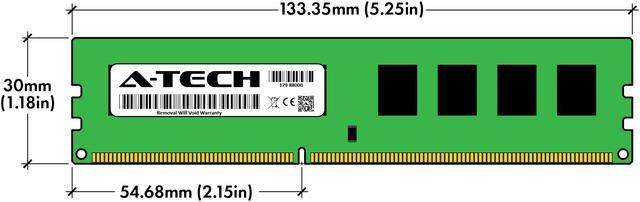
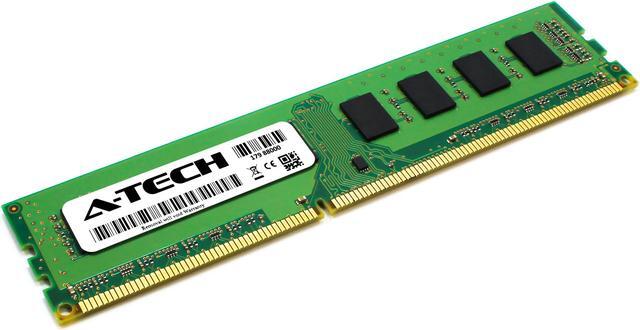
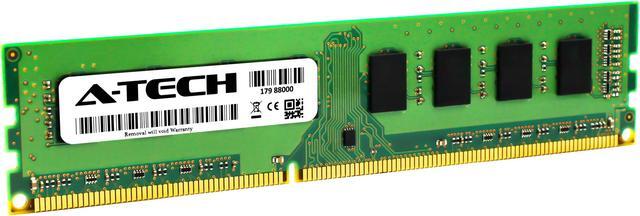
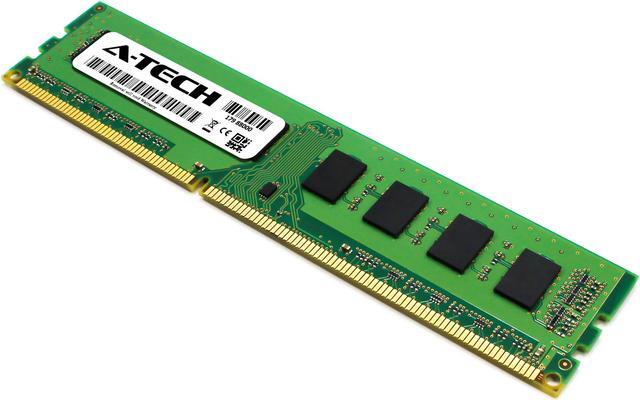
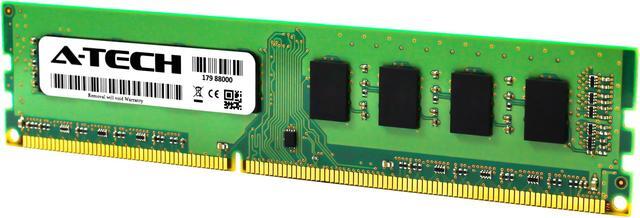
The A-Tech 16GB (2×8GB) DDR3-1333 desktop memory kit is a 240-pin, 1.5V, non-ECC unbuffered UDIMM upgrade for compatible DDR3 desktop computers that support PC3-10600 memory.
Recommended For
- Owners of a compatible DDR3 desktop with less memory than they need who want to replace or expand it to 16GB for everyday multitasking, such as keeping more browser tabs and office apps open.
- People keeping an older DDR3 desktop in service for document editing, web browsing, and basic office work, provided the computer supports 8GB modules and 16GB total.
- Repairers or refurbishers maintaining older desktops that specifically require 240-pin DDR3, non-ECC, unbuffered DIMMs and can use a matched 2×8GB kit.
- Users upgrading an older desktop from 4GB or 8GB to 16GB because their current workload is running short on memory—not users expecting a RAM swap alone to fix every cause of a slow PC.
Real-World Use Scenarios
- On a compatible DDR3 desktop that has 8GB and slows down with many browser tabs and office apps open, moving to 16GB gives those programs more room to run together and may reduce slowdowns caused by memory pressure.
- For home-office work—such as keeping email, documents, a browser, and a video or music app open together—the 16GB kit can provide useful headroom on an older PC if its current memory use is near capacity; it won’t speed up a system limited by its processor or storage.
- When editing photos on an older desktop while keeping other programs open, 16GB can reduce memory pressure compared with 8GB for larger or more layered projects; it does not guarantee faster editing if the processor or graphics hardware is the limiting factor.
- For older PC games played alongside a browser or chat app, 16GB can leave more memory available for background tasks when 8GB is being exhausted; memory capacity alone should not be expected to increase game frame rates.




 here!