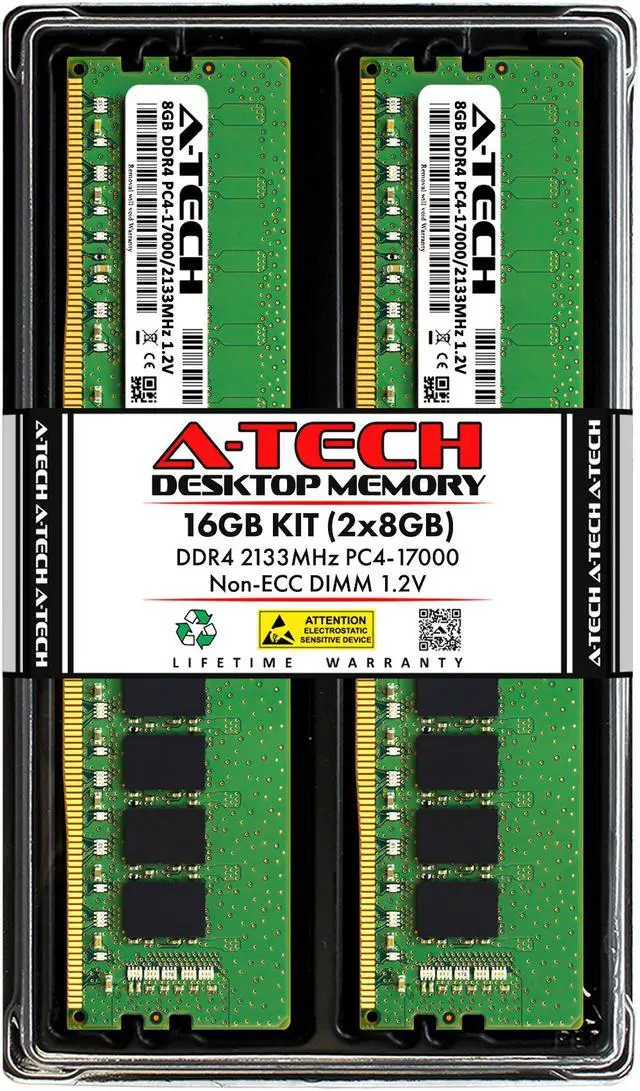
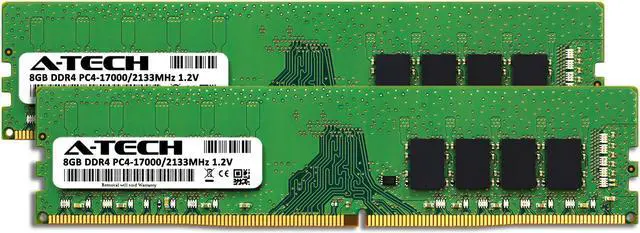
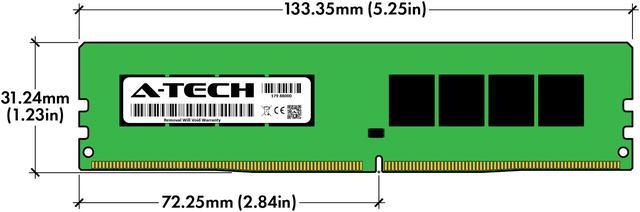
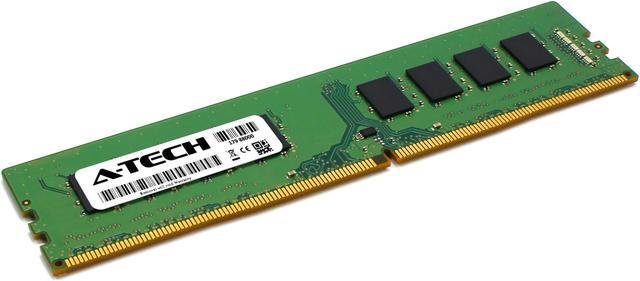
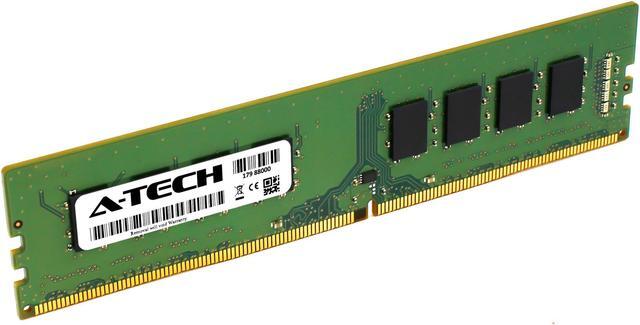
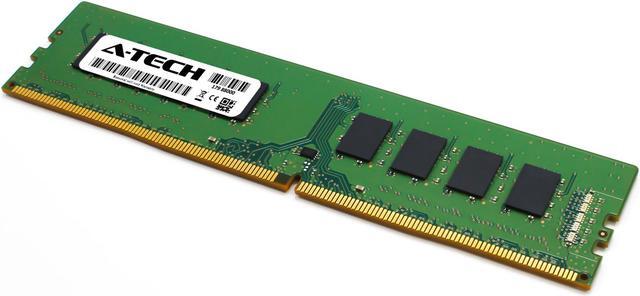
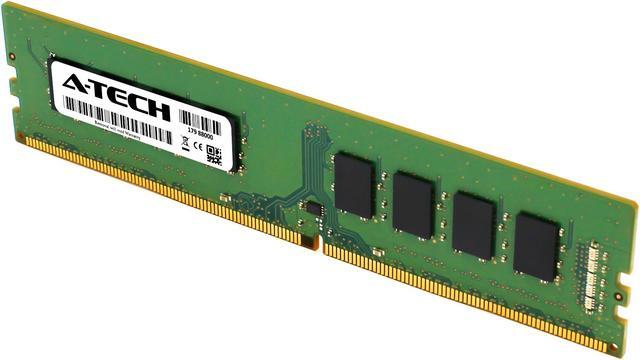
The A-Tech 16GB DDR4 desktop memory kit includes two 8GB, 2133MHz unbuffered, non-ECC DIMMs for desktop PCs that support 288-pin DDR4 memory at 1.2V.
Recommended For
- Owners of a desktop that supports DDR4-2133 UDIMMs who need a matched 16GB (2×8GB) kit for everyday browsing, office apps, and moderate multitasking. Check the motherboard or system specifications before buying.
- People refurbishing or extending the life of an older DDR4 desktop that runs memory at 2133 MT/s and needs a two-module replacement or capacity upgrade, rather than a speed-focused memory kit.
- Desktop users who want two matching modules for a supported dual-channel setup and whose system’s memory limit and slot layout accommodate 2×8GB.
- Users with routine office workloads on a compatible desktop who prioritize having 16GB of memory over pursuing higher memory speeds; benchmark testing found relatively small differences between DDR4-2133 and faster memory in office applications on the tested platform.
Real-World Use Scenarios
- Upgrading a compatible desktop that has 8GB of RAM: moving to 16GB can give Windows, browser tabs, and everyday apps more room to run together, especially when the old system was running short of memory.
- Doing office or schoolwork while keeping several browser tabs, email, and a video call open: 16GB can reduce memory pressure compared with an 8GB setup, though it will not make every task faster if the PC already has enough available RAM.
- Playing less-demanding or older PC games on a compatible DDR4 desktop: 16GB gives the game and common background apps more memory to share than an 8GB setup, but this kit alone does not guarantee higher frame rates; results also depend on the processor, graphics card, and supported memory speed.
- Replacing or upgrading memory in an older desktop that supports DDR4-2133: the two-module kit can bring the system to 16GB, provided the motherboard and processor support the module type, capacity, and speed.




 here!