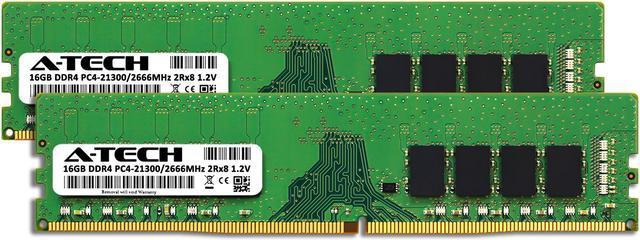
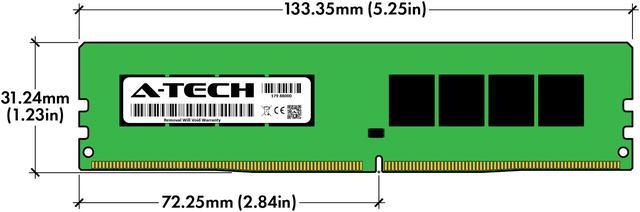
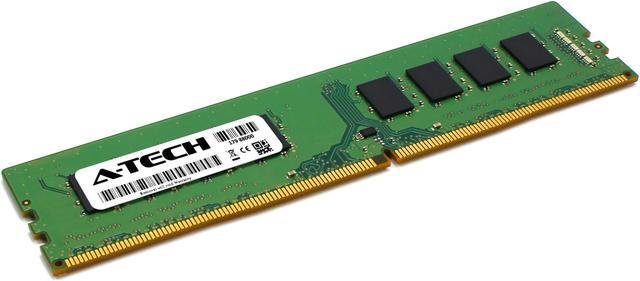
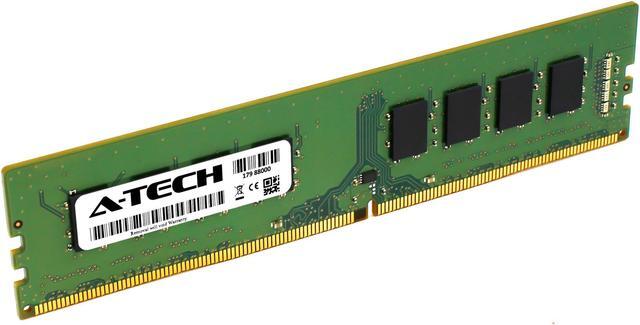
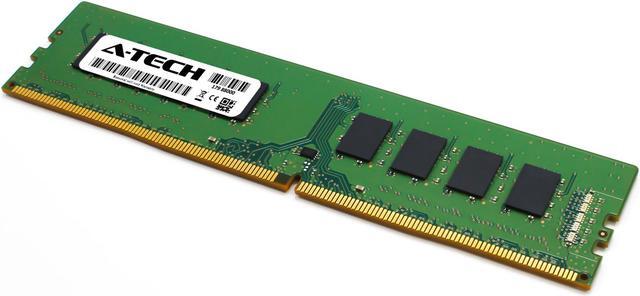
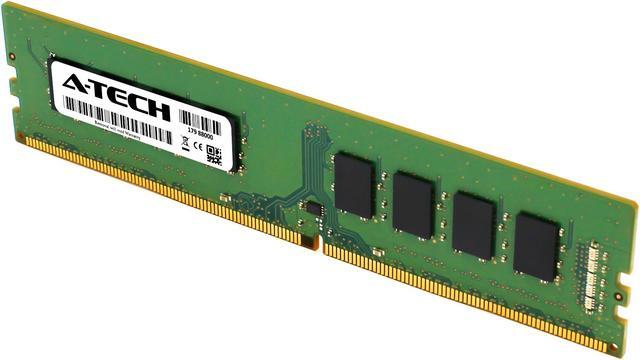
A-Tech’s 32GB (2×16GB) DDR4-2666 dual-channel desktop memory kit is for DDR4-compatible PCs that need more capacity for multitasking and heavier workloads; check your system’s supported memory specifications before buying.
Recommended For
- Owners of compatible DDR4 desktops with 16GB or less who want to move to 32GB for heavier multitasking, such as keeping many browser tabs and work apps open together.
- People upgrading an older desktop whose processor and motherboard support DDR4-2666 and 32GB, especially if they want a matched 2×16GB kit rather than mixing new memory with existing modules.
- Desktop users doing moderate photo or video editing who need 32GB of system memory, provided their projects do not regularly exceed that capacity.
- Office and home-office desktop users whose workloads slow down when several applications are open, and whose system supports standard non-ECC DDR4 UDIMMs.
Real-World Use Scenarios
- When you keep many browser tabs, office apps, and a video call open together, 32GB gives the system more memory headroom; the difference is most noticeable if your current setup is running short on RAM.
- When editing 4K video in Premiere Pro, 32GB meets Adobe’s recommended memory level and can provide room for the editor and other apps to run together; demanding projects may still benefit from more RAM.
- When playing a memory-hungry game while keeping chat, a browser, or other apps open, 32GB can reduce pressure on system memory if a 16GB setup is filling up; it does not guarantee higher frame rates.
- When developing software or learning system administration, you can run a code editor, browser, and a lightweight virtual machine at the same time with more room before memory becomes a constraint; several simultaneous VMs may need more than 32GB.
- When working in After Effects on modest motion-graphics or video-compositing projects, 32GB is a reasonable starting point; higher-resolution, longer, or more complex compositions can require more memory.




 here!