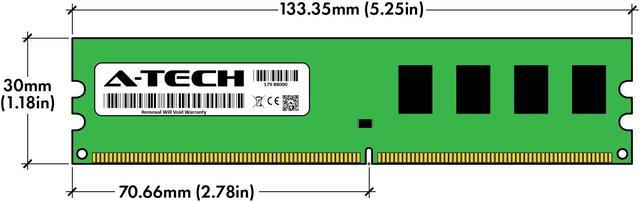
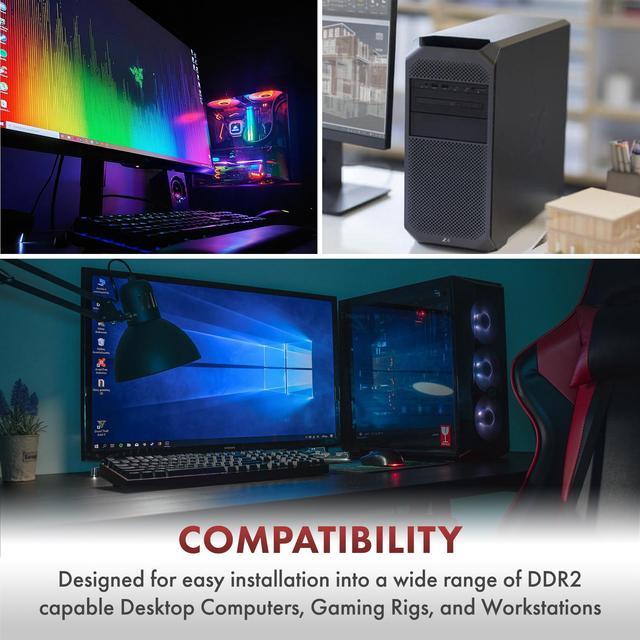
The A-Tech 4GB DDR2 800 desktop memory kit includes two 2GB 240-pin, 1.8V non-ECC unbuffered DIMMs, making it suitable for upgrading or replacing RAM in compatible desktop PCs that support DDR2-800.
Recommended For
- Owners restoring or maintaining a desktop that specifically supports 240-pin DDR2-800/PC2-6400 UDIMMs and needs a 4GB (2×2GB) replacement or upgrade kit.
- Retro-PC builders assembling or servicing a period desktop for older PC games or legacy software that runs on DDR2-era hardware.
- Repair technicians or owners of long-lived equipment who need standard unbuffered desktop DDR2 memory to keep a compatible legacy system in service.
- Users with a compatible desktop motherboard who want a matched two-module kit; dual-channel operation depends on the motherboard and processor supporting it.
Real-World Use Scenarios
- When restoring a compatible DDR2 desktop that has only 1–2GB of RAM, installing this 4GB kit can give older Windows or lightweight Linux systems more room for everyday apps and reduce slowdowns caused by memory pressure; it will not overcome limits from an old CPU or hard drive.
- For a legacy Windows Vista or Windows 7 desktop used for office documents, email, and a few applications at once, moving from 2GB toward 4GB can provide more multitasking headroom and reduce memory-related pauses; a 32-bit operating system may not make all 4GB available to programs.
- When keeping an older desktop for period games, adding memory to a system that is short on RAM can help games and background tasks run with fewer memory-related slowdowns; it does not guarantee higher frame rates, which also depend on the processor and graphics card.
- For a compatible old PC being repurposed with a lightweight Linux desktop, 4GB can leave more memory for a browser and basic productivity apps than a 1–2GB setup; the experience still depends on the chosen software and the rest of the computer.




 here!