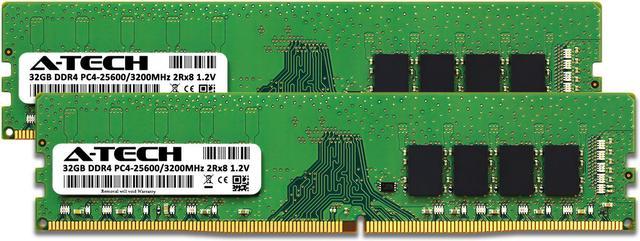
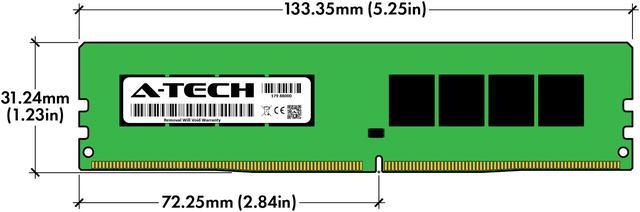
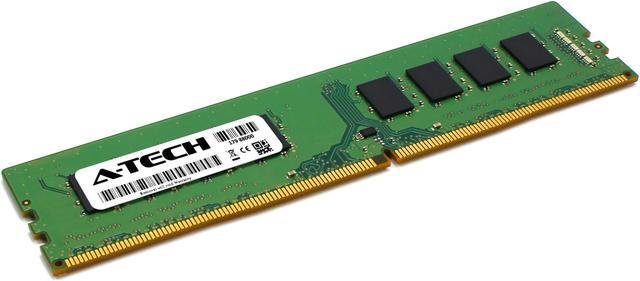
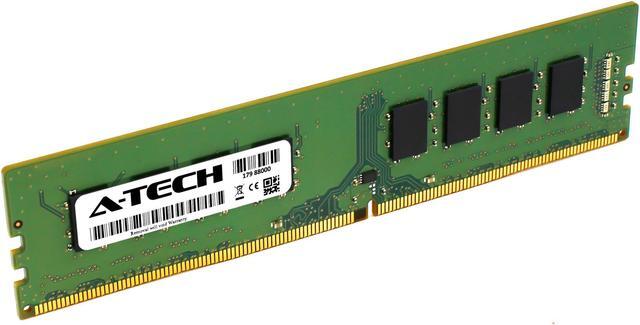
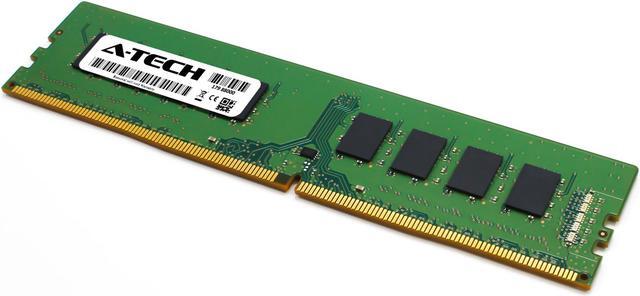
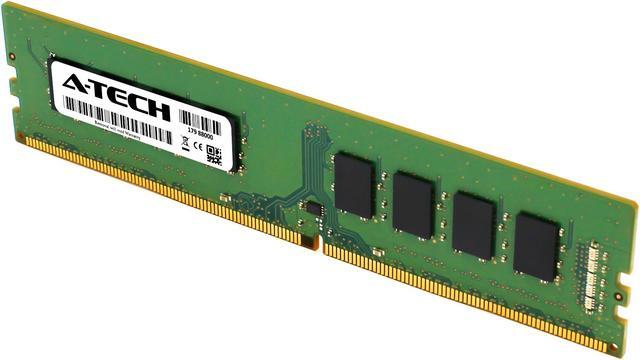
The A-Tech 64GB DDR4-3200 desktop memory kit includes two 32GB unbuffered, non-ECC DIMMs and is suitable for compatible desktops that need more memory for multitasking or larger workloads.
Recommended For
- DDR4 desktop owners upgrading to 64GB who have only two memory slots available; this 2×32GB kit can reach that capacity without filling four slots.
- Video editors and compositors working with large projects who need more memory headroom for editing software, previews, and other apps running together.
- People who run memory-heavy workloads alongside everyday apps—such as creative software, many browser tabs, or other large projects—and want to reduce the chance of running short on RAM.
- DDR4 desktop users replacing or expanding memory who prioritize 64GB capacity over unusually tight timings or maximum memory speed.
Real-World Use Scenarios
- When editing 4K video in Premiere Pro, 64GB gives memory-intensive projects more room to run and can help avoid slowdowns from running short on RAM; it does not by itself make exports faster. The benefit depends on the footage and project complexity.
- When running virtual machines for software testing or a home lab, users can assign memory to guest systems while keeping some available for the host PC. How many VMs run comfortably depends on each VM’s memory needs and the rest of the workload.
- When gaming while streaming, recording, or keeping several browser and chat apps open, 64GB provides more headroom for those tasks to share memory. The added capacity is most useful if the combined workload is already pushing a system with less RAM near its limit; it does not guarantee higher game frame rates.
- When working with large Photoshop files or many layers while other creative apps are open, the extra capacity can reduce memory pressure and reliance on scratch storage if the workload exceeds available RAM. For ordinary Photoshop use, Adobe lists 16GB or more as recommended, so 64GB is mainly useful for larger projects or concurrent apps.




 here!