






hero-video
Merchant Video
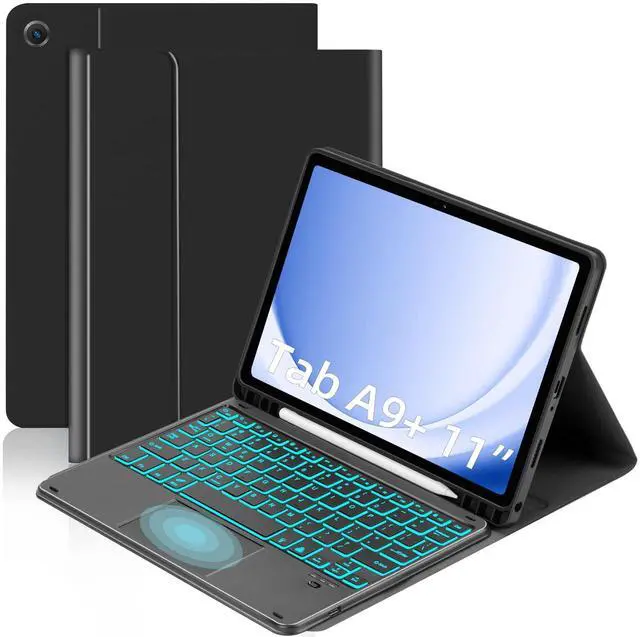
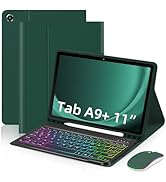
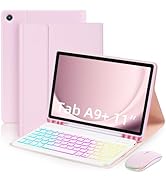
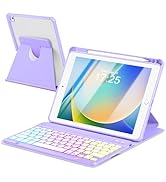
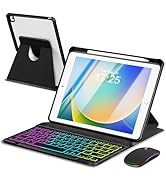
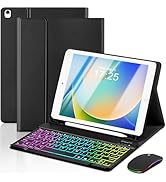
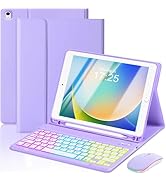
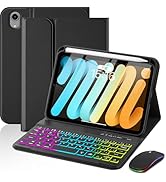
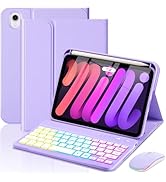
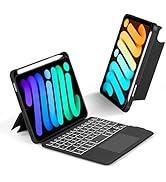
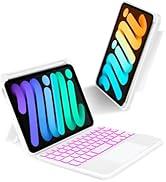
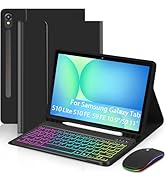
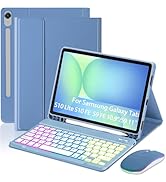
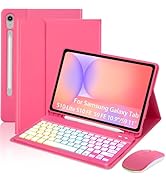
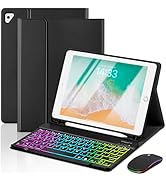
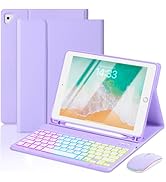
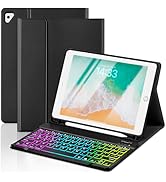
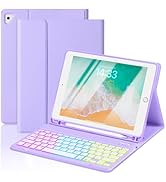
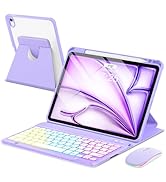
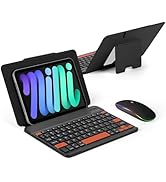
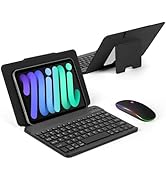
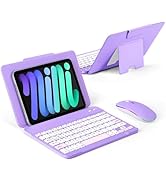
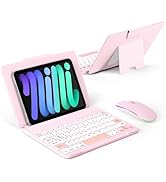
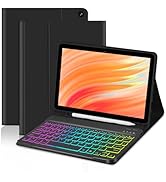
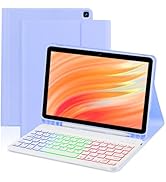
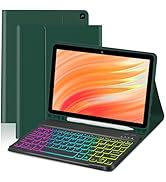
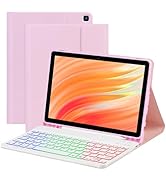
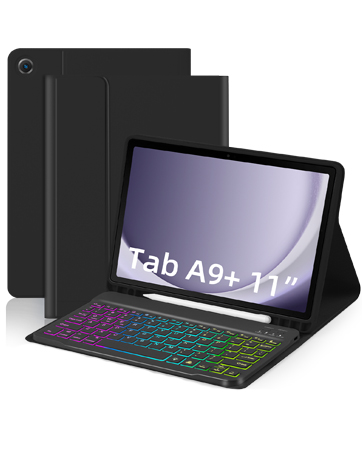
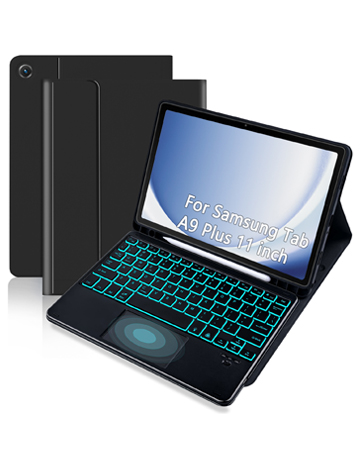
Rechargeable Backlit Keyboard
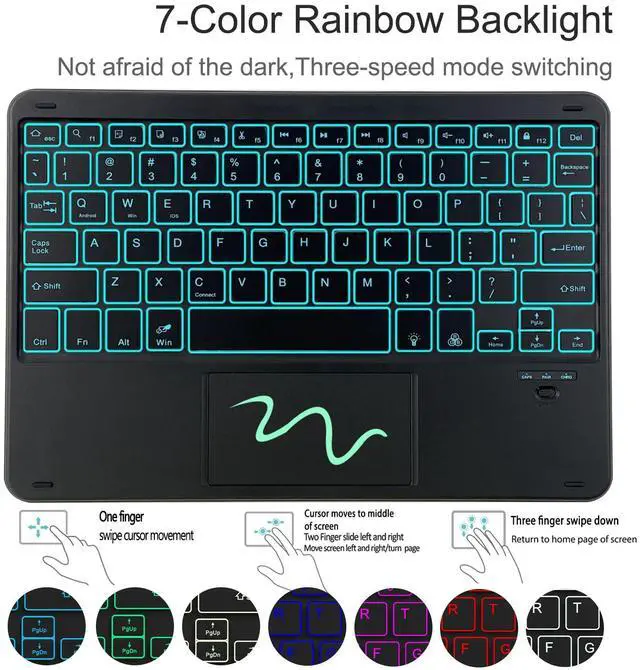
Comes with 1 charging cables, the first use of 3-4 hours of charging, in idle time will automatically enter sleep mode for you to save power
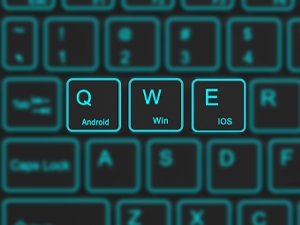
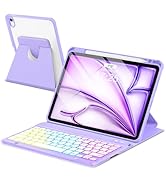
3-System Detachable Keyboard
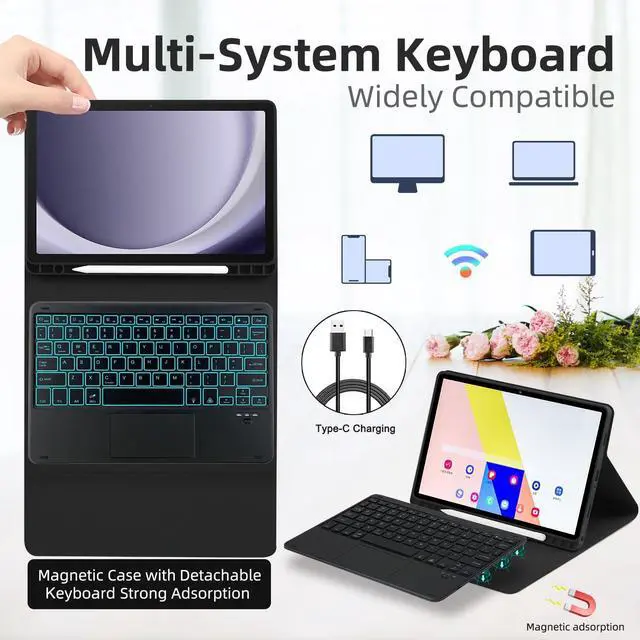
Click "FN" + Q/W/E, 3 systems can be switched to adapt to your tablet. The magnetic design allows the keyboard to be removed and moved at will
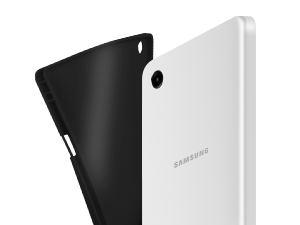
Honeycomb Heat Dissipation
Built-in honeycomb shape helps to dissipate heat faster, and the PU material provides 360 degree protection for your tablet

Full Protection
It provides all-round protection. It can resist impacts from accidental drops or accidental contact with sharp edges

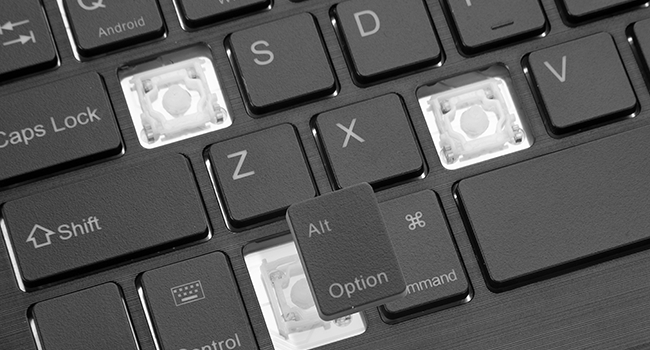
Scissor Keys Design
The keys are designed with scissor feet, and with a full set of shortcut keys, the typing experience is more efficient and comfortable. Even on a tablet, you can get the same flawless typing feel like a laptop,increasing your productivity
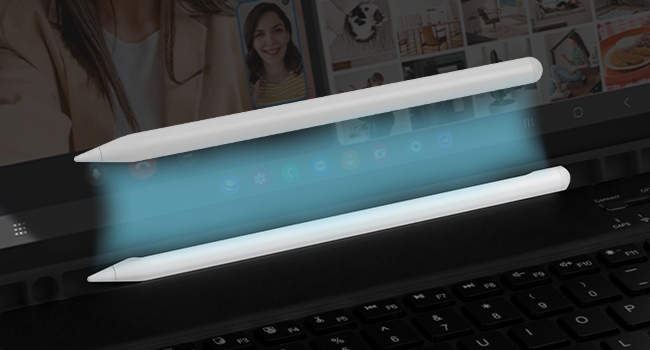
S Pen Housing Design
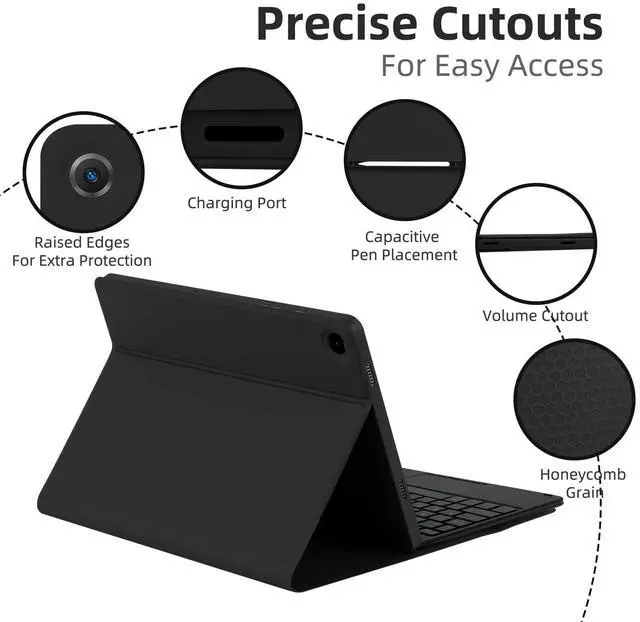
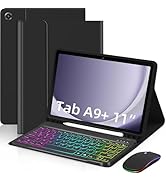
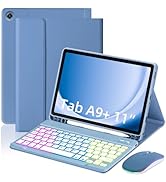
The slot of the S Pen can be easily stored after use, so there is no need to worry about inconvenient carrying or loss. The shell is made of soft PU, which is dropped and scratch-resistant, providing all-around protection for your Galaxy Tab A9 Plus


How to connect Bluetooth?
Turn the keyboard power on.
Open the Pad, Settings-Turn on Bluetooth.
Press the ”Fn+C“ keys on the keyboard.
The tablet finds the Bluetooth keyboard: Keyboard, click on the Bluetooth keyboard to pair and connect.
How to adjust the backlight?
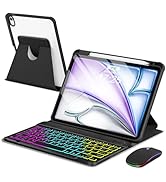
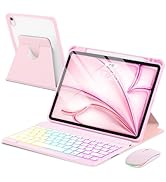
Press the bulb button to turn on the backlight. Click RGB to switch between seven colors.
Press the bulb button to switch to the backlight breathing light, and the seven colors will automatically cycle
Press the bulb button to turn off the backlight.
How to adjust the touchpad sensitivity?
Open the pad, click Settings--General Management--Mouse and Trackpad--Pointer Speed.
How long can the keyboard be used after it is fully charged?
It can be used for <5 hours with the backlight turned on.
Can be used for <300 hours with the backlight turned off.
How to adjust if the keyboard keys or touchpad gestures do not respond?
This keyboard is a universal keyboard for three systems. After confirming the use of the device.
Press FN+Q\W\E to switch to the appropriate system.

hero-video
Merchant VideoRechargeable Backlit Keyboard
Comes with 1 charging cables, the first use of 3-4 hours of charging, in idle time will automatically enter sleep mode for you to save power
3-System Detachable Keyboard
Click "FN" + Q/W/E, 3 systems can be switched to adapt to your tablet. The magnetic design allows the keyboard to be removed and moved at will
Honeycomb Heat Dissipation
Built-in honeycomb shape helps to dissipate heat faster, and the PU material provides 360 degree protection for your tablet
Full Protection
It provides all-round protection. It can resist impacts from accidental drops or accidental contact with sharp edges

Scissor Keys Design
The keys are designed with scissor feet, and with a full set of shortcut keys, the typing experience is more efficient and comfortable. Even on a tablet, you can get the same flawless typing feel like a laptop,increasing your productivity
S Pen Housing Design
The slot of the S Pen can be easily stored after use, so there is no need to worry about inconvenient carrying or loss. The shell is made of soft PU, which is dropped and scratch-resistant, providing all-around protection for your Galaxy Tab A9 Plus


How to connect Bluetooth?
Turn the keyboard power on.
Open the Pad, Settings-Turn on Bluetooth.
Press the ”Fn+C“ keys on the keyboard.
The tablet finds the Bluetooth keyboard: Keyboard, click on the Bluetooth keyboard to pair and connect.
How to adjust the backlight?
Press the bulb button to turn on the backlight. Click RGB to switch between seven colors.
Press the bulb button to switch to the backlight breathing light, and the seven colors will automatically cycle
Press the bulb button to turn off the backlight.
How to adjust the touchpad sensitivity?
Open the pad, click Settings--General Management--Mouse and Trackpad--Pointer Speed.
How long can the keyboard be used after it is fully charged?
It can be used for <5 hours with the backlight turned on.
Can be used for <300 hours with the backlight turned off.
How to adjust if the keyboard keys or touchpad gestures do not respond?
This keyboard is a universal keyboard for three systems. After confirming the use of the device.
Press FN+Q\W\E to switch to the appropriate system.
EAMPANG: Tablet Provider
For iPad 10th Gen 10.9” 2022
For Samsung Galaxy Tab A9+ 11"
For iPad 10.2/Air 3 Pro 10.5“
For iPad mini 7/6th keyboard
For Samsung S10Lite/S10FE/S9FE
For iPad 6/5th Air 1/2 Pro 9.7
For iPad Air 11 /Air 10.9" 5/4
keyboard mouse combo
For Fire HD 10&10 Plus
