






What’s the best way to reduce audio distortion when using the speaker at high volumes?
Lower the speaker volume and raise the source device volume. This prevents amplifier overload and helps maintain clear, distortion-free sound. Keeping the speaker at 60–80% volume typically results in cleaner, more balanced audio.
How can I connect two speakers to the same device as an audio source (TWS function)?
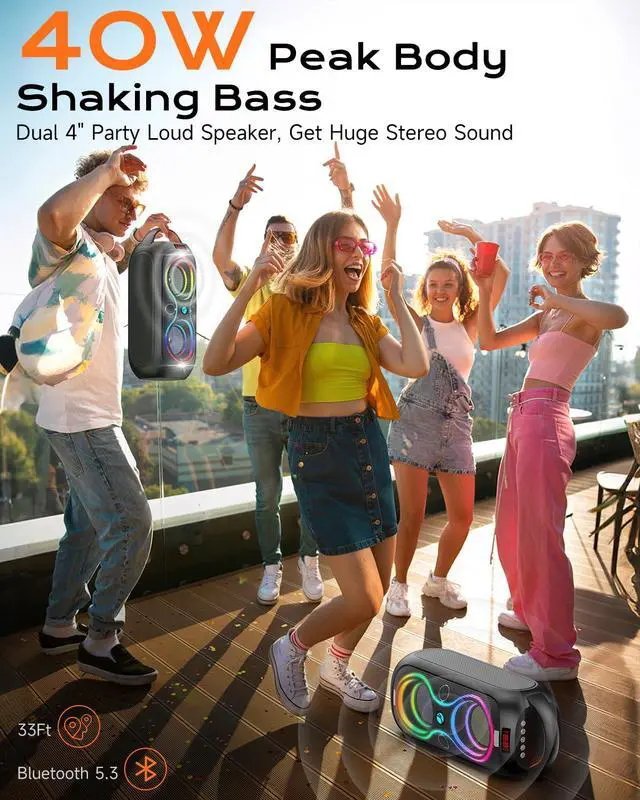
To use TWS mode, first ensure both speakers are not connected to any device. Then, press and hold the Play/Pause button on both speakers until they pair. Once paired, connect your phone to the main speaker via Bluetooth for synchronized stereo sound
How can I improve signal reception in FM radio mode?
For better signal reception, we recommend plugging in a USB cable (not connected to any power source). It will act as an antenna and can help enhance audio quality when using FM radio mode.
How does the speaker switch between Bluetooth and other input modes?
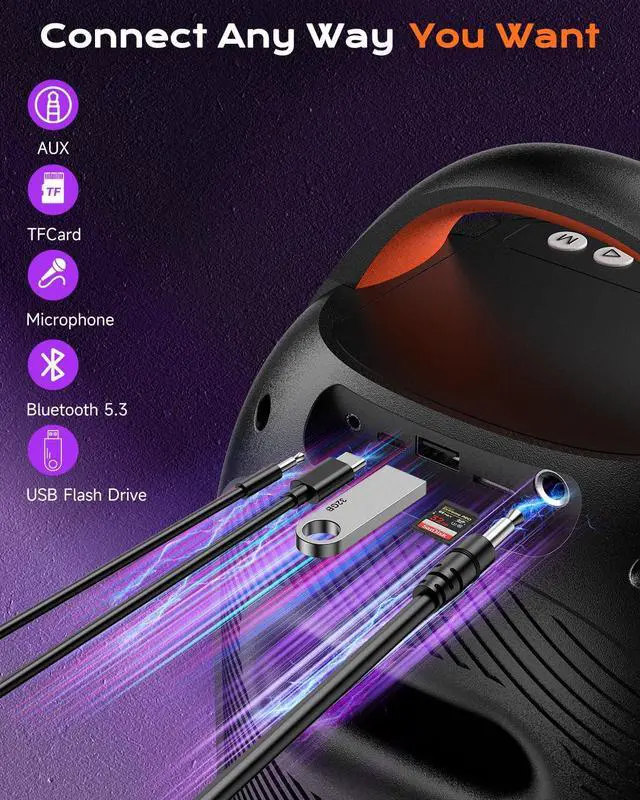
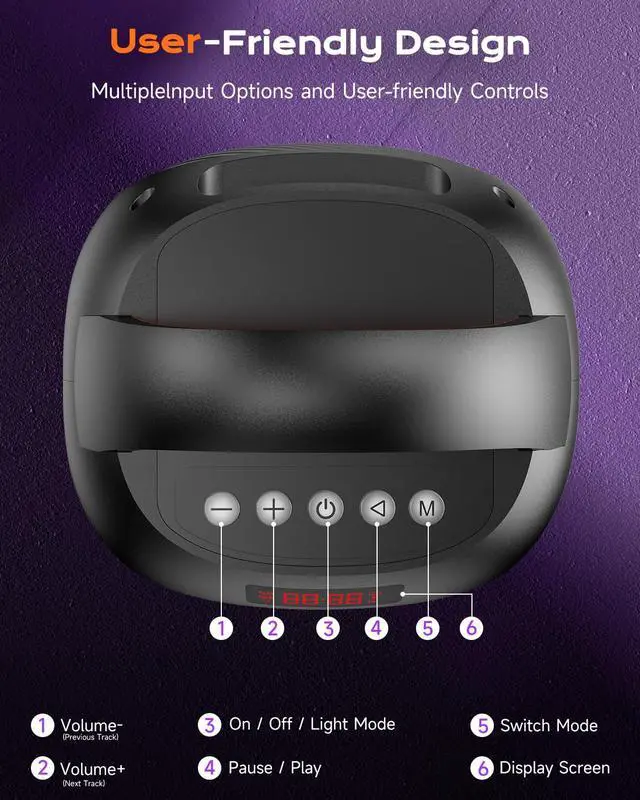
When a USB flash drive, TF card, or AUX cable is inserted, the speaker automatically switches modes. To change manually, press the “M” button. The corresponding mode activates only when the respective input device is connected.
How do I change or disable the LED light effects on the speaker?
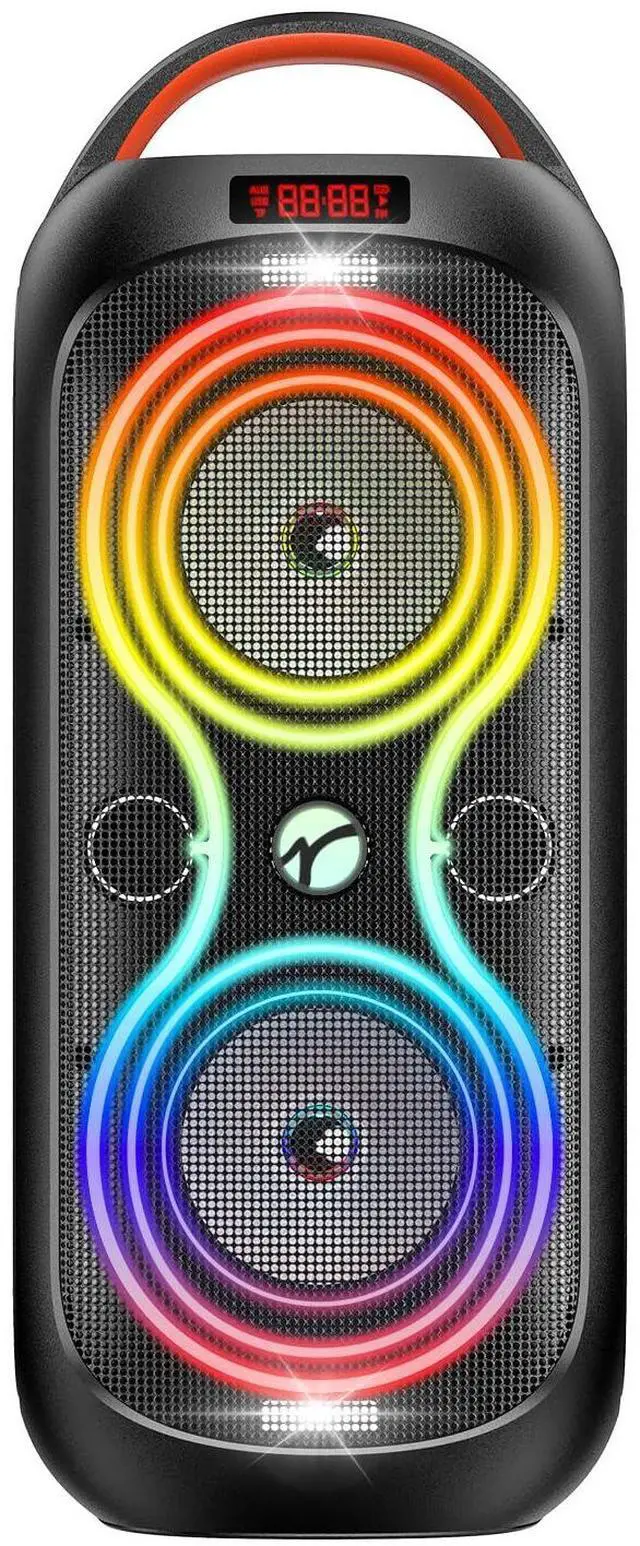
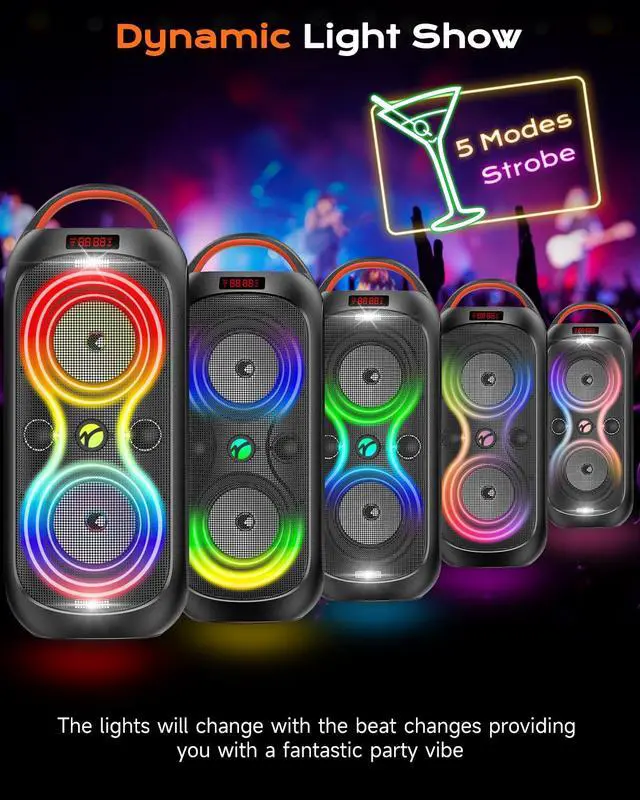
To cycle through or turn off the LED light effects, quickly press the button with the power symbol. To power the speaker on or off completely, press and hold this button.

The sound of a big day.
We believe that great sound makes great memories. Our speakers are crafted to elevate your parties and create lasting moments.



Wide Compatibility
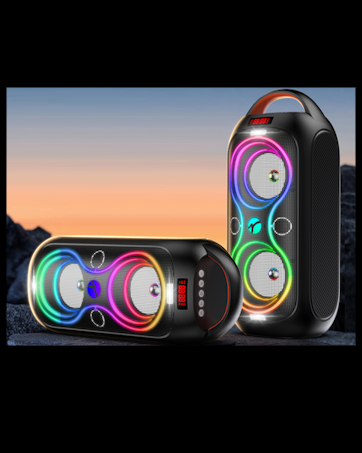
Dynamic Light Show


TWS Function
Multiple Interface


What’s the best way to reduce audio distortion when using the speaker at high volumes?
Lower the speaker volume and raise the source device volume. This prevents amplifier overload and helps maintain clear, distortion-free sound. Keeping the speaker at 60–80% volume typically results in cleaner, more balanced audio.
How can I connect two speakers to the same device as an audio source (TWS function)?
To use TWS mode, first ensure both speakers are not connected to any device. Then, press and hold the Play/Pause button on both speakers until they pair. Once paired, connect your phone to the main speaker via Bluetooth for synchronized stereo sound
How can I improve signal reception in FM radio mode?
For better signal reception, we recommend plugging in a USB cable (not connected to any power source). It will act as an antenna and can help enhance audio quality when using FM radio mode.
How does the speaker switch between Bluetooth and other input modes?
When a USB flash drive, TF card, or AUX cable is inserted, the speaker automatically switches modes. To change manually, press the “M” button. The corresponding mode activates only when the respective input device is connected.
How do I change or disable the LED light effects on the speaker?
To cycle through or turn off the LED light effects, quickly press the button with the power symbol. To power the speaker on or off completely, press and hold this button.
The sound of a big day.
We believe that great sound makes great memories. Our speakers are crafted to elevate your parties and create lasting moments.
ABigDay is dedicated to providing high-quality speakers that enhance your celebrations. We’re here to make every moment sound incredible and unforgettable.
