



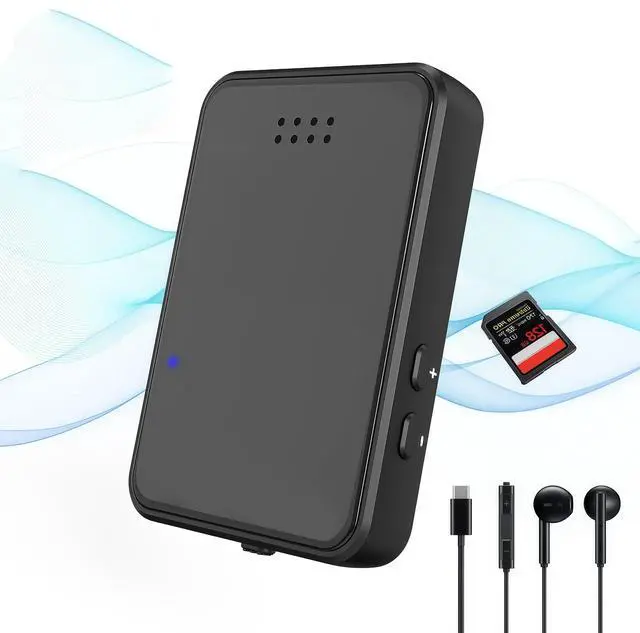


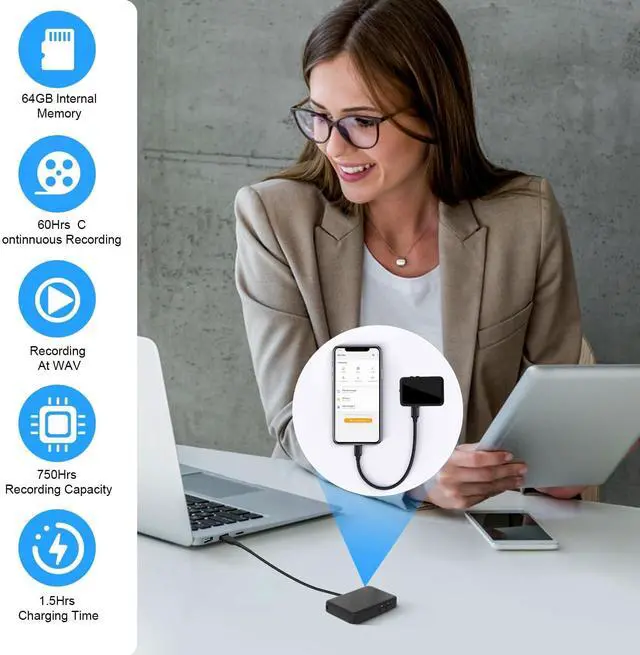


Voice recorder What are the Features of a Reliable Voice Recorder?
- D
- igital Recorder With Microphone newly upgraded chip for clearer audioO
- ne button to turn on recording, start recording when the indicator light shows red color offP
- ower on with voice-activated mode by default to reduce file blanks1
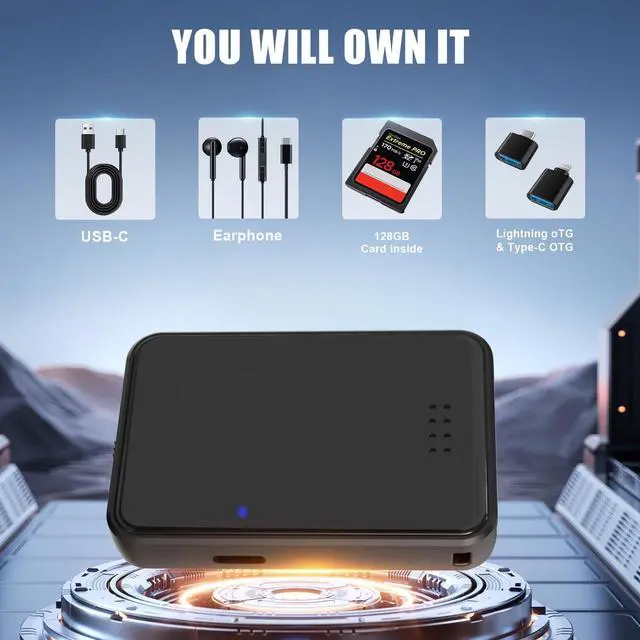
- 28GB storage capacity, tape recorder can be used as a portable hard diskU
- ltra-long battery life, supports up to 40hours of continuous recording Compact size, suitable for any placeL
- ow battery automatic file saving this digital voice recorder is the perfect gift optionE
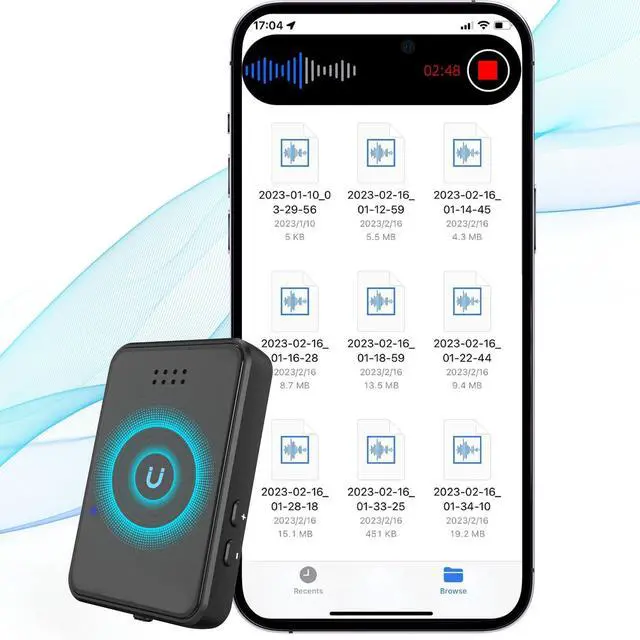
- asily locate and playback your audio files mini recorder fashionable, exquisite, compact, and perfect design

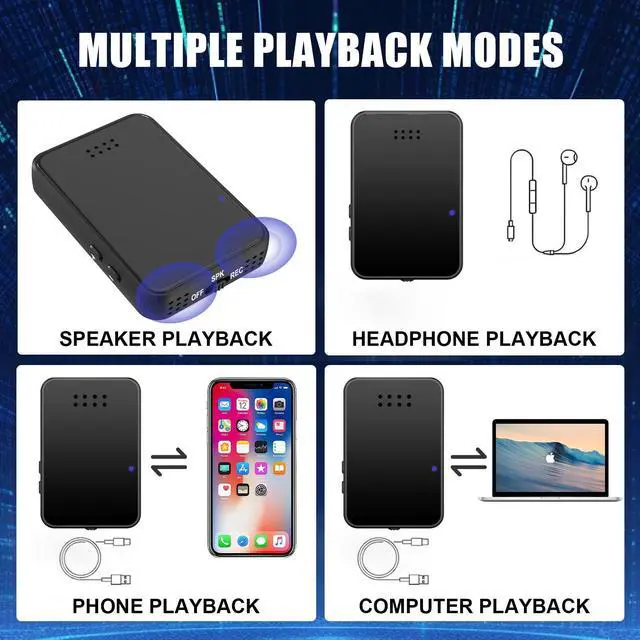
Digital Voice Recorder with Playback. How to listen to recording/music with headphones?
- A
- fter the digital recorder with microphone is turned off, connect the earphones and switch the button to "SPK" stateT
- he recorder automatically plays the latest recording. Press the "—" key twice, the digital recording will automatically switch to playing music (only supports MP3/WAV format)T
- he operation methods of the "play/pause key", "+ key" and "-" key on the headphone controller are the same as those of the recorder bodyS
- torage capacity: 1600 hours Recording format: WAV/MP3 System compatibility: XP, WIN 7, WIN 8, WIN 10, IOS system, Linux2 (Windows/Mac not iPhone)

Digital Voice Recorder How to play recording files?
- S
- witch the recorder button to the "SPK" position, and the recorder will automatically play the latest recording fileH
- ow to adjust the mini cassette tape recorder playback volume of the recorder / switch between up and down songs?1
- ) Volume adjustment: Press and hold the "+" key during playback to increase the volume (don't let go, let go when the volume is right). Press and hold the "-" key to decrease the volume (release when the volume is comfortable).2
- ) During playback, press the "+" button once to switch to the previous song, press the "--" button once to switch to the next song, press the "+" button twice to pause playback, press the "+" button button Button play continues twice.

Voice recorder What are the Features of a Reliable Voice Recorder?
- D
- igital Recorder With Microphone newly upgraded chip for clearer audioO
- ne button to turn on recording, start recording when the indicator light shows red color offP
- ower on with voice-activated mode by default to reduce file blanks1
- 28GB storage capacity, tape recorder can be used as a portable hard diskU
- ltra-long battery life, supports up to 40hours of continuous recording Compact size, suitable for any placeL
- ow battery automatic file saving this digital voice recorder is the perfect gift optionE
- asily locate and playback your audio files mini recorder fashionable, exquisite, compact, and perfect design
Digital Voice Recorder with Playback. How to listen to recording/music with headphones?
- A
- fter the digital recorder with microphone is turned off, connect the earphones and switch the button to "SPK" stateT
- he recorder automatically plays the latest recording. Press the "—" key twice, the digital recording will automatically switch to playing music (only supports MP3/WAV format)T
- he operation methods of the "play/pause key", "+ key" and "-" key on the headphone controller are the same as those of the recorder bodyS
- torage capacity: 1600 hours Recording format: WAV/MP3 System compatibility: XP, WIN 7, WIN 8, WIN 10, IOS system, Linux2 (Windows/Mac not iPhone)
Digital Voice Recorder How to play recording files?
- S
- witch the recorder button to the "SPK" position, and the recorder will automatically play the latest recording fileH
- ow to adjust the mini cassette tape recorder playback volume of the recorder / switch between up and down songs?1
- ) Volume adjustment: Press and hold the "+" key during playback to increase the volume (don't let go, let go when the volume is right). Press and hold the "-" key to decrease the volume (release when the volume is comfortable).2
- ) During playback, press the "+" button once to switch to the previous song, press the "--" button once to switch to the next song, press the "+" button twice to pause playback, press the "+" button button Button play continues twice.