

Your Browsing History

Meet Your Seller


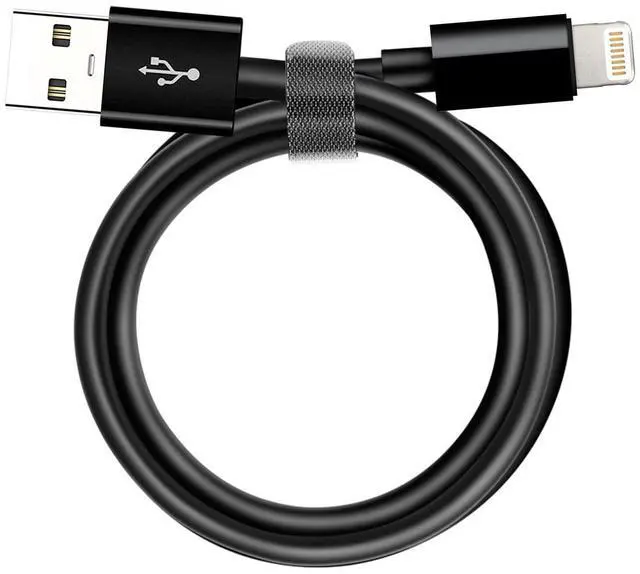
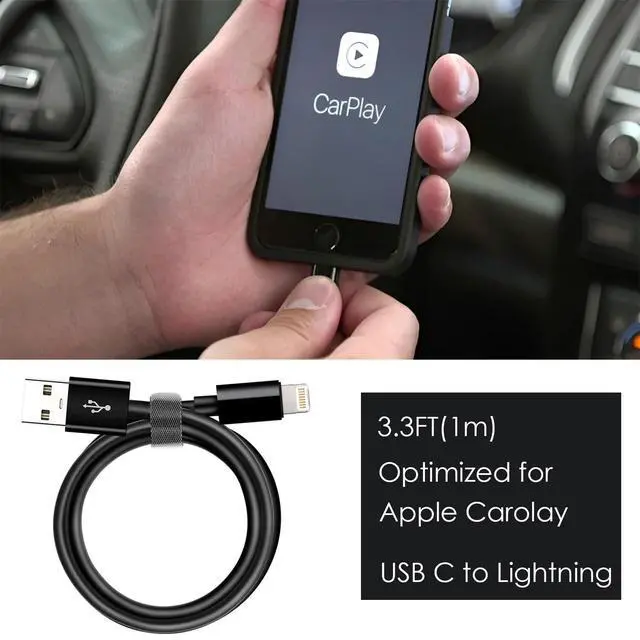
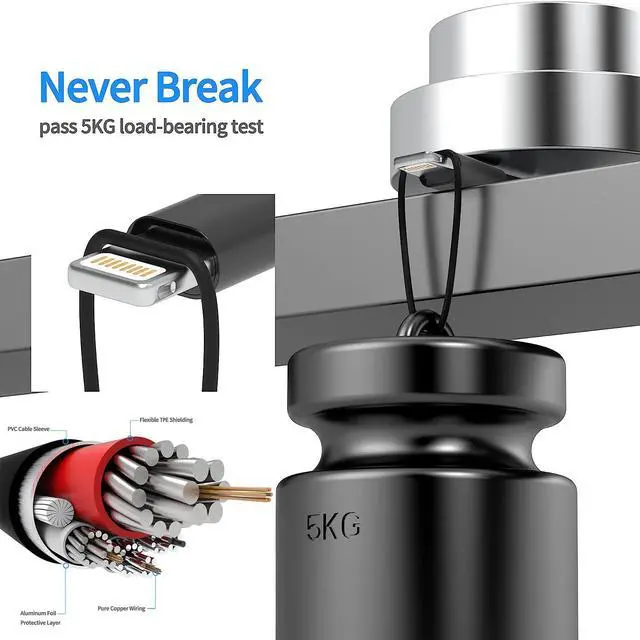


Car Carplay Apple Cable, USB A to Lightning Cable for iPhone 14, 14 pro max,13,Plus,SE 2nd/12/11/Xs/XR, iPad 4/5/ 6/7/ 8, Mini 2/3/4/5, Air 2/3 Charger Cord, Car Charging Cable (Black)
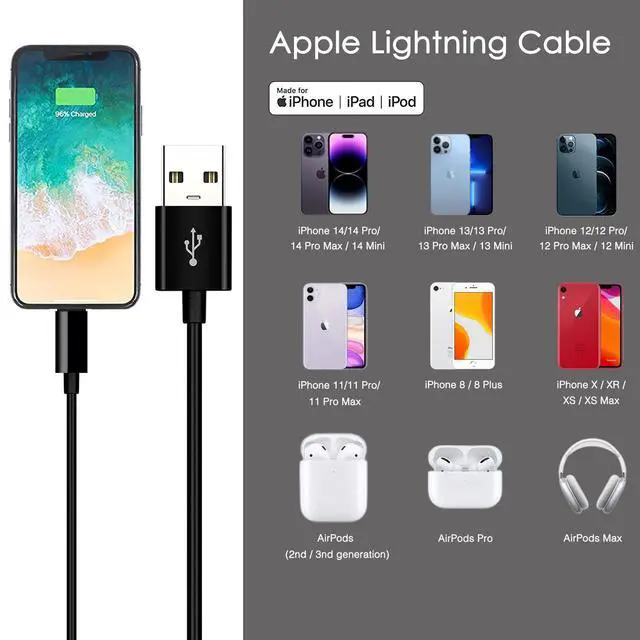
- This cable connects your iPhone 14/13/SE 2nd/12/11/Xs/XR/8/7/6 All series, USB A to Lightning Cable.
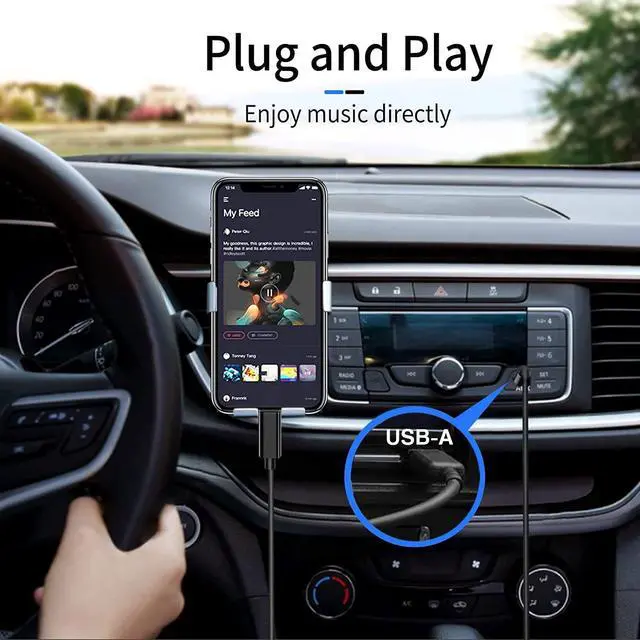
- With Lightning Connector to your USB port for syncing and charging.
- 1 meter(3.3ft) in length, USB A to Lightning Cable.
- Worry-free 1-year warranty, lifetime technical support.
- *Note: If you experience issues with CarPlay function, please try to reverse the lightning plug to try again. Feel free to contact us if any further problem. We will always be here to help.
+
+
Overview
Specs
Reviews

Any questions? Our AI mode will help you find out quickly.
Try me now
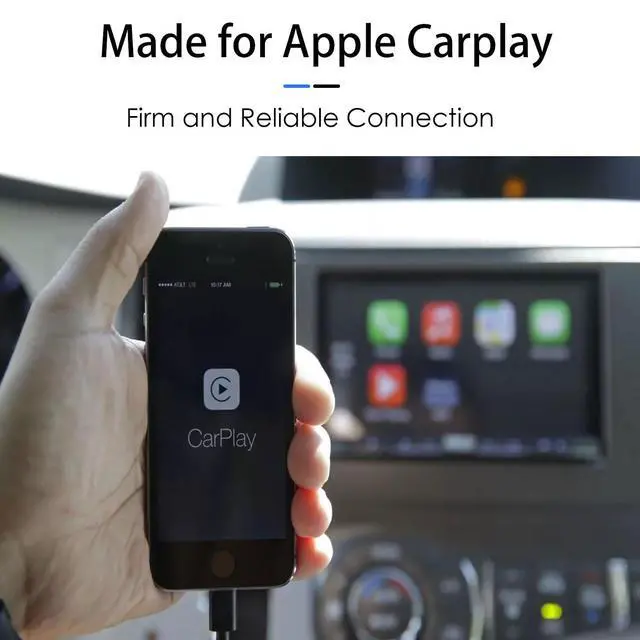
This is a cable specially designed for Apple Carplay.
Length:1 meter in length (3.3ft).
USB to Lightning Cable.
iPhone 14, iPhone 14 Plus, iPhone 14 pro, iPhone 14 pro max
iPhone 13, iPhone 13 Plus, iPhone 13 pro, iPhone 13 pro max
iPhone 12, iPhone 12 mini, iPhone 12 pro, iPhone 12 pro max
iPhone11, iPhone11 Pro, iPhone11 Pro max
iPhone X, iPhone XR
iPhone SE, iPhone SE (2nd generation)
iPhone 8, iPhone 8 Plus
iPhone 7
iPhone 6, iPhone 6 Plus
iPad 4, iPad 5, iPad 6, iPad 7, iPad8
iPad Mini, iPad Mini 2, iPad Mini 3, iPad Mini 4, iPad Mini 5
iPad Air, iPad Air 2, iPad Air 3
iPad Pro 12.9 inch(2015), iPad Pro 9.7
With Lightning Connector to your USB port for syncing and charging.
Worry-free 1-year warranty, lifetime technical support.
Set up CarPlay
1. Start your car, then make sure that Siri is on.
2. Connect your iPhone to your car:
· If your car supports CarPlay with a USB cable, plug your iPhone into the USB port in your car. The USB port might be labeled with a CarPlay icon or a smartphone icon. Be sure to use an Lightning to USB cable.
· If your car supports CarPlay both wirelessly and with a USB cable, plug your iPhone into the USB port in your car. An alert on your iPhone will offer to connect you wirelessly on your next drives.
*Note: If you experience issues with CarPlay function, please try to reverse the USB C plug to try again. Feel free to contact us if any further problem. We will always be here to help.
Warranty & Returns
Warranty, Returns, And Additional Information
Warranty
- Please contact the Seller directly for warranty information. Warranty information may also be found on the Manufacturer's website.
- CONTACT
Return Policies
- Return for refund within: 30 days
- Return for replacement within: 30 days
- This item is covered by ShineCheng Mart Return Policy
Manufacturer Contact Info
- For a directory of all our manufacturers, please click below.
- Manufacturers Directory
LOADING...