



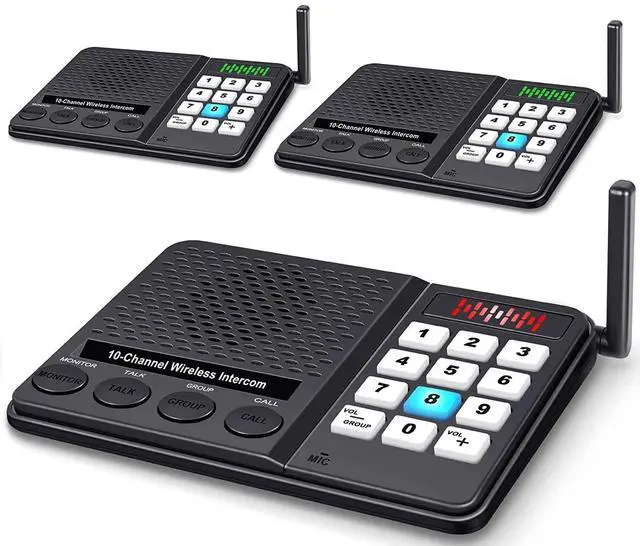



Easy to Use - This home intercom system is powered by usb cable, no need any installation. It’s portable for taking with you to anywhere, and equipped with more function than a walkie talkies

How to Set up?
Multi-Functional Communication System for both Single and Group Talk

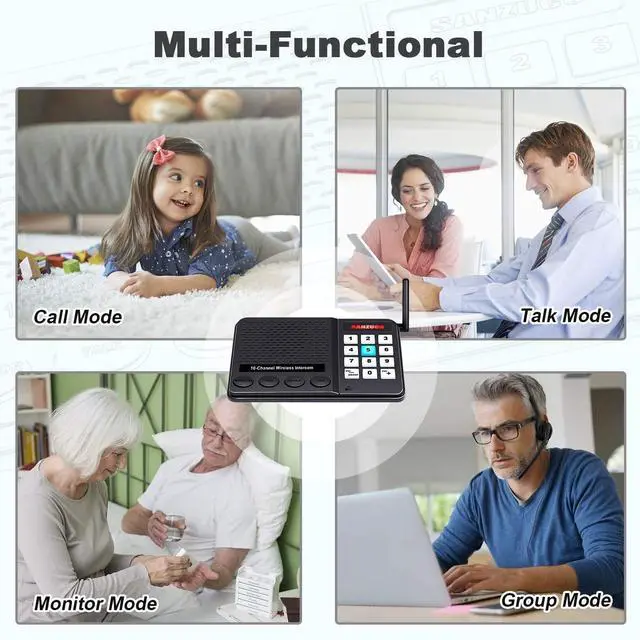
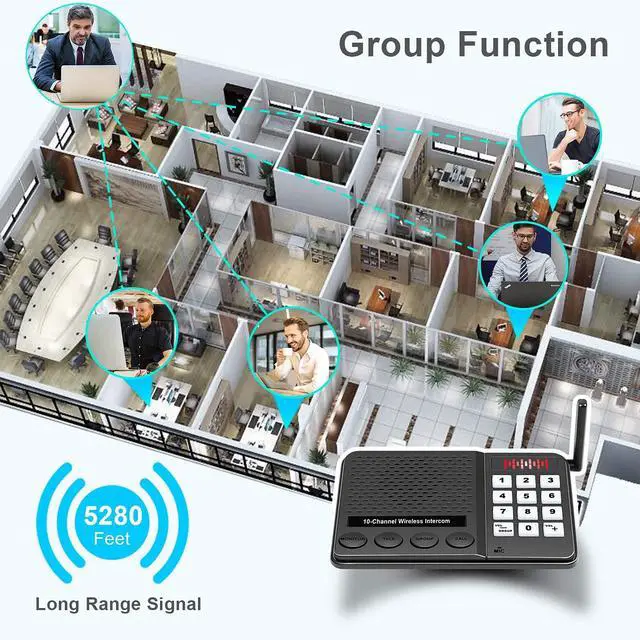
Our intercom system includes 10 channels and 3 digital codes for you to call or talk with your families or colleagues, support 1 to 1 and 1 to many talking. Made of anti-interference technology to give you the high quality sound transmission and the effective distance is up to 1 Mile
As a Monitor

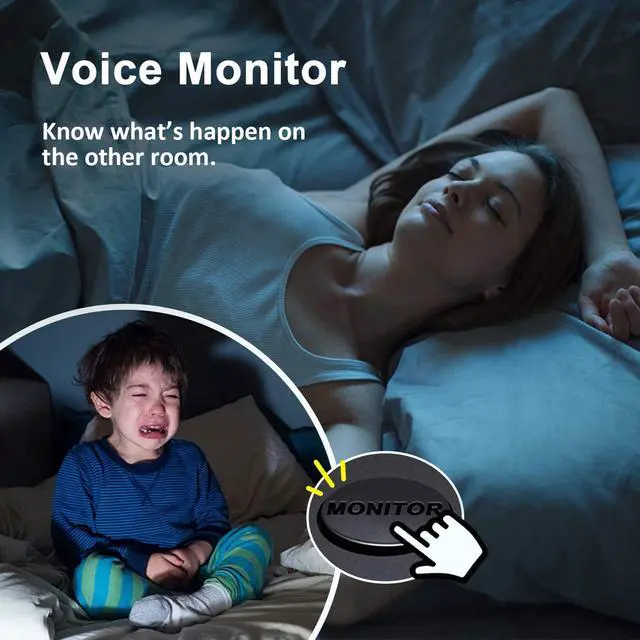
This intercom wireless for home can work as a voice monitor device for you to know what happen in the other rooms, usually used for monitoring the child or elder to avoid some emergency. monitor function for 24 hours periods
Change Channel Number, Call, Talk, Group, Monitor Function

Wireless Intercom System for Home, House, Business, Office, Apartment, Gate, School, Bank, Restaurant, Commercial, Hospital, Kid Room, Elder Room, Building, Police Office, etc

Easy to Use - This home intercom system is powered by usb cable, no need any installation. It’s portable for taking with you to anywhere, and equipped with more function than a walkie talkies

How to Set up?
| Step 1 | Plug the usb cable in the back of the intercom, and power on it, you will see the device is lighted |
|---|---|
| Step 2 | Set a channel number for each wireless intercom. Press the channel number that you want for 3 seconds, you will hear 'Di-Di' and the channel number you pressed is lighted |
| Step 3 | Connect with other intercoms wireless. Set the devices you want to talk with in the same digital code and channel number for talking |
| Step 4 | Operate the function you selected and communicate with your partner |
Multi-Functional Communication System for both Single and Group Talk

Our intercom system includes 10 channels and 3 digital codes for you to call or talk with your families or colleagues, support 1 to 1 and 1 to many talking. Made of anti-interference technology to give you the high quality sound transmission and the effective distance is up to 1 Mile
As a Monitor

This intercom wireless for home can work as a voice monitor device for you to know what happen in the other rooms, usually used for monitoring the child or elder to avoid some emergency. monitor function for 24 hours periods
Change Channel Number, Call, Talk, Group, Monitor Function
| Checking before Operating | Please make sure all the intercoms in the same code (A, B, C) and channel (0 to 9) before operating Call, Talk, Group, Monitor Function |
|---|---|
| To reduce noise interference | Please keep all the intercoms away from all high-current electrical equipment at least 3ft, and the distance between two intercoms should be over 6ft |
| Change channel number | Press and hold the channel number you want for 3 seconds and you will hear a sound “Di-Di”, then the number you selected will lighted up, this means the channel number was set up successfully |
| Call Function | Press Call Button to ring the intercom in the same channel you select |
| Talk Function | Press and hold the Talk Button to communicate with other intercoms (Transmitting Indicator: Red, Receiving Indicator: Green) |
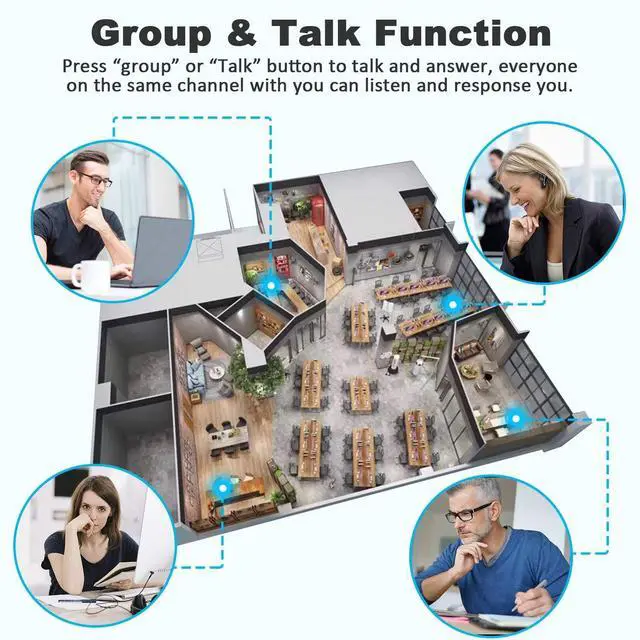
| Group Function | Press and hold Group Button to talk, and all the other intercoms in the same group channel can hear from you. The other intercoms can press and hold Group Button to answer. (Default Group Channel is 0) |
| Monitor Function | Press Monitor Button, the intercom you pressed will be monitored by other intercoms in the same code and channel with you |

Wireless Intercom System for Home, House, Business, Office, Apartment, Gate, School, Bank, Restaurant, Commercial, Hospital, Kid Room, Elder Room, Building, Police Office, etc