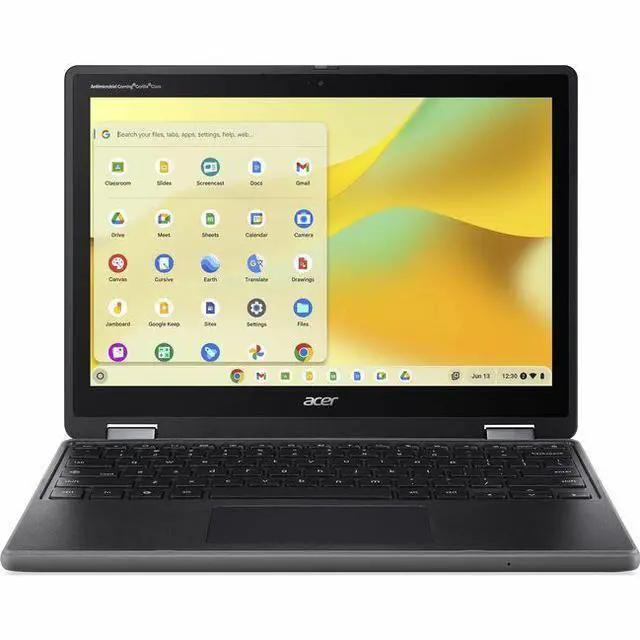
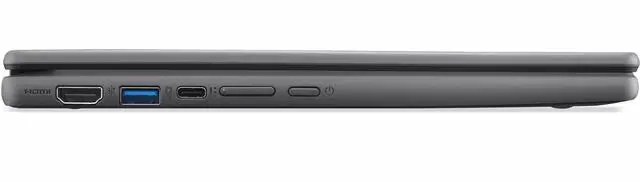
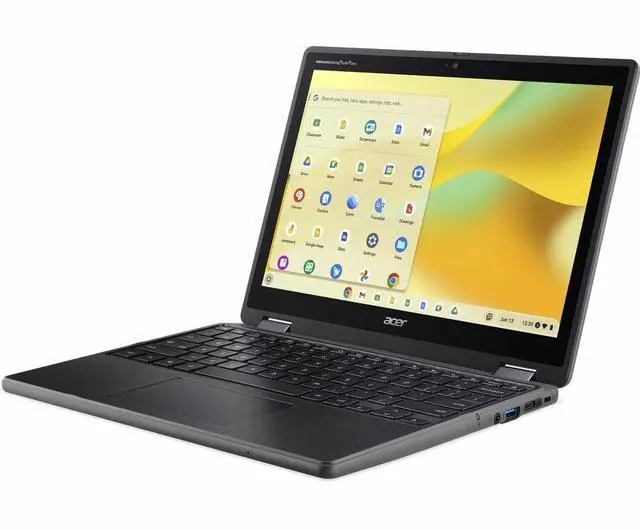
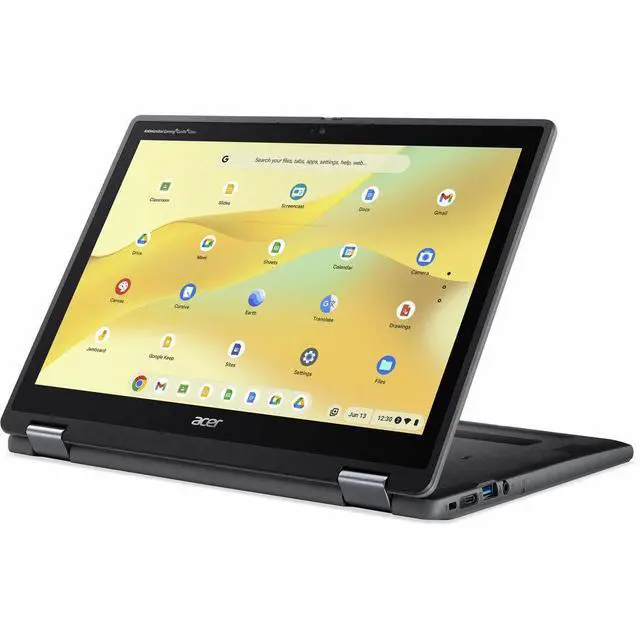
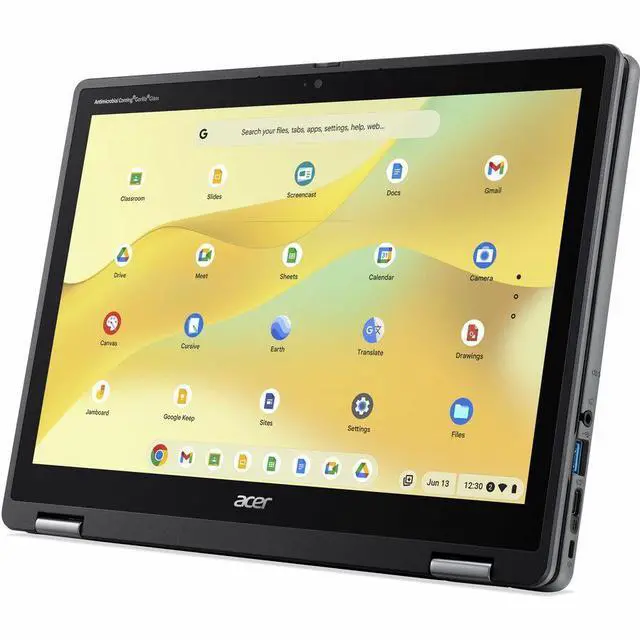
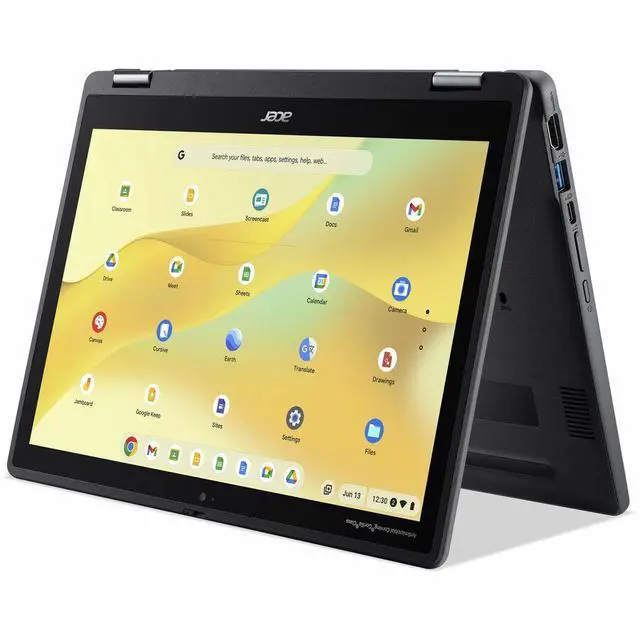
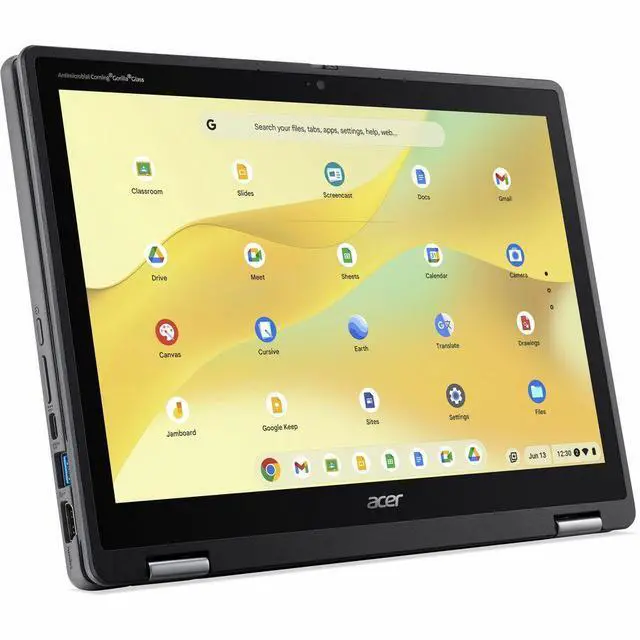
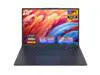
The Acer Chromebook Spin 512 R857T-C2P6 is a rugged 12.2-inch touchscreen Chromebook that converts between laptop and tablet modes, making it a fit for students and mobile users who want a flexible device for everyday ChromeOS tasks.
Recommended For
- K–12 students who carry a laptop between classes and need a touchscreen that can fold into tablet or tent mode for reading, classroom activities, and web-based assignments. Acer positions the Spin 512 as an education-focused convertible with a MIL-STD-810H-compliant design.
- Teachers and school staff who want a compact convertible for classroom presentations, online lessons, document work, and moving between rooms; the 12.2-inch touchscreen, 360-degree hinge, webcam, and HDMI port suit those routines.
- Families seeking a shared schoolwork device for browsing, video calls, and Google-based assignments, especially when a spill-resistant, reinforced design matters more than a large screen or extensive local storage.
- Mobile users who mostly work in browser-based services and want a small convertible they can use in laptop or touchscreen mode; the 12.2-inch WUXGA display and ChromeOS fit reading, note-taking, and lightweight online tasks.
Real-World Use Scenarios
- A student carries it between classes and works on online assignments; its convertible design and classroom-focused, reinforced build suit frequent handling, though they do not make it damage-proof.
- A student reads digital materials or handwrites notes during a lesson; the touchscreen supports direct interaction, and the optional USI stylus can be used for handwriting or sketching if included or purchased separately.
- A student uses it for a video class or teacher conference; the built-in webcam supports face-to-face calls, while the compact screen is better suited to one person than a large group gathered around it.
- A small group shares a lesson, presentation, or project at a desk; the 360-degree hinge lets the Chromebook stand in different positions, making the screen easier to view together than in ordinary laptop mode.
- A student completes routine web-based schoolwork, such as researching, writing, and checking class materials; ChromeOS and the education-focused design fit those everyday tasks better than workloads that depend on demanding desktop software.
Spec Summary
| Attribute | Value |
|---|
| Best For | Personal use and touch-based work in a rugged convertible Chromebook form factor |
|---|
| Display | 12.2-inch display with 1920 × 1200 resolution |
|---|
| Memory | 8 GB |
|---|
| Ports And Connectivity | One HDMI port; Bluetooth supported |
|---|
| Webcam | Built-in webcam |
|---|
| Brand | Acer |
|---|





 here!
here!
 Top Rated