Are you an E-Blast Insider?
Make informed decisions with expert advice. Learn More

Shop without retyping payment details. Secure shopping made faster.
Check out with PayPal.


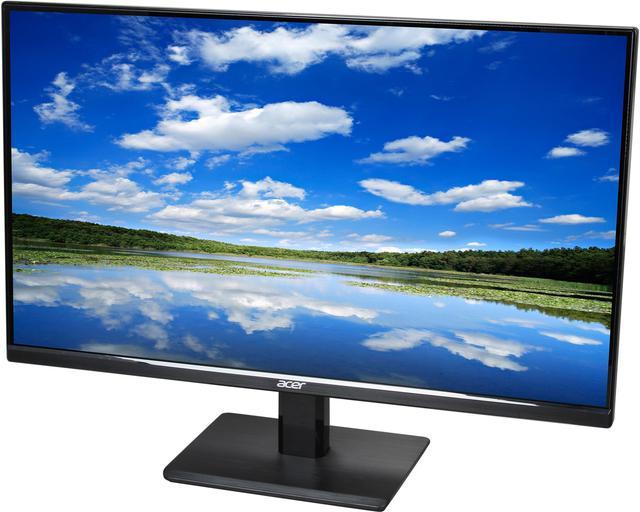
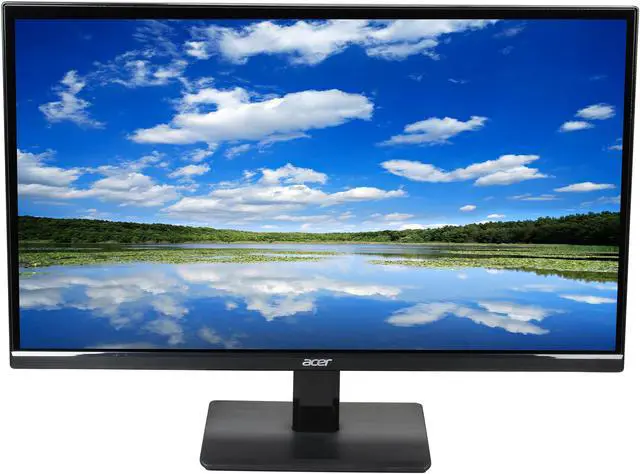
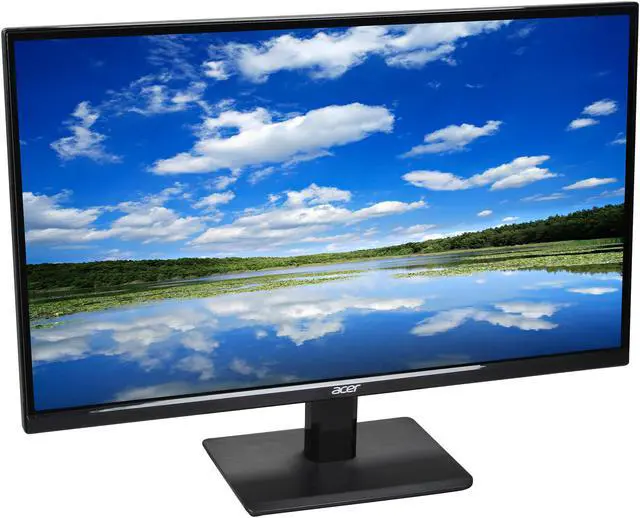
Acer H6 H276HLbmid Black 27" 5ms HDMI IPS panel Widescreen LED Backlight Monitor 250 cd/m2 1,000:1
- 1920 x 1080 60 Hz
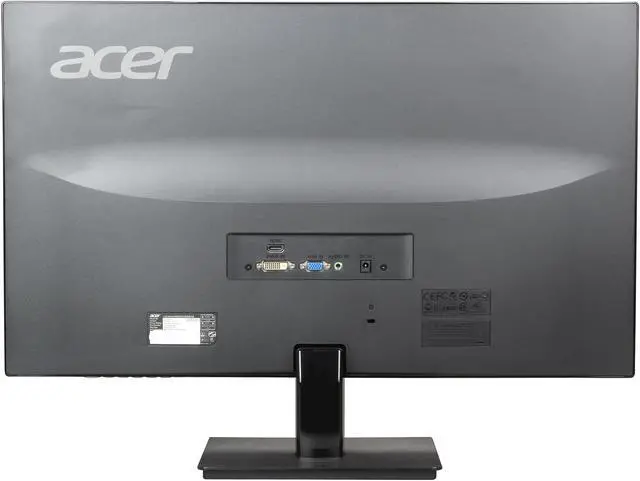
- D-Sub DVI HDMI
- 100,000,000:1
- 16.7 Million
- Tilt
- 17.90" x 24.40" x 6.80" w/ stand
Learn more about the Acer America H276HLbmid
| Brand | Acer |
|---|---|
| Series | H6 Series |
| Model | H276HLbmid |
| Cabinet Color | Black |
| Usage | Consumer |
| Screen Size | 27" |
|---|---|
| LED Backlight | Yes |
| Widescreen | Yes |
| Maximum Resolution | 1920 x 1080 |
| Recommended Resolution | 1920 x 1080 |
| Refresh Rate | 60 Hz |
| Viewing Angle | 178° (H) / 178° (V) |
| Pixel Pitch | 0.3114mm |
| Display Colors | 16.7 Million |
| Brightness | 250 cd/m2 |
| Contrast Ratio | 100,000,000:1 |
| Aspect Ratio | 16:9 |
| Response Time | 5 ms |
| Horizontal Refresh Rate | 30 - 80 KHz |
| Vertical Refresh Rate | 55 - 75 Hz |
| Panel | IPS |
| Display Type | Full HD |
| Input Video Compatibility | Analog RGB, Digital |
|---|---|
| Connectors | D-Sub, DVI, HDMI |
| D-Sub | 1 |
| DVI | 1 |
| HDMI | 1 |
| Complies with | ENERGY STAR, MPR II |
|---|---|
| Power Supply | Input Voltage: 110 V AC / 220 V AC |
| Power Consumption | Operating Power Consumption: 29.03 W Standby Power Consumption: 450 mW Off-Mode Power Consumption: 400 mW |
| Stand Adjustments | Tilt |
|---|---|
| Built-in Speakers | 2 x 1.5W |
| HDCP Support | No |
| Features | CrystalBrite |
| Dimensions (H x W x D) | 17.90" x 24.40" x 6.80" w/ stand |
|---|---|
| Weight | 16.00 lbs. |
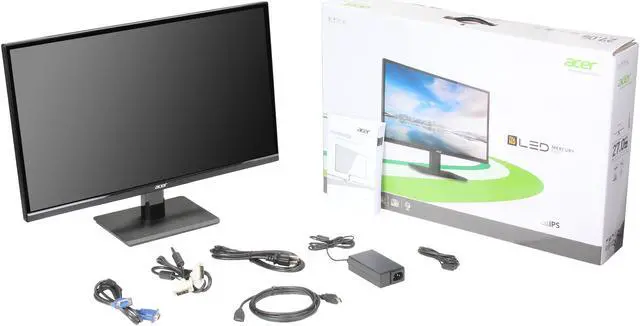
| Package Contents | H276HL Widescreen LCD Monitor 1 x DVI Cable 1 x HDMI Cable 1 x VGA Cable Power Cord |
|---|
| Date First Available | November 11, 2013 |
|---|
Pros: Good looking monitor with IPS panel with LED. It is much thinner than other IPS panels I have used before. The thin bezel on the side makes it attractive for my use as the center monitor in a three monitor setup using Eyefinity. No dead pixels. Color reproduction looks good without recalibration. No bleeding that I could see. Accepts several form of input, DVI/HDMI/VGA for some flexibility and avoid the need to adapters or special cables. Good value.
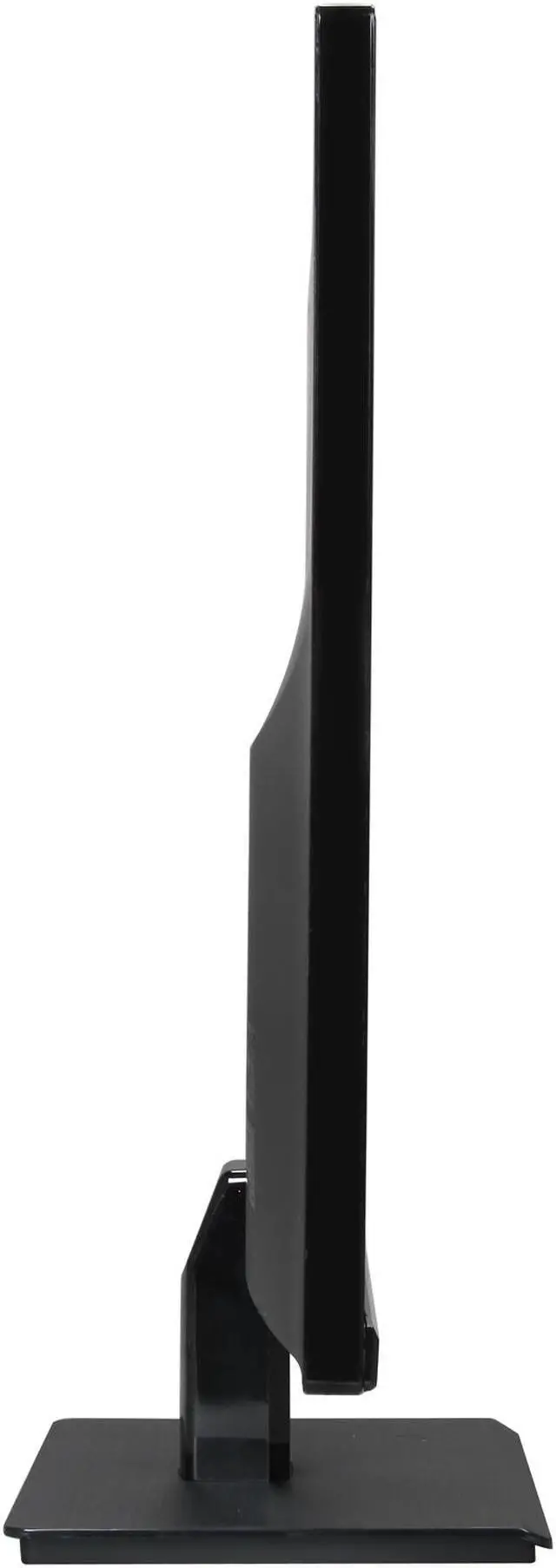
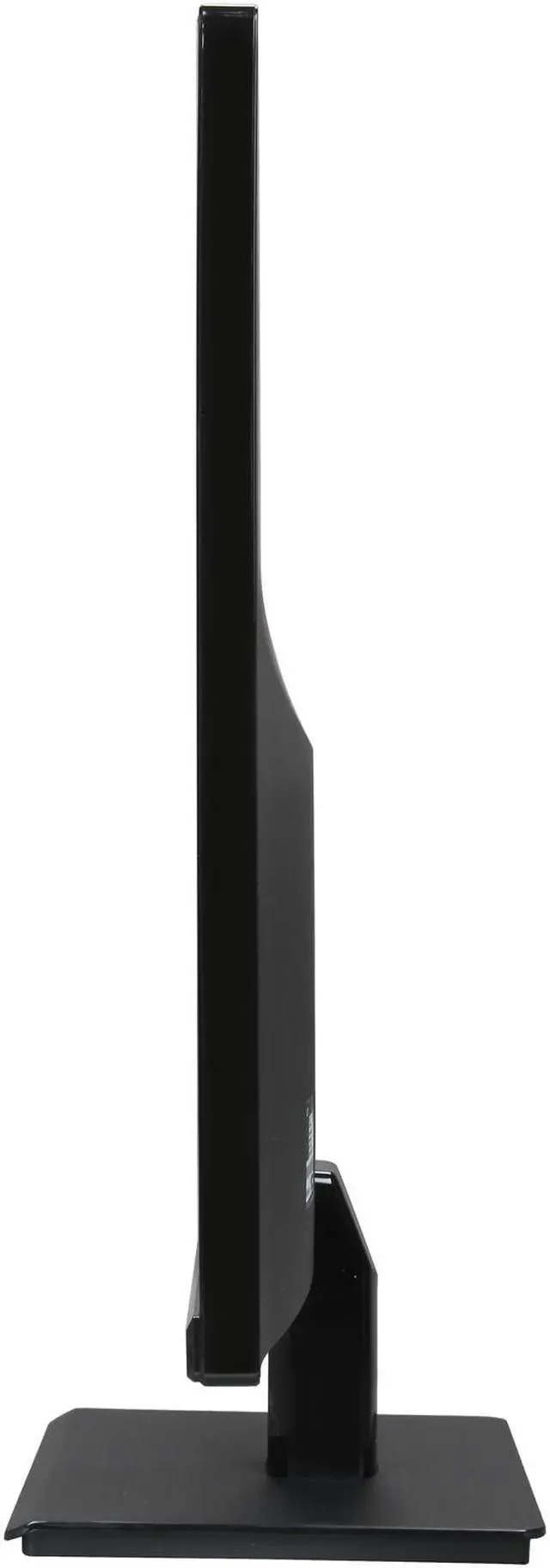
Cons: The stand is a weakness, since it is not adjustable, and it does not have Vesa mounting capabilities.
Overall Review: I did not test the speakers, but can’t imagine them to be of much use. I would have been fine if none were included
Pros: Nice color, IPS, enough features especially considering the price. Very thin.
Cons: While I didn't have the same resolution or overscan problems others have had, the screen looks off-center vertically because the only external bezel on the front of the screen is on the bottom edge. This makes it look like the screen is about 1/4 inch off-centered low. At first I thought it was actually displaying incorrectly, but eventually I got a magnifying glass and determined that the image is displaying correctly, but the upper and side bezels are actually behind the glass while the lower bezel is in front of the glass. This looks really weird the first few times you use the monitor, but after a while I sort of forgot about it. I understand that they were trying to make the screen look thinner and that's why they did not use a front bezel on the top and sides, but if you don't know that its supposed to look that way then you might, like me, waste a bunch of time trying to center the image vertically when it is already working fine.
Pros: Large monitor, conservative bezel, HDMI
Cons: No Display Port, Inputs are high on the back, base feels flimsy, glares easily The monitor has ghosting on the boundaries between high and low-contrast areas. For example, scrolling a webpage with light text on a darker background. This problem disappears with the monitor set to high levels of brightness and contrast but those settings very quickly begin to irritate my eyes so it is not a fix.
Overall Review: I contacted Acer Technical Support and spoke to a representative who was clearly had English as a second language, and was struggling to understand my issue. I described the problem very clearly in the Cons section. I gave a similar description to the rep. Even with her poor English skills, the rep was able to understand the problem I was having and opened a repair ticket. I agreed to ship the monitor from California to their repair center in Texas (which cost me $30 for the cheapest ground option plus insurance) under the pretense that it would be repaired and returned to me. The monitor took a week to get to Texas, and spent another week at the Acer center, including two days marked as "Under Repair" in their Customer Care web interface, but was returned to me (with another week of shipping) with the message that they were unable to identify the problem after "intensive burn-in testing". The monitor still exhibits this issue. To be clear: my old monitor, which was an IPS panel with an 8ms response time, did not have this problem. This monitor is advertised with a 5ms response time. Both are grey-to-grey. I was never contacted by the Acer repair center asking for more information or for methods to reproduce the issue. The tech support rep did not ask for this information and I feel that her inadequate English skills led directly to the failure of the repair center to identify the issue because she did not clearly describe the problem. She misspelled my email when I gave it to her letter-by-letter, and the problem description she wrote is nearly impossible to comprehend. I try to be very patient and clear with tech support personnel. I know they have to deal with some difficult people sometimes; my dad is one of them. But this is pure incompetence and lack of diligence on the part of Acer tech support and repair staff. I will never contact Acer for repair service again. I'm out $30 and 3 weeks of my time and lost productivity, and I'm still stuck with a defective monitor. I'm going to try to live with this, and if not, I will be RMAing the monitor with NewEgg. In contrast to other stories about them in some reviews, the NewEgg service staff haven't disappointed me yet after several RMAs on different products. And it's much faster and cheaper to ship the monitor back to them. To Acer, who I know will have a PR rep reply to this review: I want my $30 back and a new, working monitor shipped to me at no cost, and you can have this one back if you pay the shipping.
Pros: - IPS panel for clarity - VGA, DVI, HDMI cables included - Thin bezels - Low profile buttons - Pixel density better than 23" (see other thoughts)
Cons: For the price, there is no con.
Overall Review: I own the 23" version (H236HLbid) and wrote a review for that one too (with lagom.nl tests). I like this 21.5" one better and here's why: After staring at and getting used to the 23" version, I began to see black outlines of the pixels on that one. As I'm typing this with the 21.5" as my primary and the 23" as my secondary, I can see the outlines. On the 21.5" however, the pixel density seems to be just right for the 1920 x 1080 resolution. I do not notice the black grid. *I sit with the monitors in my face. If you have a desk with good distance between you and the monitor, the 23" will look just fine. Both are 1920 x 1080 native. I hope this was helpful to someone.
Pros: The main features that sold me on this monitor was the IPS panel, 5ms response time, HDMI connectivity, and price.
Cons: See the “things to be aware of” section below.
Overall Review: Things to be aware of: The screen is noticeably glossy. I have dimmers in my room and even with the lights on low I can see reflections when using the monitor. I did have some issues assembling the stand correctly. It seems as though the manufacturing of the two pieces that make up the stand wasn’t very precise so it will take some muscle to force the “neck” piece into the bottom “stand” piece so that it fits snug. Other reviews refer to the stand being very unstable or flimsy/wobbly, but if you just force the neck into the stand so that it fits snug, it will fix this problem. You have lots of limitations adjusting this monitor. For example, you can’t adjust the height, you can’t rotate in portrait position, and you can’t swivel the base. You will only be able to adjust the tilt so make sure you are okay with these limitations before buying. Also, this monitor has no VESA mount option so you cannot hang it on a wall. The monitor does not have built in speakers which some people prefer since they already have dedicated speakers. Why 5 eggs: This is a solid 1080p IPS panel monitor for the price. The beautiful colors of the IPS panel, 5ms response time, HDMI connectivity, 1080p display, beautiful design, and price are all strong selling points and I could not find another monitor that matched these features at a value price. As long as you are okay with the limitations described above, you won’t regret picking this up. Please share the love if you found this review helpful.
Pros: Monitor has a glossy look and its real sharp especially for the text on a 27 inch and this dot pitch at native resolution. Colors on games just seem to pop out. Running triple monitor setup and its great. Went from 3 24" monitors to (3) of these 27" and i cant believe its even a better experience. In my opinion (3) monitor setups are better than (1) 2K or 4K setup (Which i use on other computers). I had No ghosting in games so far (running 6900HD AMD video), first person shooters, rpgs and real time strategy type games i commonly run; and old DOS games. Monitors are much better than I expected. Comes with all the cables, dvi, hdmi, vga. I did not make any adjustments in software so far, just using straight out of the box. Monitor ports are straight out the back, no need to fight connectors when connecting. Highly recommended.
Cons: There are no cons. If i was a really pick person -- attaching stand to monitor, the slide clip mechanism was really tough to make clip actually snap into place on 2 of the 3 monitors i bought. One monitor just slid into place, the other 2 i had to push down fairly hard to get it to work correctly.
Overall Review: If you dont like the glossy look, you should not buy. Remember monitor is 60Hz, super duper gamers may want all the extra bells and whistles this monitor does not provide like 144hz, gsync, free-sync, 2K, 4K resolutions; so pass on it. Normal gamers, surfers etc. that are ok with 1920x1080 this monitor is a great buy. Bought all monitors at the same time at sale prices, free shipping thank you Newegg!!! i Dont understand why people knock the stand, its average as far as stability. If you dont have an earthquake everyday you wont have to worry about the monitor wobbling. If your the type of person who doesn't read specs before buying and complain about everything, dont buy anything because nothing is going to make you happy.
Pros: Ok so the pros are that these monitors are extremely sleek and just look astonishing on the desk. The bezel from the monitor as you can probably tell from in the pictures is pretty much non existent except for the bottom part. On top of being low cost compared to other monitors in the same price range, these come with all the connections you would probably use to connect it to your PC. Another thing that might be a pro is that the base of the monitor has a little image of a clip, and this part is actually a magnet within the base itself; so if you are maybe working around your PC and don't want to loose some screws, the monitor has got you covered. I use these monitors for gaming, and those that say that the response time isn't' fast enough or that an IPS panel is not good for gaming, well they might be right but I don't notice the difference!. My gaming is the same I do not feel that the monitors hinder my gaming performance at all.
Cons: Alright so now on the the cons. These monitors are not mountable to any type of arm, since they are missing the screws on the back of the screen. The monitors can only tilt, you will not be able to adjust the height of the monitors at all, zero! These monitors are not anti glare, so if you have your desk pointing away from the window in such a way that the sun will hit the monitors, then you can definitely expect some glare. While I did previously state that the monitors did not have a bezel (or was almost non existent, the display does not actually reach the border of the monitor, instead the image is about a 1/4" form the bezel. Now on to my last minor complaint and then on to the big one! The buttons on this monitor feel flimsy, they wiggle in the little slot that they are, and can sometimes be hard to press. PLEASE READ OTHER THOUGHTS IF YOU ARE THINKING OF BUYING TWO OR MORE OF THESE MONITORS FOR DOUBLE OR SURROUND DISPLAY.
Overall Review: OK so here is what I did, I was looking for monitors at Newegg, and happened to stumble on these. I thought they were good enough so I decided to buy two of them. When they arrived they were all intact, I built the base attached it to the monitor "simple setup" and then I got to putting the monitors side by side... and this is where there was an issue. One monitor was at least 1/2" higher than the other monitor (or so I thought). I destroyed some cardboard and put it underneath the monitor that I thought was short so that I would have a nice double display. After about a week while fixing my desktop (not pc) around for a better set up, I happened to notice something weird about these monitors. When putting the monitors side by side one was taller than the other one, and then when I switched the monitor places the same thing happened (one was shorter than the other). I thought this was odd, for how can it be that the taller monitor is now shorter than the other one? So I decided to check with a leveler whether or not the screens were leveled. What I found was that both monitors were tilted slightly to the Right!, which made me think that one of these monitors was shorter than the other when putting them side by side. Just to make sure that the leveler was right, I measured the right hand side of the screen with a measuring tape, and then I measured the left hand side. The measurements were Right: 15 3/4", Left: 16". I didn't notice that the monitors were this crocked for an entire week, and probably would have never figured it out had I not been messing around with my desktop. Now I think that this is too much of a coincidence, since both of my monitors measured the same 15 3/4" on the right and 16" on the right when measuring from the bottom of my floor to the top bezel of the monitor. Now what I did to remedy this slope on my monitors was to put some folded paper between the neck and base of the monitor on the right hand side to make that side higher. After some tinkering around with the display unscrewing putting more pieces of paper in and redoing, I finally got my display to be leveled! My advice to you is just to not expect these monitors to be leveled, or possibly even to be of the same height! If you do happen to notice that one monitor is higher than the other just check whether or not the monitors are leveled, and then apply the fix I did to make them look nice and leveled, I hope this review helped you make a decision for all in all I would still buy them again, and in fact I am about to order another one :).
Warranty & Returns
Warranty, Returns, And Additional Information
Warranty
- Limited Warranty period (parts): 3 years
- Limited Warranty period (labor): 3 years
- Read full details
Return Policies
- Return for refund within: 30 days
- Return for replacement within: 30 days
- This item is covered by Newegg.com's Standard Return Policy
Manufacturer Contact Info
- Manufacturer Product Page
- Manufacturer Website
- Support Phone: 1-800-816-2237
- Support Website
- View other products from Acer America


Eggxpert Review
Pros: 5ms 1080p IPS edgeless display that comes with all necessary cables. This includes HDMI, DVI and the laughably ancient VGA cables.
Cons: Glossy screen, and the brightness (while not bad) is a little too low to compensate for the gloss in a light heavy room.
Overall Review: I bought three of these last Christmas for various family members due primarily to it being a vast improvement in terms of color accuracy, screen size vs bezel thinness, and resolution. There weren't any similar options at the time, but there are now. The fact that this monitor comes with all the cables in the box makes a big difference though, and in terms of the HDMI and DVI cables, could save impatient people an extra $20+ vs going to the store. It's worth keeping in mind.