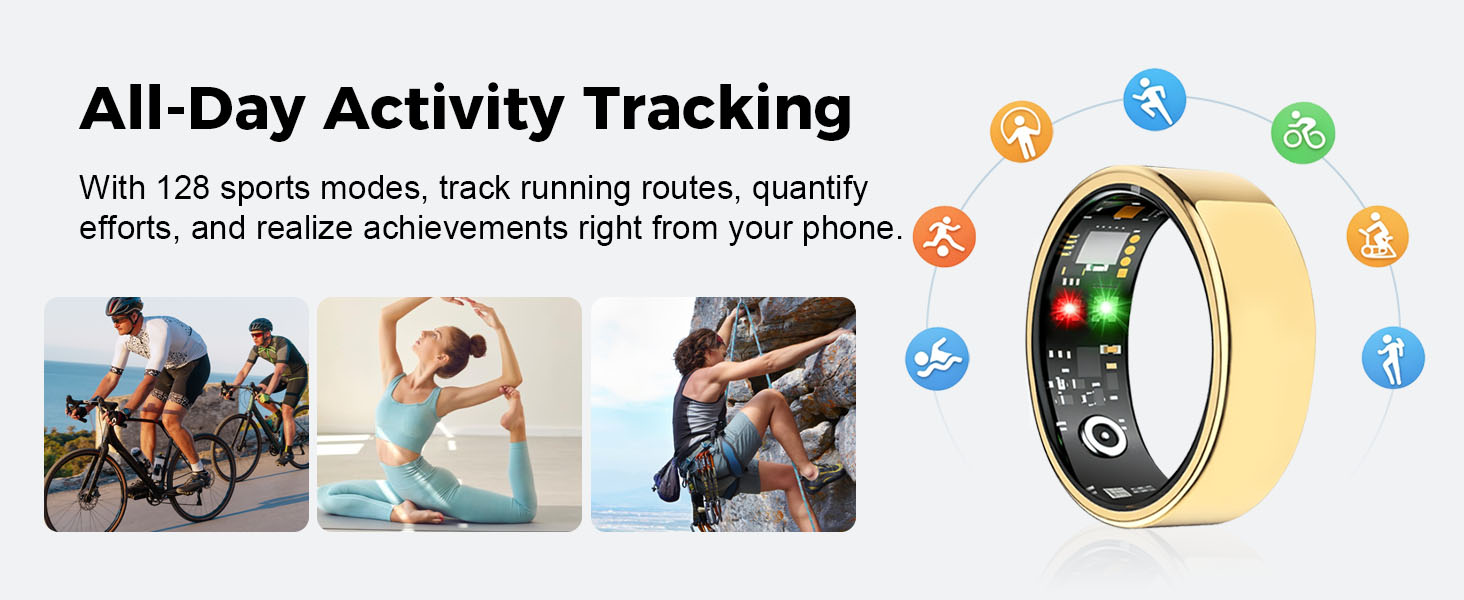
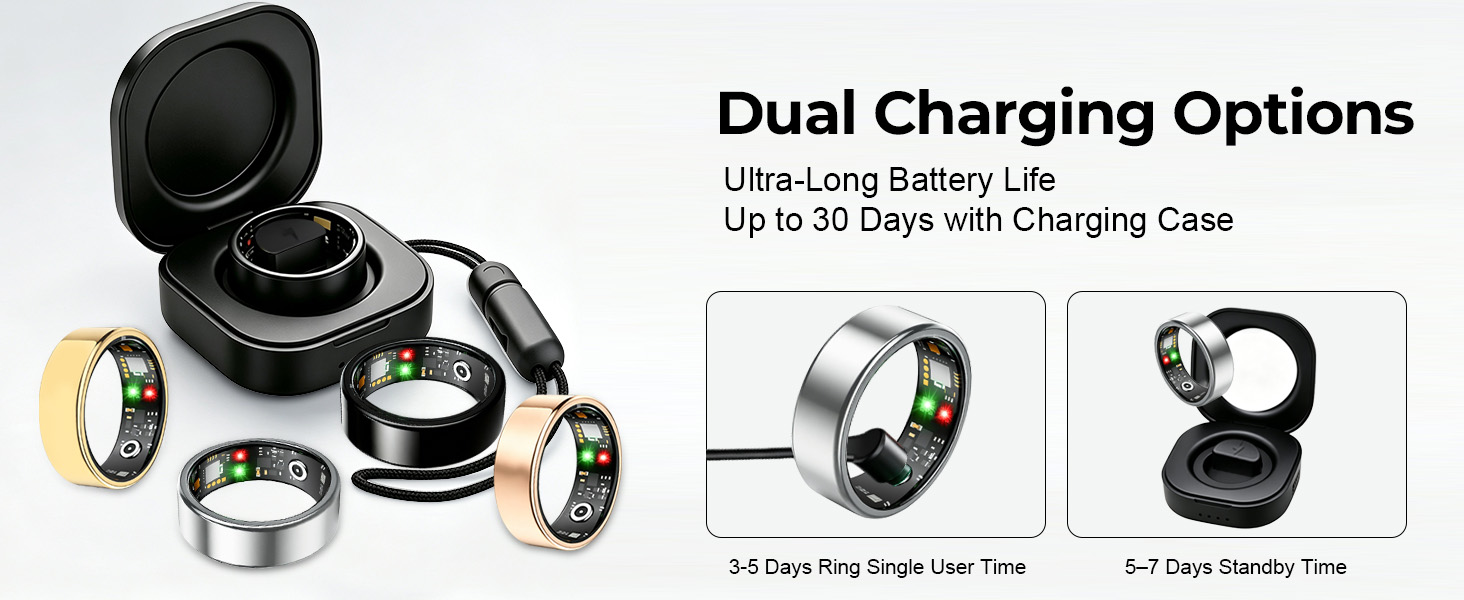
here!
here!
I’m your shopping assistant for PC builds, upgrades, and everything tech.
Got questions? Ask away!
Start a conversation
here!
I’m your shopping assistant for PC builds, upgrades, and everything tech.
Got questions? Ask away!
Start a conversation
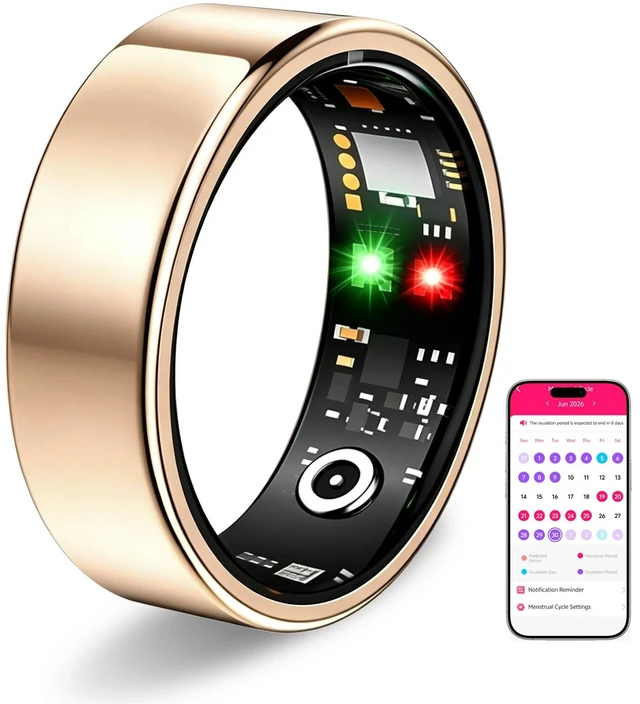
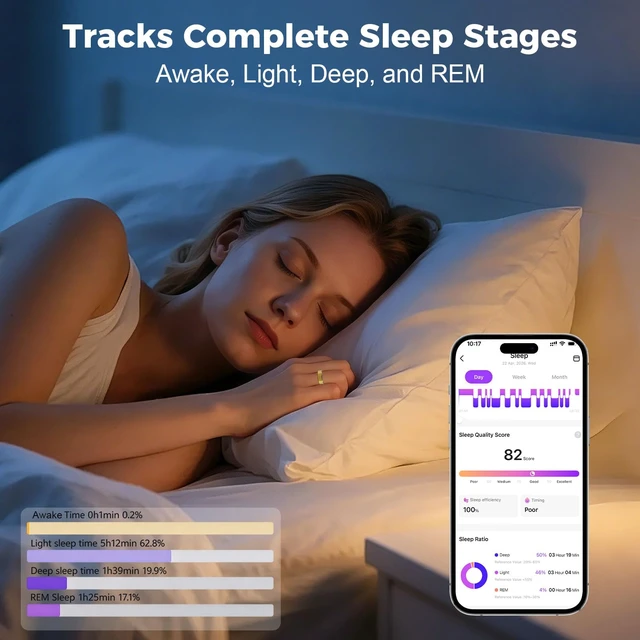



Any questions? Ask CelesteSM will help you find out quickly.
How can I get more consistent tracking results?
For best results, wear the ring snugly at the base of your finger with the sensors positioned on the palm side of your finger and in close contact with your skin. Avoid wearing it too loosely or allowing the ring to rotate frequently.
Can I wear the ring in water?
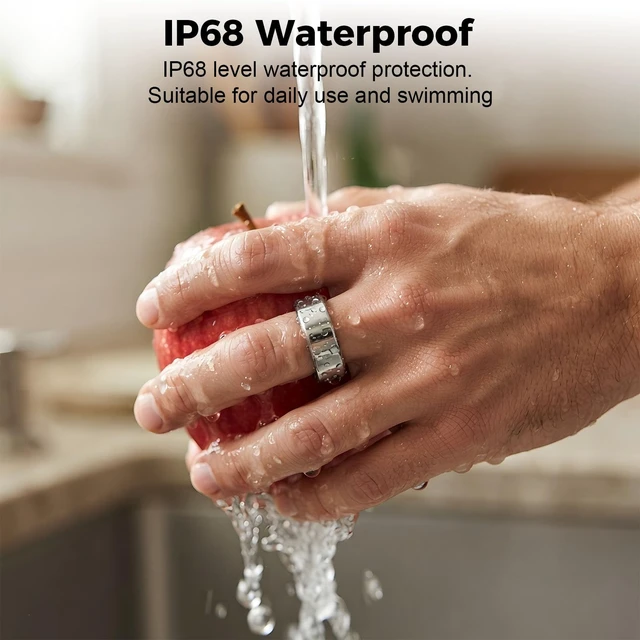
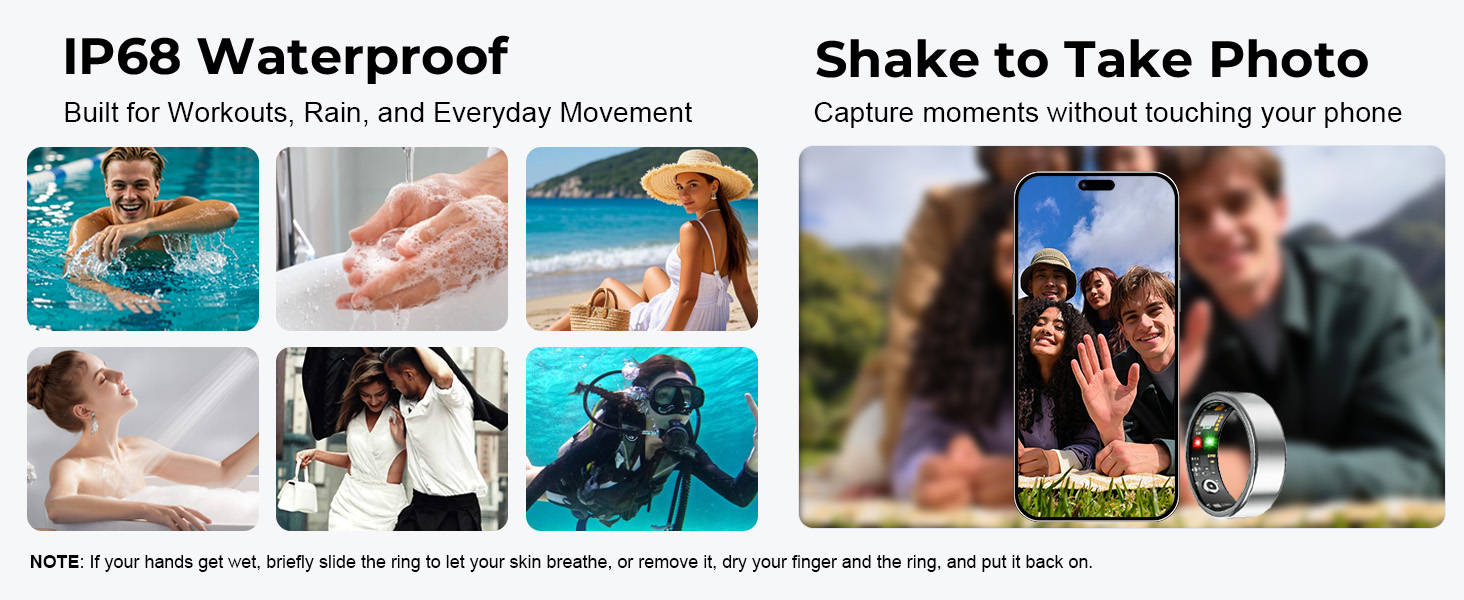
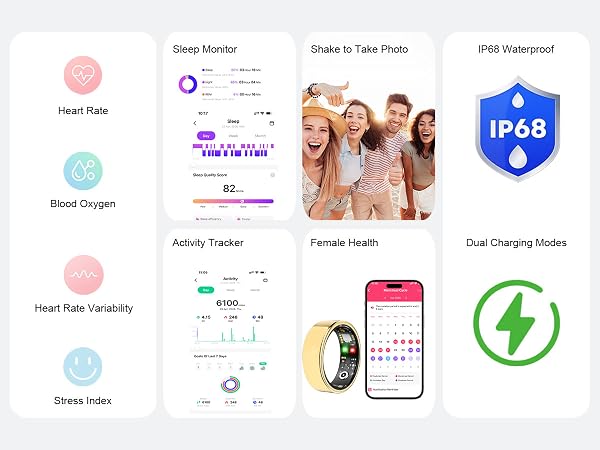
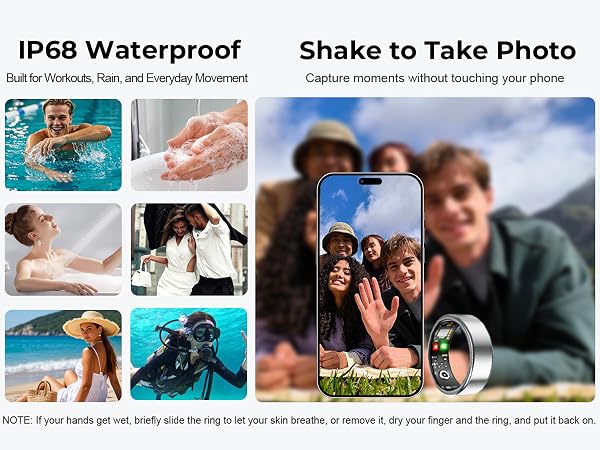
Yes. The smart ring is IP68 water resistant and suitable for swimming and everyday water exposure. If your hands get wet, briefly slide the ring to let your skin breathe, or remove it and dry both your finger and the ring before wearing it again.
How do I enable all-day stress and blood oxygen tracking on my smart ring?
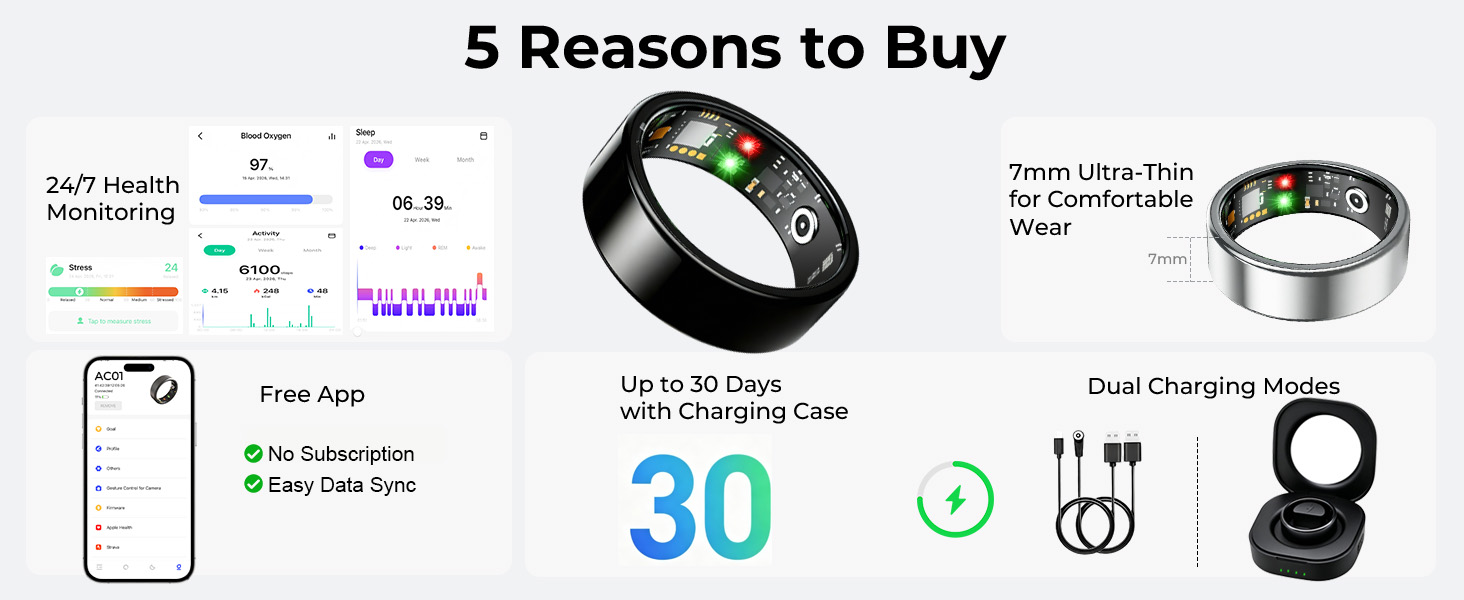
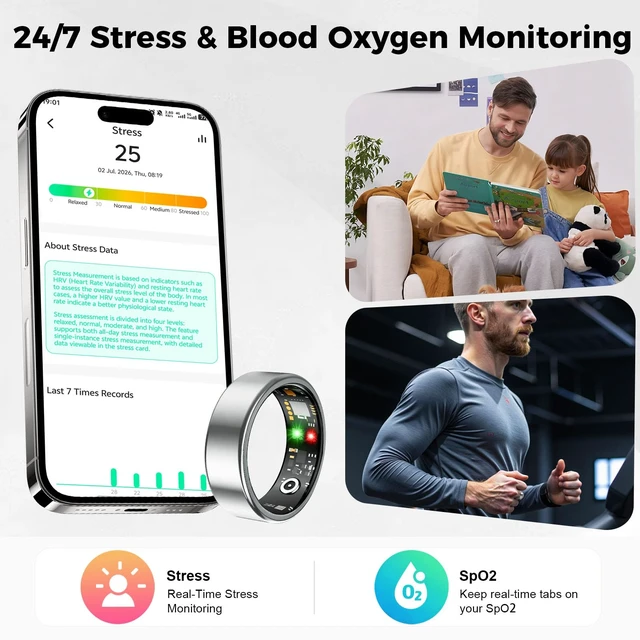
All-day stress and blood oxygen monitoring on the ACMOY Smart Ring need to be enabled manually in the app. Go to Other Settings and turn on these monitoring features. Keep Bluetooth enabled to help the smart ring sync your data properly.
How do I choose the right ring size?
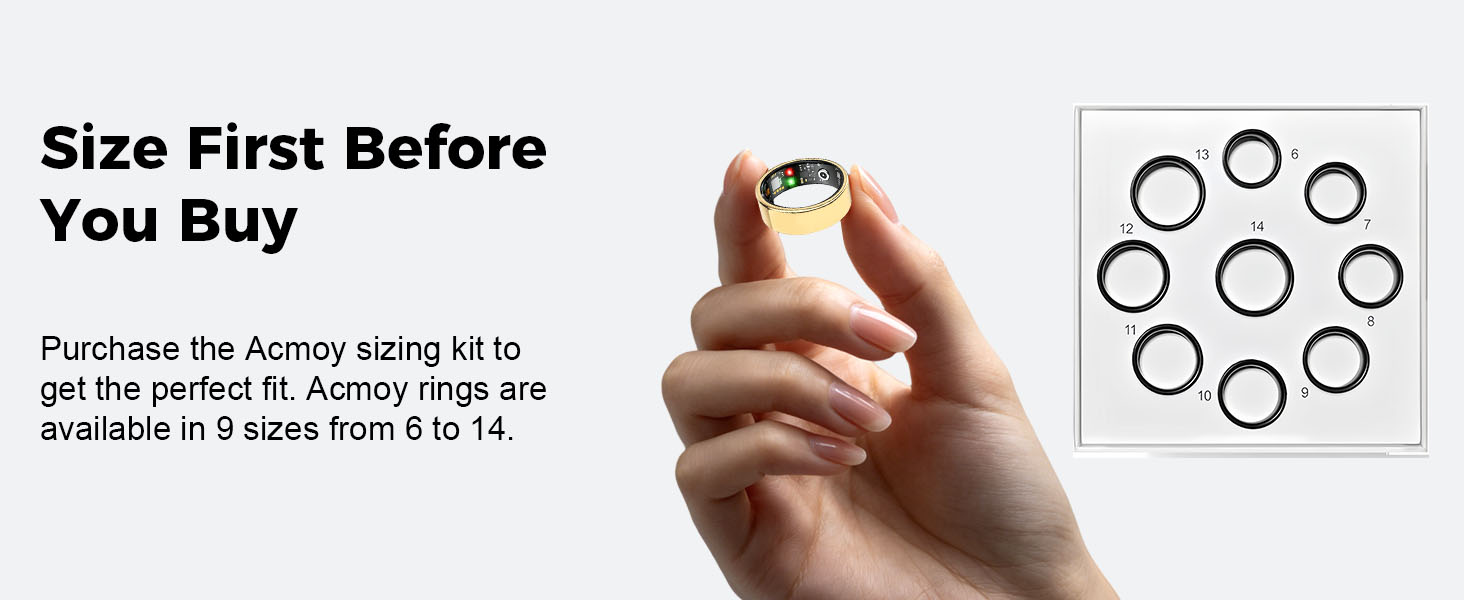
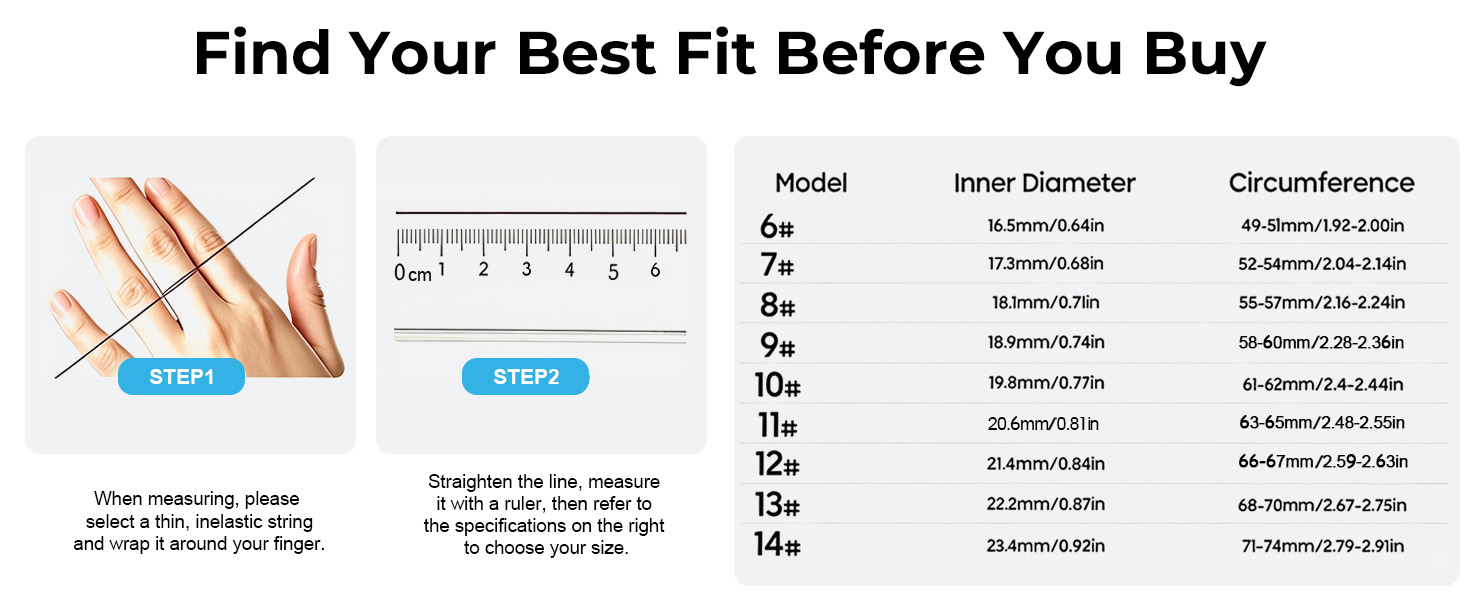
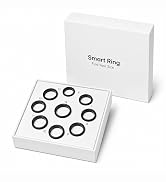
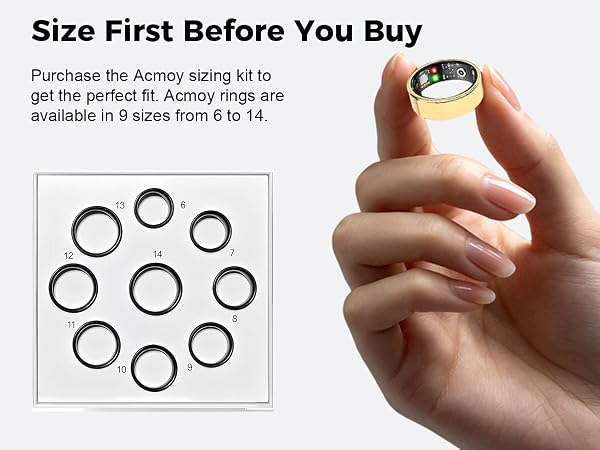
For the best fit and more consistent sensor contact, we recommend using the ACMOY Sizing Kit before purchasing. Wear the sizing ring for 24+ hours to account for natural changes in finger size throughout the day.
What should I do if my smart ring won't connect to the app?
Make sure your phone's Bluetooth is turned on, keep the ring close to your phone, and connect the ring through the app. If you still need help, our support team is available to assist you.


At Acmoy, health isn't about numbers—it's about you.
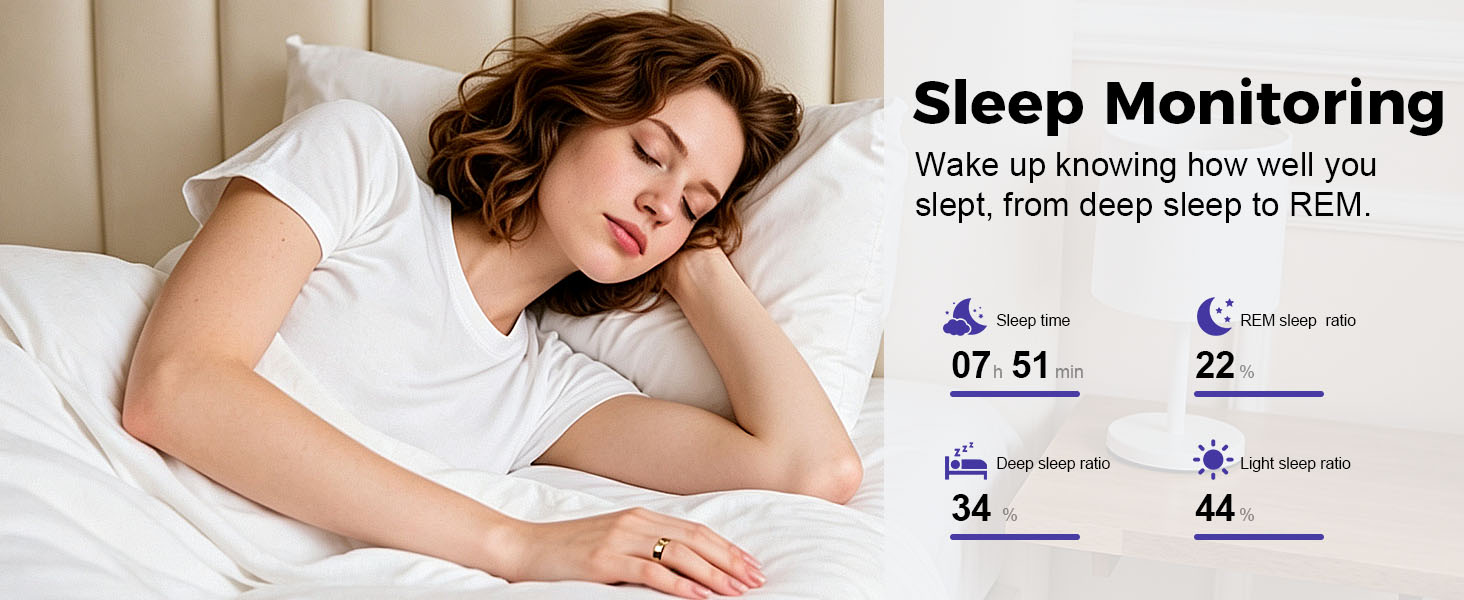
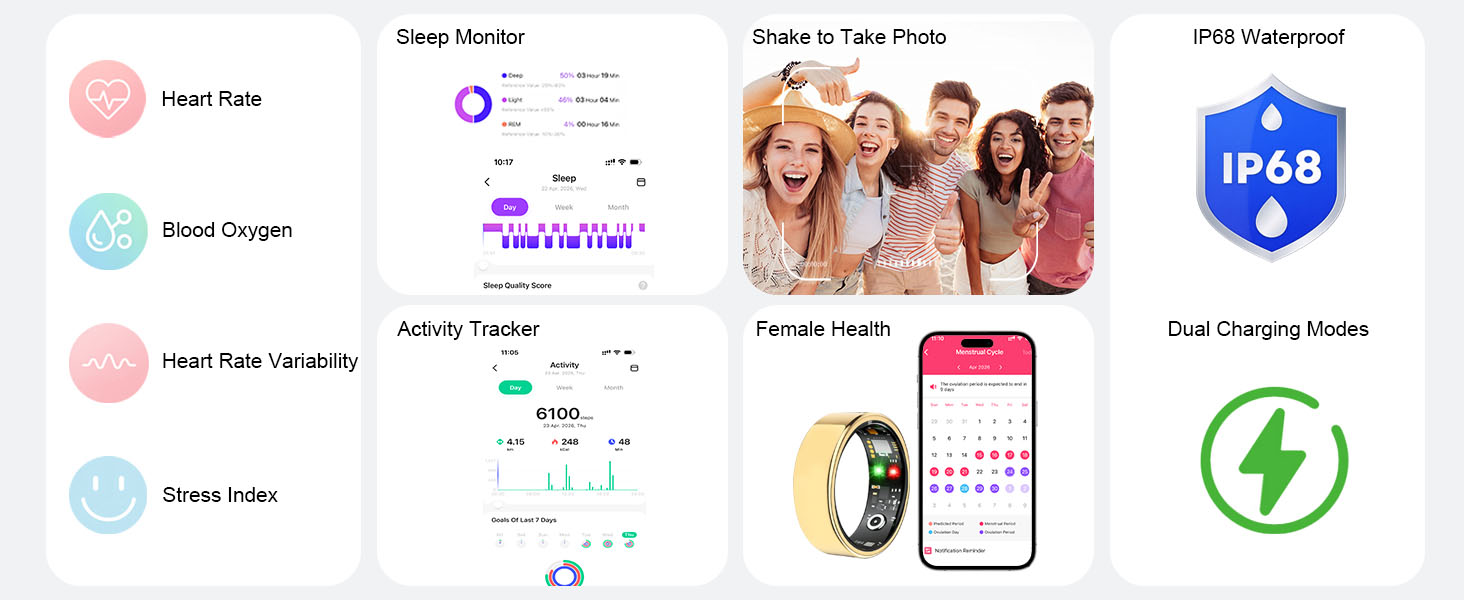
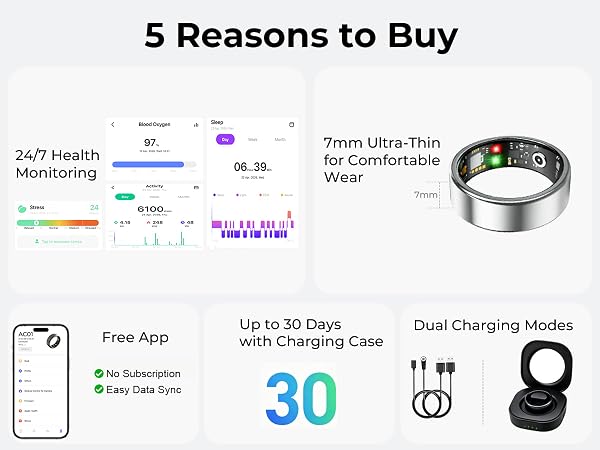
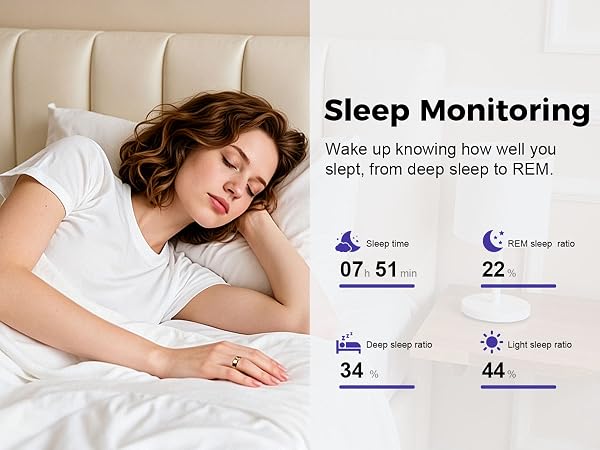
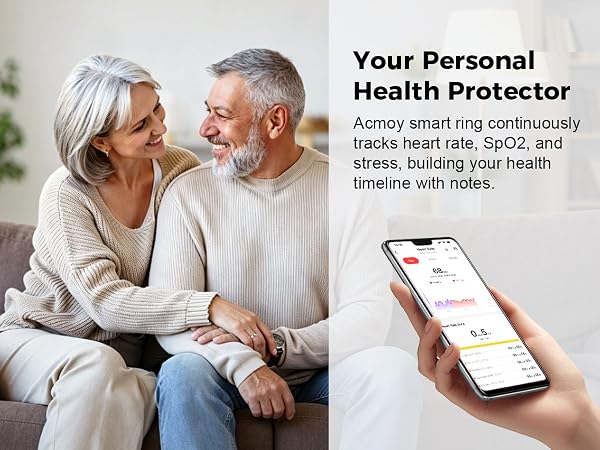
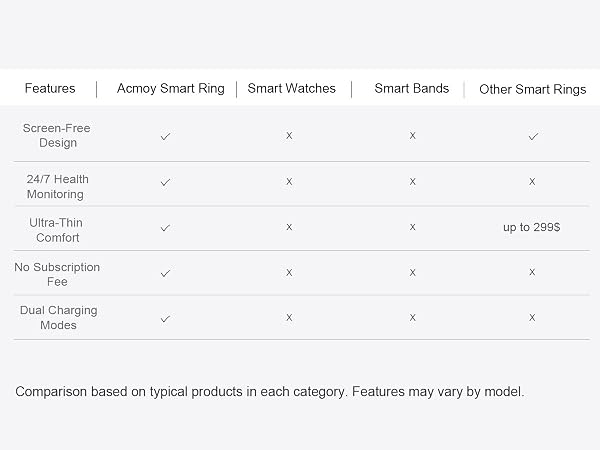
We design smart wearables that help you understand your body's rhythm, from heart rate to sleep. Our human-first philosophy means technology adapts to you. Acmoy provides meaningful health insights without complicated settings or subscription fees.
Everyone deserves a health companion that fits effortlessly into everyday life. When health feels simple, better habits become second nature.
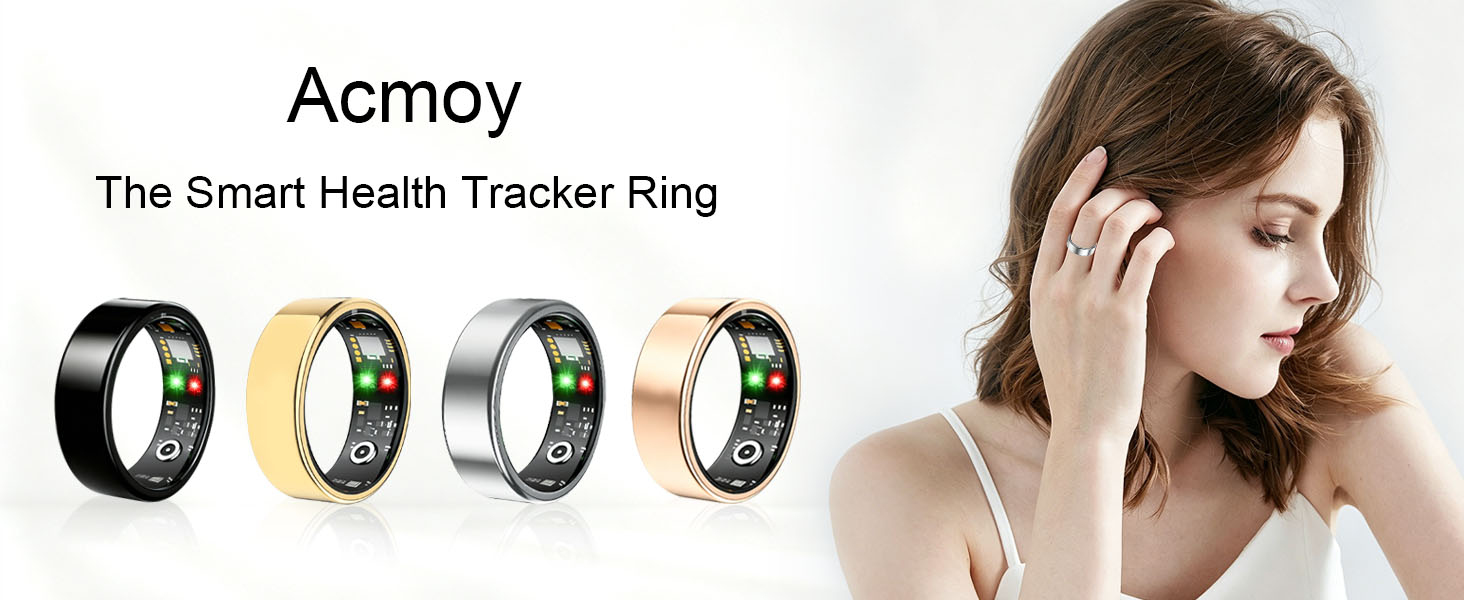
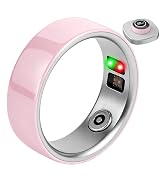
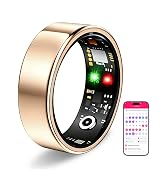
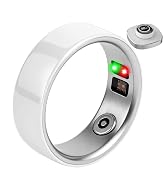
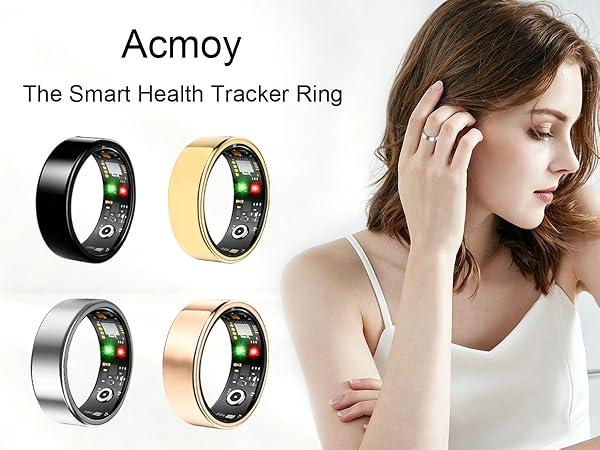
Acmoy creates smart ring that blend elegant design with intelligent health insights. We believe technology should feel natural, comfortable, and effortless in everyday life.
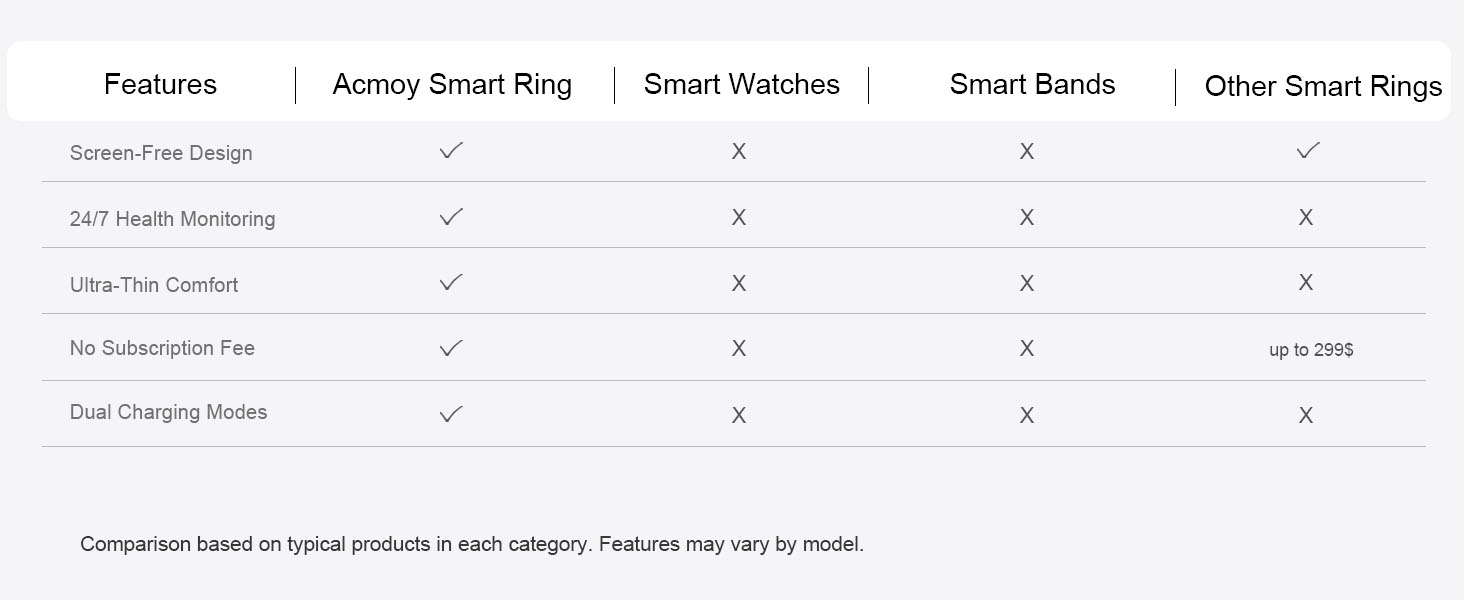
No.Enjoy full access to health tracking features without monthly subscriptions or hidden costs.
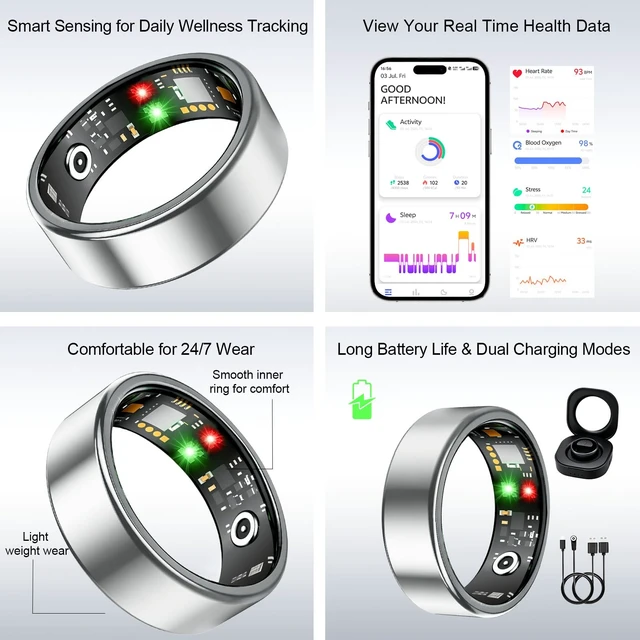
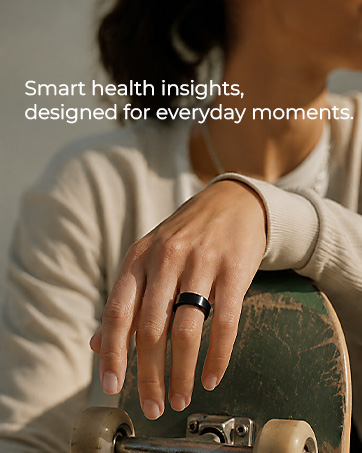
Designed with lightweight materials and a refined profile, Acmoy is made for all-day comfort.
How can I get more consistent tracking results?
For best results, wear the ring snugly at the base of your finger with the sensors positioned on the palm side of your finger and in close contact with your skin. Avoid wearing it too loosely or allowing the ring to rotate frequently.
Can I wear the ring in water?
Yes. The smart ring is IP68 water resistant and suitable for swimming and everyday water exposure. If your hands get wet, briefly slide the ring to let your skin breathe, or remove it and dry both your finger and the ring before wearing it again.
How do I enable all-day stress and blood oxygen tracking on my smart ring?
All-day stress and blood oxygen monitoring on the ACMOY Smart Ring need to be enabled manually in the app. Go to Other Settings and turn on these monitoring features. Keep Bluetooth enabled to help the smart ring sync your data properly.
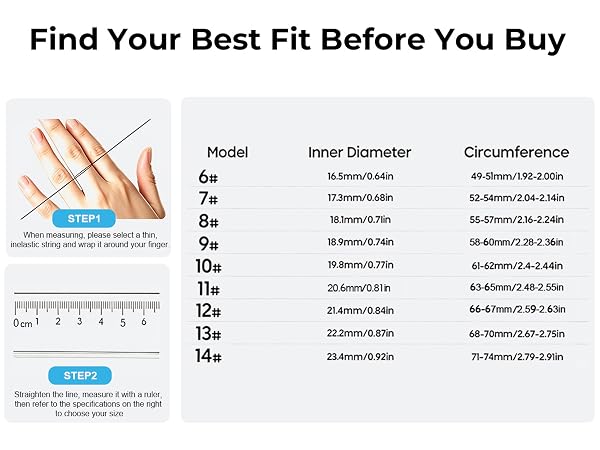
How do I choose the right ring size?
For the best fit and more consistent sensor contact, we recommend using the ACMOY Sizing Kit before purchasing. Wear the sizing ring for 24+ hours to account for natural changes in finger size throughout the day.
What should I do if my smart ring won't connect to the app?
Make sure your phone's Bluetooth is turned on, keep the ring close to your phone, and connect the ring through the app. If you still need help, our support team is available to assist you.
At Acmoy, health isn't about numbers—it's about you.
We design smart wearables that help you understand your body's rhythm, from heart rate to sleep. Our human-first philosophy means technology adapts to you. Acmoy provides meaningful health insights without complicated settings or subscription fees.
Everyone deserves a health companion that fits effortlessly into everyday life. When health feels simple, better habits become second nature.
Acmoy creates smart ring that blend elegant design with intelligent health insights. We believe technology should feel natural, comfortable, and effortless in everyday life.
No.Enjoy full access to health tracking features without monthly subscriptions or hidden costs.
Designed with lightweight materials and a refined profile, Acmoy is made for all-day comfort.