
Your Browsing History


Make informed decisions with expert advice. Learn More


Any questions? Our AI beta will help you find out quickly.
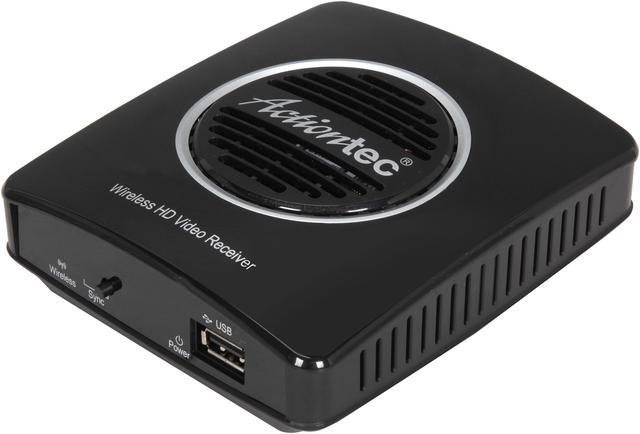
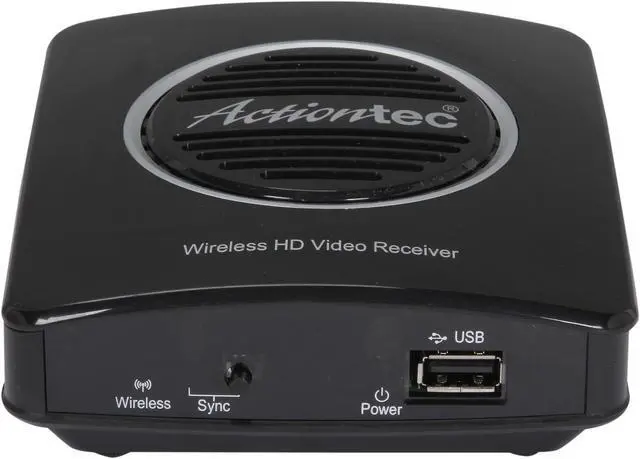
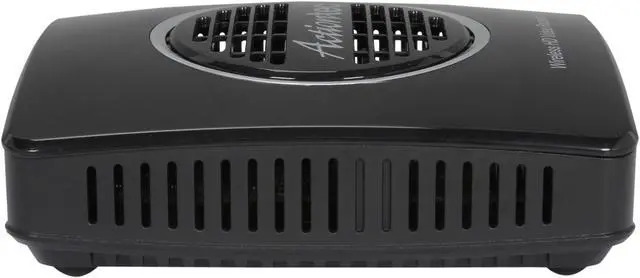
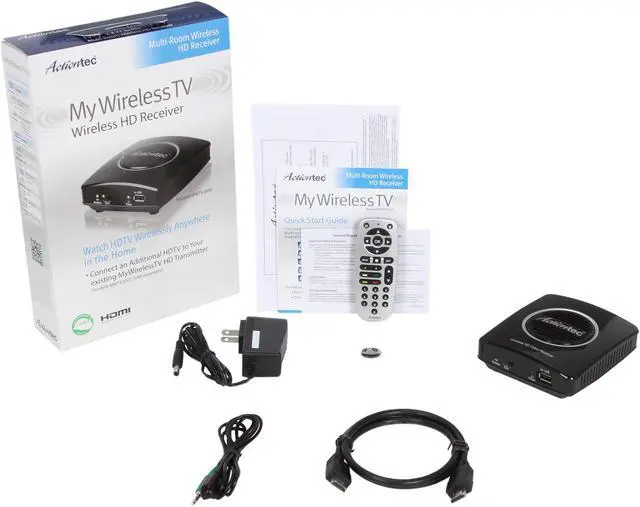
Connect an Additional HDTV to your existing MyWirelessTV HD Transmitter(s) by simply adding a MyWirelessTV Receiver. With the push of a button you're connected to your set-top-box, or any other HDMI enabled source device.
 Adds an additional HDTV in any roomWant to connect an additional HDTV to your existing MyWirelessTV HD Transmitter(s)? MyWirelessTV Receiver offers an ideal solution. Since the existing MyWirelessTV HD Transmitter distributes Full 1080p HD and 3D Video up to 150 feet away, you can put MyWirelessTV Receiver anywhere within 150 feet from the transmitter without wire tangling to enjoy high quality content on your HDTV.
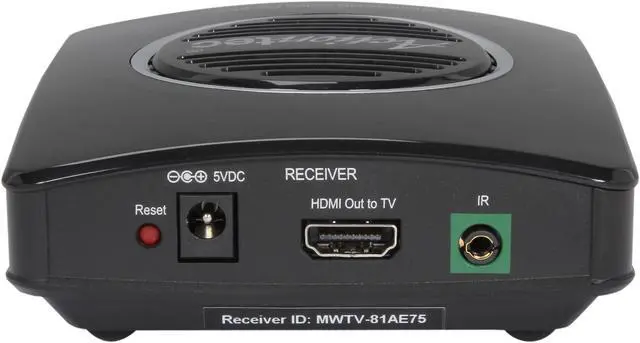
 Simple SetupSetup is easy. Everything you need is included. After pairing the new receiver to the existing transmitter, you just need to connect the new receiver to your HDTV with the included HDMI cable. Then enjoy video from the source device anywhere in your room.
 A Brilliant HD Visual ExperienceWireless transmission can be tricky, but MyWirelessTV has been designed specifically for HD video over standard WiFi. Advanced video Quality of Service (QoS), dynamic rate adaptation, error resiliency and concealment technology, and dynamic bit-rate management all combine to deliver solid multi-room wireless performance, even on high traffic home networks. As a result, you can shed the wires, without compromising your HD experience.
 Lowest Latency in the Industry = Superior Quality for any HD ContentMyWirelessTV is based on Cavium Network's Super Low Latency (SLL) technology, which offers the industry’s lowest compression latency for full HD 1080p60 H.264 encode and decode. The result? You can enjoy superb quality, interactive HD applications throughout the home. For example, watch live TV, share a multi-player game between rooms, or surf the Web on any display no matter where the computer is.