






How It Works: Power & Auto Wake/Sleep
Car Starts?Monitor On?Camera Wakes Auto
Car Off?Monitor Off?Camera Sleeps Auto
Helpful Tips(Camera)
- First-time use: Manually power on the camera once. It will then wake and sleep automatically with the monitor.
- Not using for a while? Manually turn off the camera to save battery for your next drive.
- Using frequently? Keep it plugged in via the included charging cable.
- If the battery runs out, you’ll need to turn the camera on again manually.

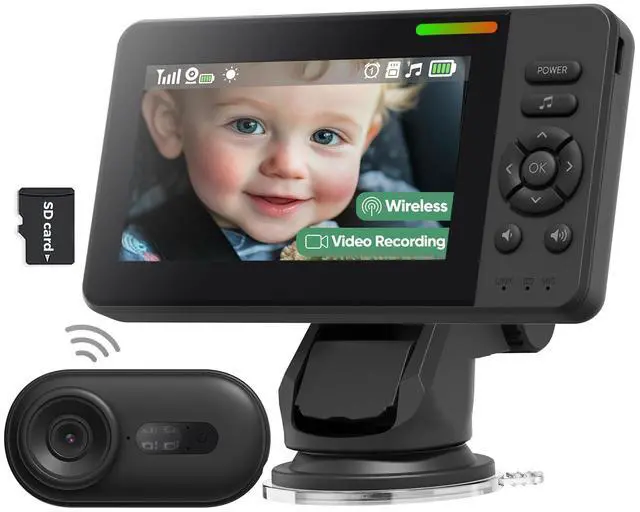
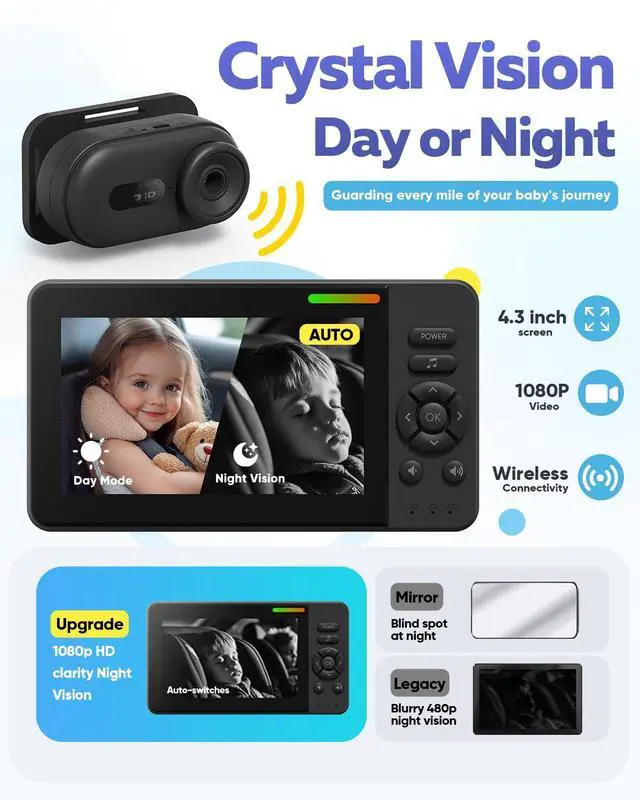
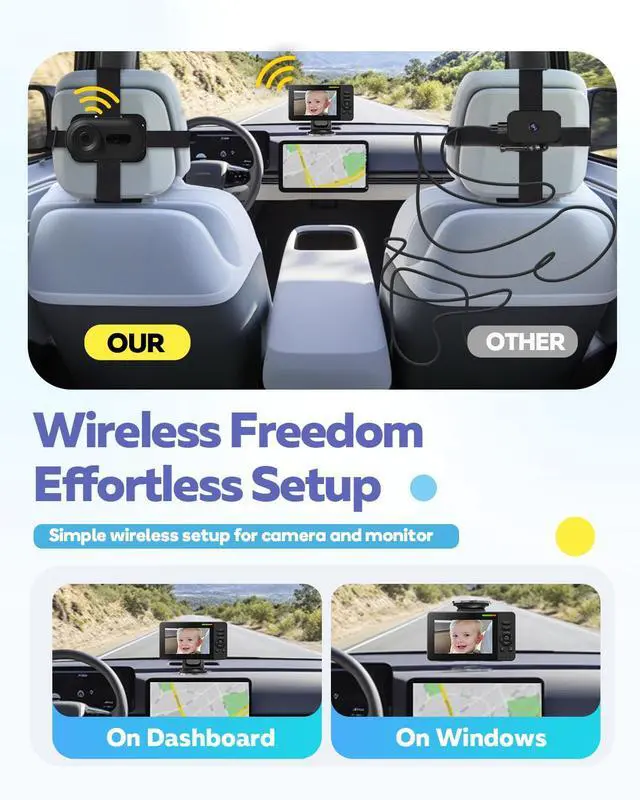
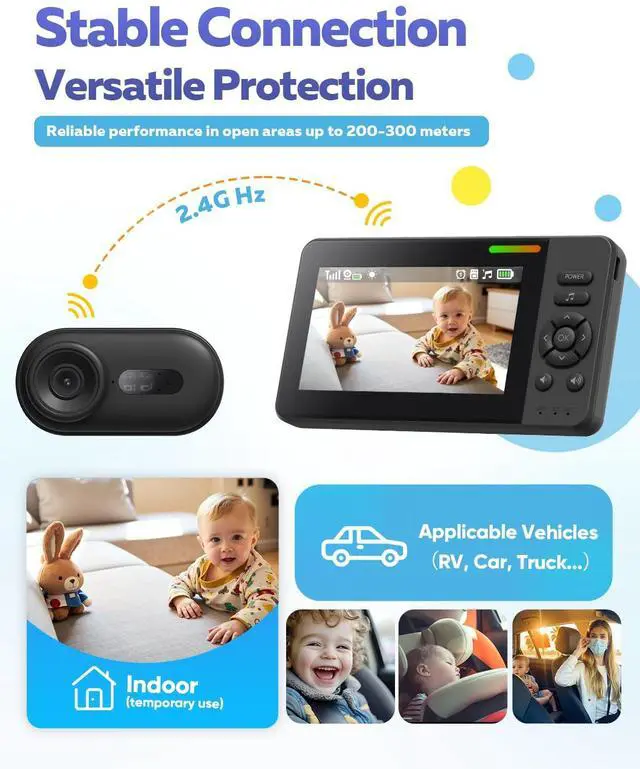
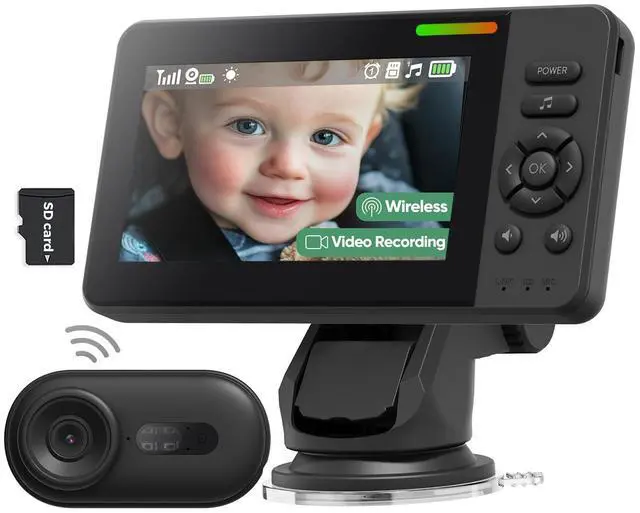
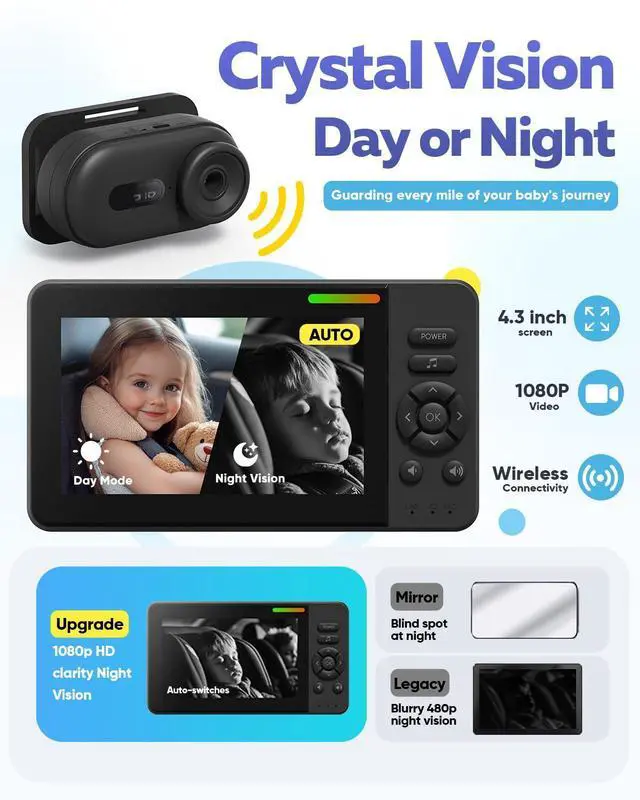
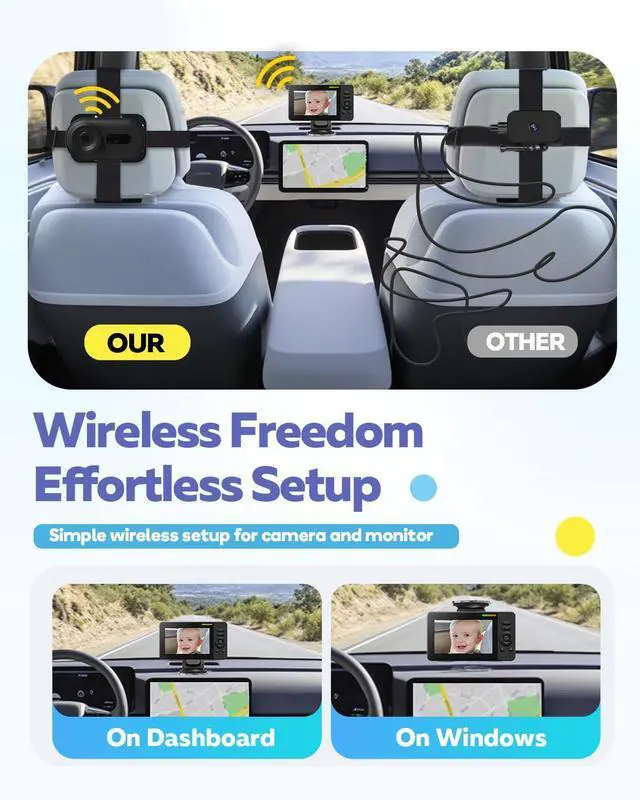
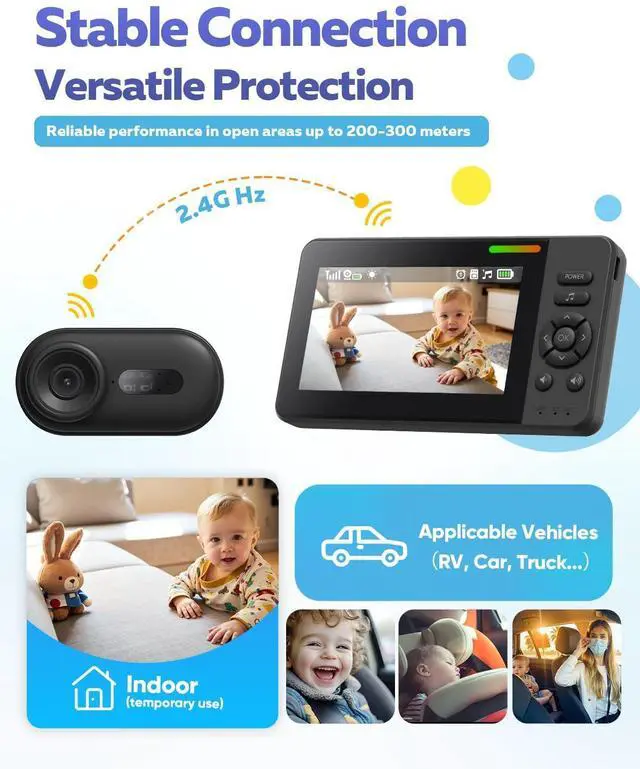
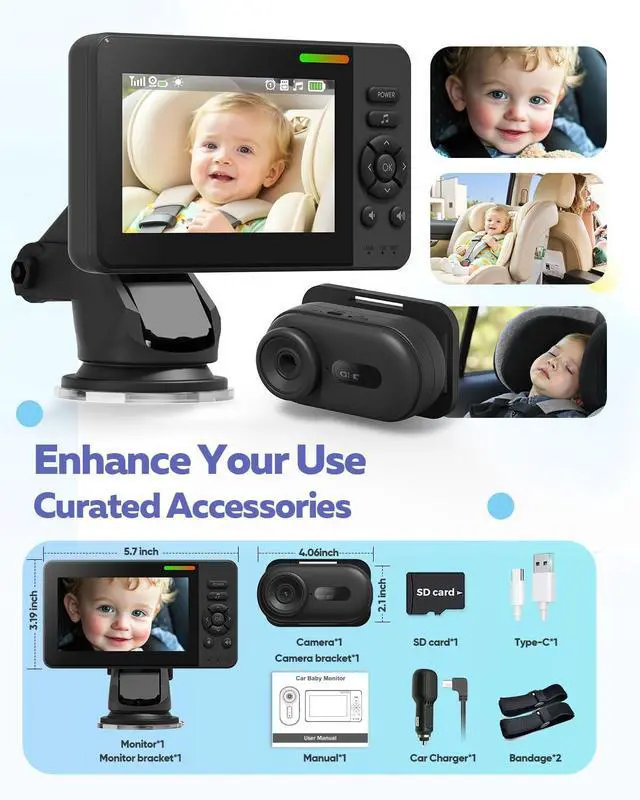
Elzeeo crafts tech that honors parenthood’s quiet heroism. Our wireless baby car camera redefines on-the-go care with 2.4GHz dedicated HD streaming—no drops, just instant connection to giggles or sleepy sighs. Designed for chaotic realities, it installs in 3 minutes flat (no tools!) with 360° adjustability, adapting seamlessly to most car seats. When dusk falls, smart night vision activates silently via 940nm infrared, it captures every eyelid flutter without harsh glare.
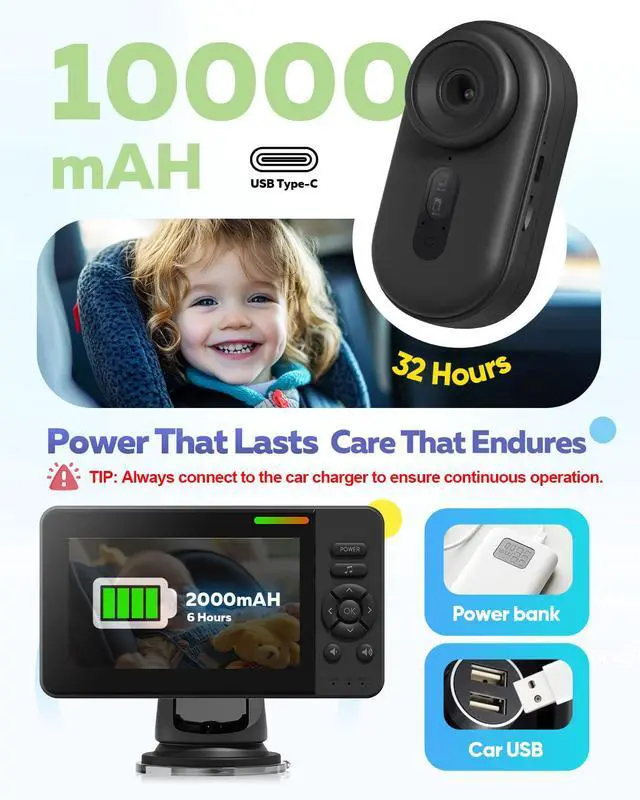
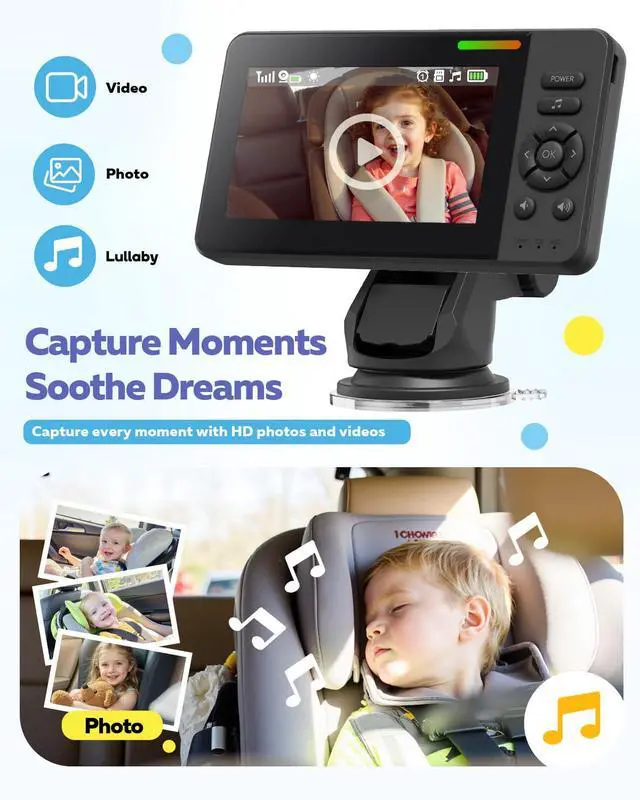
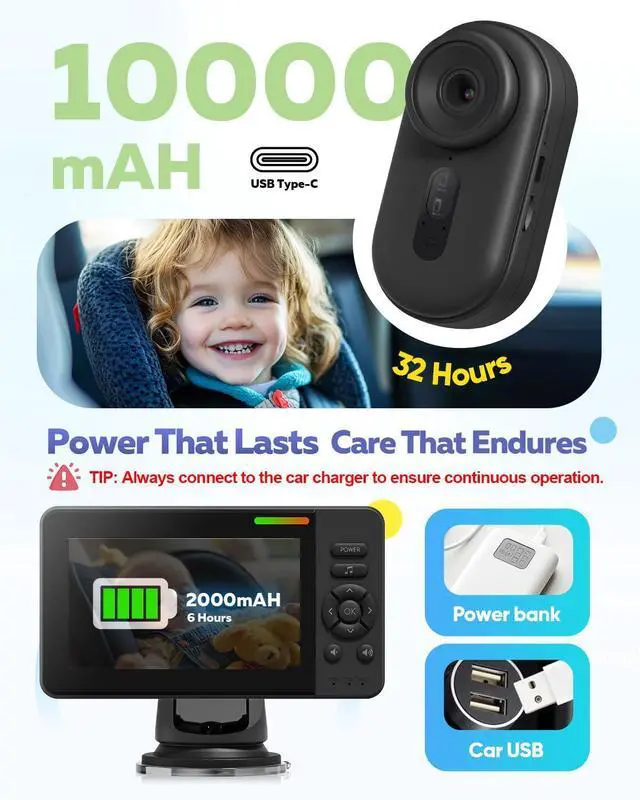
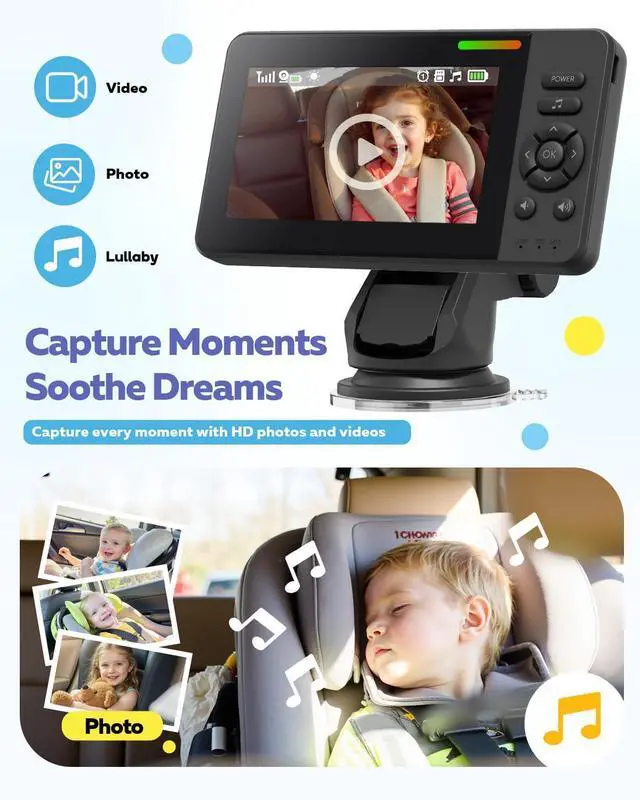
Built for life’s long hauls, the 32-hour camera battery outlasts cross-country drives. Forgot to charge? The car charger delivers plug-and-play power—because parenting rarely follows plans. One-touch recording preserves first words or impromptu car-seat concerts, while lullabies soothe meltdowns faster than digging through diaper bags.
More than a monitor,Elzeeo wireless baby car camerais a commitment: to guard childhood’s fleeting magic with parent-loved simplicity. Join families nationwide who trust us to turn frantic drives into connected moments. Because when safety feels effortless, love fills every mile.
Quick Troubleshooting Guide for Your Baby Car Monitor
1. Camera & Monitor Connection Issues
Check Power:Ensure both devices are fully charged.
Avoid Interference:Turn off nearby 2.4GHz devices that may disrupt pairing.
Temperature:Extreme heat/cold can cause disconnection—keep within normal operating range.
Auto-Pairing:If no live feed, restart both devices (steady blue light = active camera).
2. Camera/Monitor Power Problems
Camera Not Turning On?
It enters auto-standby (slow blinking blue light) after 1 minute of inactivity.Reactivate by turning the monitor back on.
Do not manually power off camera—it’s designed for long standby.
The camera won't fully charge?
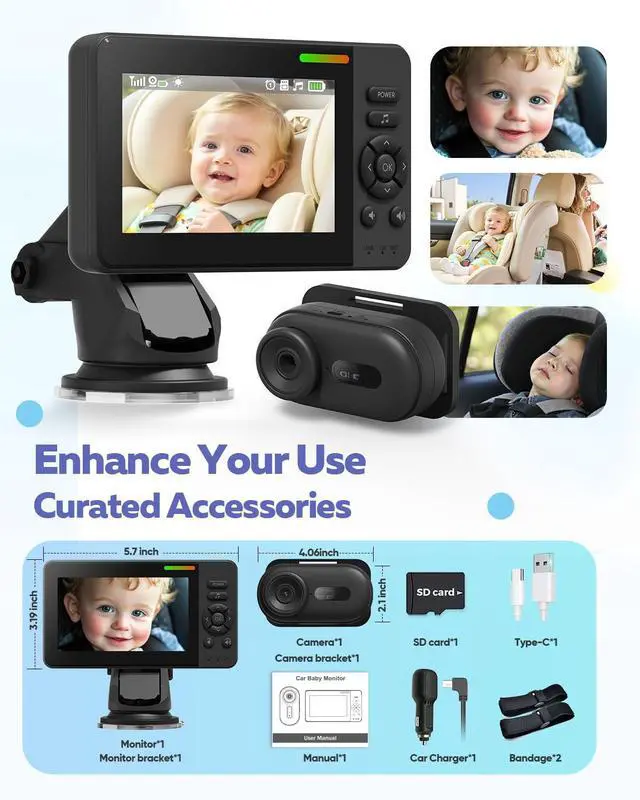
Always use the original 12V car charger and USB-C cable we provided. (The camera red light will stay on indicates charging is complete) If you are using your own cable, ensure it is a high-quality cable (at least 2A) and avoid using fast-charging cables.
Monitor Battery Drain?
Built-in battery lasts 4–6 hours—always use the car charger for extended use.
3. Suction Cup Not Sticking?
Clean the Surface:Wipe mounting area (countertop/glass) and remove suction cup film.
Press&Lock:Firmly press, then slide backward until it clicks for secure attachment.
Maintenance:Rinse gently if dirty (max 3 times), air-dry completely before reuse.
4.Audio Note
Live view is video-only to prevent cabin noise interference.
Audio is available only during video playback.
If you have any other questions or suggestions for improvement, please let us know! We will provide you with solutions as soon as possible.
How It Works: Power & Auto Wake/Sleep
Car Starts?Monitor On?Camera Wakes Auto
Car Off?Monitor Off?Camera Sleeps Auto
Helpful Tips(Camera)
- First-time use: Manually power on the camera once. It will then wake and sleep automatically with the monitor.
- Not using for a while? Manually turn off the camera to save battery for your next drive.
- Using frequently? Keep it plugged in via the included charging cable.
- If the battery runs out, you’ll need to turn the camera on again manually.
Elzeeo crafts tech that honors parenthood’s quiet heroism. Our wireless baby car camera redefines on-the-go care with 2.4GHz dedicated HD streaming—no drops, just instant connection to giggles or sleepy sighs. Designed for chaotic realities, it installs in 3 minutes flat (no tools!) with 360° adjustability, adapting seamlessly to most car seats. When dusk falls, smart night vision activates silently via 940nm infrared, it captures every eyelid flutter without harsh glare.
Built for life’s long hauls, the 32-hour camera battery outlasts cross-country drives. Forgot to charge? The car charger delivers plug-and-play power—because parenting rarely follows plans. One-touch recording preserves first words or impromptu car-seat concerts, while lullabies soothe meltdowns faster than digging through diaper bags.
More than a monitor,Elzeeo wireless baby car camerais a commitment: to guard childhood’s fleeting magic with parent-loved simplicity. Join families nationwide who trust us to turn frantic drives into connected moments. Because when safety feels effortless, love fills every mile.
Quick Troubleshooting Guide for Your Baby Car Monitor
1. Camera & Monitor Connection Issues
Check Power:Ensure both devices are fully charged.
Avoid Interference:Turn off nearby 2.4GHz devices that may disrupt pairing.
Temperature:Extreme heat/cold can cause disconnection—keep within normal operating range.
Auto-Pairing:If no live feed, restart both devices (steady blue light = active camera).
2. Camera/Monitor Power Problems
Camera Not Turning On?
It enters auto-standby (slow blinking blue light) after 1 minute of inactivity.Reactivate by turning the monitor back on.
Do not manually power off camera—it’s designed for long standby.
The camera won't fully charge?
Always use the original 12V car charger and USB-C cable we provided. (The camera red light will stay on indicates charging is complete) If you are using your own cable, ensure it is a high-quality cable (at least 2A) and avoid using fast-charging cables.
Monitor Battery Drain?
Built-in battery lasts 4–6 hours—always use the car charger for extended use.
3. Suction Cup Not Sticking?
Clean the Surface:Wipe mounting area (countertop/glass) and remove suction cup film.
Press&Lock:Firmly press, then slide backward until it clicks for secure attachment.
Maintenance:Rinse gently if dirty (max 3 times), air-dry completely before reuse.
4.Audio Note
Live view is video-only to prevent cabin noise interference.
Audio is available only during video playback.
If you have any other questions or suggestions for improvement, please let us know! We will provide you with solutions as soon as possible.