


  • $43.99
  • Free 30-day Returns
  • Price alert
    Shop it at NeweggBusiness.

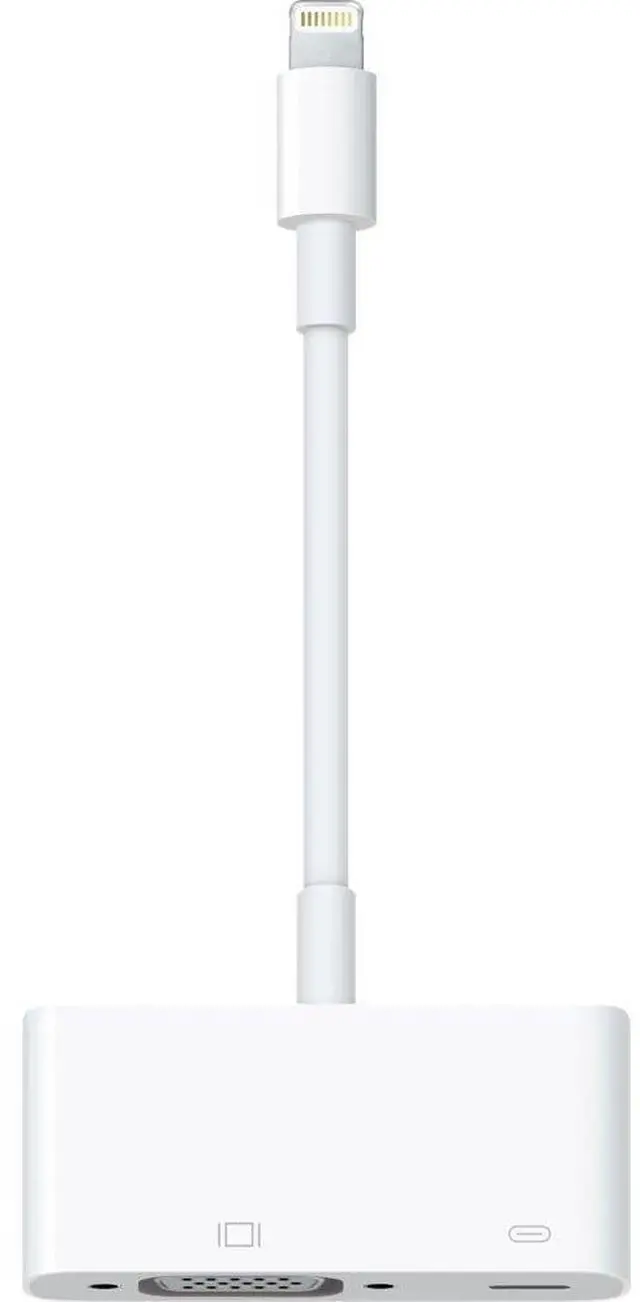
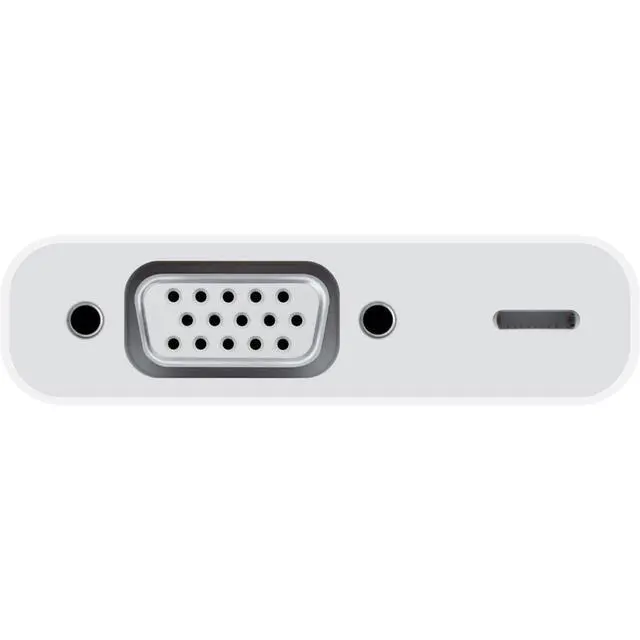
    Lightning to VGA Adapter

    • Use the Lightning to VGA Adapter with your iPhone, iPad, or iPod with Lightning connector.
    • The Lightning to VGA Adapter supports mirroring of what is displayed on your device screen including apps, presentations, websites, slideshows, and more to your VGA-equipped TV, display, projector, or other compatible display in up to 1080p HD.
    • It also outputs video content movies, TV shows, captured video to your big screen in up to 1080p HD. Simply attach your Lightning to VGA Adapter to the Lightning connector on your device and then to your TV or projector via a VGA cable (sold separately).
    • Requires a VGA cable (sold separately) for connection to your TV or projector. Does not support audio output.
    +
    +
    Overview
    Specs
    Reviews
    avatar

    Any questions? Our AI beta will help you find out quickly.

    aplus content image

    Lightning to VGA Adapter

    Use the Lightning to VGA Adapter with your iPhone, iPad, or iPod with Lightning connector. The Lightning to VGA Adapter supports mirroring of what is displayed on your device screen — including apps, presentations, websites, slideshows, and more — to your VGA-equipped TV, display, projector, or other compatible display in up to 1080p HD.

    It also outputs video content — movies, TV shows, captured video — to your big screen in up to 1080p HD. Simply attach your Lightning to VGA Adapter to the Lightning connector on your device and then to your TV or projector via a VGA cable (sold separately).

    aplus content image

    Lightning to VGA Adapter

    Use the Lightning to VGA Adapter with your iPhone, iPad, or iPod with Lightning connector. The Lightning to VGA Adapter supports mirroring of what is displayed on your device screen — including apps, presentations, websites, slideshows, and more — to your VGA-equipped TV, display, projector, or other compatible display in up to 1080p HD.

    It also outputs video content — movies, TV shows, captured video — to your big screen in up to 1080p HD. Simply attach your Lightning to VGA Adapter to the Lightning connector on your device and then to your TV or projector via a VGA cable (sold separately).

    Lightning to VGA Adapter

    Warranty & Returns

    Warranty, Returns, And Additional Information

    Warranty

    • Please contact the Seller directly for warranty information. Warranty information may also be found on the Manufacturer's website.
    • CONTACT

    Return Policies

    Manufacturer Contact Info

    LOADING...