











Why does the watch show "SHIP" ?
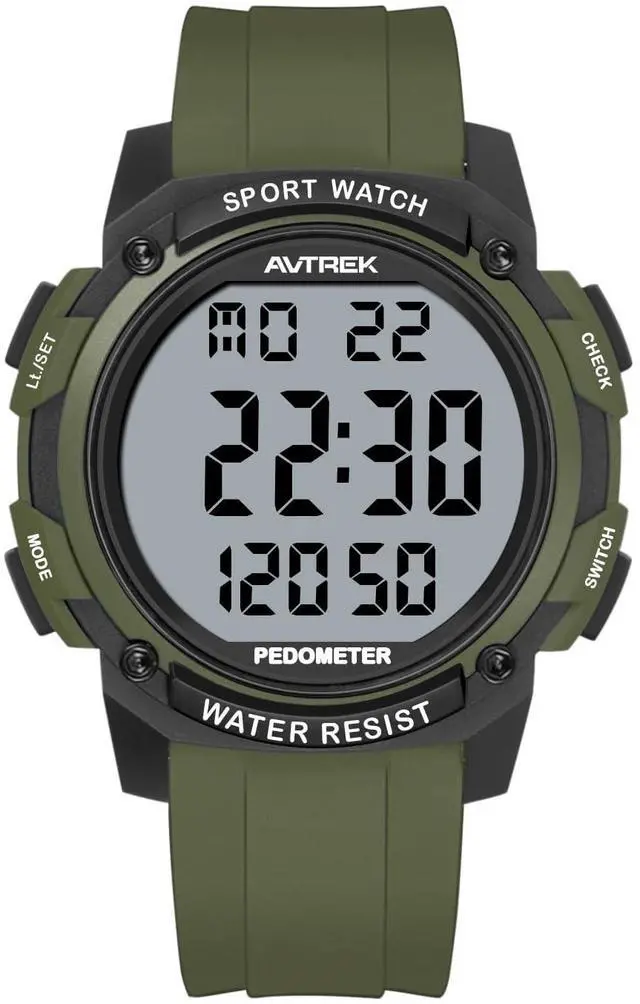
To save power, the watch is set to SHIP mode before leaving the factory. Press the 2 o'clock and 8 o'clock buttons simultaneously for 3 seconds to turn on the watch.
Why is the step count inaccurate when driving or cycling?
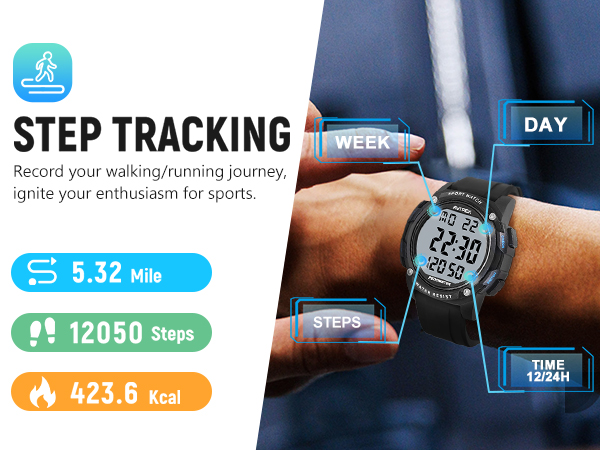
The watch counts steps by recording arm movements. Regular vibrations during driving can cause the watch to mistakenly think that it is walking.
Other reasons: Pushing a shopping cart/stroller. Using a walker. Housework such as cleaning, etc.
Why does the watch start counting my steps after I've walked for more than 10 seconds?
It starts counting after continuous movements for more than 10 seconds, which helps to filter out unnecessary movements and prevent extra calculations, thereby improving accuracy. (Steps taken 10 seconds ago will also be automatically accumulated.)
Can I put the steps in the middle?
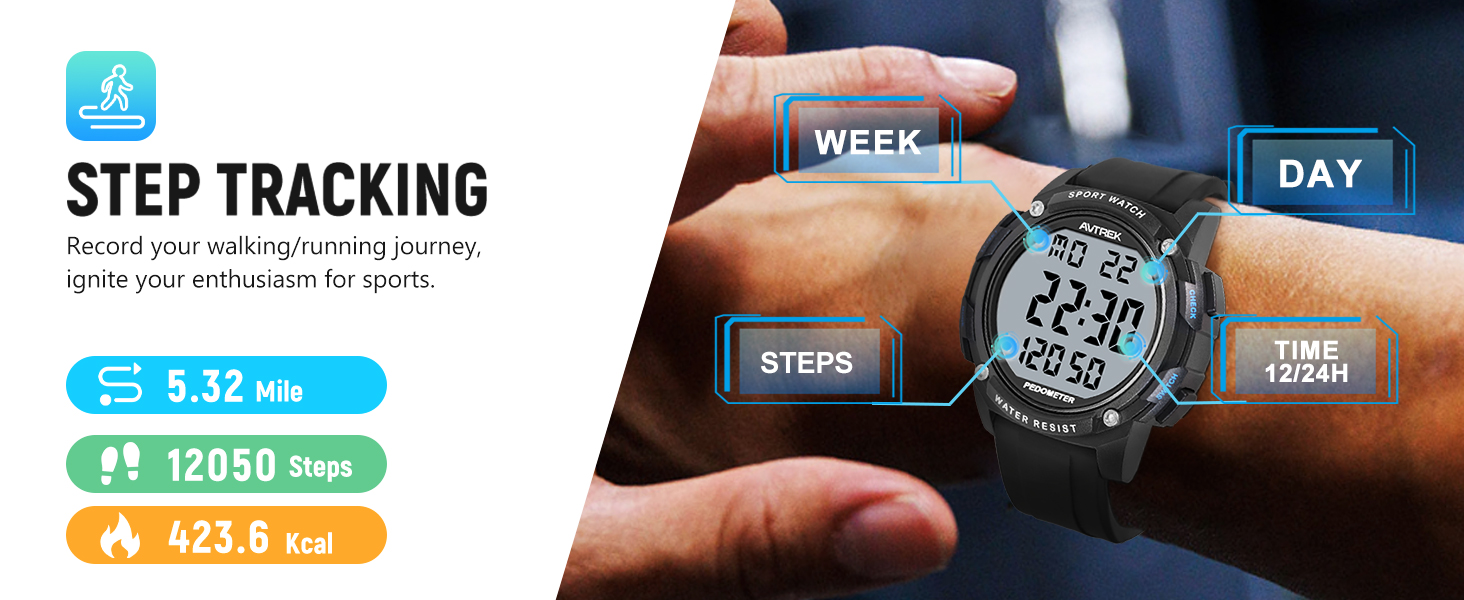
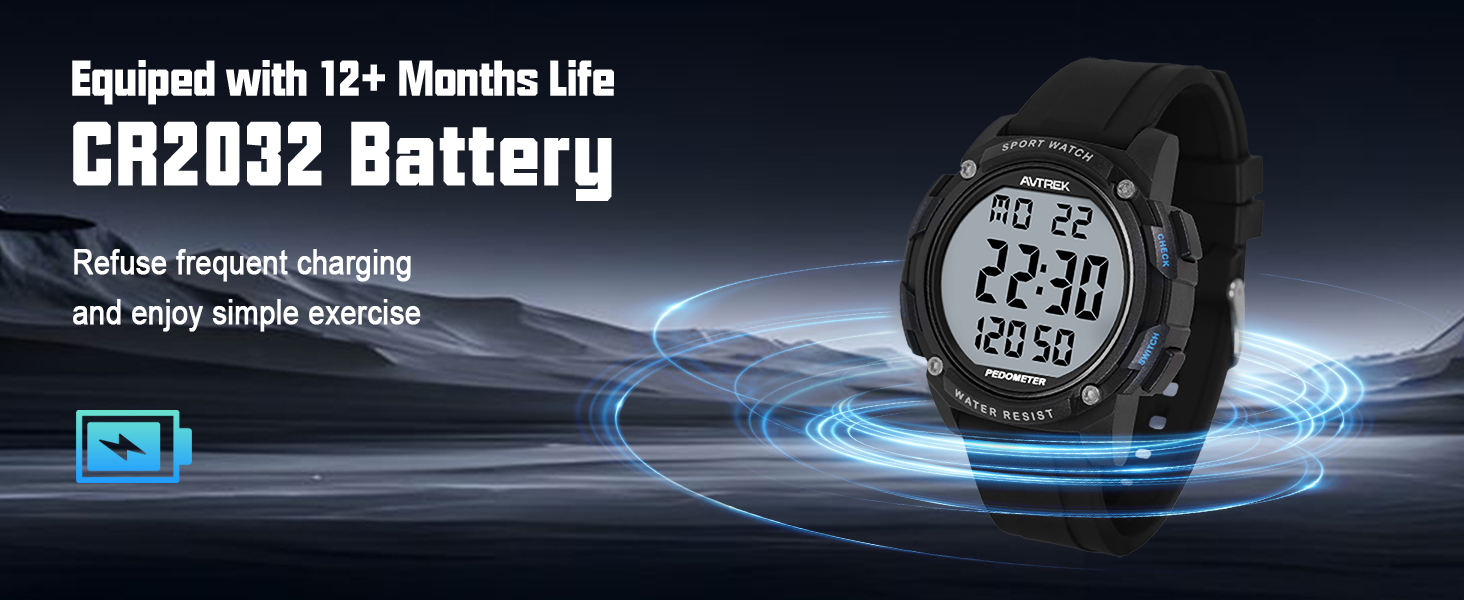
Press 4 o'clock "SWITCH" button for 2 seconds, The number of steps will be displayed in the middle.
Does the watch have a silent mode? May I turn off the sound?
Press 10 o'clock button for 2 seconds to enter the settings, keep pressing 8 o'clock button until the last setting "KEY", press 2 or 4 o'clock button to turn it on or off.


Why does the watch show "SHIP" ?
To save power, the watch is set to SHIP mode before leaving the factory. Press the 2 o'clock and 8 o'clock buttons simultaneously for 3 seconds to turn on the watch.
Why is the step count inaccurate when driving or cycling?
The watch counts steps by recording arm movements. Regular vibrations during driving can cause the watch to mistakenly think that it is walking.
Other reasons: Pushing a shopping cart/stroller. Using a walker. Housework such as cleaning, etc.
Why does the watch start counting my steps after I've walked for more than 10 seconds?
It starts counting after continuous movements for more than 10 seconds, which helps to filter out unnecessary movements and prevent extra calculations, thereby improving accuracy. (Steps taken 10 seconds ago will also be automatically accumulated.)
Can I put the steps in the middle?
Press 4 o'clock "SWITCH" button for 2 seconds, The number of steps will be displayed in the middle.
Does the watch have a silent mode? May I turn off the sound?
Press 10 o'clock button for 2 seconds to enter the settings, keep pressing 8 o'clock button until the last setting "KEY", press 2 or 4 o'clock button to turn it on or off.