




How to start to use the fitness tracker?
1.Charge it first to activate the device the first time you receive it.
2. Connect the device with your phone in the App Keep Health.
Steps-1
a.Search and download the " Keep Health "APP on the APP store or Google Store to your phone .( You can also Scan the User Manual QR code and download "Keep Health" app.)
b. Turn on your phone's Bluetooth
Steps-2
c. Go to the APP create account and logs in and then click the Add a Device to find the C60-XXX, click it to connect.
d. Fill in your personal information to make the measured data more accurately.
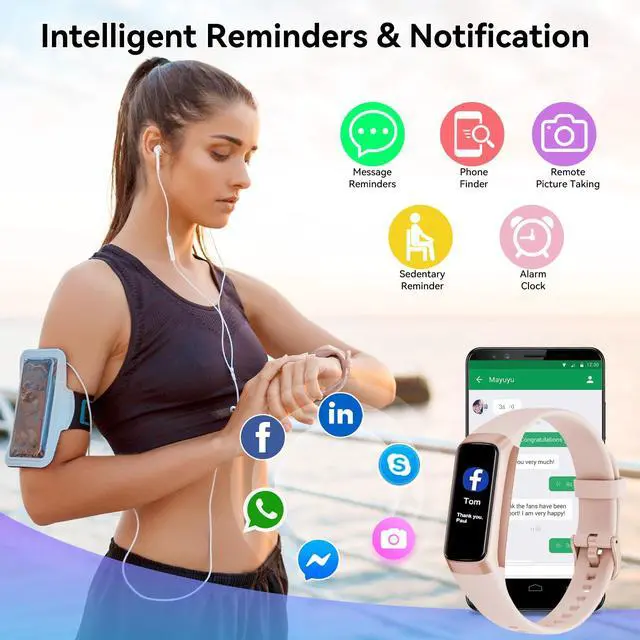
What should I do if my watch can't get message notifications?
1.Only when "Notification alerts" is enabled in the app ("Device" page ?More ? "Notification", turn on "Notification"), will calls/message be notified.
What should I do if my watch can't get message notifications?
2.When the "Do not disturb" function is enabled in the app ("Device" page ? "Do Not Disturb") , incoming calls/message will not be notified on the device during the do-not-disturb period.


How to start to use the fitness tracker?
1.Charge it first to activate the device the first time you receive it.
2. Connect the device with your phone in the App Keep Health.
Steps-1
a.Search and download the " Keep Health "APP on the APP store or Google Store to your phone .( You can also Scan the User Manual QR code and download "Keep Health" app.)
b. Turn on your phone's Bluetooth
Steps-2
c. Go to the APP create account and logs in and then click the Add a Device to find the C60-XXX, click it to connect.
d. Fill in your personal information to make the measured data more accurately.
What should I do if my watch can't get message notifications?
1.Only when "Notification alerts" is enabled in the app ("Device" page ?More ? "Notification", turn on "Notification"), will calls/message be notified.
What should I do if my watch can't get message notifications?
2.When the "Do not disturb" function is enabled in the app ("Device" page ? "Do Not Disturb") , incoming calls/message will not be notified on the device during the do-not-disturb period.