






hero-video
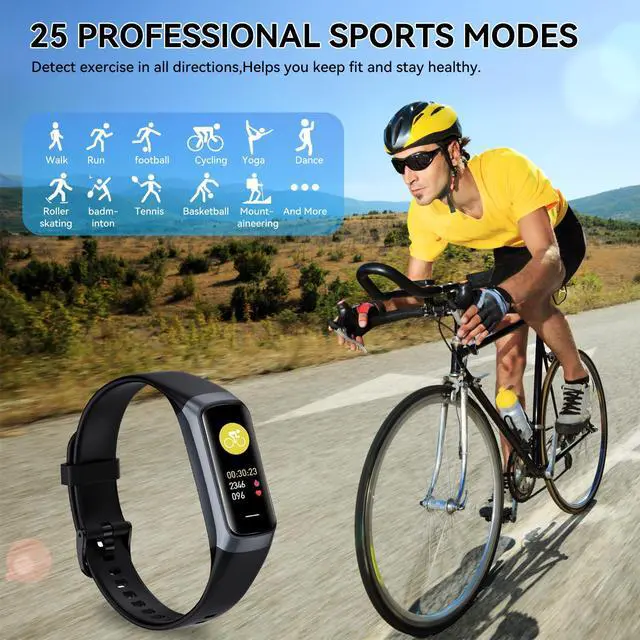
Merchant VideoFitness tracker offers over 25 sport modes to help you achieve your workout goals. Whether you're a seasoned athlete or just getting started, our diverse range of workouts caters to all fitness enthusiasts.
hero-video
Merchant Video
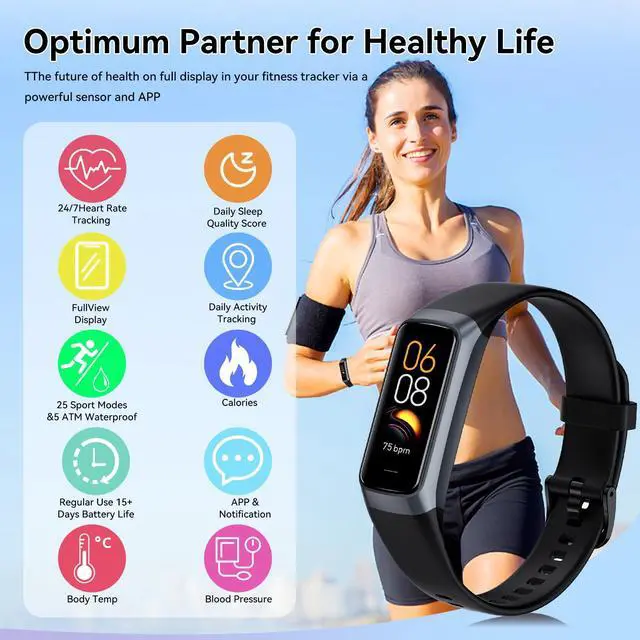
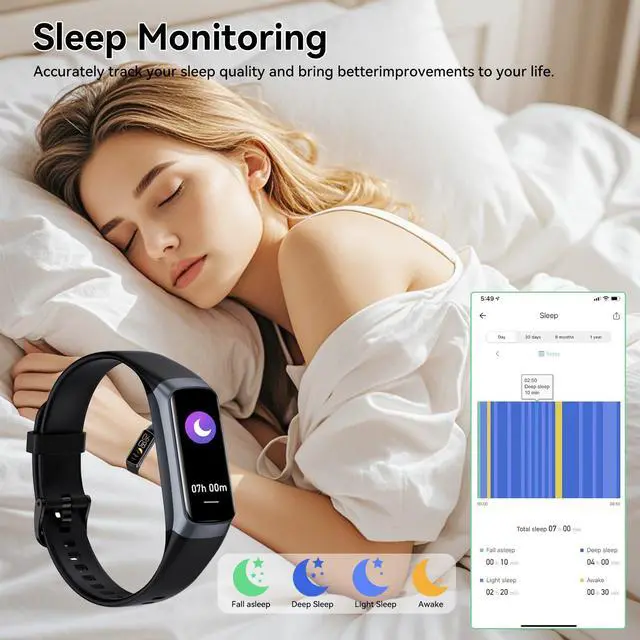
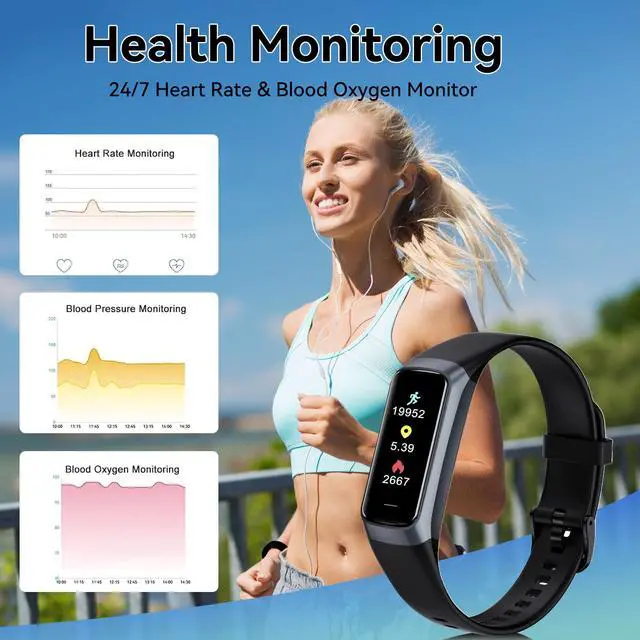
· Heart Rate Monitor: · Blood Oxygen Monitor: · Blood Pressure Monitor: · Sleep Monitor: · Female Health Tracking: · All-day Activity Tracking:

Search and download the " Keep Health "APP on the APP store or Google Store to your phone .( You can also Scan the User Manual QR code and download "Keep Health" app.)
Turn on your phone's Bluetooth

Go to the APP create account and logs in and then click the Add a Device to find the C60-XXX, click it to connect.
Fill in your personal information to make the measured data more accurately.

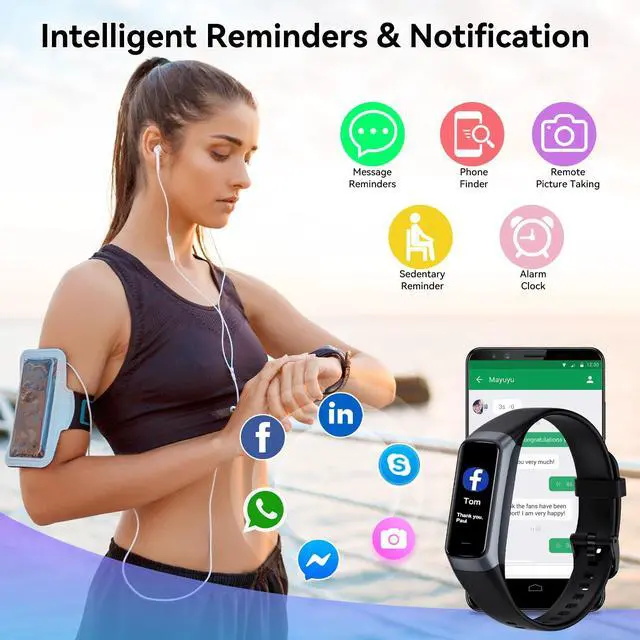
1Only when "Notification alerts" is enabled in the app ("Device" page ?More ? "Notification", turn on "Notification"), will calls/message be notified.
When the "Do not disturb" function is enabled in the app ("Device" page ? "Do Not Disturb")

1.Charge it first to activate the device the first time you receive it.
2. Connect the device with your phone in the App Keep Health.


hero-video
Merchant VideoFitness tracker offers over 25 sport modes to help you achieve your workout goals. Whether you're a seasoned athlete or just getting started, our diverse range of workouts caters to all fitness enthusiasts.
hero-video
Merchant Video
· Heart Rate Monitor: · Blood Oxygen Monitor: · Blood Pressure Monitor: · Sleep Monitor: · Female Health Tracking: · All-day Activity Tracking:

Search and download the " Keep Health "APP on the APP store or Google Store to your phone .( You can also Scan the User Manual QR code and download "Keep Health" app.)
Turn on your phone's Bluetooth

Go to the APP create account and logs in and then click the Add a Device to find the C60-XXX, click it to connect.
Fill in your personal information to make the measured data more accurately.
1Only when "Notification alerts" is enabled in the app ("Device" page ?More ? "Notification", turn on "Notification"), will calls/message be notified.
When the "Do not disturb" function is enabled in the app ("Device" page ? "Do Not Disturb")

1.Charge it first to activate the device the first time you receive it.
2. Connect the device with your phone in the App Keep Health.