





How need to adjust the kilometer distance to the mile distance
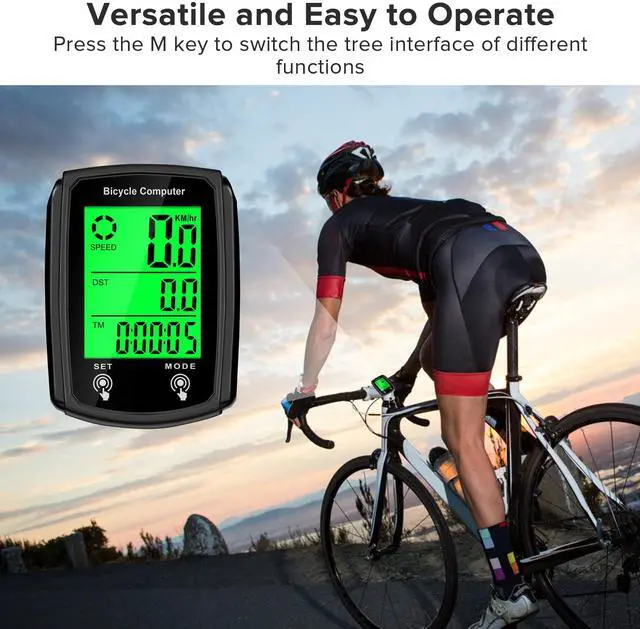
Step 1: Press and hold SET
Step 2: After entering the setting interface, press the SET key three times continuously, and the CM on the screen will blink
Step 3: Click the RESRT key to enter the mile count unit
Step 4: Click the SET key once to save, and then click the SET key several times to complete the setting
After setting the tire size, the speedometer will start working on the size you entered, but don't re-enter the setting interface of this function, because once you re-enter the setting interface of this function, it will immediately convert to the initial tire size we set 2060
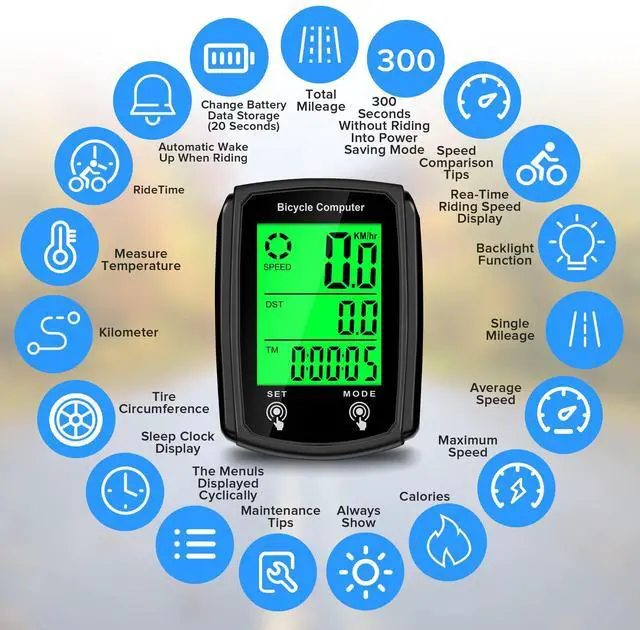
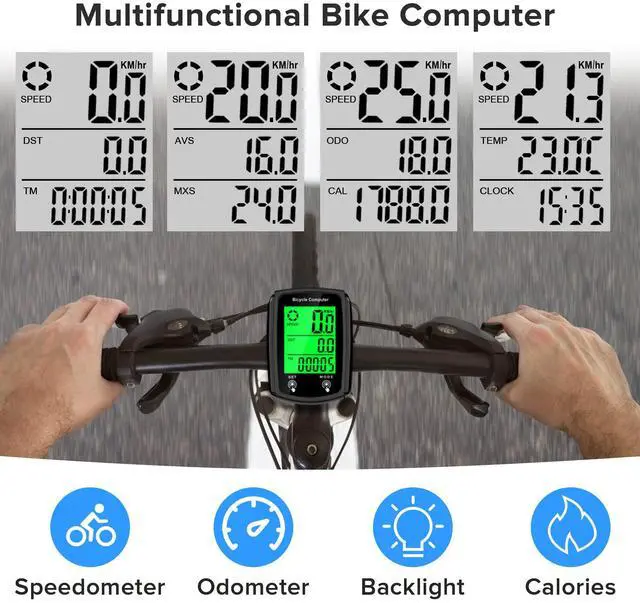
We have summarized everyone's confusion about this bike computer. It is a mature product that integrates 19 functions, but due to the numerous functions and only two buttons, the settings of some functions may require further explanation from us (like the functions of converting KMH to MPH and inputting tire sizes are very important when used for the first time). However, these kind of functions may encounter a situation what it may never be used once it is set up. Based on our concept of easy to use, we place the convenience of these two functions after the other commonly functions, which may led to some customers finding it inconvenient or bad when using it for the first time
Attention Pls: There are some copies of this Speedometer model, they have the same appearance design as us but the chipsets and after-sales service are completely different


How need to adjust the kilometer distance to the mile distance
Step 1: Press and hold SET
Step 2: After entering the setting interface, press the SET key three times continuously, and the CM on the screen will blink
Step 3: Click the RESRT key to enter the mile count unit
Step 4: Click the SET key once to save, and then click the SET key several times to complete the setting
After setting the tire size, the speedometer will start working on the size you entered, but don't re-enter the setting interface of this function, because once you re-enter the setting interface of this function, it will immediately convert to the initial tire size we set 2060
We have summarized everyone's confusion about this bike computer. It is a mature product that integrates 19 functions, but due to the numerous functions and only two buttons, the settings of some functions may require further explanation from us (like the functions of converting KMH to MPH and inputting tire sizes are very important when used for the first time). However, these kind of functions may encounter a situation what it may never be used once it is set up. Based on our concept of easy to use, we place the convenience of these two functions after the other commonly functions, which may led to some customers finding it inconvenient or bad when using it for the first time
Attention Pls: There are some copies of this Speedometer model, they have the same appearance design as us but the chipsets and after-sales service are completely different