


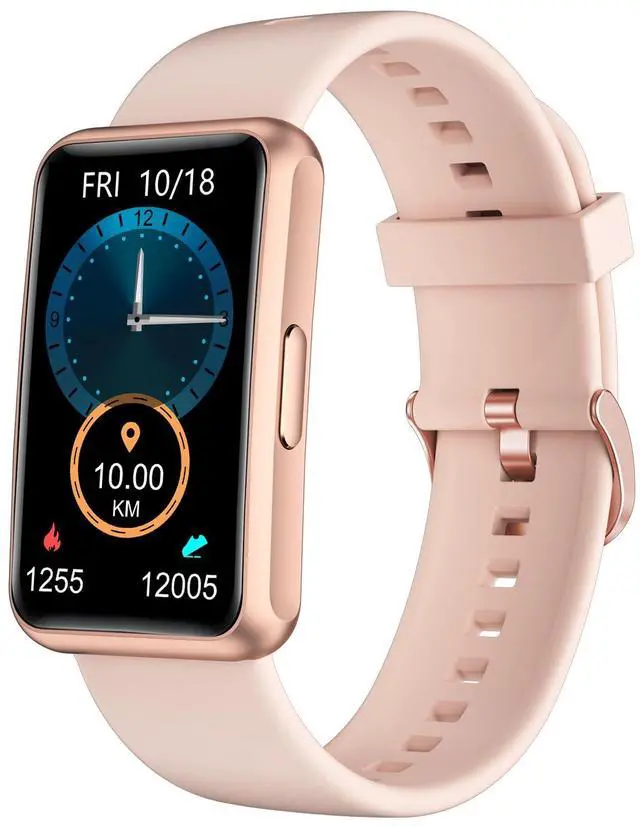


Q1: How To Use?(Using Tips)
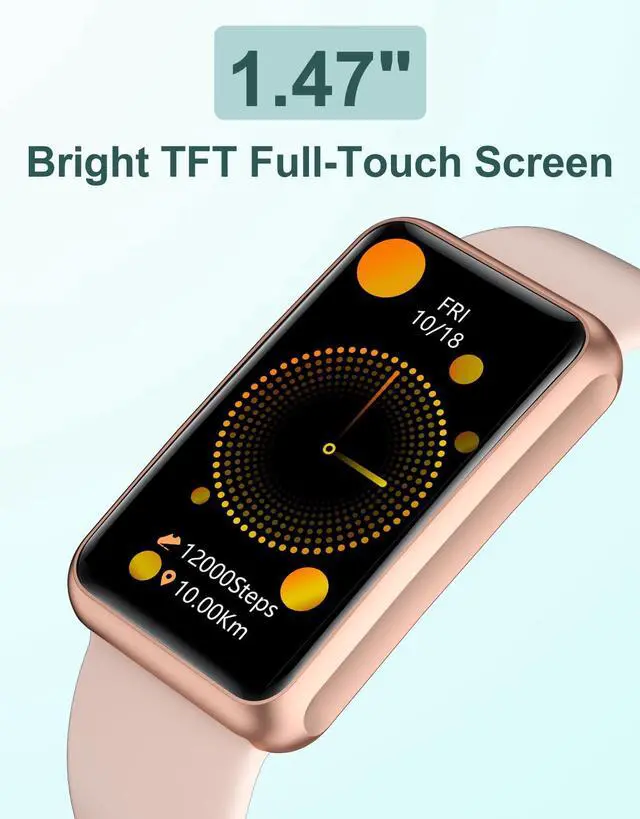
1. Full-touch screen: tap to enable.
2. Swipe the screen right to return & save settings (alarm, drink reminder, sedentary reminder).
3. Right button: power. Long press on/off the watch. In timer/countdown, press stop/continue.
Q2: How To Make My Steps Data More Accurate?
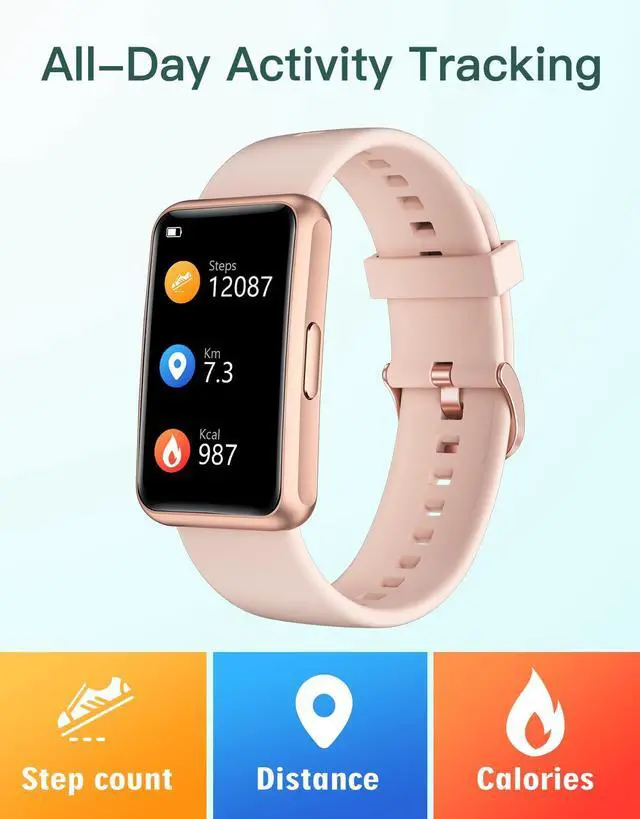
1. Fill personal info accurately: Watch settings->Personal Info->Enter Age, Gender, Ht, Wt, Step Len.
2. The watch has 3D gravity sensor, it will record as steps when you swing your arm to a certain extent. It won't count if you walk within 10 steps.
Q3: How To Change/Save The Settings?
Please swipe the screen to the right to save the settings.(Pressing the right side button can only be back to the previous page)



Q1: How To Use?(Using Tips)
1. Full-touch screen: tap to enable.
2. Swipe the screen right to return & save settings (alarm, drink reminder, sedentary reminder).
3. Right button: power. Long press on/off the watch. In timer/countdown, press stop/continue.
Q2: How To Make My Steps Data More Accurate?
1. Fill personal info accurately: Watch settings->Personal Info->Enter Age, Gender, Ht, Wt, Step Len.
2. The watch has 3D gravity sensor, it will record as steps when you swing your arm to a certain extent. It won't count if you walk within 10 steps.
Q3: How To Change/Save The Settings?
Please swipe the screen to the right to save the settings.(Pressing the right side button can only be back to the previous page)
Smart Watches