







In 2018, we founded the XOSS Brand, beginning our step in promoting our brand in the global market.
Today, XOSS is at the forefront of design and innovation for GPS cycling computers and related electronic devices such as speed & cadence sensors, heart rate monitors, as well as other accessories like mounts and lights used by adventurers all over the globe.
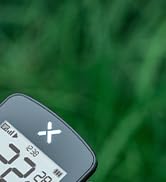
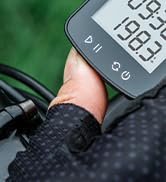
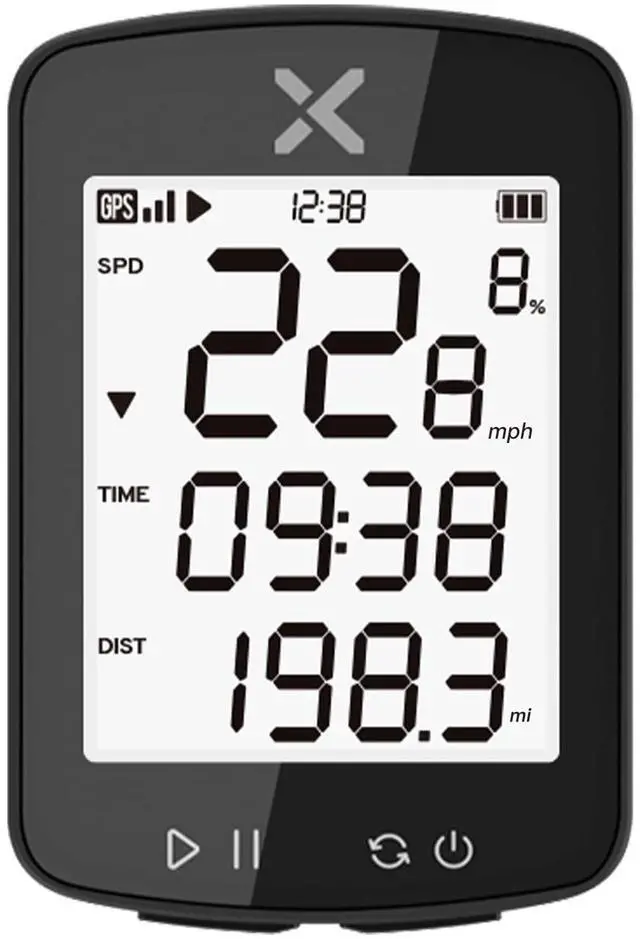
XOSS G Gen2 Bike Computer
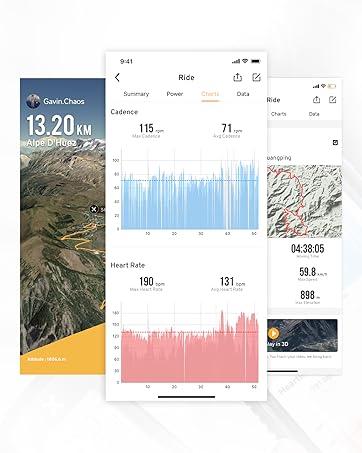
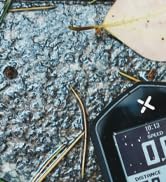
XOSS NAV Bike Computer


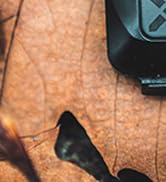
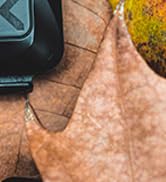
XOSS Vortex


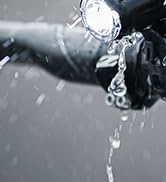
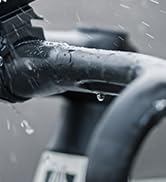
XOSS XL-800 Bike Headlight


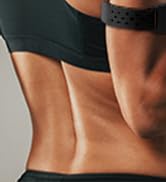

XOSS X1 HRM Armband


XOSS XR01 Bike Taillight


High-sensitivity GPS
- Compared with the G Gen1, G Gen2 search speed is 5 times faster.
- With GPS, Beidou and QZSS satellites, it's faster and more accurate than ever.
- Note: Initial GPS connection times may be slow, and it is easier to connect when you keep stationary in open, unobstructed areas.

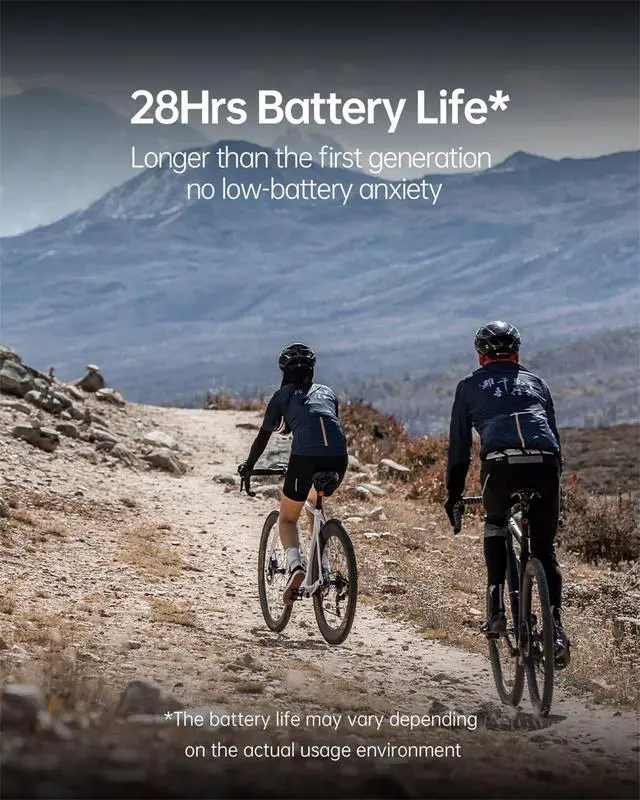
28Hrs Battery Life
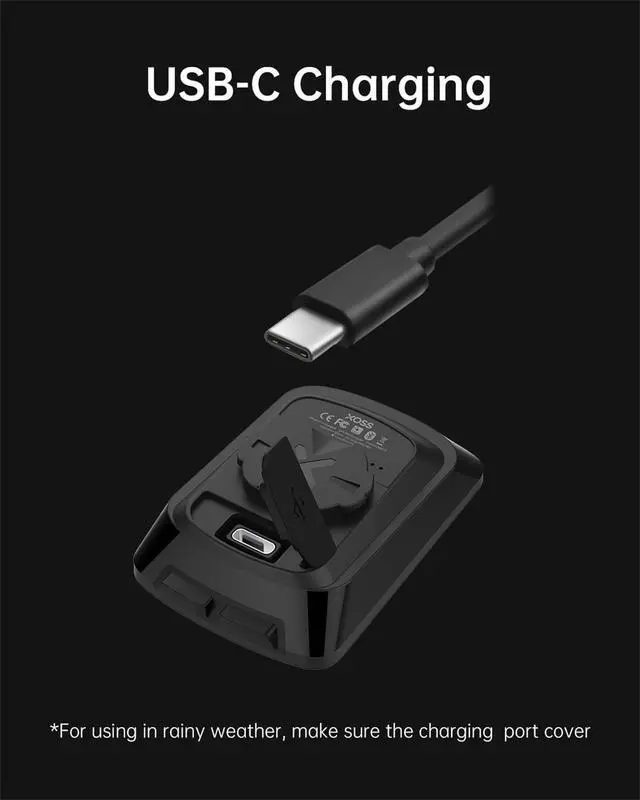
- G Gen2 has a large 500mAh battery that can be charged via a USB-C charging cable.
- Charging time is around 2-3 hours and it will last 28 hours (depending on your environment and frequency of use).

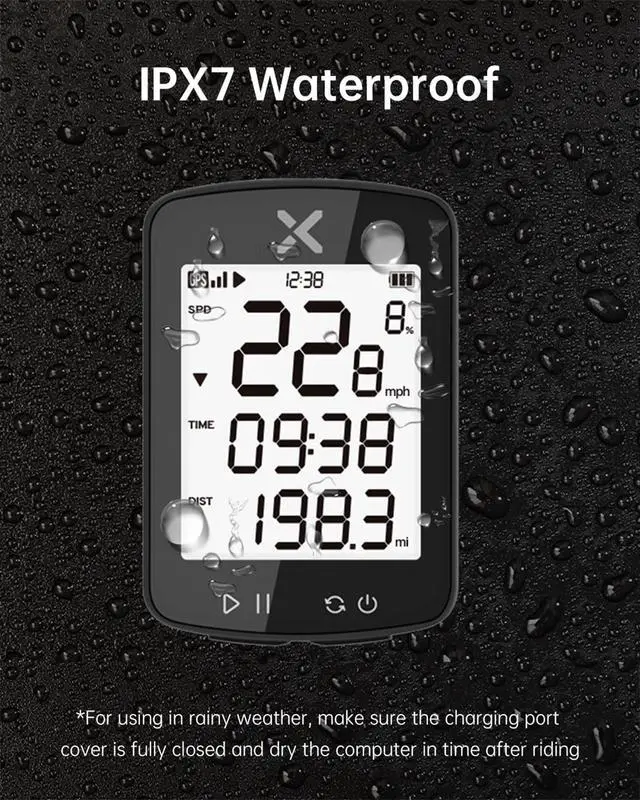
IPX7 Waterproof
- G Gen2 supports IPX7 waterproof, you can use it in rainy days.
- For use in rainy weather, please fasten the USB-C plug and dry the computer in time after riding.

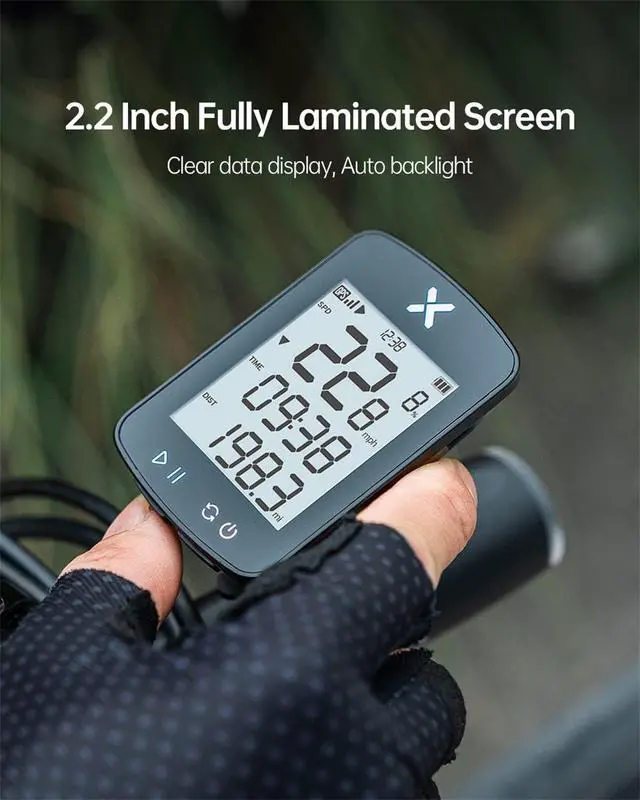
Auto Backlight
- The 2.2" bicycle computer HD screen with automatic backlight makes it easy to read.

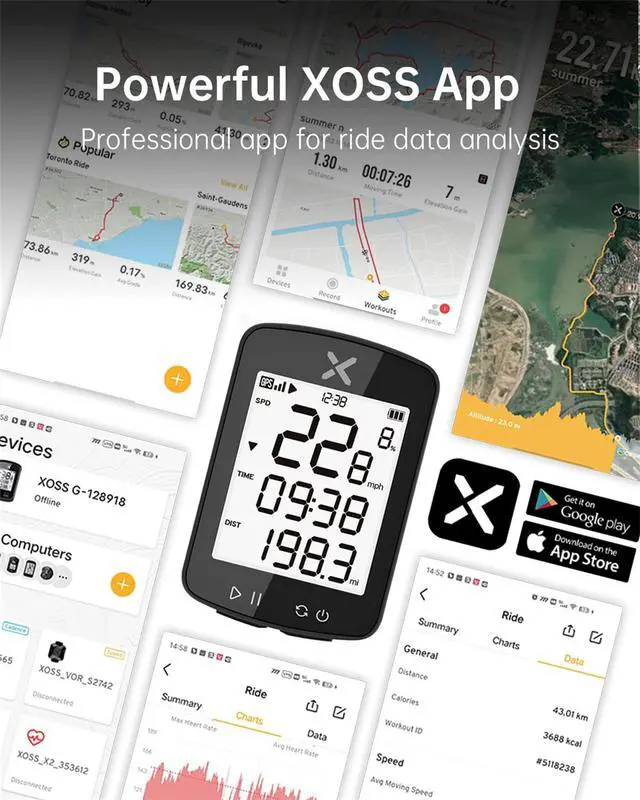
Pro Data Analysis In XOSS App
- After connecting to the XOSS APP and uploading your ride data, you can see the history of each ride in terms of mileage, track, pedaling frequency, time, etc.
- By tying your STRAVA account to the XOSS APP, your data can be synced to STRAVA.

Packing List
- XOSS G Gen2 Bike Computer*1, USB-C Charging Cable*1
- Cycling Computer Mount*1, Rubber rubber Band*2
- Protection Rubber Pad*1, User Manual*1
XOSS Products Comparison Table
 G Gen2 GPS Bike Computer |  G+ Gen2 GPS Bike Computer |  NAV GPS Bike Computer |  G GPS Bike Computer |  G+ GPS Bike Computer | |
|---|---|---|---|---|---|
Customer Reviews | — | — | — | — | — |
Price | — | — | — | — | — |
Data | 11 kinds of data | 24 kinds of data | 40 kinds of data | 9 kinds of data | 15 kinds of data |
Battery Life | 28 hours | 28 hours | 33 hours | 25 hours | 25 hours |
Search Speed | 5 times faster than G Gen1 | 5 times faster than G+ Gen1 | Fastest 1 second positioning | Rapid positioning | Rapid positioning |
Screen | 2.2 Inch | 2.2 Inch | 2.4 Inch | 1.8 Inch | 1.8 Inch |
Charging Way | USB-C Charging | USB-C Charging | USB-C Charging | USB Charging | USB Charging |
Waterproof | IPX7 | IPX7 | IPX7 | IPX7 | IPX7 |
Campatible with | Apps | Apps and sensors | Apps and sensors | Apps | Apps and sensors |
Bluetooth | ? | ? | ? | ? | ? |
ANT+ | ? | ? | ? | ? | ? |
Indoor Record | ? | ? | ? | ? | ? |
Can the temperature be set in Celsius or Fahrenheit?
Yes,you can switch between Celsius/Fahrenheit on the bike computer or app.
Does G Gen2 support changing from kilometers to mph?
Yes. You can modify it on the bike computer (press and hold the two buttons at the same time to enter the P1 interface, then click the button in the lower left corner to switch) or the app.
Does G Gen2 support changing from military to regular time?
G Gen2 supports 12-hour and 24-hour formats.
How to manually set the current time?
Press both buttons at the same time to enter settings. Long press the right button to "P2". Left button to adjust number, right button to switch position. After the setting is completed, press and hold the two buttons at the same time to save.
XOSS G Gen2 GPS Bike Computer


RICH SCREEN DATA DISPLAY?28H BATTERY LIFE?2.2 INCH LARGE SCREEN
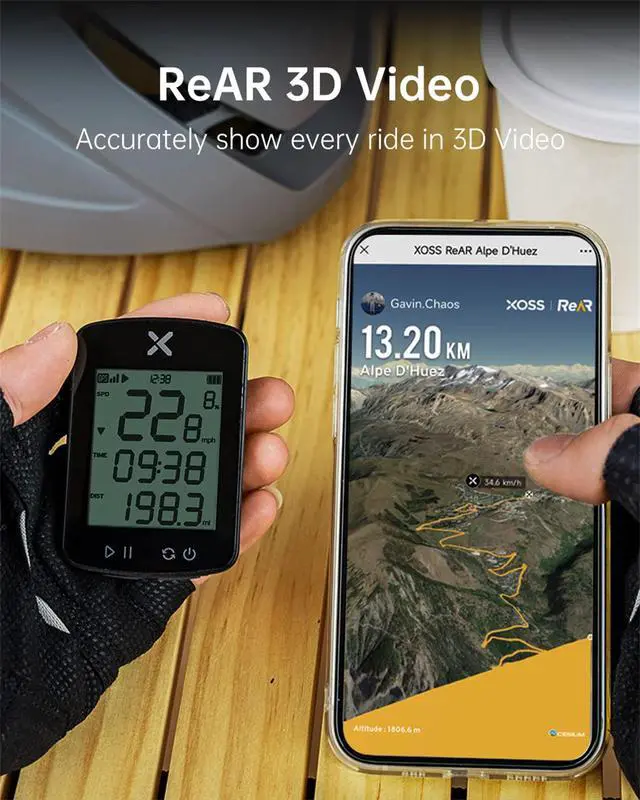
SYNCHRONIZE?AUTOMATIC BACKLIGHT?ReAR 3D VIDEO
High-sensitivity GPS
- Compared with the G Gen1, G Gen2 search speed is 5 times faster.
- With GPS, Beidou and QZSS satellites, it's faster and more accurate than ever.
- Note: Initial GPS connection times may be slow, and it is easier to connect when you keep stationary in open, unobstructed areas.

28Hrs Battery Life
- G Gen2 has a large 500mAh battery that can be charged via a USB-C charging cable.
- Charging time is around 2-3 hours and it will last 28 hours (depending on your environment and frequency of use).
IPX7 Waterproof
- G Gen2 supports IPX7 waterproof, you can use it in rainy days.
- For use in rainy weather, please fasten the USB-C plug and dry the computer in time after riding.
Auto Backlight
- The 2.2" bicycle computer HD screen with automatic backlight makes it easy to read.
Pro Data Analysis In XOSS App
- After connecting to the XOSS APP and uploading your ride data, you can see the history of each ride in terms of mileage, track, pedaling frequency, time, etc.
- By tying your STRAVA account to the XOSS APP, your data can be synced to STRAVA.

Packing List
- XOSS G Gen2 Bike Computer*1, USB-C Charging Cable*1
- Cycling Computer Mount*1, Rubber rubber Band*2
- Protection Rubber Pad*1, User Manual*1
XOSS Products Comparison Table
G Gen2 GPS Bike Computer |  G+ Gen2 GPS Bike Computer | NAV GPS Bike Computer |  G GPS Bike Computer |  G+ GPS Bike Computer |
|---|---|---|---|---|
| Customer Reviews | ||||
| — | — | — | — | — |
| Price | ||||
| — | — | — | — | — |
| Data | ||||
| 11 kinds of data | 24 kinds of data | 40 kinds of data | 9 kinds of data | 15 kinds of data |
| Battery Life | ||||
| 28 hours | 28 hours | 33 hours | 25 hours | 25 hours |
| Search Speed | ||||
| 5 times faster than G Gen1 | 5 times faster than G+ Gen1 | Fastest 1 second positioning | Rapid positioning | Rapid positioning |
| Screen | ||||
| 2.2 Inch | 2.2 Inch | 2.4 Inch | 1.8 Inch | 1.8 Inch |
| Charging Way | ||||
| USB-C Charging | USB-C Charging | USB-C Charging | USB Charging | USB Charging |
| Waterproof | ||||
| IPX7 | IPX7 | IPX7 | IPX7 | IPX7 |
| Campatible with | ||||
| Apps | Apps and sensors | Apps and sensors | Apps | Apps and sensors |
| Bluetooth | ||||
| ? | ? | ? | ? | ? |
| ANT+ | ||||
| ? | ? | ? | ? | ? |
| Indoor Record | ||||
| ? | ? | ? | ? | ? |
Can the temperature be set in Celsius or Fahrenheit?
Yes,you can switch between Celsius/Fahrenheit on the bike computer or app.
Does G Gen2 support changing from kilometers to mph?
Yes. You can modify it on the bike computer (press and hold the two buttons at the same time to enter the P1 interface, then click the button in the lower left corner to switch) or the app.
Does G Gen2 support changing from military to regular time?
G Gen2 supports 12-hour and 24-hour formats.
How to manually set the current time?
Press both buttons at the same time to enter settings. Long press the right button to "P2". Left button to adjust number, right button to switch position. After the setting is completed, press and hold the two buttons at the same time to save.

In 2018, we founded the XOSS Brand, beginning our step in promoting our brand in the global market.
Today, XOSS is at the forefront of design and innovation for GPS cycling computers and related electronic devices such as speed & cadence sensors, heart rate monitors, as well as other accessories like mounts and lights used by adventurers all over the globe.
XOSS G Gen2 Bike Computer
XOSS NAV Bike Computer
XOSS Vortex
XOSS XL-800 Bike Headlight
XOSS X1 HRM Armband
XOSS XR01 Bike Taillight
