





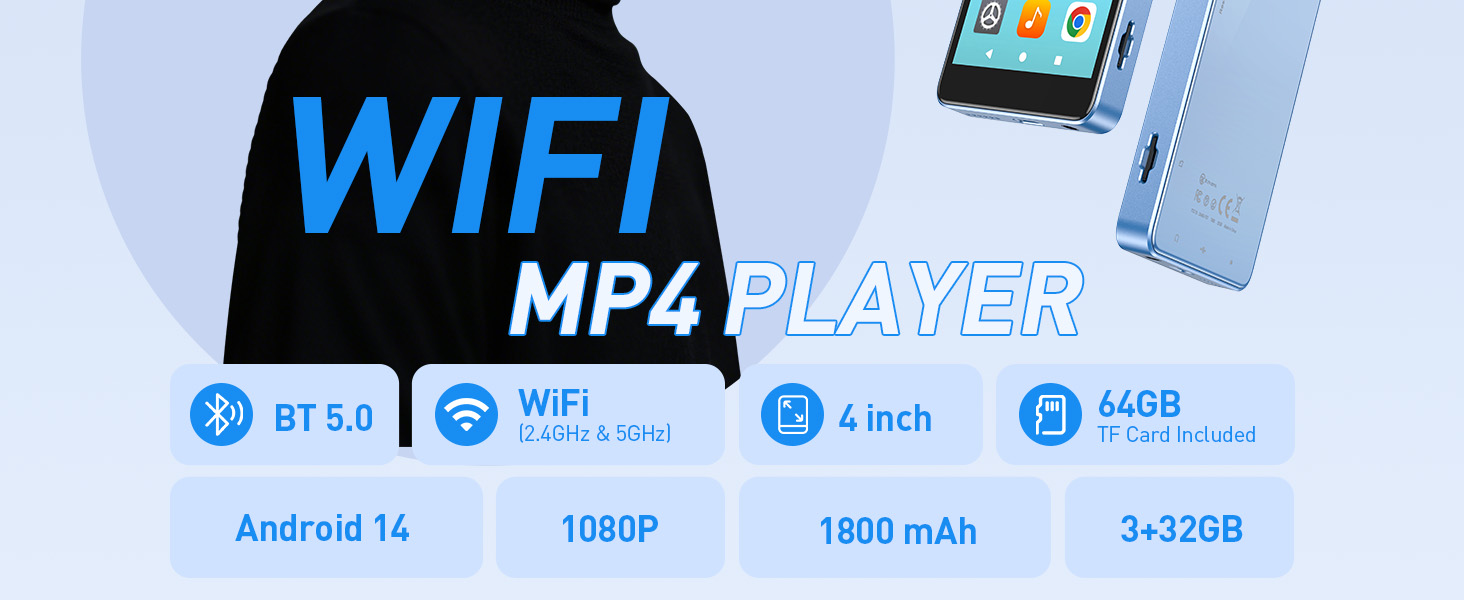
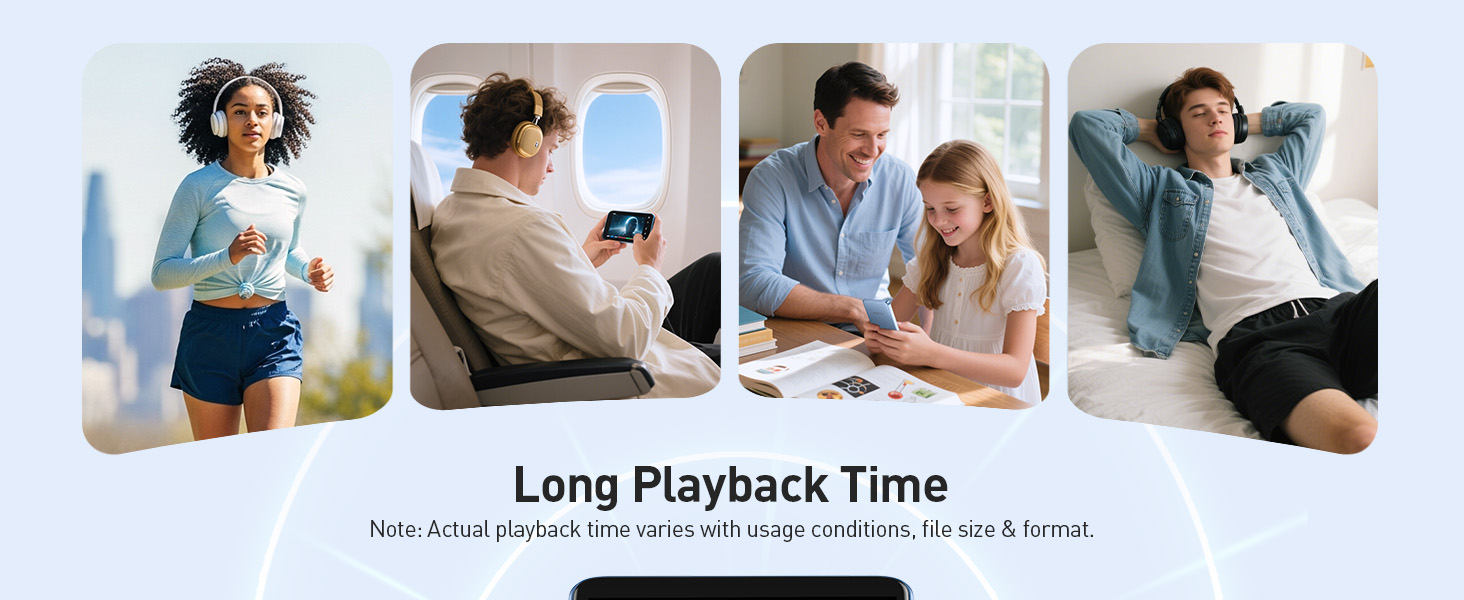
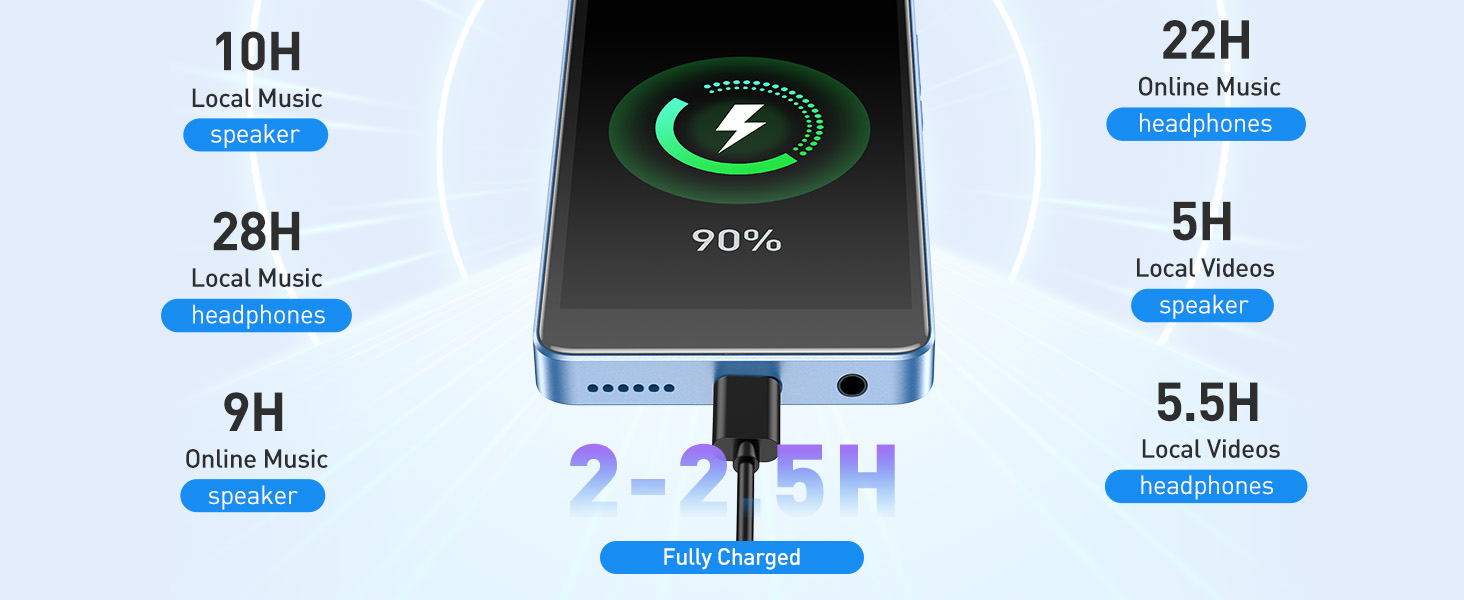
To save power, the player will automatically power off after 10 minute of inactivity. You can turn it off in the settings.
FAQ
What should I do if the APP stops unexpectedly?
1. Restart the device;
2. Use a toothpick or needle to poke the reset hole below the power button to reset the device;
3. This can be resolved with a firmware update.
Music player can't find a Bluetooth device or connects unsuccessfully
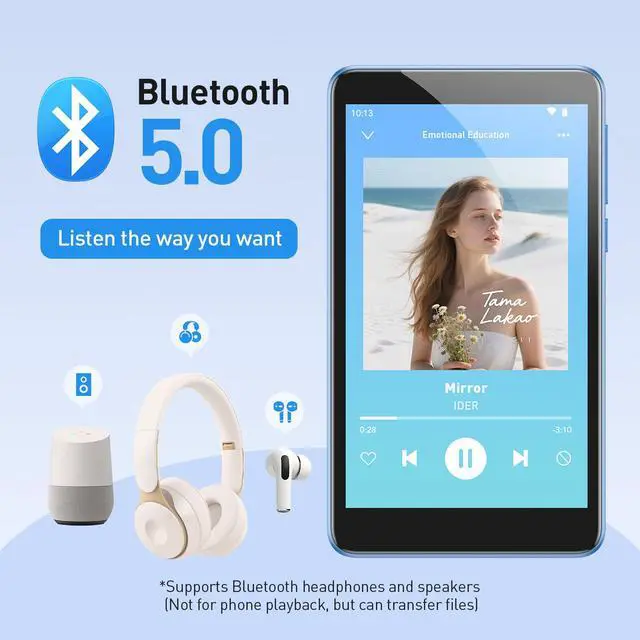
1. Ensure both the music player and the target device have Bluetooth turned on.Then, search and pair them.
2. Check if the target device is already paired elsewhere. If it is, unpair it, then search and pair again.
3. Check if the music player is already connected to multiple devices. If so, delete all parings and reconnect to the target device.
4. Ensure your headphones or speakers are Bluetooth 2.1 or higher. Sometimes connection issues arise from compatibility problems.
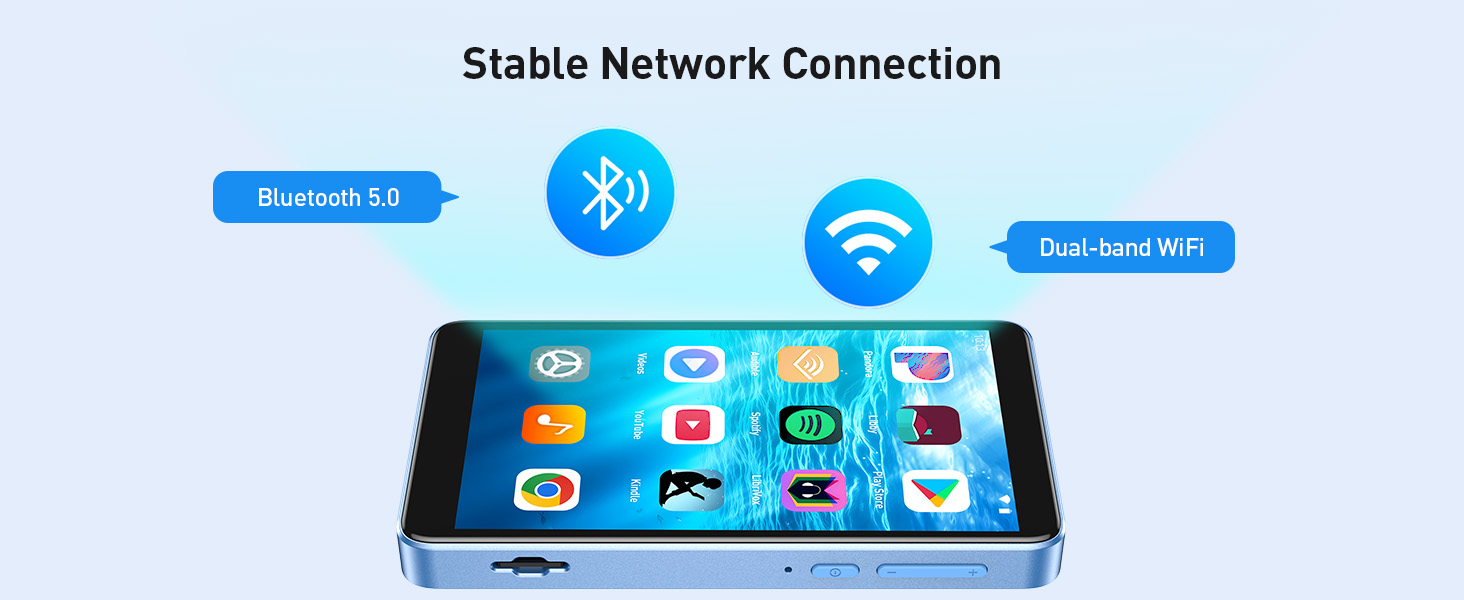
(The Bluetooth connection distance is 8-10 meters. Do not use it near other 2.4G signal sources or in places with obstacles.)

AGPTEK MP3 PLAYER
Made for Lovin' Music

What makes our products unique?
Music is our soul. Quality is our quest. Style is our attitude.
At AGPTEK, an MP3 player is more than just music—it's a way to express yourself and enjoy life.
We stay ahead in design, creating players that not only look good but feel right.
Your feedback drives our innovation. Every AGPTEK MP3 player undergoes rigorous testing.
Live Like Music, Play with AGPTEK.
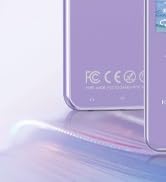
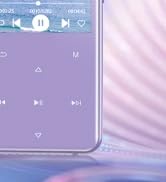
High Rating Model - M3
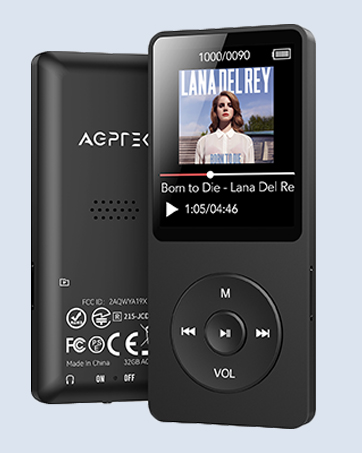
Classic Physical Buttons - A02
Classic appearance & simple operation
New 128GB MP3 Player - M6
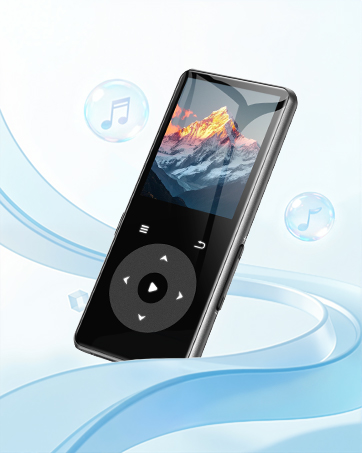
New Model - M7
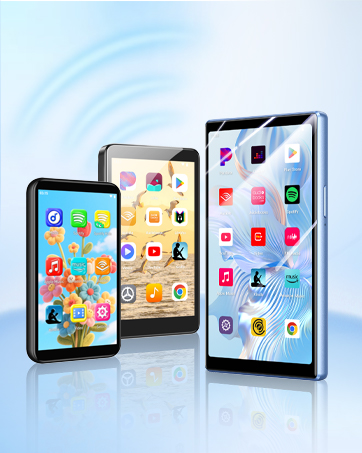
WiFi MP3 Player with Bluetooth
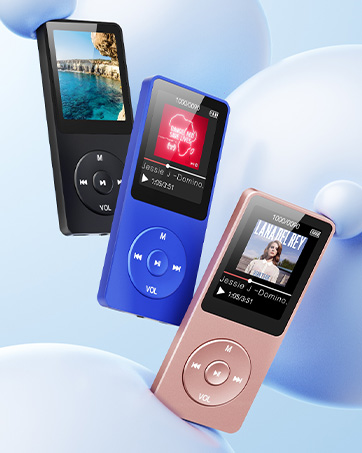
Classic Model - A02
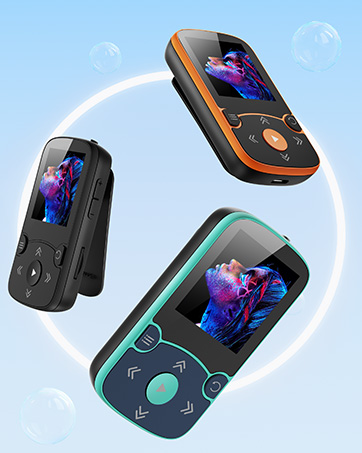
Born for Sports - A65
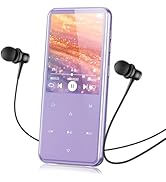
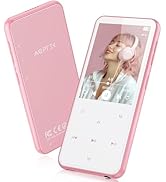
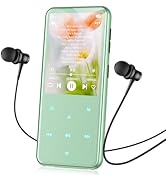
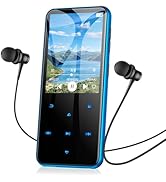
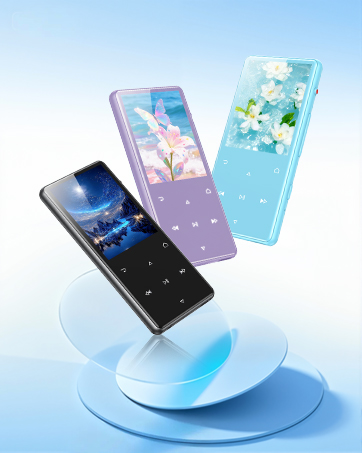
M3 model more colors to choose
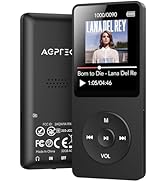
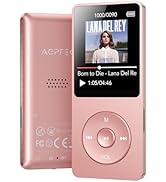
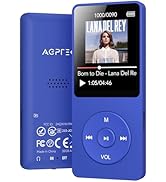
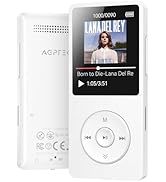
With Bluetooth 32G to 64G
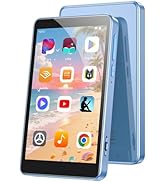
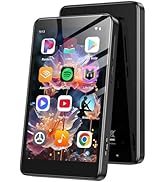
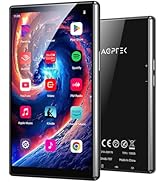
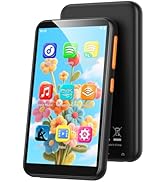
WiFi MP3 Player
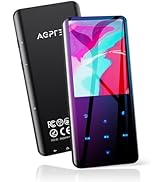
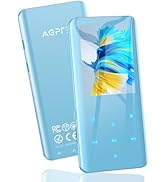
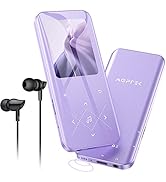
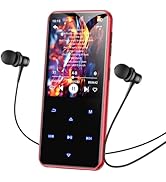
MP3 Player
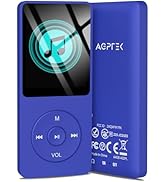
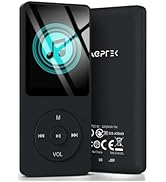
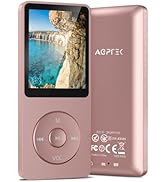
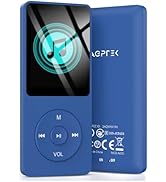
No Bluetooth 16G to 64G
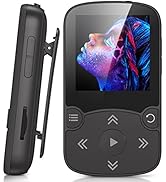
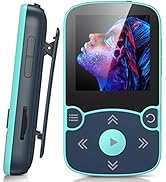
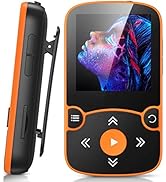
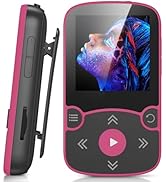
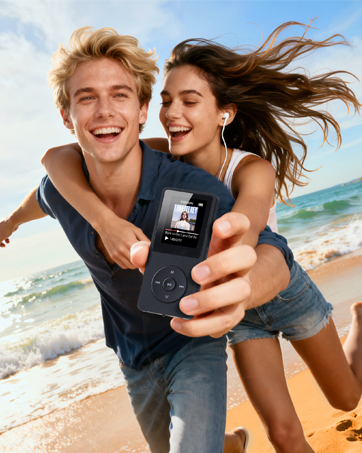
Clip Design for Sports
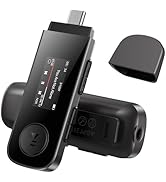
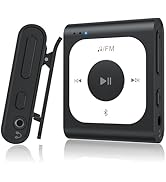
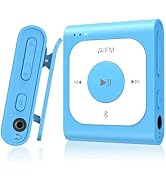
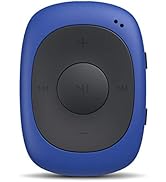
Portable MP3 Player

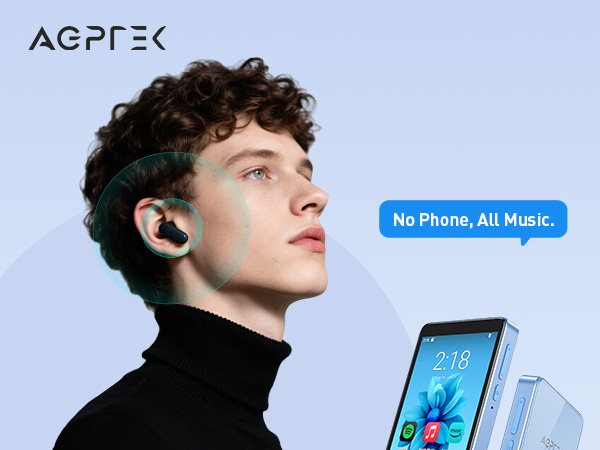
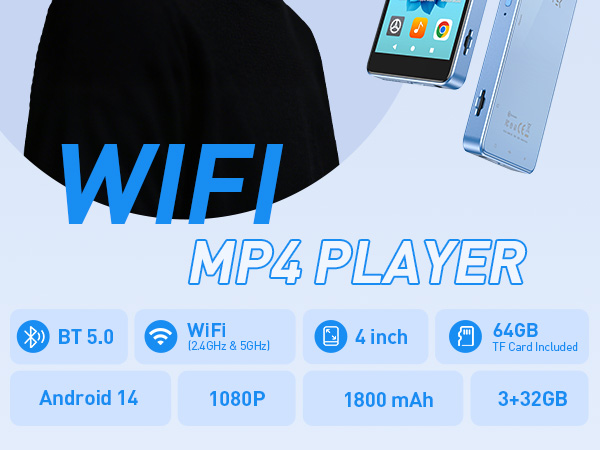
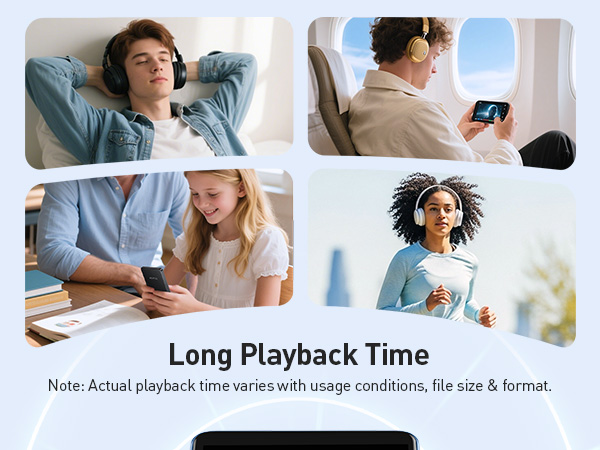
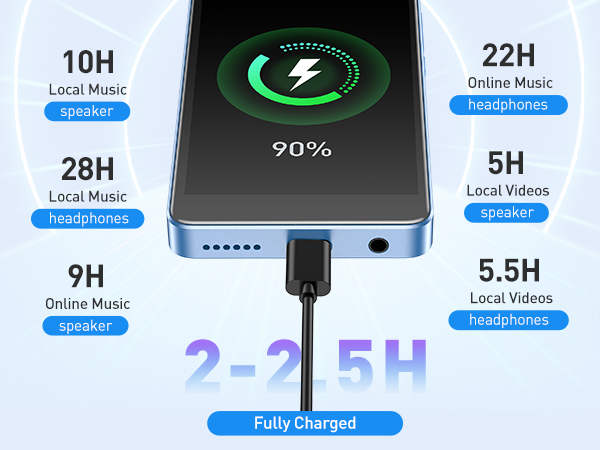
To save power, the player will automatically power off after 10 minute of inactivity. You can turn it off in the settings.
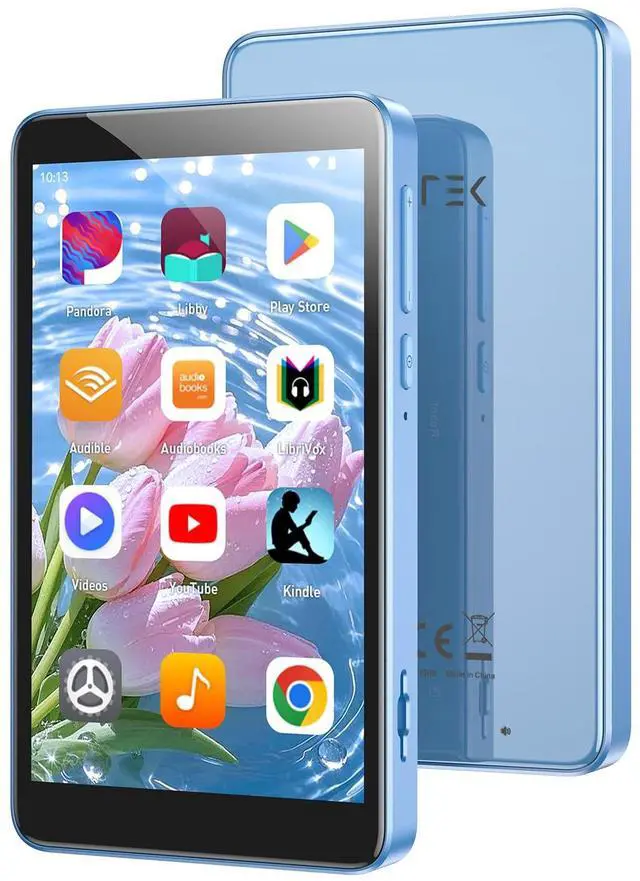
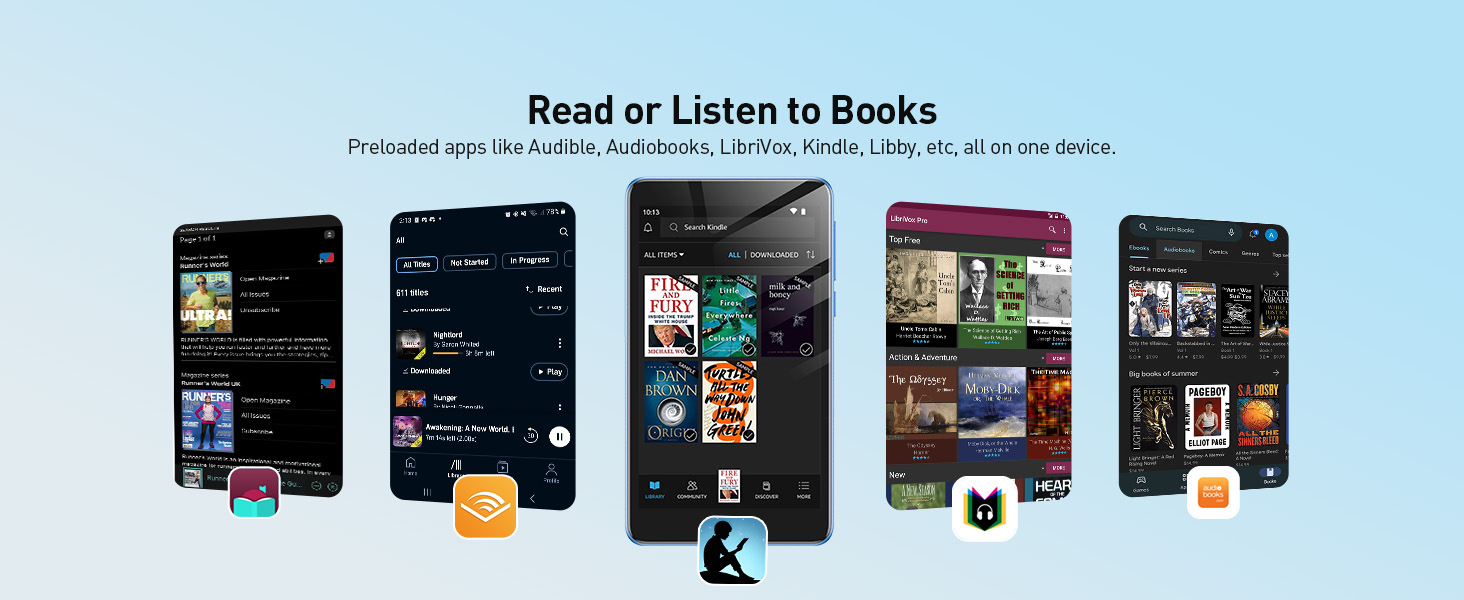
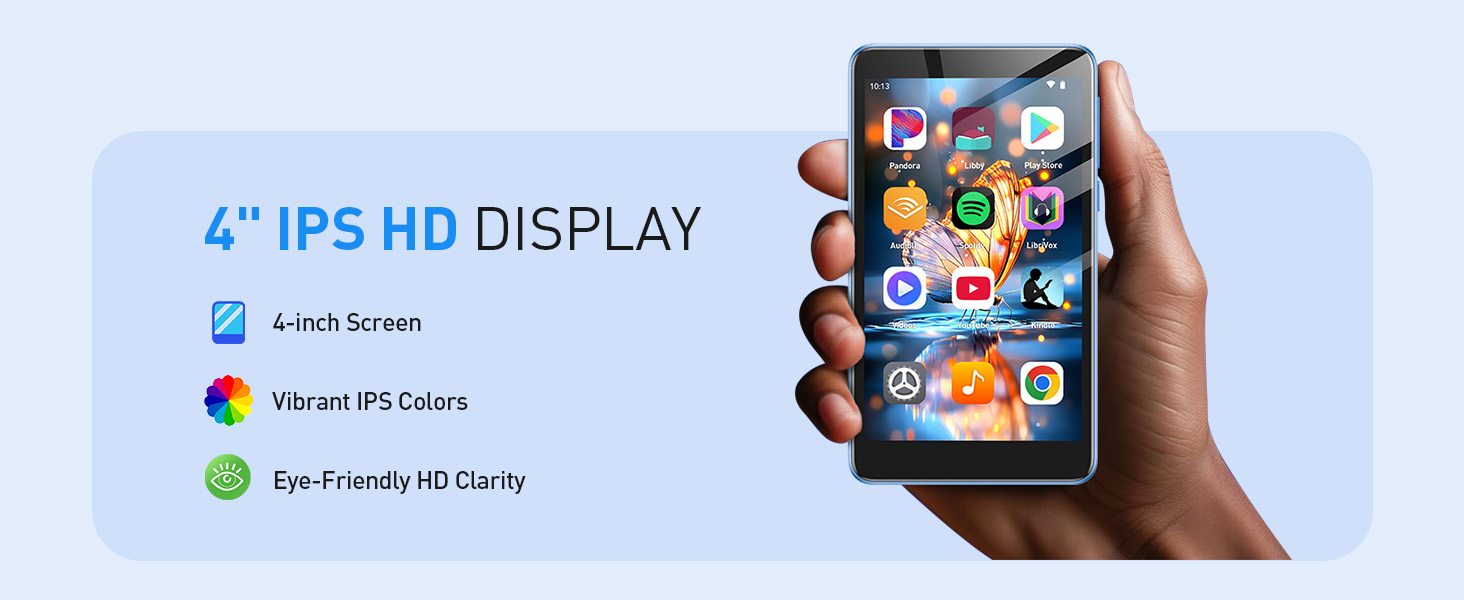
Your All-in-One Entertainment Hub – Music, Videos & Books
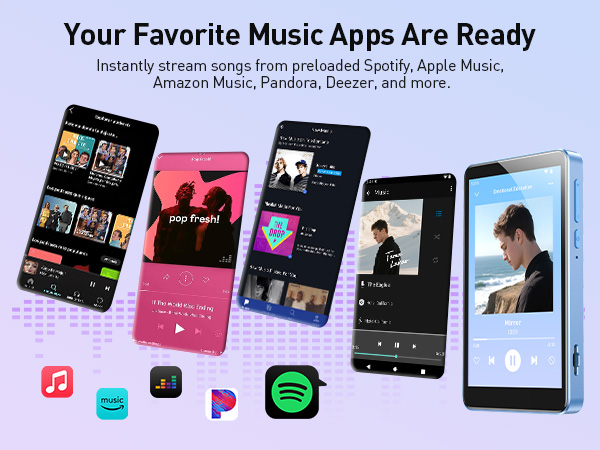
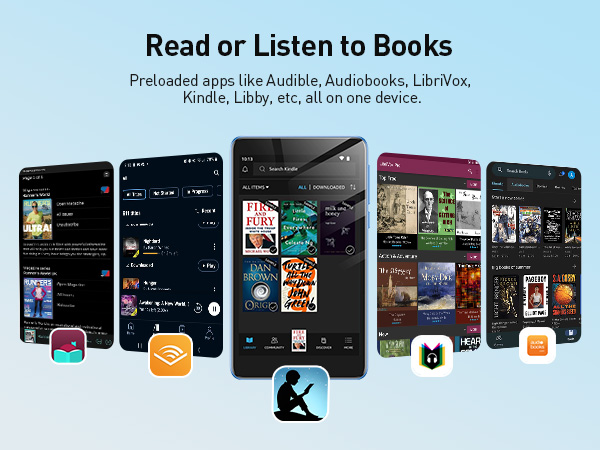
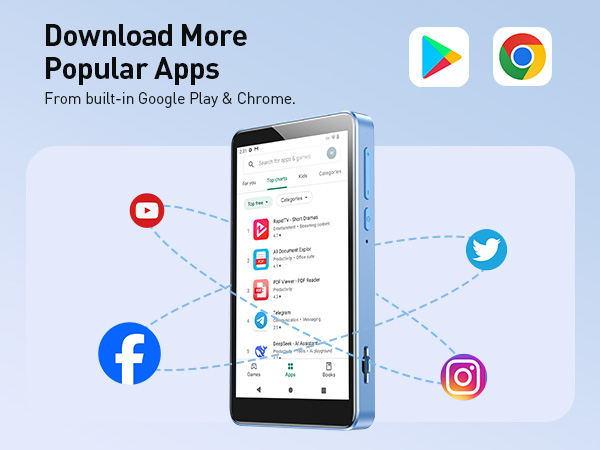
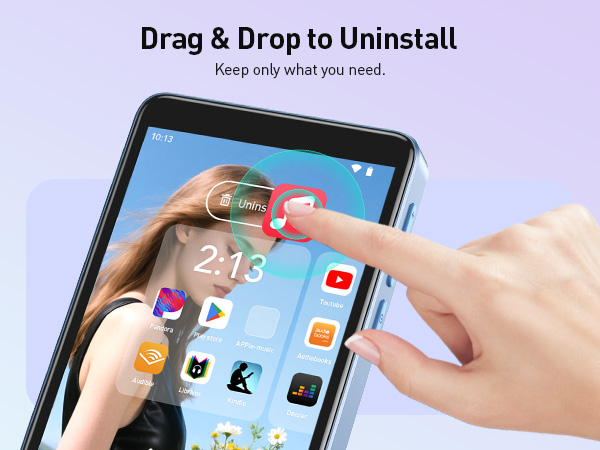
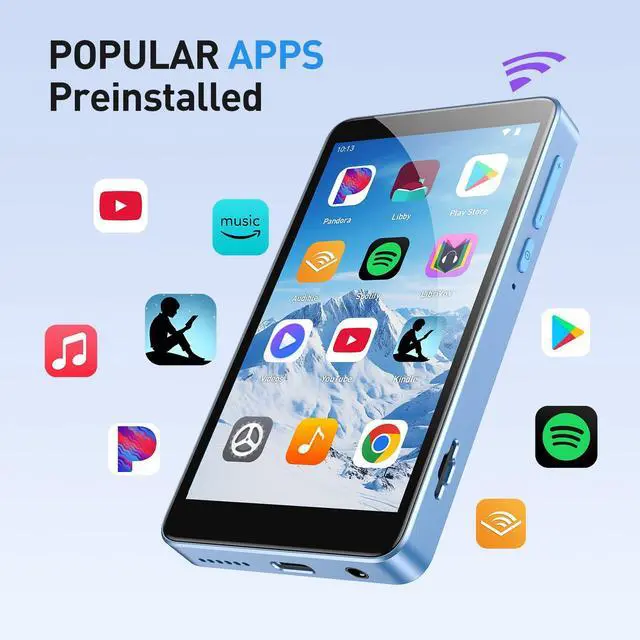
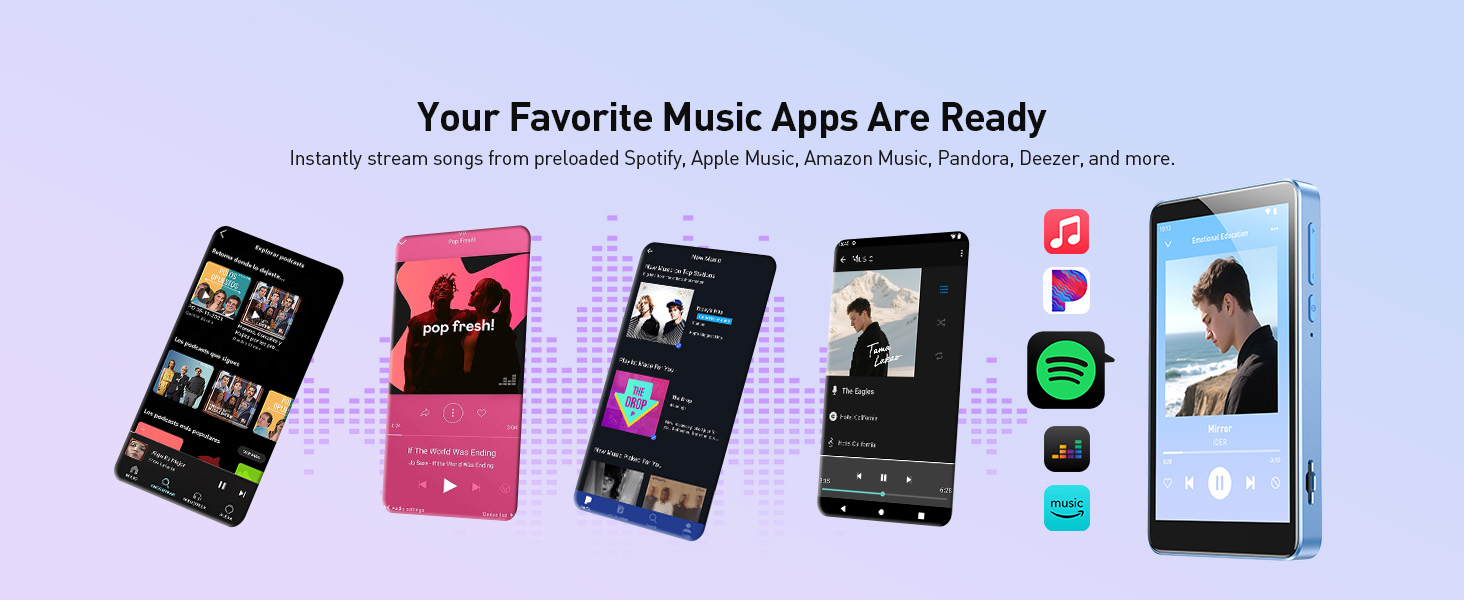
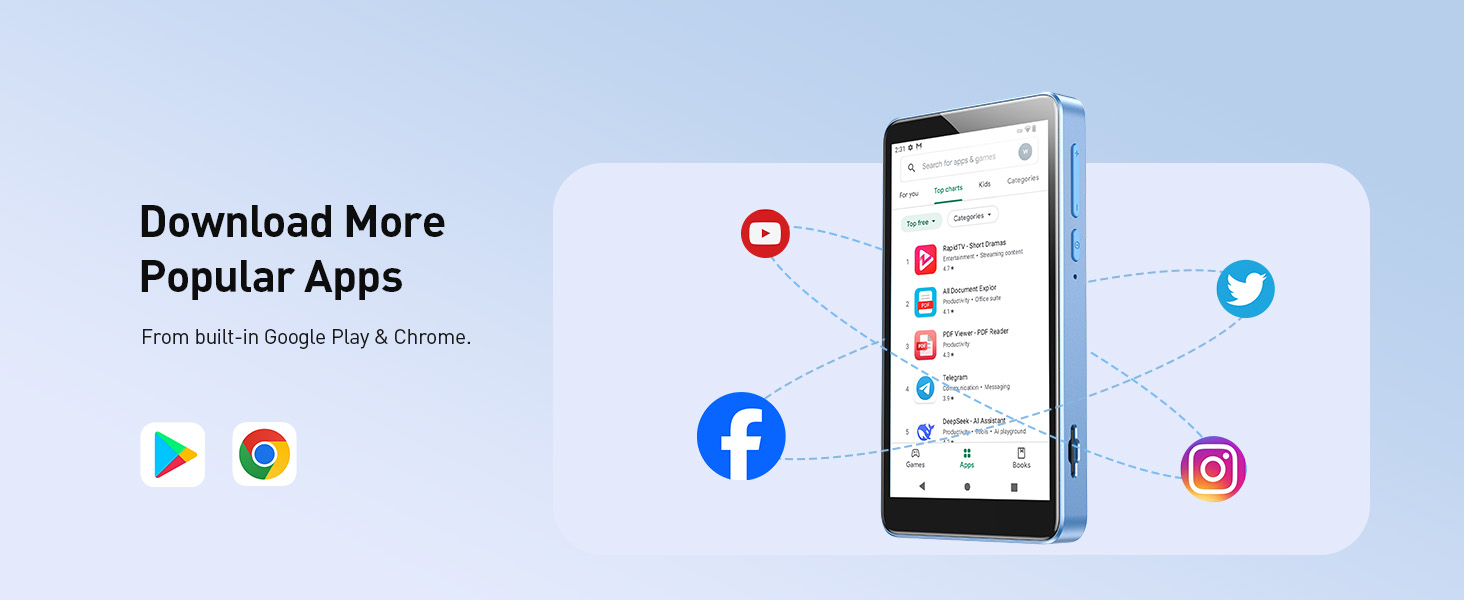
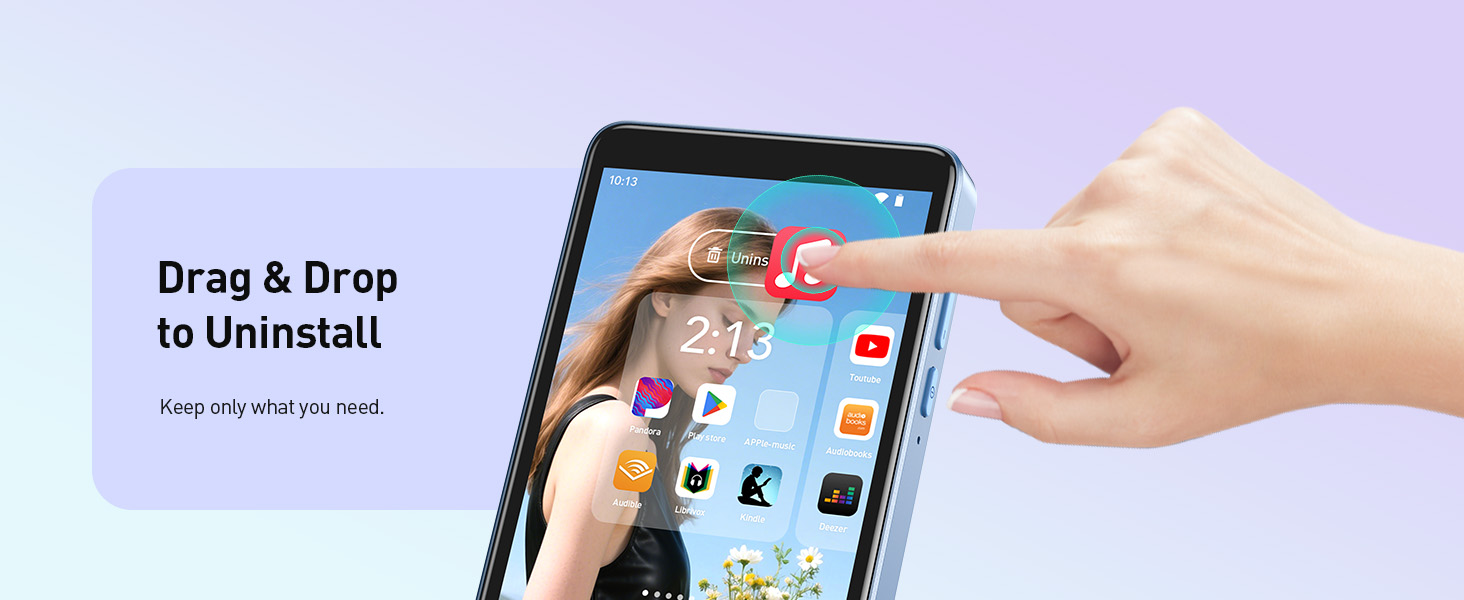
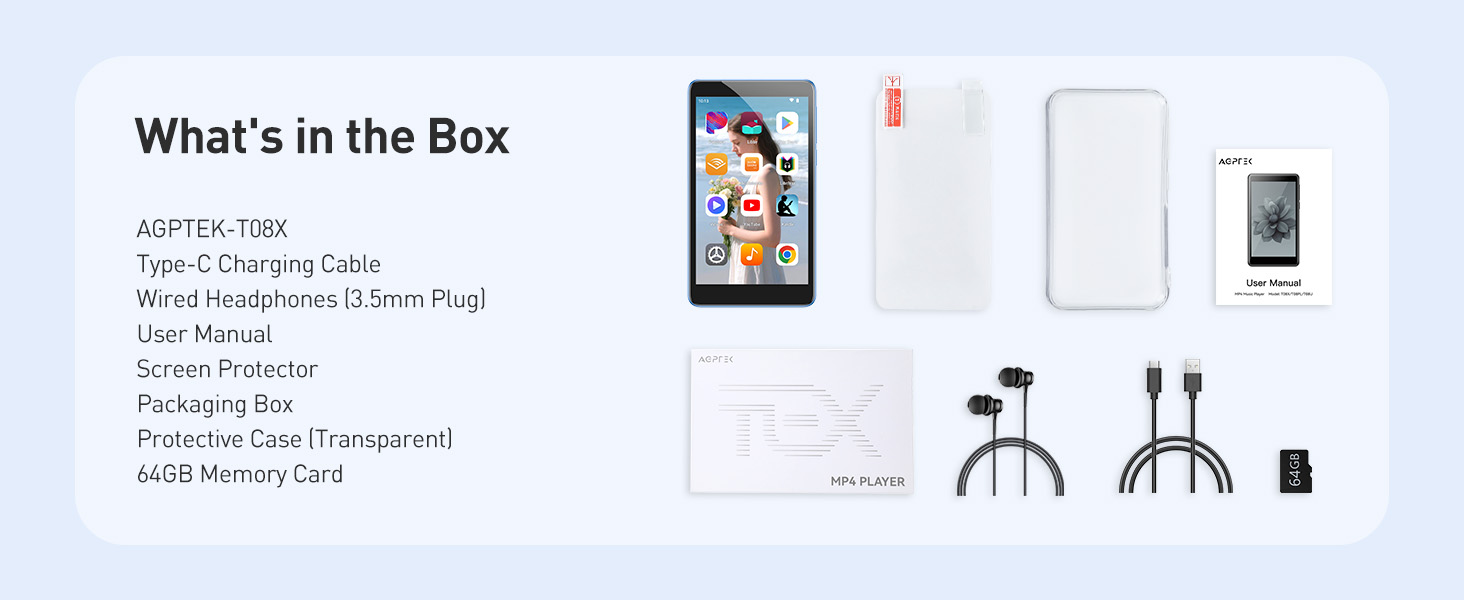
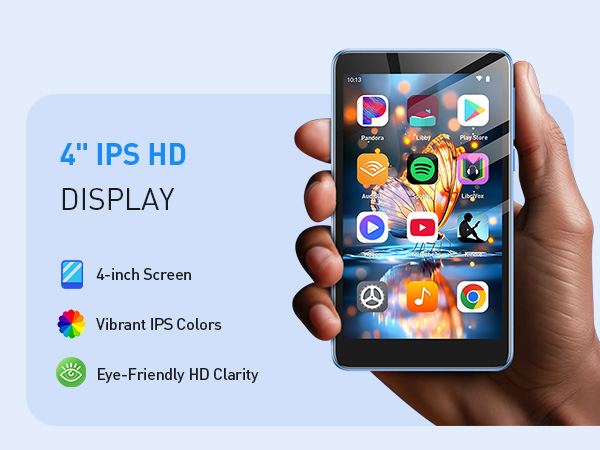
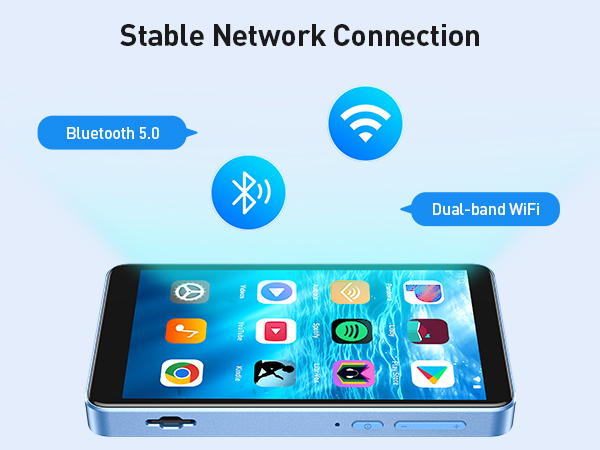
Note: This is an Android-based MP3 Player, it comes with a built-in browser for app downloads.Related apps are pre-installed for basic functionality, but some services may be limited.
FAQ
What should I do if the APP stops unexpectedly?
1. Restart the device;
2. Use a toothpick or needle to poke the reset hole below the power button to reset the device;
3. This can be resolved with a firmware update.
Music player can't find a Bluetooth device or connects unsuccessfully
1. Ensure both the music player and the target device have Bluetooth turned on.Then, search and pair them.
2. Check if the target device is already paired elsewhere. If it is, unpair it, then search and pair again.
3. Check if the music player is already connected to multiple devices. If so, delete all parings and reconnect to the target device.
4. Ensure your headphones or speakers are Bluetooth 2.1 or higher. Sometimes connection issues arise from compatibility problems.
(The Bluetooth connection distance is 8-10 meters. Do not use it near other 2.4G signal sources or in places with obstacles.)
AGPTEK MP3 PLAYER
Made for Lovin' Music
What makes our products unique?
Music is our soul. Quality is our quest. Style is our attitude.
At AGPTEK, an MP3 player is more than just music—it's a way to express yourself and enjoy life.
We stay ahead in design, creating players that not only look good but feel right.
Your feedback drives our innovation. Every AGPTEK MP3 player undergoes rigorous testing.
Live Like Music, Play with AGPTEK.
High Rating Model - M3
Classic Physical Buttons - A02
Classic appearance & simple operation
New 128GB MP3 Player - M6
New Model - M7
WiFi MP3 Player with Bluetooth
Classic Model - A02
Born for Sports - A65
M3 model more colors to choose
With Bluetooth 32G to 64G
WiFi MP3 Player
MP3 Player
No Bluetooth 16G to 64G
Clip Design for Sports
Portable MP3 Player