






------------------FAQ-------------------
Q1: What Bluetooth devices are supported?
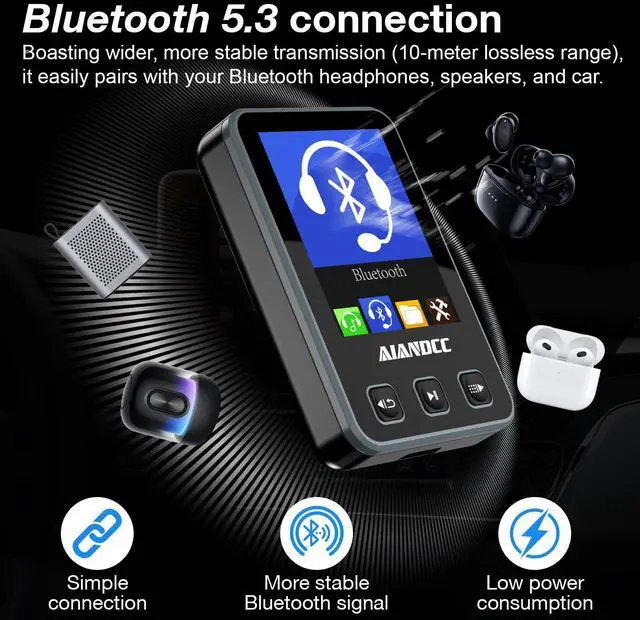
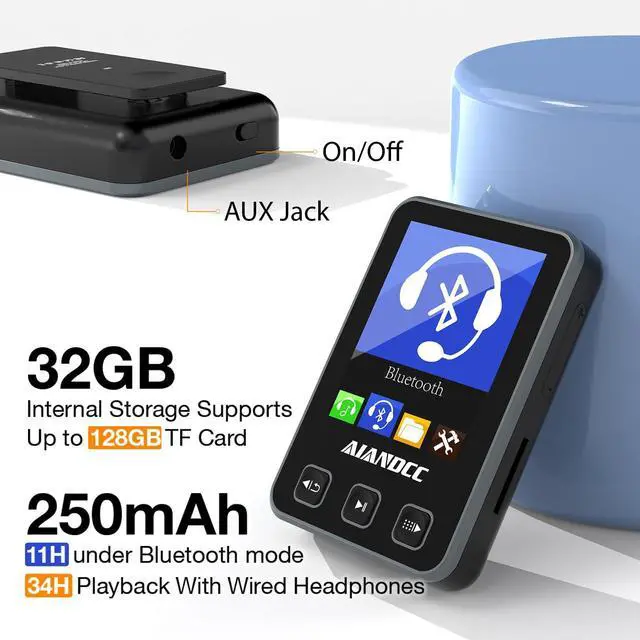
A1: This MP3 player features Bluetooth 5.3 technology and supports connection with most Bluetooth headphones and Bluetooth speakers for wireless music playback. Please note that Bluetooth is designed for audio output devices only and does not support connection to smartphones for music transfer, phone calls, or audio streaming. Music files should be transferred directly from a computer or a compatible microSD card.
Q2: Why choose an MP3 player instead of a smartphone?
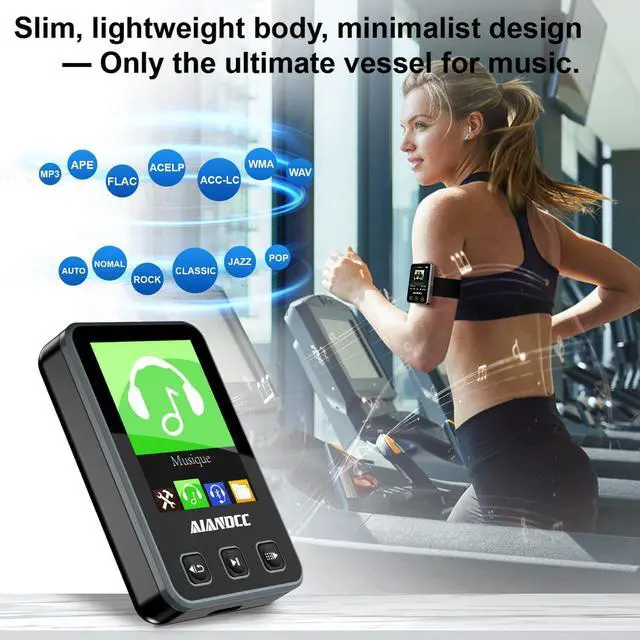
A2: A dedicated MP3 player offers longer distraction-free listening, lighter weight, no incoming calls or notifications, and allows you to enjoy music while preserving your phone's battery life.
Q3: Why is the song order different from my computer?
A3: Song order may depend on file names and storage indexing. For best results, we recommend using clear file naming (01, 02, 03...) before transferring music.

------------------FAQ-------------------
Q1: Is this MP3 player touchscreen?
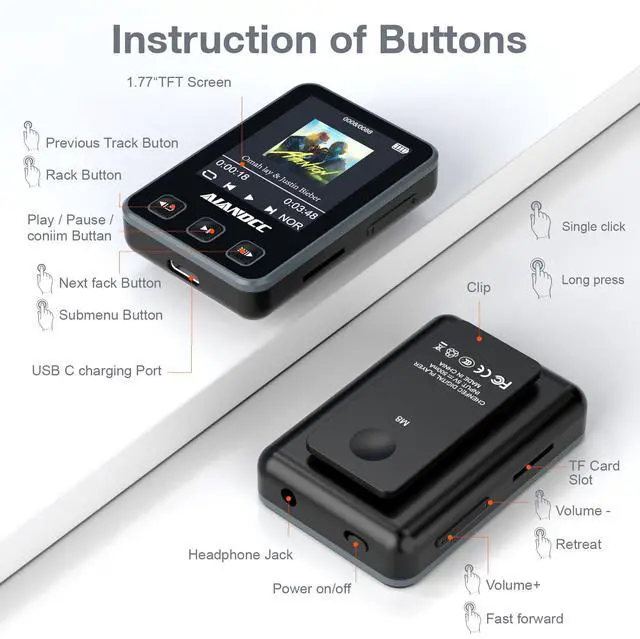
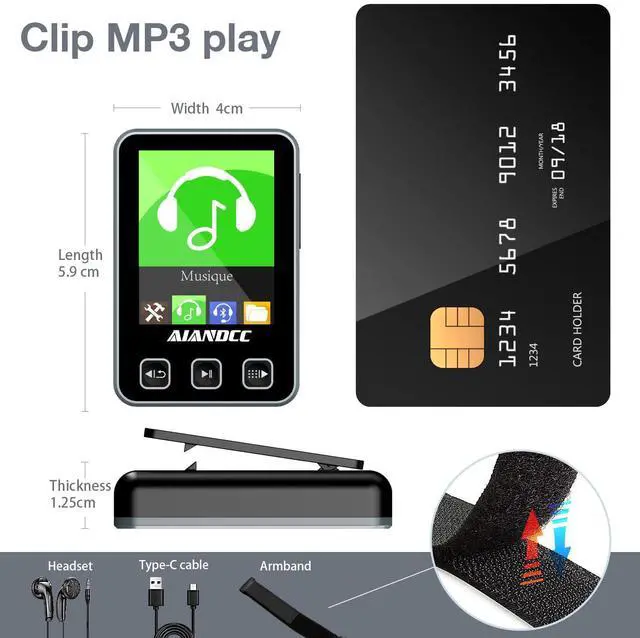
A1: No. This player uses physical buttons instead of a touchscreen. The button design helps prevent accidental touches during workouts, walking, and outdoor activities.
Q2: Why won't my MP3 player turn on after it shut down?
A2: If the device has powered off unexpectedly, the power switch may not be in the correct position. Before restarting:
1. Slide the power switch fully to OFF
2. Wait 3–5 seconds
3. Slide it back to ON
4. Press and hold the power button
This simple reset procedure resolves most startup issues and allows the player to restart normally.
------------------FAQ-------------------
Q1: What Bluetooth devices are supported?
A1: This MP3 player features Bluetooth 5.3 technology and supports connection with most Bluetooth headphones and Bluetooth speakers for wireless music playback. Please note that Bluetooth is designed for audio output devices only and does not support connection to smartphones for music transfer, phone calls, or audio streaming. Music files should be transferred directly from a computer or a compatible microSD card.
Q2: Why choose an MP3 player instead of a smartphone?
A2: A dedicated MP3 player offers longer distraction-free listening, lighter weight, no incoming calls or notifications, and allows you to enjoy music while preserving your phone's battery life.
Q3: Why is the song order different from my computer?
A3: Song order may depend on file names and storage indexing. For best results, we recommend using clear file naming (01, 02, 03...) before transferring music.
------------------FAQ-------------------
Q1: Is this MP3 player touchscreen?
A1: No. This player uses physical buttons instead of a touchscreen. The button design helps prevent accidental touches during workouts, walking, and outdoor activities.
Q2: Why won't my MP3 player turn on after it shut down?
A2: If the device has powered off unexpectedly, the power switch may not be in the correct position. Before restarting:
1. Slide the power switch fully to OFF
2. Wait 3–5 seconds
3. Slide it back to ON
4. Press and hold the power button
This simple reset procedure resolves most startup issues and allows the player to restart normally.