





Why Choose Ailun
Ailun is the global leader and innovator of mobile device accessories and technology for entertainment, travel, and home.

2014 witnessed the birth of Ailun. Ailun arises with its ambition to change the whole technology world with its full passion,patience,faith,devotion and profession for the future electronic technology.
Through years of progressive development,Ailun has achieved clear brand positioning in the market and the hearts of millions of customers. It receives high praise and proves itself a high brand value with its firm resolution and persistent efforts.
What makes our products unique?
Every Ailun product is strictly selected, designed, and exploited by resourceful professionals. Ailun pays much attention to product quality and implements comprehensive quality management and test.
Customer first
Ailun puts customers in the first place from beginning to end. lt takes full responsibility for its customers with professional service team working around the clock to solve any problems during the course of pre-sales, on-purchase, after-sales. Customer's satisfaction is always the constant motivation to keep Ailun moving forward.
Product Description
 Pencil Tips Replacement |  Pencil Tips Replacement | 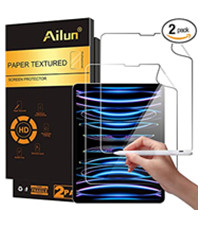 iPad Pro 12.9 inch | 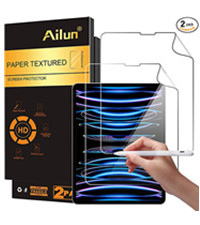 iPad Air4/5,iPad Pro 11in | 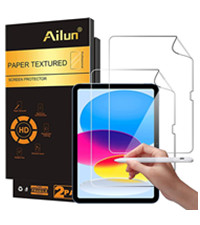 iPad 10 2022 10.9 inch | 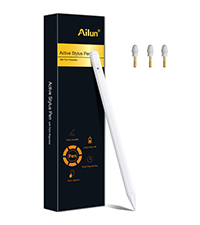 Stylus Pen | |
|---|---|---|---|---|---|---|
Customer Reviews | — | — | — | — | — | — |
Price | — | — | — | — | — | — |
Brand | Ailun | Ailun | Ailun | Ailun | Ailun | Ailun |
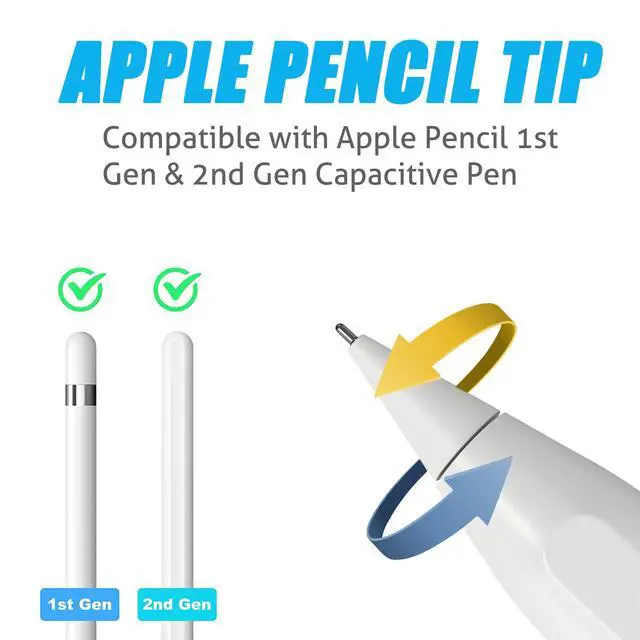
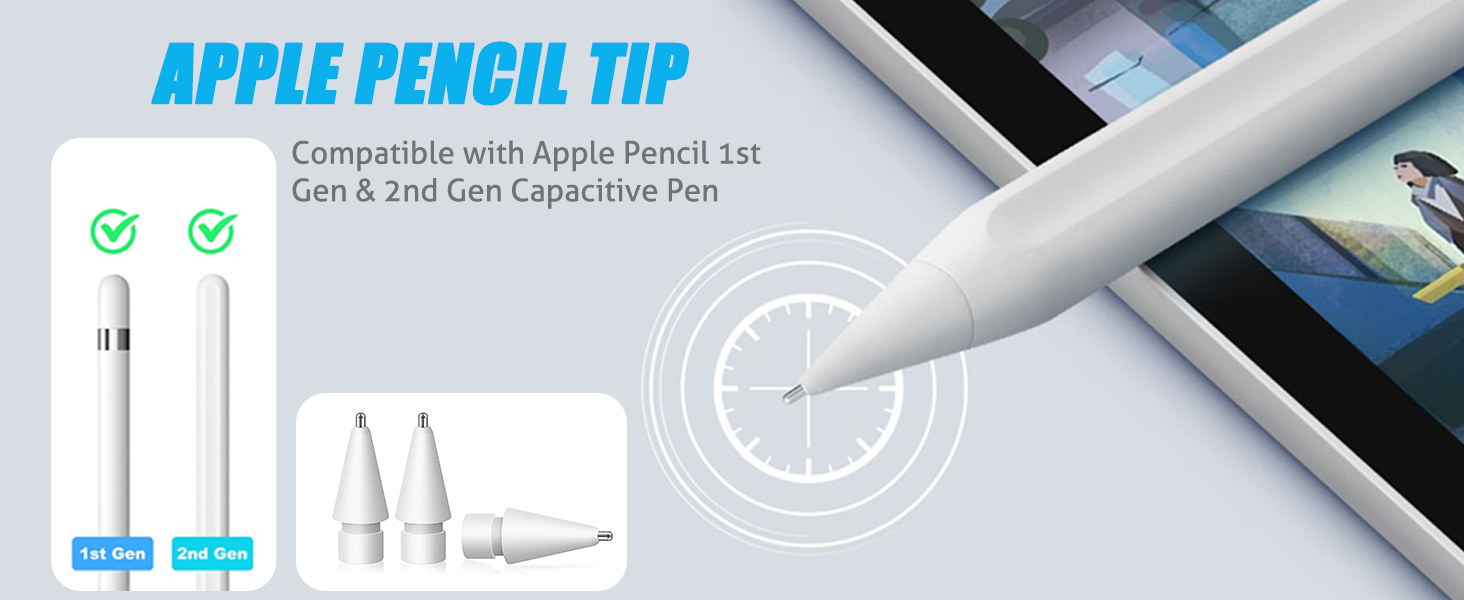
Compatible Models | Apple Pencil 1st Gen & 2nd Gen | Apple Pencil 1st Gen & 2nd Gen | iPad Pro 12.9 Inch | iPad Air 4/5, iPad Pro 11 inch | iPad 10 2022 10.9 inch | iPad 2018-2022 |
Display Size | - | - | 12.9 inch | 11 inch | 10.9 inch | - |
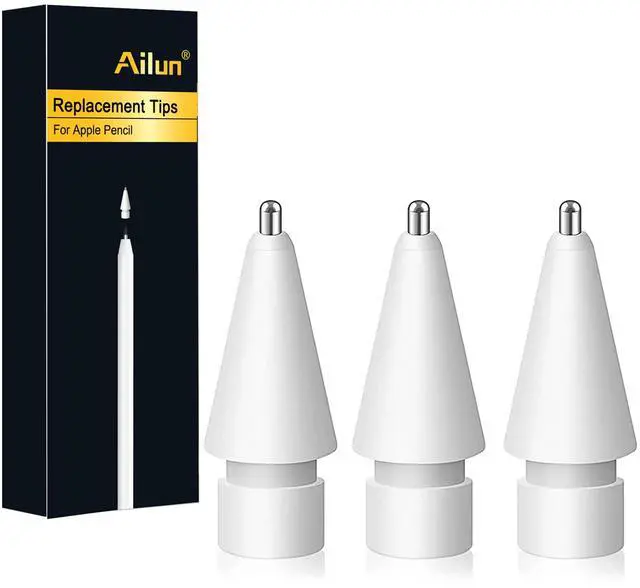
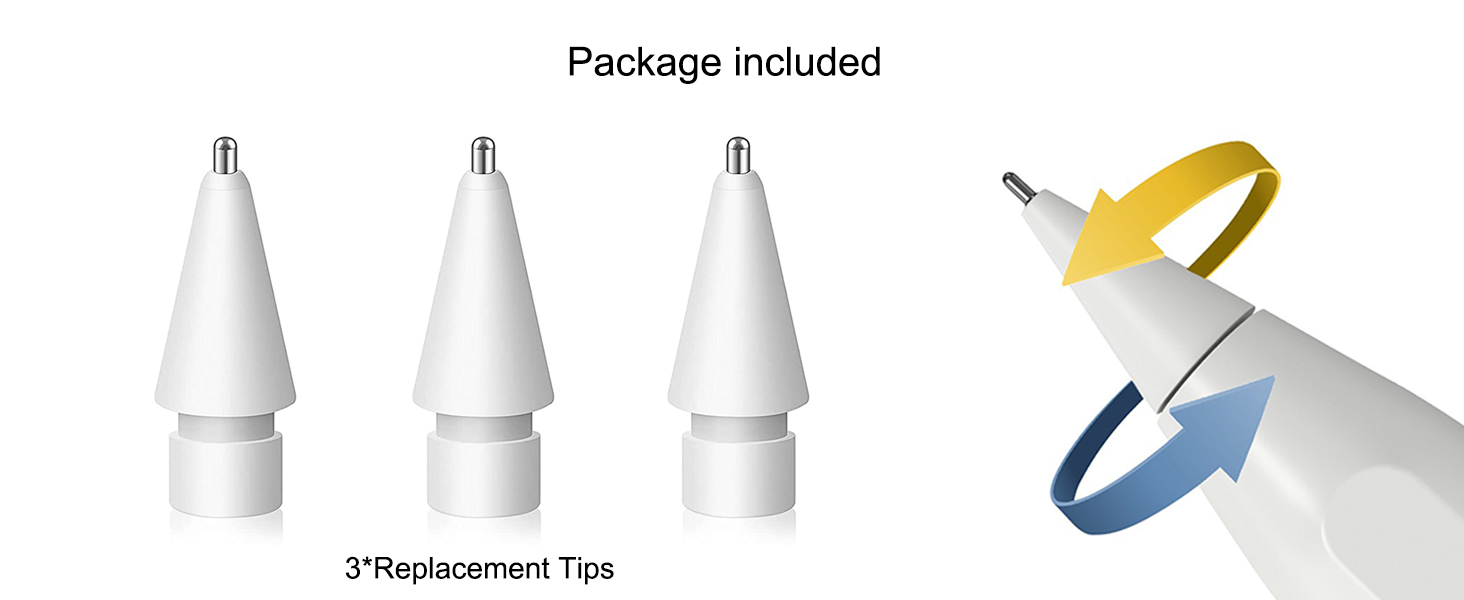
Quantity | 3 Pack | 4 Pack | 2 Pack | 2 Pack | 2 Pack | 1+3 Pack |
Feature | Smooth & Sensitive | Precise Control | Paper Textured | Paper Textured | Paper Textured | Palm Rejection |
Batteries Required | No | No | - | - | - | No |
aplus content video
1. Does it scratch the screen?
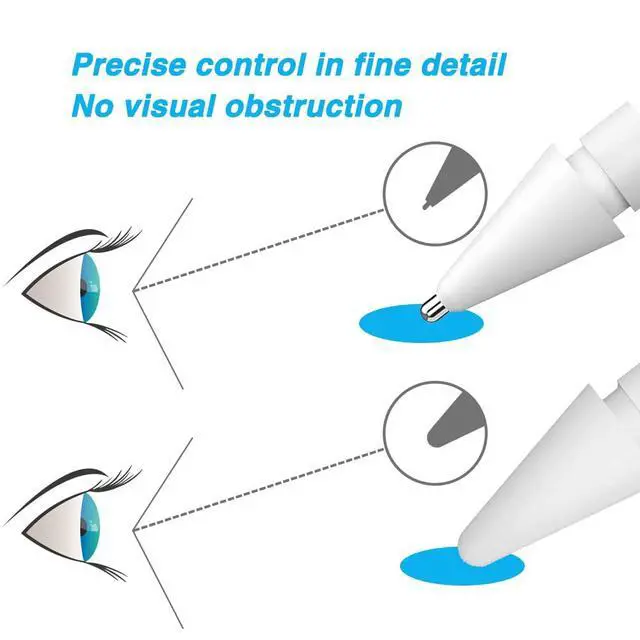
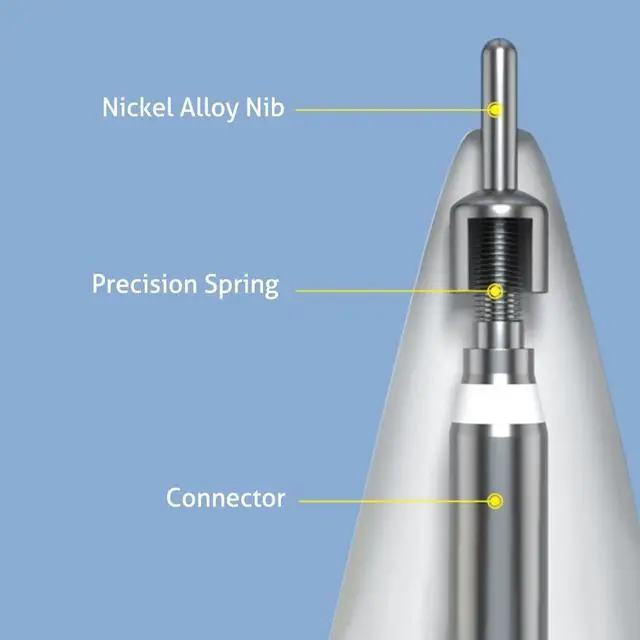
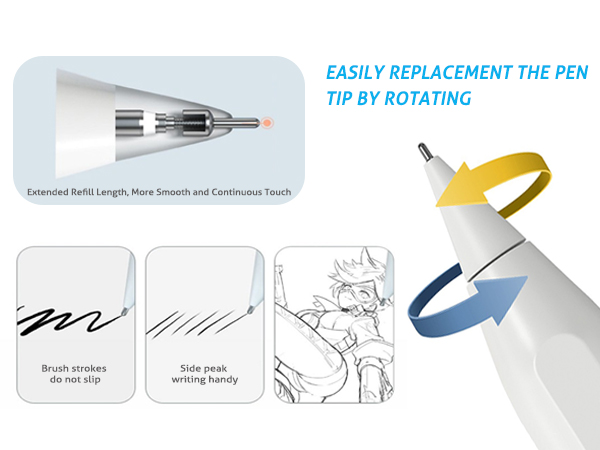
The metal part of this replacement tip has a scratch-resistant spherical design that reduces friction and won't scratch your screen.
2. How to replace the pen tip?
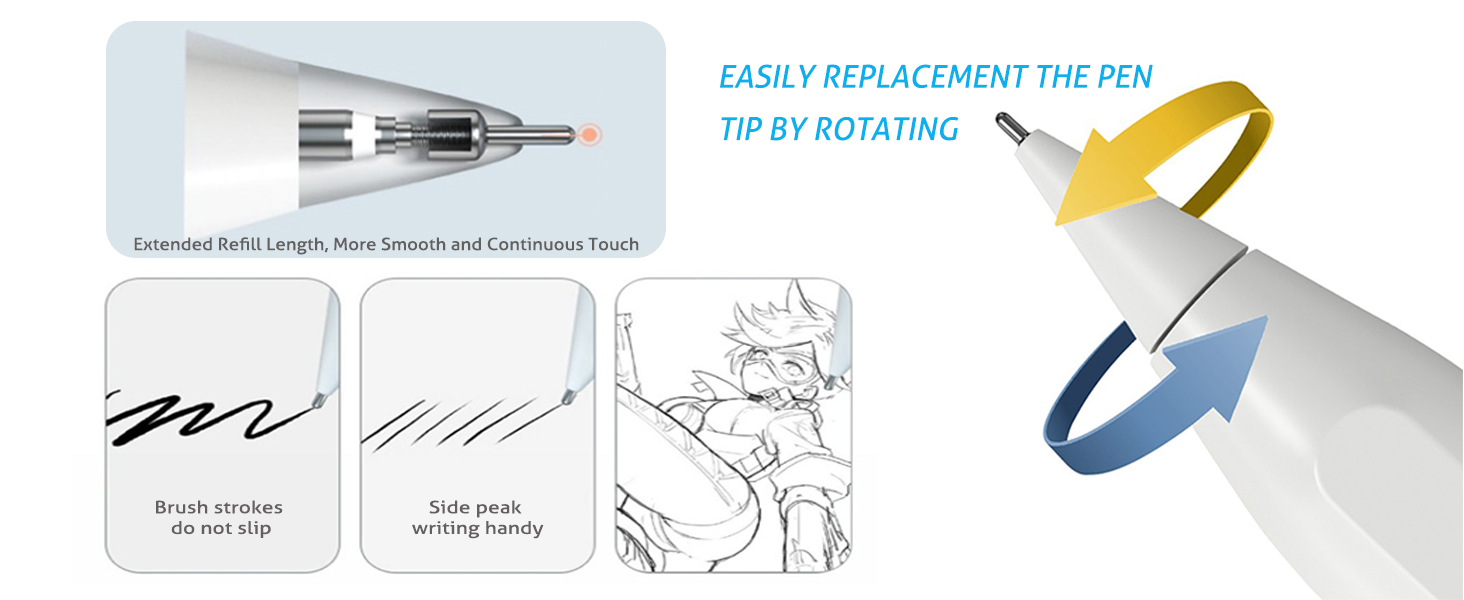
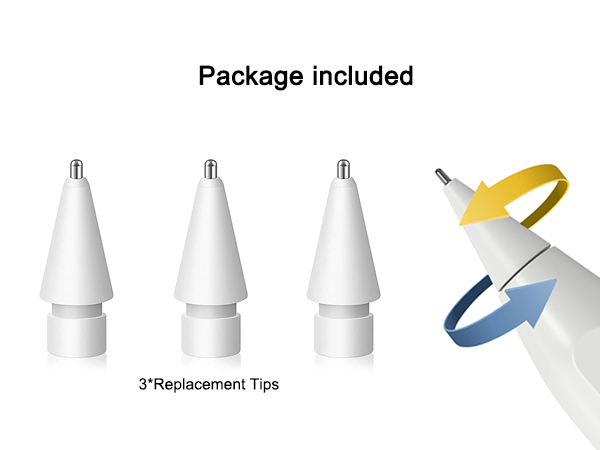
1). Remove the old tip from the pen by gently rotating it clockwise
2). Place the new replacement tip on the pen and rotate counter-clockwise until it feels secure
3). Complete the tip replacement, then you can use it.
3. Will this tip damage the original pen?
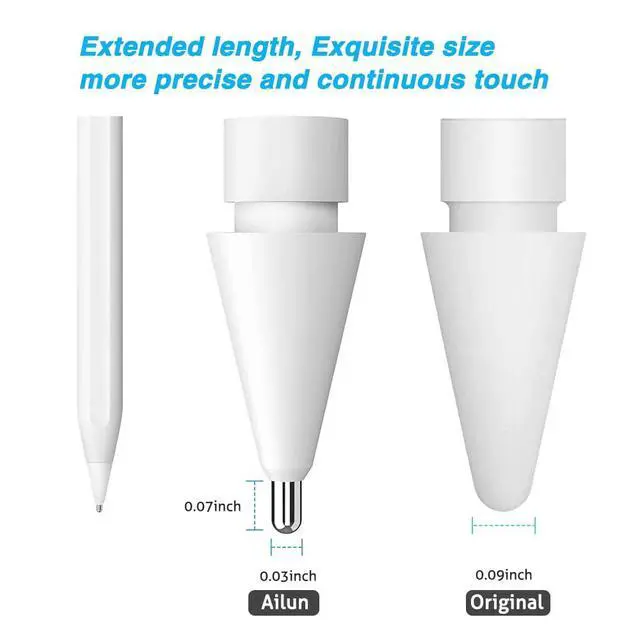
This tip can be replaced with the original Apple Pencil tip, it matches the original pen perfectly, please rest assured that there will be no damage to the original pen.
4. Does this replacement tip lag when used?
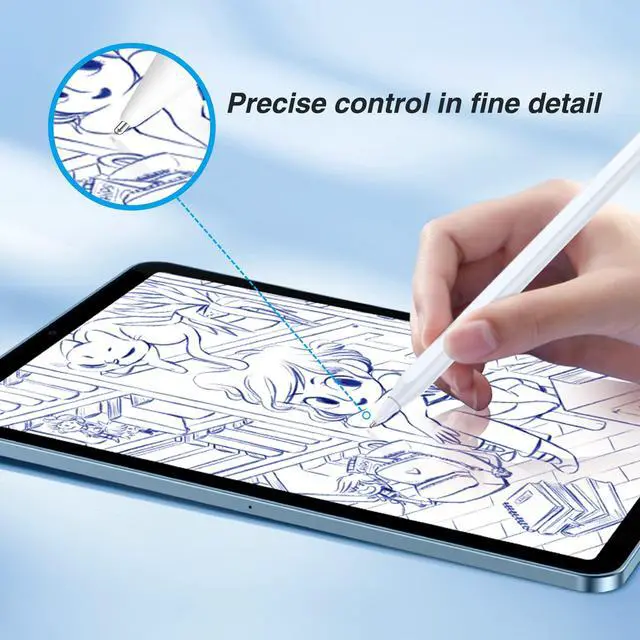
This replacement tip has the same sensitivity as the original tip, writes in real time with no lag, is very smooth and easy to use, you can draw lines and shadows of various thicknesses, just like you would with a real pencil.
5. Does it make a lot of noise when writing?
This metal Apple Pencil tip writes with no noise, just like the sound of a pencil writing, and it writes very smoothly.
Product Description
Pencil Tips Replacement | Pencil Tips Replacement | iPad Pro 12.9 inch | iPad Air4/5,iPad Pro 11in | iPad 10 2022 10.9 inch | Stylus Pen |
|---|---|---|---|---|---|
| Customer Reviews | |||||
| — | — | — | — | — | — |
| Price | |||||
| — | — | — | — | — | — |
| Brand | |||||
| Ailun | Ailun | Ailun | Ailun | Ailun | Ailun |
| Compatible Models | |||||
| Apple Pencil 1st Gen & 2nd Gen | Apple Pencil 1st Gen & 2nd Gen | iPad Pro 12.9 Inch | iPad Air 4/5, iPad Pro 11 inch | iPad 10 2022 10.9 inch | iPad 2018-2022 |
| Display Size | |||||
| - | - | 12.9 inch | 11 inch | 10.9 inch | - |
| Quantity | |||||
| 3 Pack | 4 Pack | 2 Pack | 2 Pack | 2 Pack | 1+3 Pack |
| Feature | |||||
| Smooth & Sensitive | Precise Control | Paper Textured | Paper Textured | Paper Textured | Palm Rejection |
| Batteries Required | |||||
| No | No | - | - | - | No |
aplus content video
1. Does it scratch the screen?
The metal part of this replacement tip has a scratch-resistant spherical design that reduces friction and won't scratch your screen.
2. How to replace the pen tip?
1). Remove the old tip from the pen by gently rotating it clockwise
2). Place the new replacement tip on the pen and rotate counter-clockwise until it feels secure
3). Complete the tip replacement, then you can use it.
3. Will this tip damage the original pen?
This tip can be replaced with the original Apple Pencil tip, it matches the original pen perfectly, please rest assured that there will be no damage to the original pen.
4. Does this replacement tip lag when used?
This replacement tip has the same sensitivity as the original tip, writes in real time with no lag, is very smooth and easy to use, you can draw lines and shadows of various thicknesses, just like you would with a real pencil.
5. Does it make a lot of noise when writing?
This metal Apple Pencil tip writes with no noise, just like the sound of a pencil writing, and it writes very smoothly.
Why Choose Ailun
Ailun is the global leader and innovator of mobile device accessories and technology for entertainment, travel, and home.
2014 witnessed the birth of Ailun. Ailun arises with its ambition to change the whole technology world with its full passion,patience,faith,devotion and profession for the future electronic technology.
Through years of progressive development,Ailun has achieved clear brand positioning in the market and the hearts of millions of customers. It receives high praise and proves itself a high brand value with its firm resolution and persistent efforts.
What makes our products unique?
Every Ailun product is strictly selected, designed, and exploited by resourceful professionals. Ailun pays much attention to product quality and implements comprehensive quality management and test.
Customer first
Ailun puts customers in the first place from beginning to end. lt takes full responsibility for its customers with professional service team working around the clock to solve any problems during the course of pre-sales, on-purchase, after-sales. Customer's satisfaction is always the constant motivation to keep Ailun moving forward.