




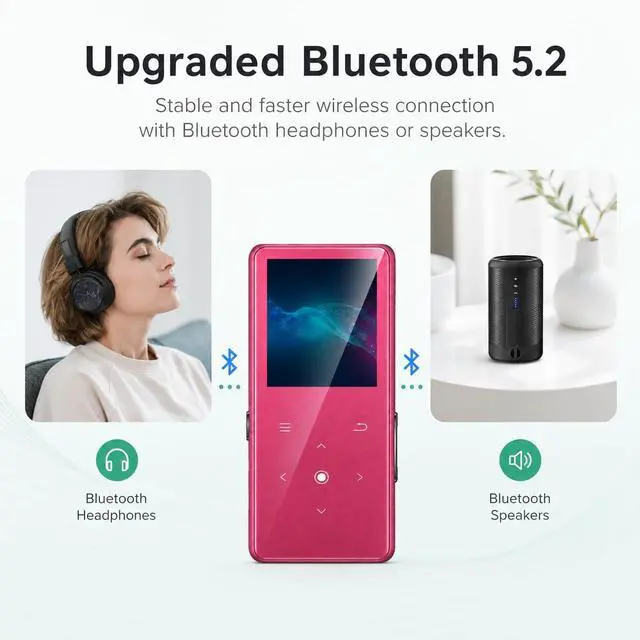


MP3 player cannot be connected with bluetooth headset/speaker.
Confirm no other Bluetooth devices nearby (e.g. your phone). In Bluetooth settings, forget all devices under “MY DEVICES,” then turn off Bluetooth. Reset your Bluetooth headset/speaker, place it near the MP3 player, then search and connect again.
Why can't the MP3 player connect to a phone/computer via Bluetooth?
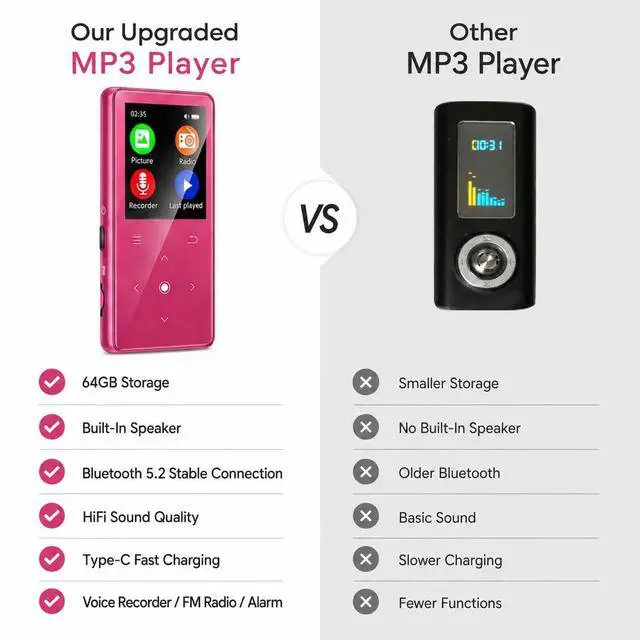
MP3 players, phones, and computers are all Bluetooth signal transmitting devices. They cannot connect to each other directly. They can only connect to Bluetooth receiving devices, such as Bluetooth headphones or Bluetooth speakers.
(a)The mp3 doesn't turn on? (b)How to delete songs on MP3?
(a)Please make sure the device has power. You can charge the MP3 for half an hour, then press and hold the power button for 10 seconds.
(b)Select 'Folder' on the main page, find the file you want to delete and click the top left button.
(a)How do I switch the language, for example to English? (b)Experiencing an 'SD card error'?
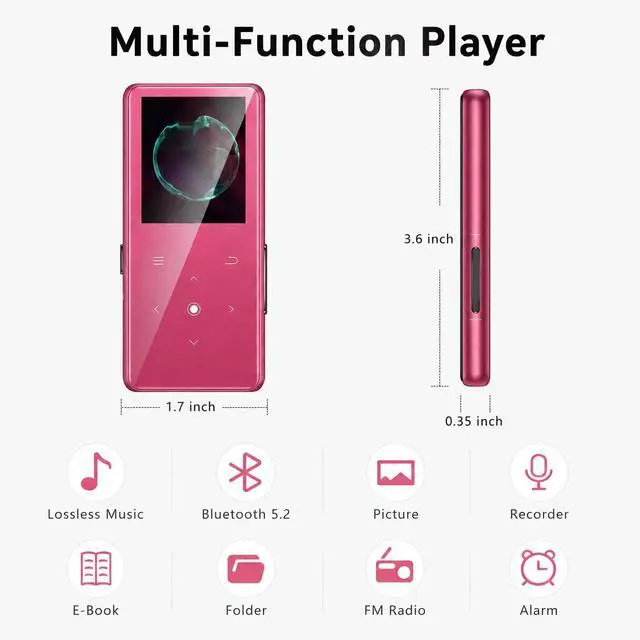
(a) In the main menu, select the 5th icon, then the 1st option, and choose “English”.
(b) Connect the MP3 player to a computer, format the SD card using “exFAT”, then transfer the music back to the SD card.


MP3 player cannot be connected with bluetooth headset/speaker.
Confirm no other Bluetooth devices nearby (e.g. your phone). In Bluetooth settings, forget all devices under “MY DEVICES,” then turn off Bluetooth. Reset your Bluetooth headset/speaker, place it near the MP3 player, then search and connect again.
Why can't the MP3 player connect to a phone/computer via Bluetooth?
MP3 players, phones, and computers are all Bluetooth signal transmitting devices. They cannot connect to each other directly. They can only connect to Bluetooth receiving devices, such as Bluetooth headphones or Bluetooth speakers.
(a)The mp3 doesn't turn on? (b)How to delete songs on MP3?
(a)Please make sure the device has power. You can charge the MP3 for half an hour, then press and hold the power button for 10 seconds.
(b)Select 'Folder' on the main page, find the file you want to delete and click the top left button.
(a)How do I switch the language, for example to English? (b)Experiencing an 'SD card error'?
(a) In the main menu, select the 5th icon, then the 1st option, and choose “English”.
(b) Connect the MP3 player to a computer, format the SD card using “exFAT”, then transfer the music back to the SD card.