






With 5 decades of experience, Akai Professional continues to empower music creators with the innovative technology needed to make inspiring music.
The Akai Professional MIDI Production Center (MPC) pattern-based devices revolutionized music creation around the world. Now alongside the next generation of standalone MPC, we lead the way with world-class hardware controllers, software DAWs, plugin instruments, and insert effects products.

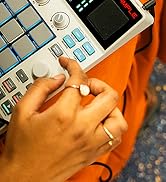
Where Beats are Born
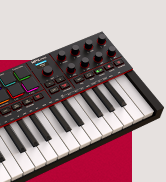
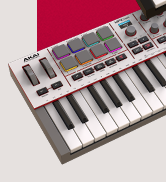
Plug In. Power On.


Standalone Power Unleashed
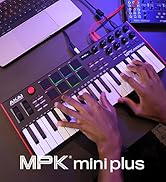

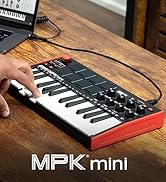
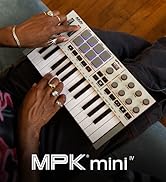
Explore MPK Mini Series


Limited Edition White

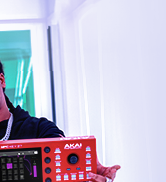
Standalone Production Keyboard
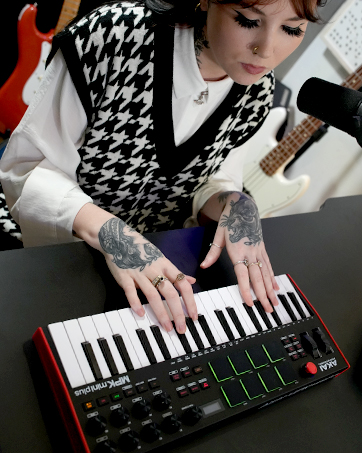
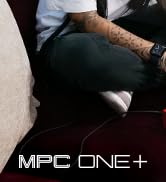
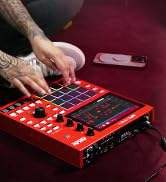
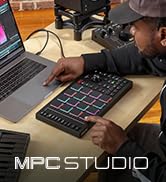
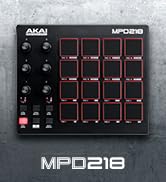
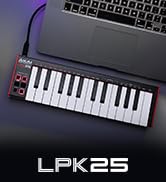
Create Music Your Way
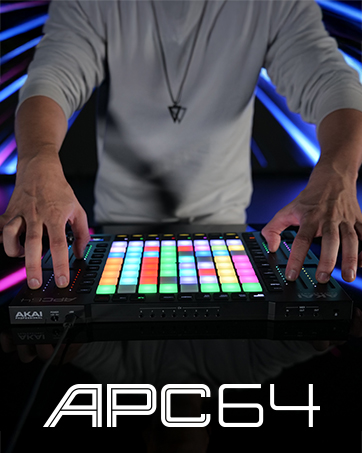
EWI Series

hero-video
Merchant Video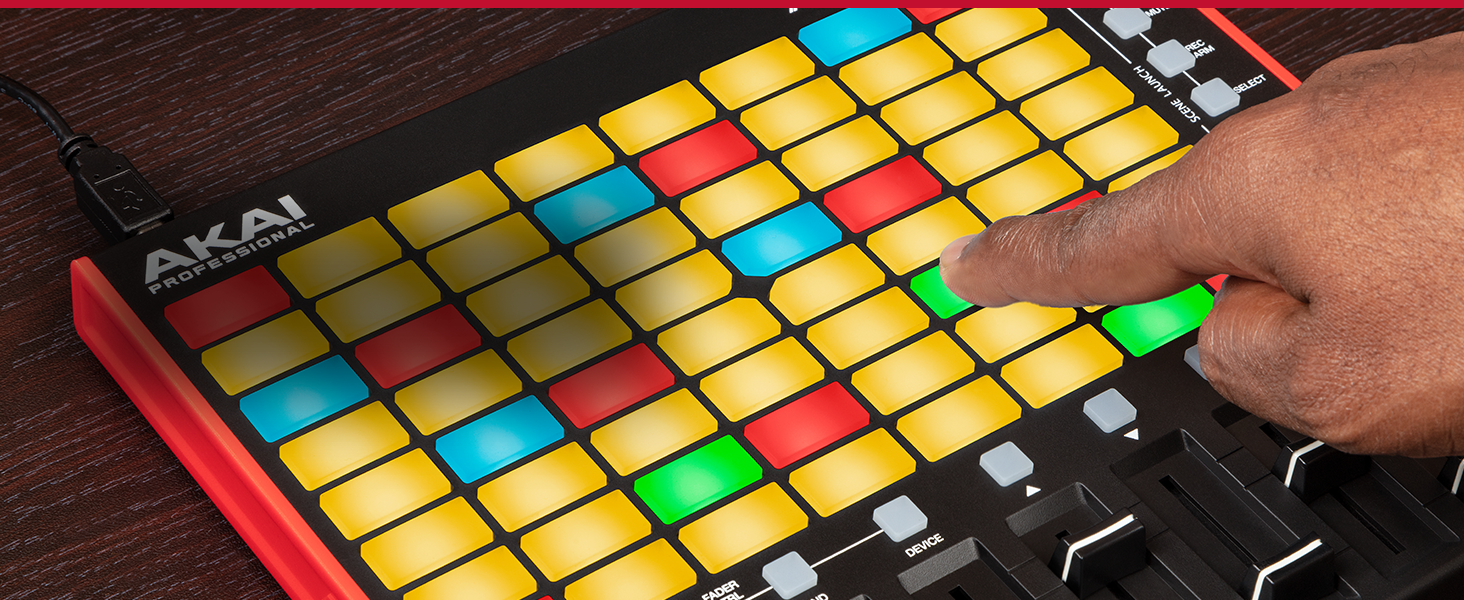
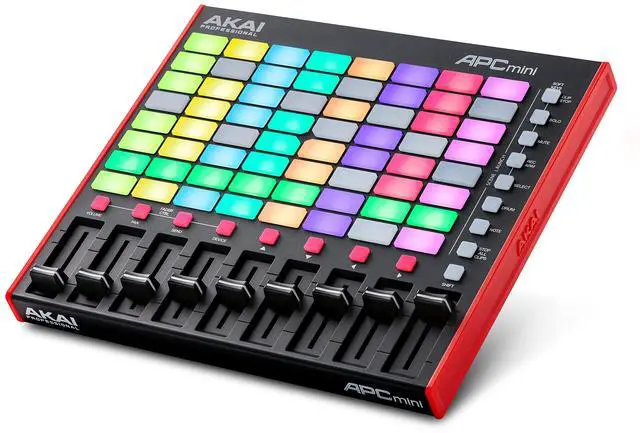
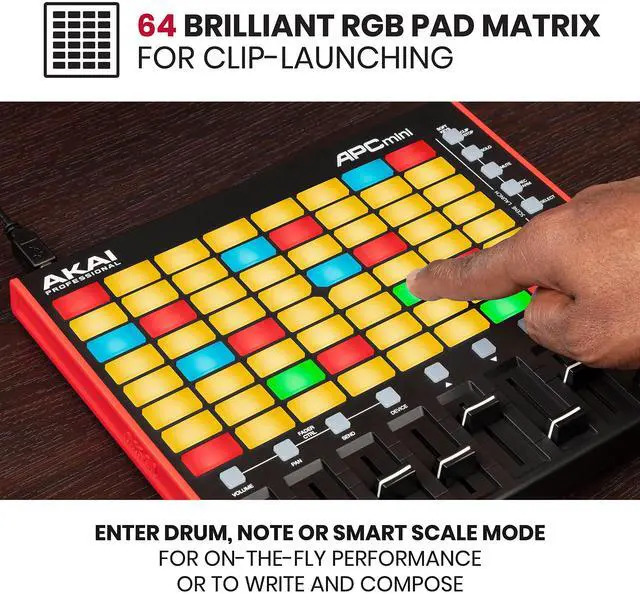
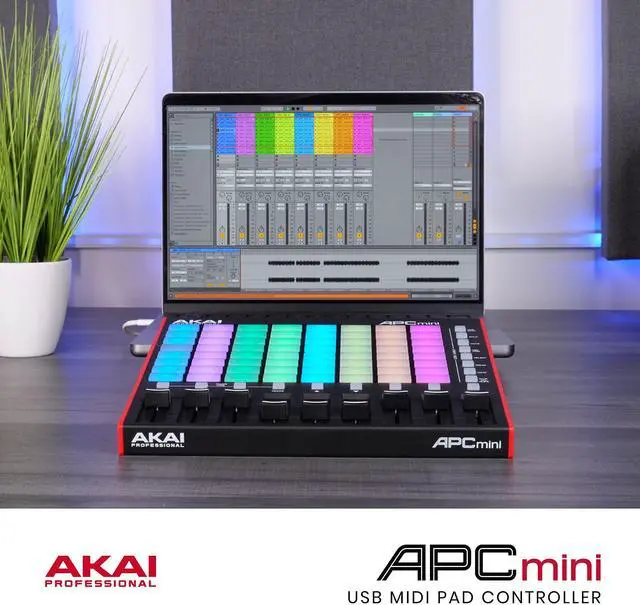
Bright 64 RGB-Backlit Pads
Whether in the studio or on stage, get a brilliant and precise representation of your Ableton Live session clips. Launch and activate loops, instruments, vocals, and more with confidence.
Drum and Note Modes
The Drum sample mode features seamless integration with Ableton Drum Rack. Even without a MIDI Controller, Note mode enables you to play melodies effortlessly for inspirational performances.
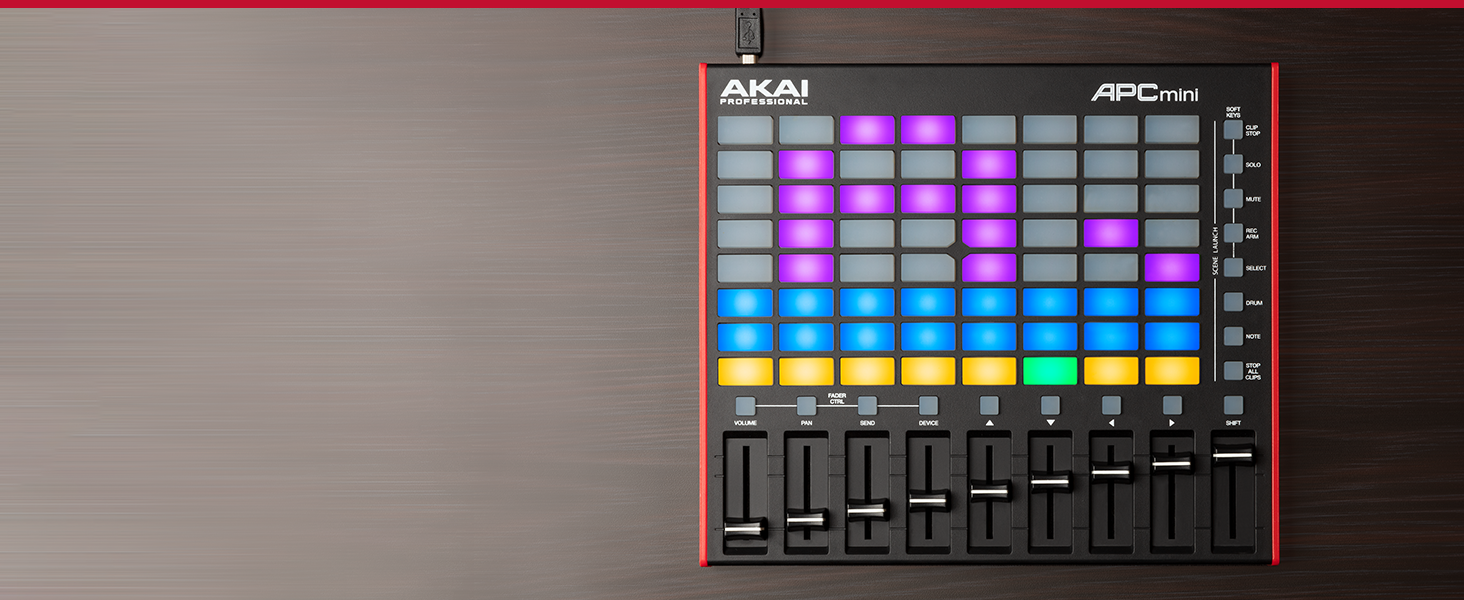
Real-Time Project Feedback
With Smart Scale View Mode, the musical key currently selected is also visible across the pads to ensure you know what scale you’re in without having to reference your laptop screen.
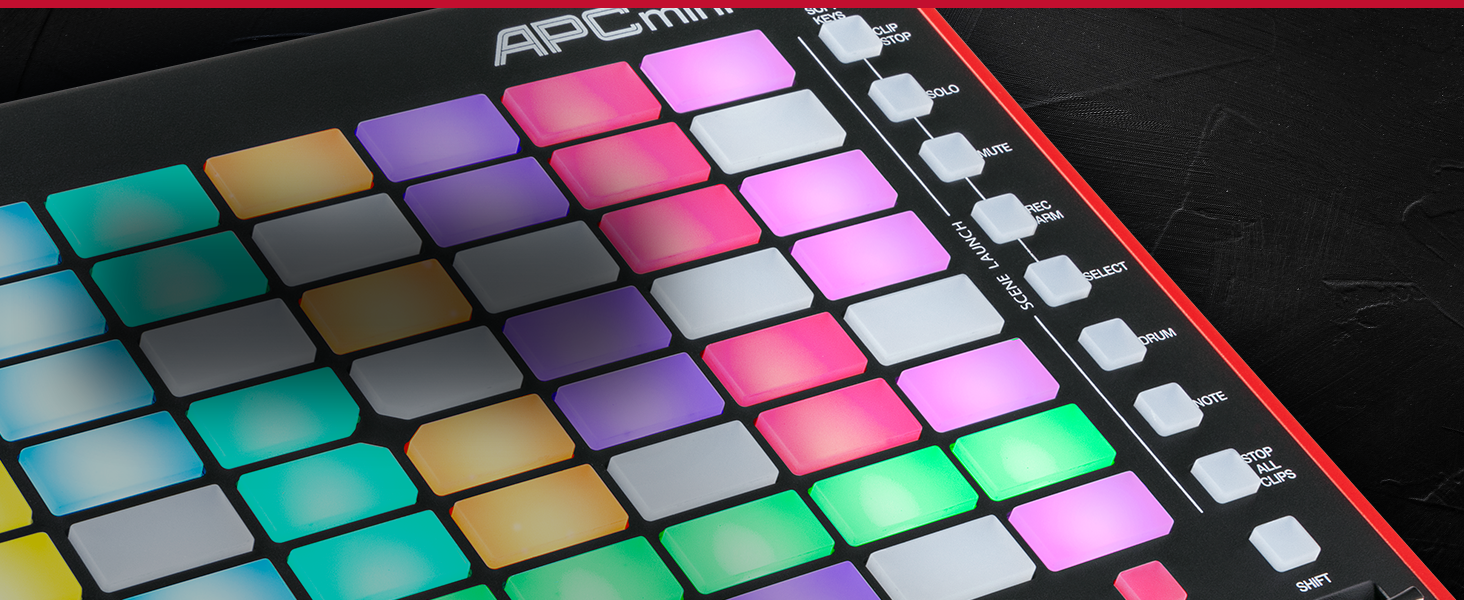
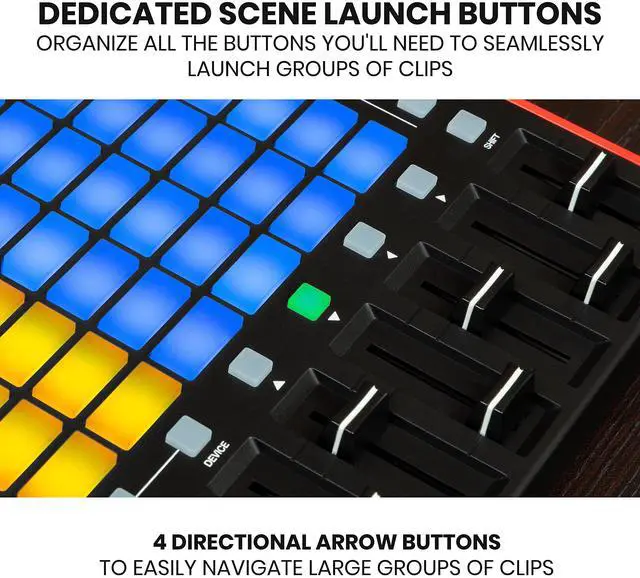
Dedicated Scene Launch Buttons with Soft Keys
To activate a group of clips, press one of the Scene Launch buttons to the right of the pad matrix. Hold Shift and press one of the Soft Keys to change the function of the Clip Stop Buttons.
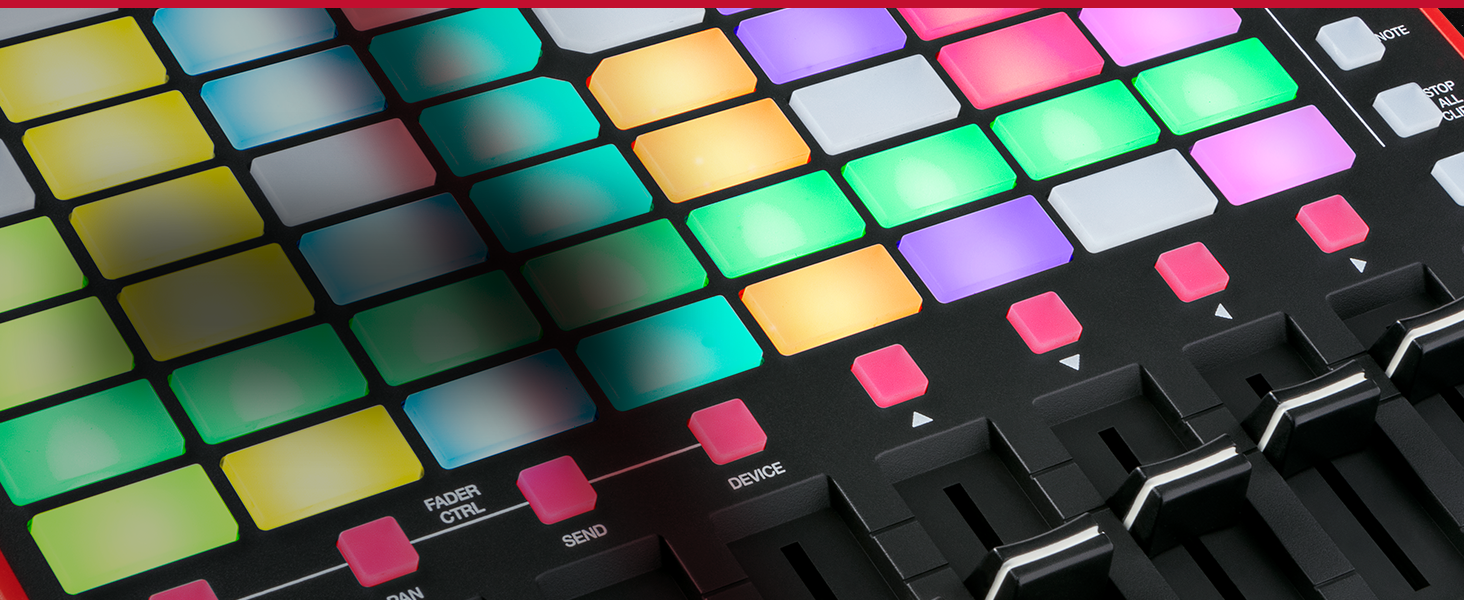
4 Directional Arrows
Move around the clip matrix with ease using the directional arrows buttons. When navigating large Ableton Live sessions, the intuitive directional arrows enable quick movement without missing a beat.
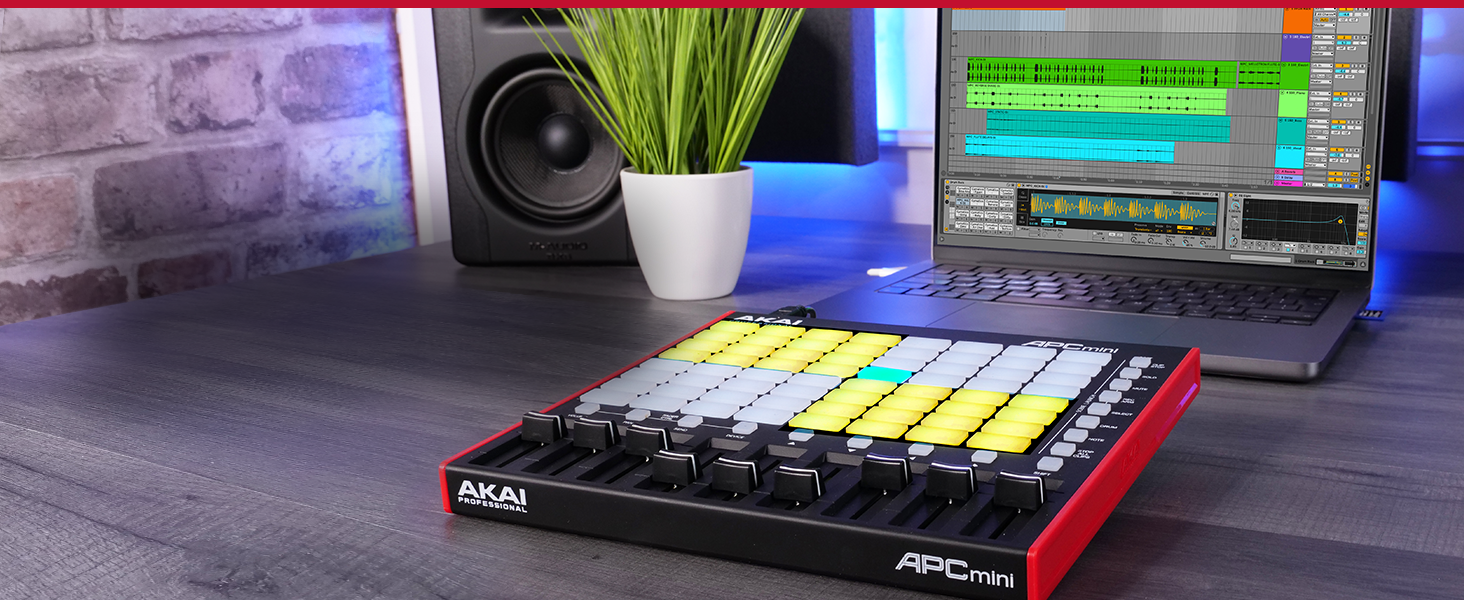
Integrated Ableton Control
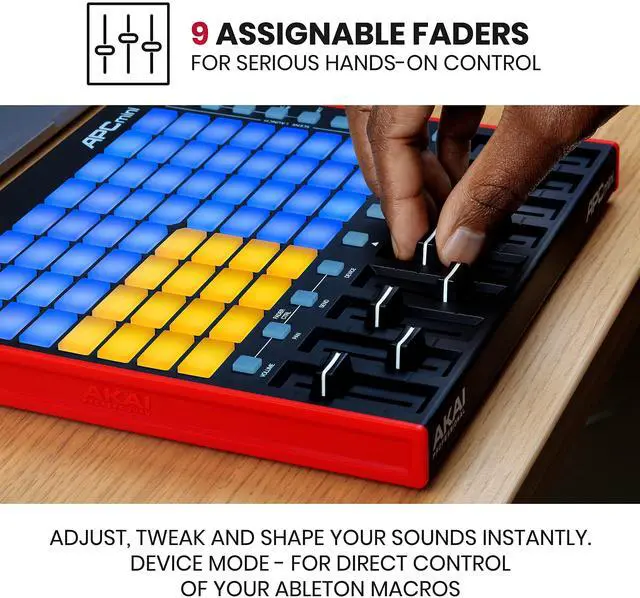
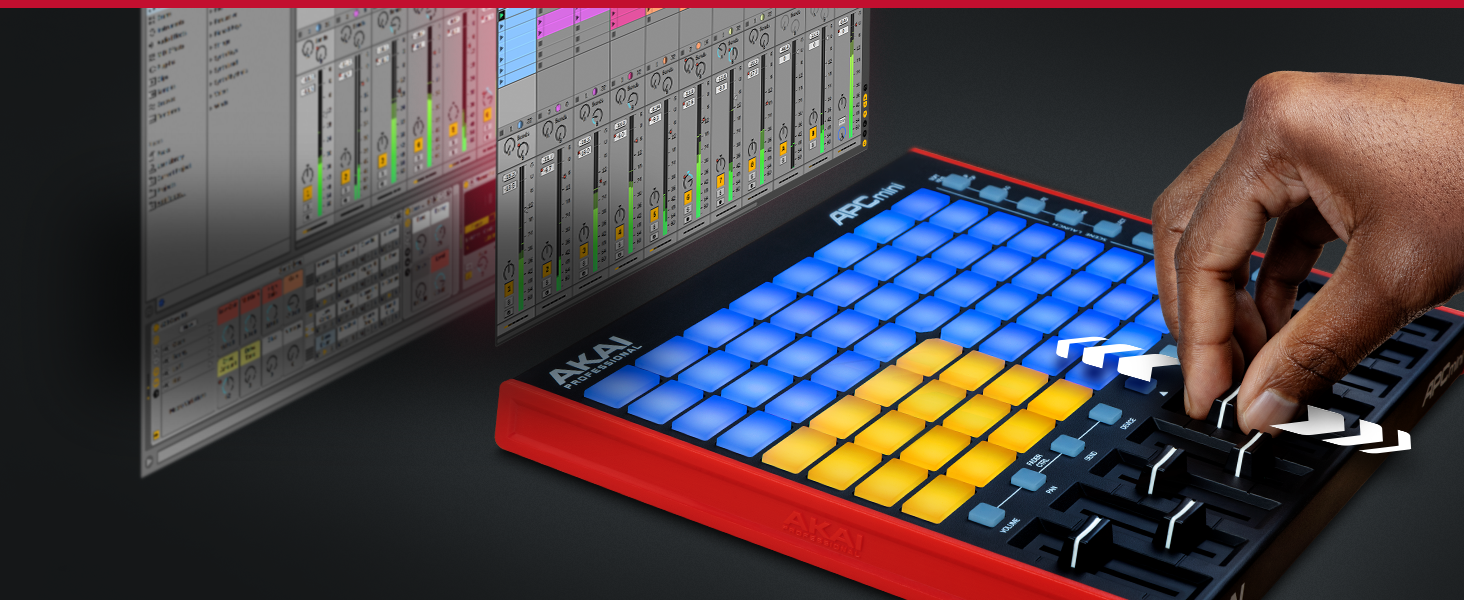
APC Mini MK2 has 9 faders automatically mapped to the eight Macro Controls of Ableton Live’s selected device. Control multiple parameters with one Master fader to generate totally innovative sounds.
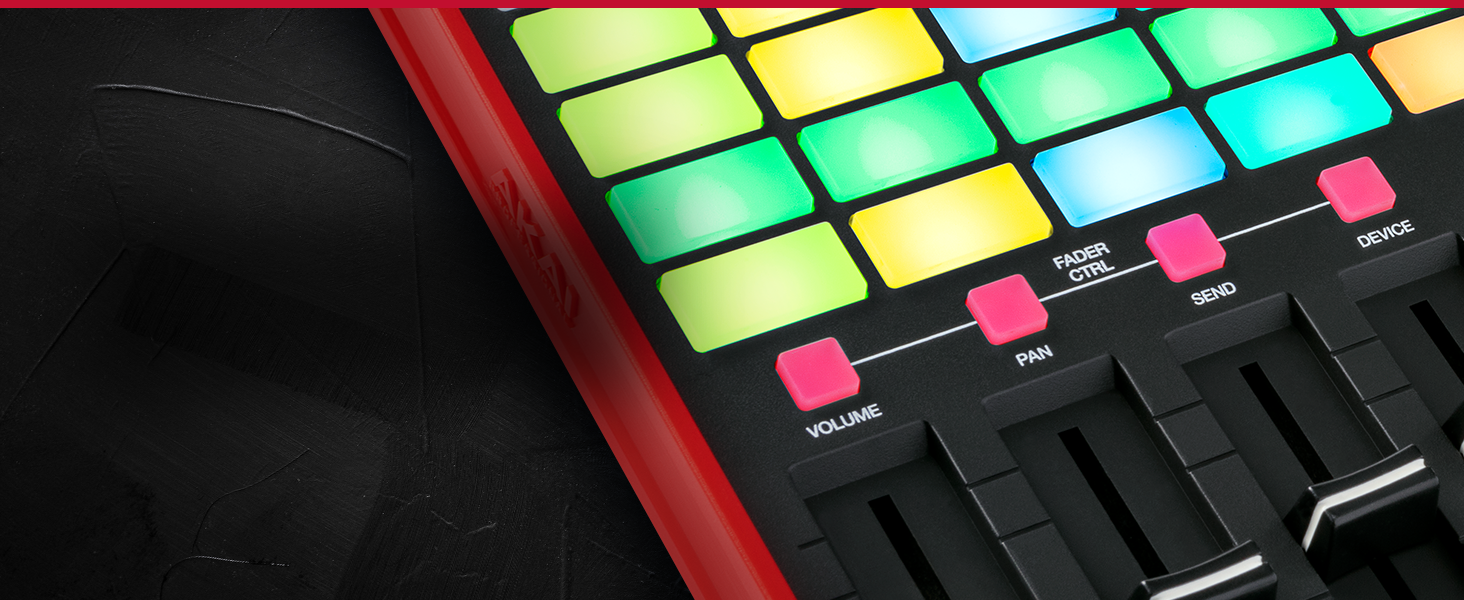
Hands-On Control
Control various parameters in Ableton Live. Press and hold Shift then tap one of the right four Fader CTRL buttons (Volume, Pan, Send, Device) to put APC Mini's faders in the corresponding mode.
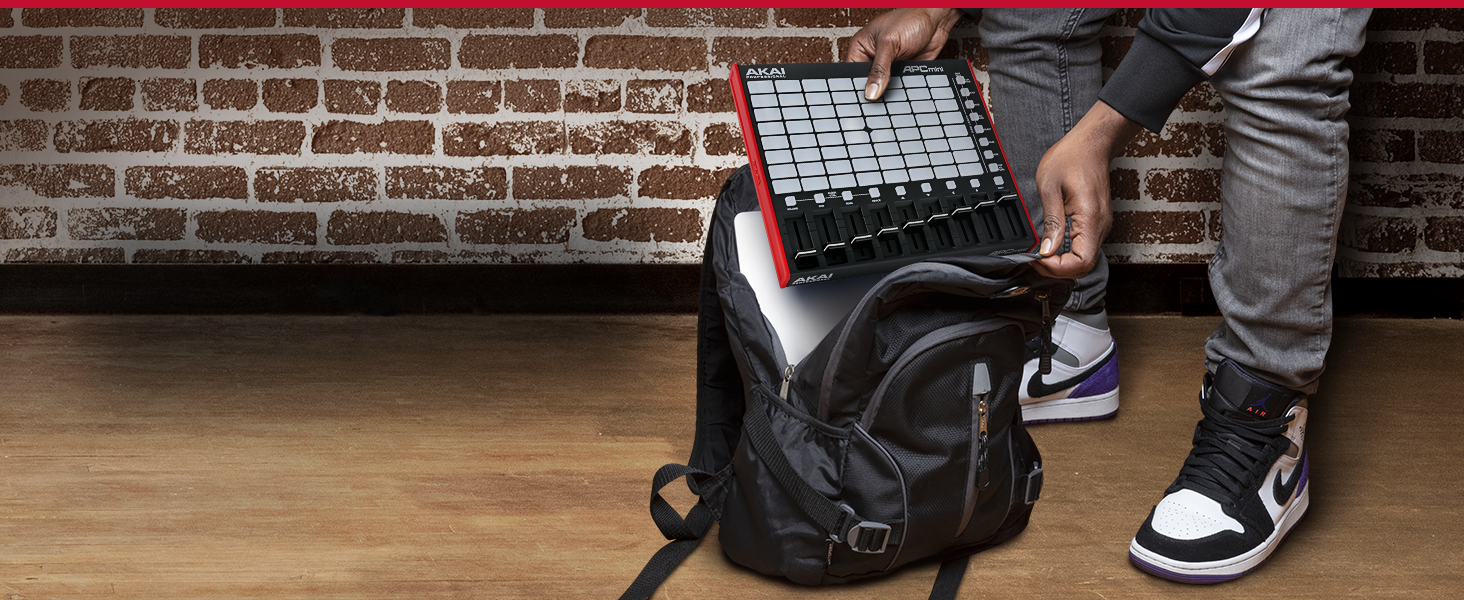
Performance Control Anywhere
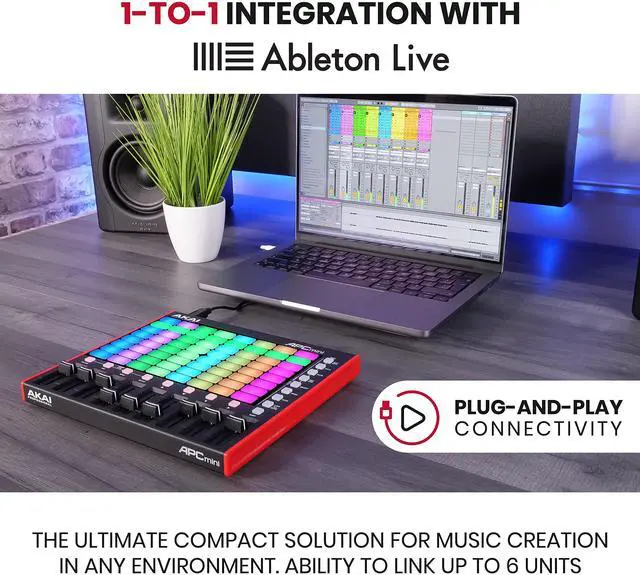
Write and perform anywhere you find inspiration. APC Mini MK2 fits into your laptop bag for sleek music control at any opportunity. Plug and play via standard USB cable (*bag not included)


APC Mini Getting Started - Video Tutorials
 APC Mini MK2 |  APC64 |  APC Key 25 MK2 |  APC 40 MK2 | |
|---|---|---|---|---|
Customer Reviews | — | — | — | — |
Price | — | — | — | — |
Keybed | ? | ? | ? | ? |
Touch Strips | No | Yes, 8 | No | No |
Pad Note/Drum Modes | ? | ? | ? | ? |
Smart Scale Mode | ? | ? | ? | ? |
Faders | Yes, 9 | No | No | Yes, 9 |
Knobs | No | No | Yes, 8 | Yes, 16 |
Transport Control | ? | ? | ? | ? |
Step Sequencer | ? | ? | ? | ? |
Color Screen | ? | ? | ? | ? |
MIDI CV/Gate | ? | ? | ? | ? |
Link up to 6 units in Ableton | ? | ? | ? | ? |
Dimensions - inch (WxDxH) | 9.5” x 8.3” x 1.3” | 10.7” x 14.6” x 1.4” | 12.4" x 7.6" x 1.9" | 16.7" x 10.0" x 1.8" |
hero-video
Merchant VideoBright 64 RGB-Backlit Pads
Drum and Note Modes
Real-Time Project Feedback
Dedicated Scene Launch Buttons with Soft Keys
4 Directional Arrows


Whether in the studio or on stage, get a brilliant and precise representation of your Ableton Live session clips. Launch and activate loops, instruments, vocals, and more with confidence.
The Drum sample mode features seamless integration with Ableton Drum Rack. Even without a MIDI Controller, Note mode enables you to play melodies effortlessly for inspirational performances.
With Smart Scale View Mode, the musical key currently selected is also visible across the pads to ensure you know what scale you’re in without having to reference your laptop screen.
To activate a group of clips, press one of the Scene Launch buttons to the right of the pad matrix. Hold Shift and press one of the Soft Keys to change the function of the Clip Stop Buttons.
Move around the clip matrix with ease using the directional arrows buttons. When navigating large Ableton Live sessions, the intuitive directional arrows enable quick movement without missing a beat.
Integrated Ableton Control
Hands-On Control
Performance Control Anywhere


APC Mini MK2 has 9 faders automatically mapped to the eight Macro Controls of Ableton Live’s selected device. Control multiple parameters with one Master fader to generate totally innovative sounds.
Control various parameters in Ableton Live. Press and hold Shift then tap one of the right four Fader CTRL buttons (Volume, Pan, Send, Device) to put APC Mini's faders in the corresponding mode.
Write and perform anywhere you find inspiration. APC Mini MK2 fits into your laptop bag for sleek music control at any opportunity. Plug and play via standard USB cable (*bag not included)
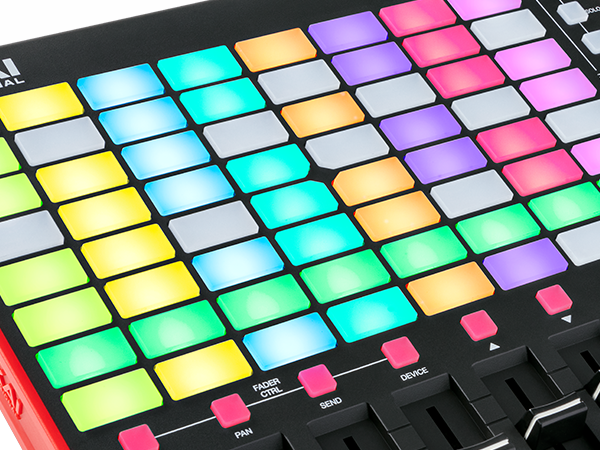
8x8 RGB Pad Matrix
The 64 RGB-backlit pads across the customizable 8x8 grid accurately reflect clips from your Ableton Live Session and are always in reach for the ultimate creative experience.
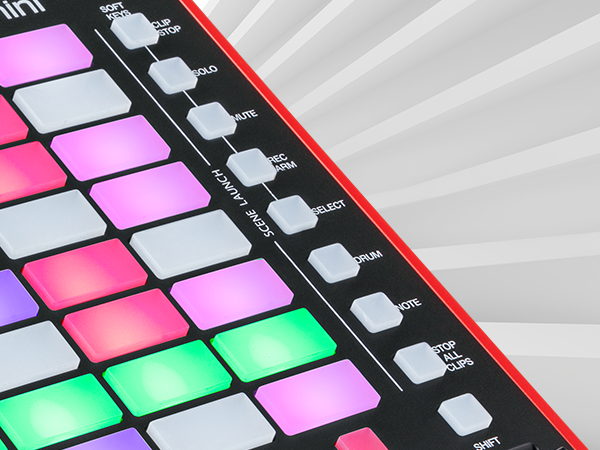
Scene Launch with Soft Keys
Even with the largest Ableton Live projects, navigation and clip selection is simple as all your tracks and scenes are always perfectly within reach.
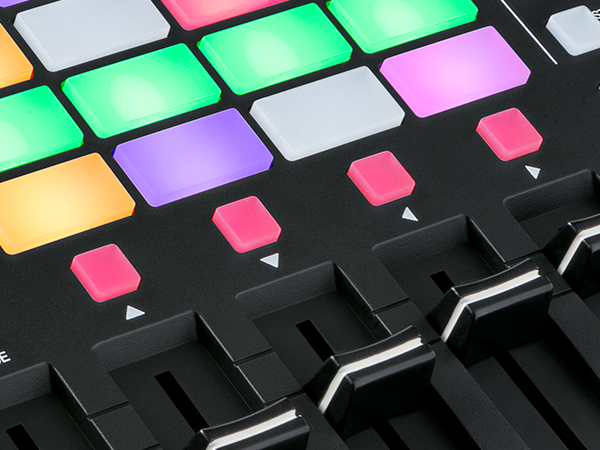
4 Directional Arrows
Move around the clip matrix with ease using the directional arrows buttons. When navigating large Ableton Live sessions, the intuitive directional arrows enable quick movement without missing a beat.
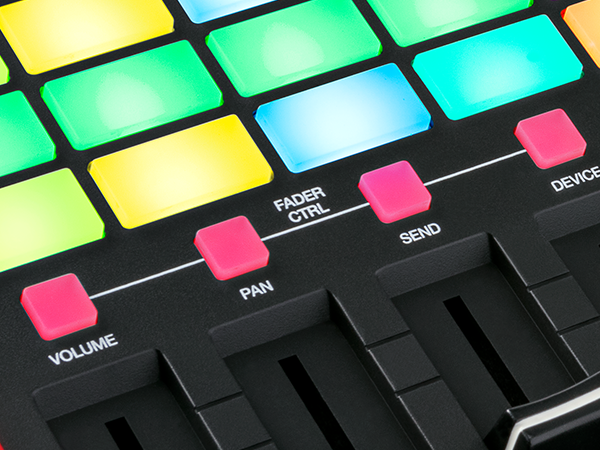
Fader CTRL buttons
Adjust volume, pan, insert effect sends and more for smooth, intuitive control of your sessions. Shape your sounds and tweak reverbs, sweep filters, or write automation to bring your music to life.
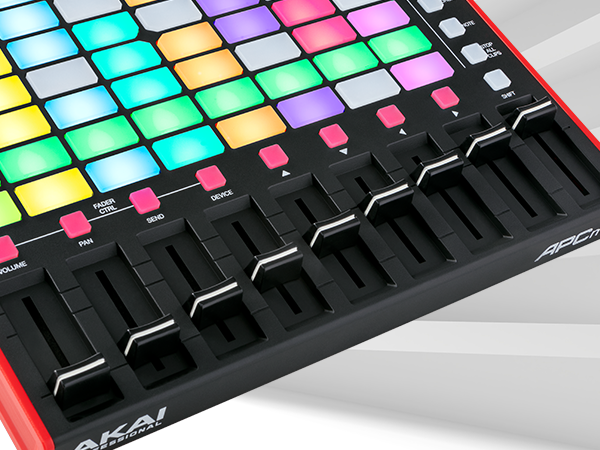
9 Assignable Faders
APC Mini MK2 has 9 faders automatically mapped to the eight Macro Controls of Ableton Live’s selected device. Control multiple parameters with one Master fader to generate totally innovative sounds.


APC Mini Getting Started - Video Tutorials
Using Clips and Scenes with APC Mini
Clips and Scenes
Clips and Scenes are a critical part of the Ableton Live workflow. Watch along as Andy breaks down everything you'll need to know about launching Clips and Scenes with your APC Mini.
Explore more tutorials in akaipro. com/apc-mini-mk2
Using APC Mini Smart Scales Mode
Smart Scales Mode
One of the powerful features of APC Mini is the Smart Scale View mode. This powerful function gives you intuitive feedback of your currently selected performance Key and Scale type keeping you locked in your creative zone. Watch as Andy breaks it down.
Explore more tutorials in akaipro. com/apc-mini-mk2
Using the APC Mini Drum Mode
Drum Mode
Drum Mode gives you one-to-one control of the Ableton Live Drum Rack. Open up new levels of creativity with the ability to trigger and program samples into unique drum parts right from your APC Mini.
Explore more tutorials in akaipro. com/apc-mini-mk2
Recording Clips with APC Mini
Recording Clips
Capture your ideas instantly right from APC Mini and record your ideas into Ableton without interruption. Using the powerful clip workflow, APC Mini puts powerful hands-on creation at your fingertips.
Explore more tutorials in akaipro. com/apc-mini-mk2
Ableton Device Control with APC Mini
Device Control
APC Mini comes pre-mapped to control Ableton Live device macros. Dial-in and adjust parameters with the ultimate precision using the smooth APC Mini slider controls.
Explore more tutorials in akaipro. com/apc-mini-mk2
Mixing Tracks with APC Mini
Mixing Tracks
Mix your tracks to perfection with a tactile touch. APC Mini features 9 total assignable sliders to control track levels, volume, effects sends, and more to deliver a perfect mix every time.
Explore more tutorials in akaipro. com/apc-mini-mk2
APC Mini MK2 | APC64 | APC Key 25 MK2 | APC 40 MK2 |
|---|---|---|---|
| Customer Reviews | |||
| — | — | — | — |
| Price | |||
| — | — | — | — |
| Keybed | |||
| ? | ? | ? | ? |
| Touch Strips | |||
| No | Yes, 8 | No | No |
| Pad Note/Drum Modes | |||
| ? | ? | ? | ? |
| Smart Scale Mode | |||
| ? | ? | ? | ? |
| Faders | |||
| Yes, 9 | No | No | Yes, 9 |
| Knobs | |||
| No | No | Yes, 8 | Yes, 16 |
| Transport Control | |||
| ? | ? | ? | ? |
| Step Sequencer | |||
| ? | ? | ? | ? |
| Color Screen | |||
| ? | ? | ? | ? |
| MIDI CV/Gate | |||
| ? | ? | ? | ? |
| Link up to 6 units in Ableton | |||
| ? | ? | ? | ? |
| Dimensions - inch (WxDxH) | |||
| 9.5” x 8.3” x 1.3” | 10.7” x 14.6” x 1.4” | 12.4" x 7.6" x 1.9" | 16.7" x 10.0" x 1.8" |
With 5 decades of experience, Akai Professional continues to empower music creators with the innovative technology needed to make inspiring music.
The Akai Professional MIDI Production Center (MPC) pattern-based devices revolutionized music creation around the world. Now alongside the next generation of standalone MPC, we lead the way with world-class hardware controllers, software DAWs, plugin instruments, and insert effects products.
Where Beats are Born
Plug In. Power On.
Standalone Power Unleashed
Explore MPK Mini Series
Limited Edition White
Standalone Production Keyboard
Create Music Your Way
EWI Series
