


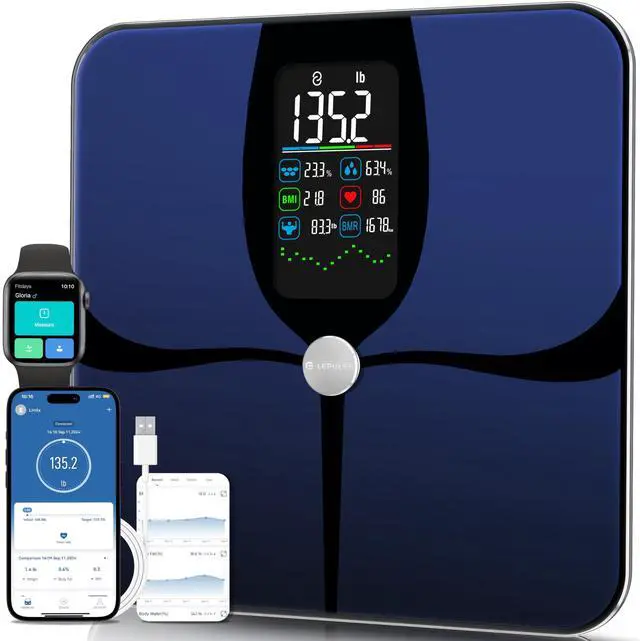



Achieve Your Health Goals with Lepulse!
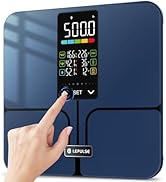
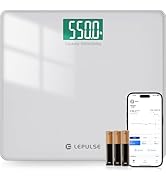
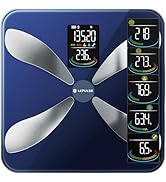
LEPULSE WEIGHT SCALES
ABOUT US
Lepulse established in 2013, guided by user needs and technological innovation, adhering to the belief of "making health more intuitive and making fitness easier".
Lepulse has always been user-centric, committed to advocating the healthy life concept of "Love Life, Enjoy Health", creating an "Intelligent sports equipment + health service platform + health data cloud" trinity intelligent health ecology system.
To exceed expectations, eliminate all barriers to scale, and change the lives of millions by making healthcare a priority.
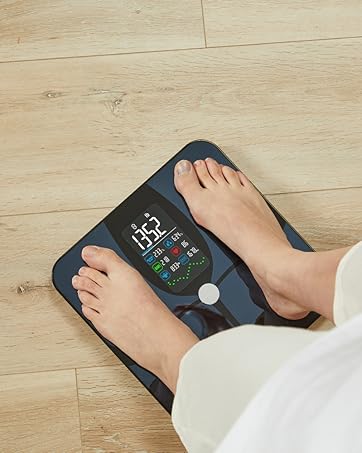
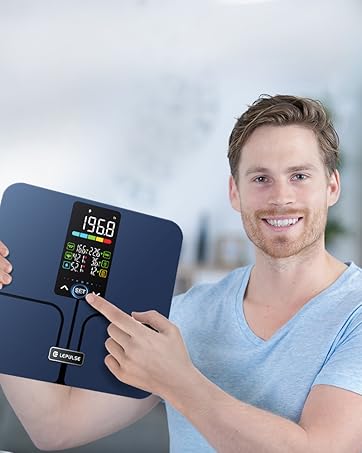
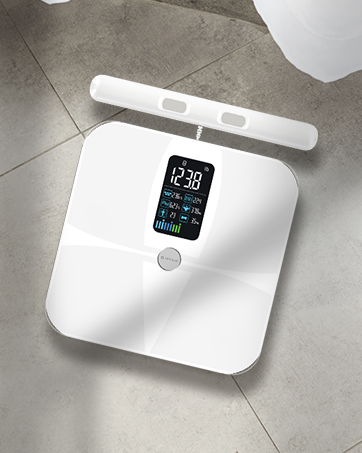
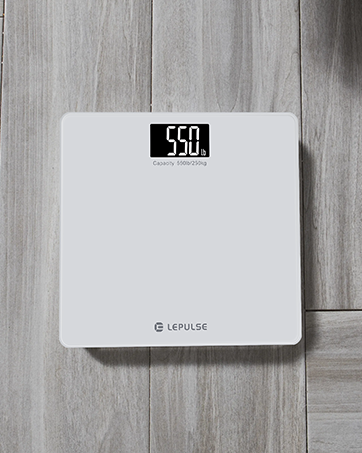
Bathroom Scale 550lb/250kg


If it possible to measure my body metrics without the app/ phone?
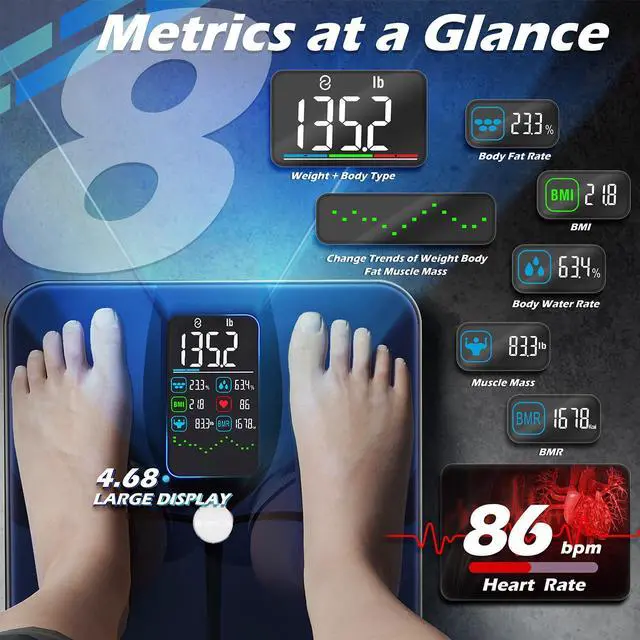
Yes! Offline Measure supports. Only for first-time use, you need to register & set profile on "Fitdays" app. Then you can directly see 8 metrics and trend without phone. 24 latest offline results auto sync to app when app connect again.
How to switch weighing unit?
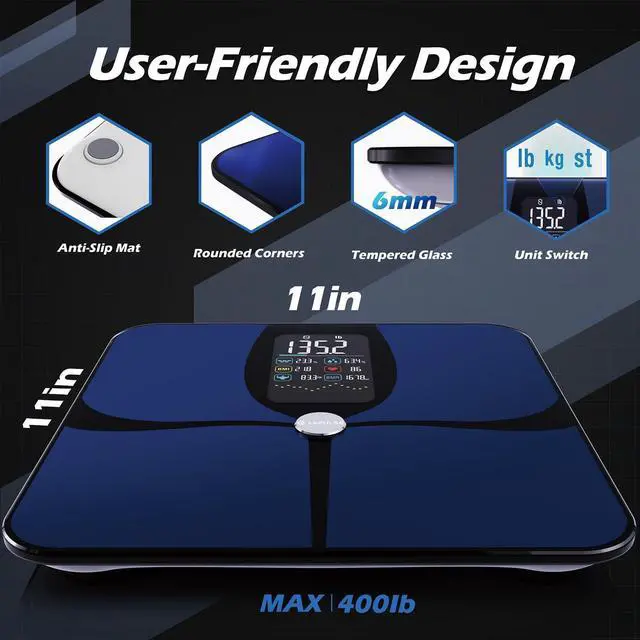
Method 1. Without App, switch units by pressing the “UNIT” button at the bottom of the scale.
Method 2. When connected to App, tap [Account]> [Setting]> [Switch Units]. (unit depends on App settings)
Height units: cm/ inch
Weight units: kg/ lb/ st
Why does my body composition scale only show weight?
1. The feet are bare (without socks) when using the body fat scale to get accurate readings.
2. To track body fat and other data, register on the Fitdays app and set up your accurate profile for the first time use.
How to connect the weight scale with my smartphone?
1. Download the “Fitdays” app and turn on Bluetooth.
2. Step on and wake up the smart scale until it shows "0.00".
3. Connect automatically, or tap [Account]> [Device]> [+] > select “Searching Bluetooth for pairing” .
Why the result sometimes inaccurate?
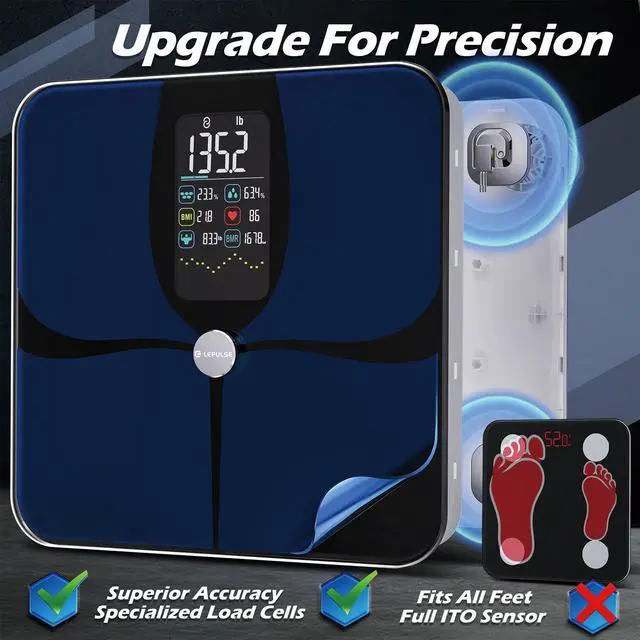
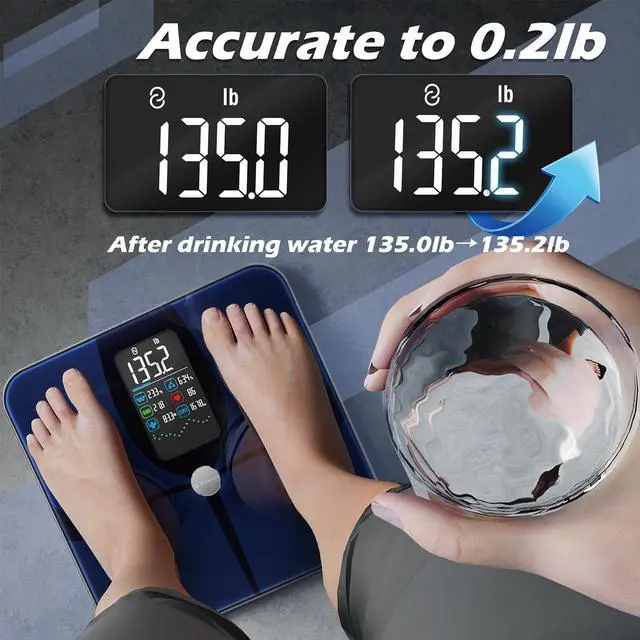
1. Place the body fat scale on a solid flat surface.
2. step on the scale with bare feet (without socks).
3. start measuring after the screen shows "0.00" and keep still.


If it possible to measure my body metrics without the app/ phone?
Yes! Offline Measure supports. Only for first-time use, you need to register & set profile on "Fitdays" app. Then you can directly see 8 metrics and trend without phone. 24 latest offline results auto sync to app when app connect again.
How to switch weighing unit?
Method 1. Without App, switch units by pressing the “UNIT” button at the bottom of the scale.
Method 2. When connected to App, tap [Account]> [Setting]> [Switch Units]. (unit depends on App settings)
Height units: cm/ inch
Weight units: kg/ lb/ st
Why does my body composition scale only show weight?
1. The feet are bare (without socks) when using the body fat scale to get accurate readings.
2. To track body fat and other data, register on the Fitdays app and set up your accurate profile for the first time use.
How to connect the weight scale with my smartphone?
1. Download the “Fitdays” app and turn on Bluetooth.
2. Step on and wake up the smart scale until it shows "0.00".
3. Connect automatically, or tap [Account]> [Device]> [+] > select “Searching Bluetooth for pairing” .
Why the result sometimes inaccurate?
1. Place the body fat scale on a solid flat surface.
2. step on the scale with bare feet (without socks).
3. start measuring after the screen shows "0.00" and keep still.
Achieve Your Health Goals with Lepulse!
LEPULSE WEIGHT SCALES
ABOUT US
Lepulse established in 2013, guided by user needs and technological innovation, adhering to the belief of "making health more intuitive and making fitness easier".
Lepulse has always been user-centric, committed to advocating the healthy life concept of "Love Life, Enjoy Health", creating an "Intelligent sports equipment + health service platform + health data cloud" trinity intelligent health ecology system.
To exceed expectations, eliminate all barriers to scale, and change the lives of millions by making healthcare a priority.
Bathroom Scale 550lb/250kg