





GE has been among the most valuable and respected brands in the world for over 130 years. With an unparalleled heritage of innovation, GE has pioneered technologies and products that have spurred world-transforming changes and improved the lives of billions.
Know Yourself Better!
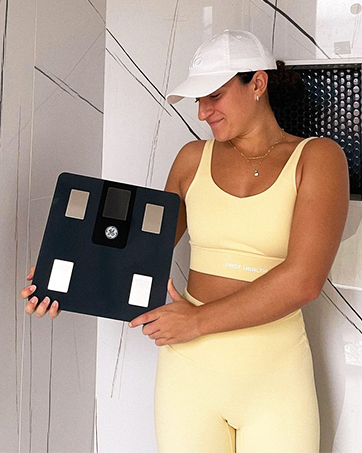
It shows more than just your weight but also your overall fitness and health.
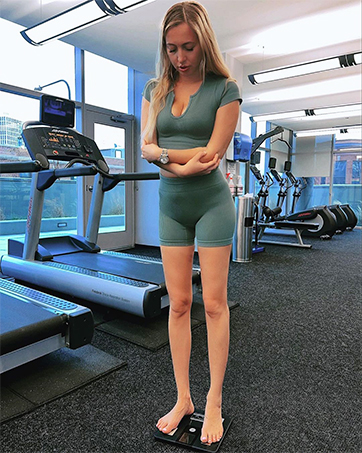
Free Your Hands!
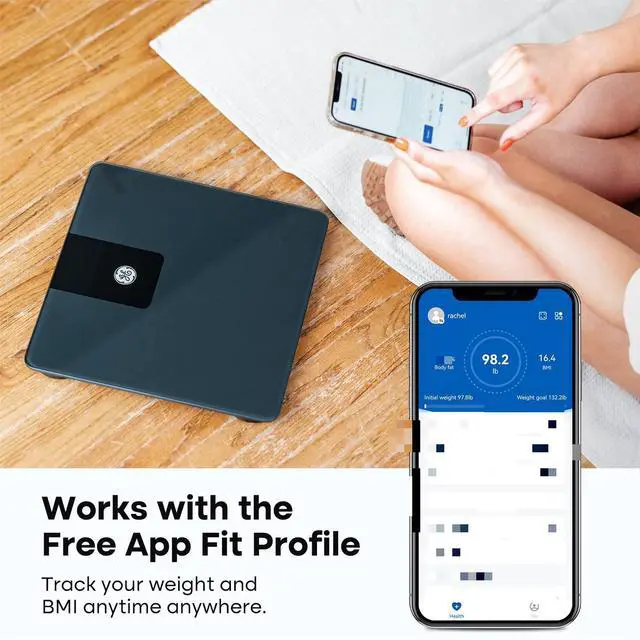
Track your weight and other body datas on the app.
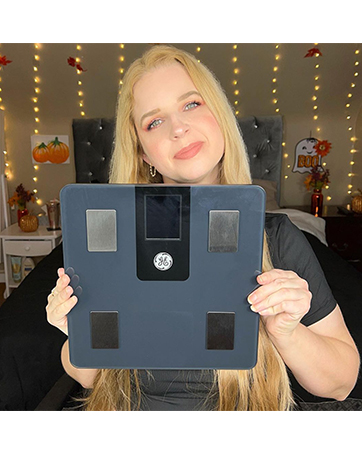
Great Gifts!
It is the best gift for your friends and family to care about the health
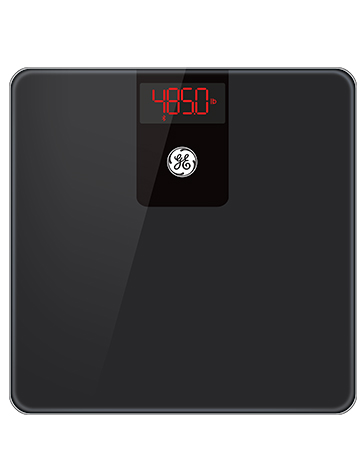
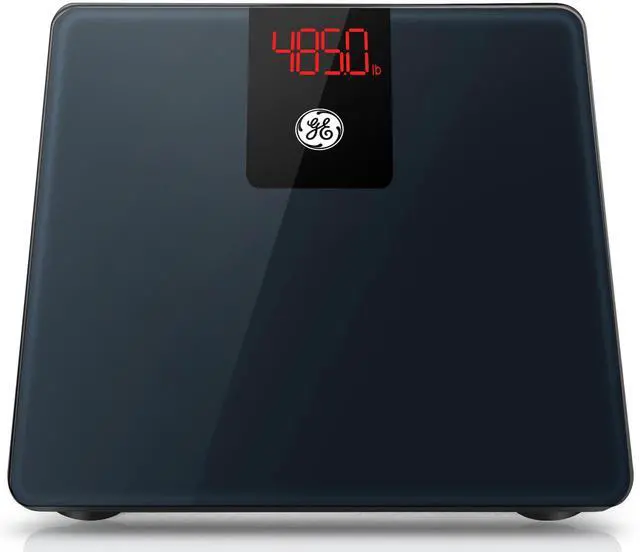
GE SC-500 Bathroom Scale
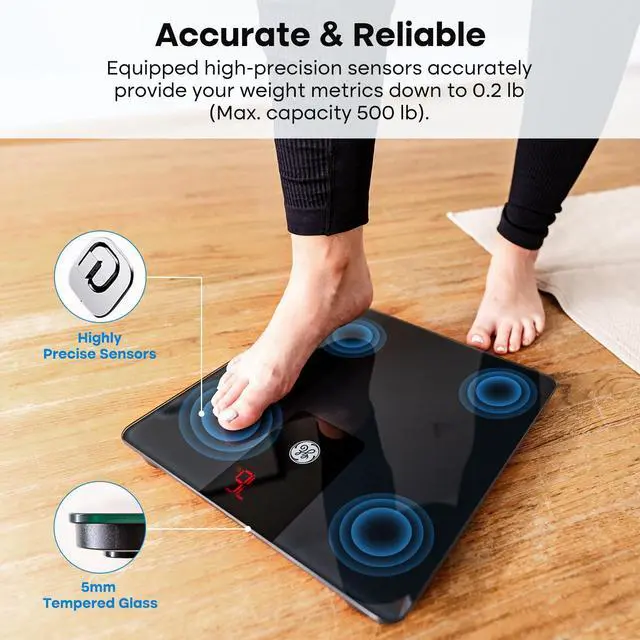
- 500lb Higher Capacity
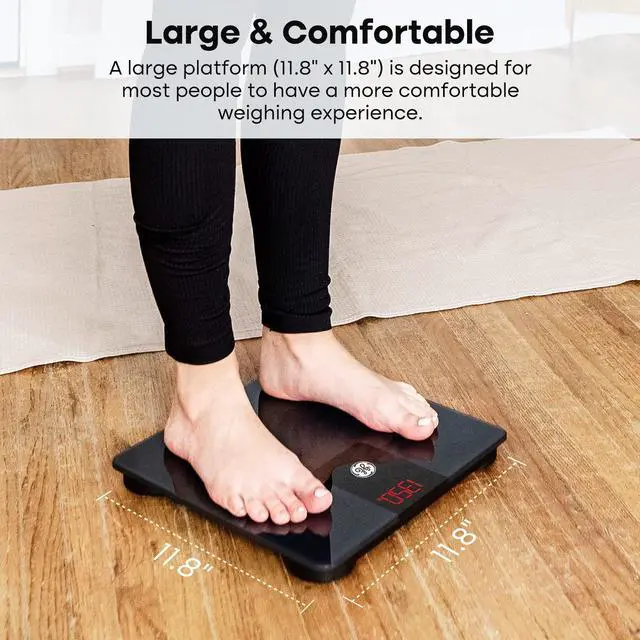
- 11.8" Lager Platform
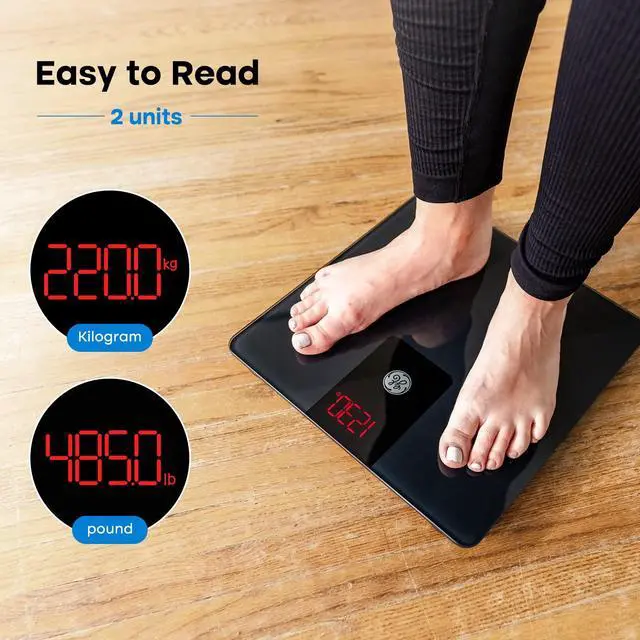
- Easy to Read Brighter Screen


EXPLORE MORE FROM GE
 500lb Digital Bath Scale |  Multi-data Dislpay Scale |  All in One Body Fat Scale |  400lb Weight Scale | 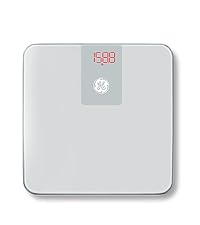 400lb Weight Scale Silver | |
|---|---|---|---|---|---|
Customer Reviews | — | — | — | — | — |
Price | — | — | — | — | — |
Health Metrics | Weight | 13 Metrics | 10 Metrics | Weight, BMI | Weight, BMI |
Capacity | 500lb / 226.8kg | 396 lb / 180 kg | 500lb / 226.8kg | 400 lb / 180 kg | 400 lb / 180 kg |
Dimensions | 11.8'' x 11.8'' x 1'' | 11'' x 11'' x 1'' | 11.8'' x 11.8'' x 1'' | 11'' x 11'' x 0.98'' | 11'' x 11'' x 0.98'' |
Power | 2 x1.5V AAA Battery (included) | 3 x1.5V AAA Battery (included) | 3 x1.5V AAA Battery (included) | 2 x1.5V AAA Battery (included) | 2 x1.5V AAA Battery (included) |
Connect Bluetooth | ? | ? | ? | ? | ? |
How to switch the weighing unit?
It supports lb/kg. You can change it in the app Me->Settings->Unit.
How to connect the scale with my smartphone?
1. Open the app and your phone's Bluetooth
2. Tape the icon at the top-right-hand corner and click "+ Add device". Turn on the scale. On the app, tap the smart scale icon, then select “SC-500” and click “Connect”
Does this scale come with battery?
Yes, 2 * 1.5V AAA battery are included.


EXPLORE MORE FROM GE
500lb Digital Bath Scale | Multi-data Dislpay Scale | All in One Body Fat Scale | 400lb Weight Scale | 400lb Weight Scale Silver |
|---|---|---|---|---|
| Customer Reviews | ||||
| — | — | — | — | — |
| Price | ||||
| — | — | — | — | — |
| Health Metrics | ||||
| Weight | 13 Metrics | 10 Metrics | Weight, BMI | Weight, BMI |
| Capacity | ||||
| 500lb / 226.8kg | 396 lb / 180 kg | 500lb / 226.8kg | 400 lb / 180 kg | 400 lb / 180 kg |
| Dimensions | ||||
| 11.8'' x 11.8'' x 1'' | 11'' x 11'' x 1'' | 11.8'' x 11.8'' x 1'' | 11'' x 11'' x 0.98'' | 11'' x 11'' x 0.98'' |
| Power | ||||
| 2 x1.5V AAA Battery (included) | 3 x1.5V AAA Battery (included) | 3 x1.5V AAA Battery (included) | 2 x1.5V AAA Battery (included) | 2 x1.5V AAA Battery (included) |
| Connect Bluetooth | ||||
| ? | ? | ? | ? | ? |
How to switch the weighing unit?
It supports lb/kg. You can change it in the app Me->Settings->Unit.
How to connect the scale with my smartphone?
1. Open the app and your phone's Bluetooth
2. Tape the icon at the top-right-hand corner and click "+ Add device". Turn on the scale. On the app, tap the smart scale icon, then select “SC-500” and click “Connect”
Does this scale come with battery?
Yes, 2 * 1.5V AAA battery are included.
GE has been among the most valuable and respected brands in the world for over 130 years. With an unparalleled heritage of innovation, GE has pioneered technologies and products that have spurred world-transforming changes and improved the lives of billions.
Know Yourself Better!
It shows more than just your weight but also your overall fitness and health.
Free Your Hands!
Track your weight and other body datas on the app.
Great Gifts!
It is the best gift for your friends and family to care about the health
GE SC-500 Bathroom Scale
- 500lb Higher Capacity
- 11.8" Lager Platform
- Easy to Read Brighter Screen