






DisplayPort to HDMI & DisplayPort Splitter Adapter
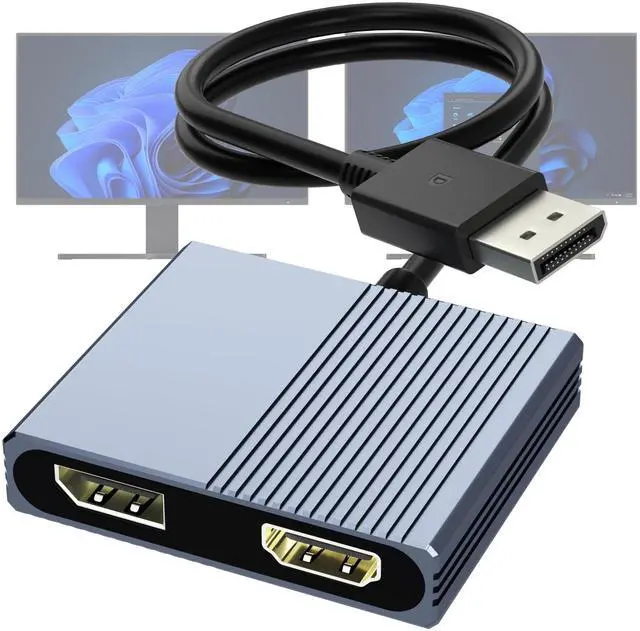
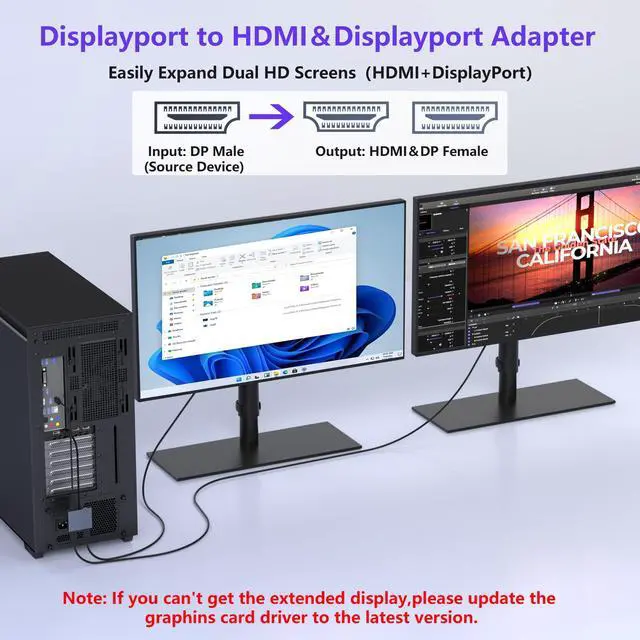
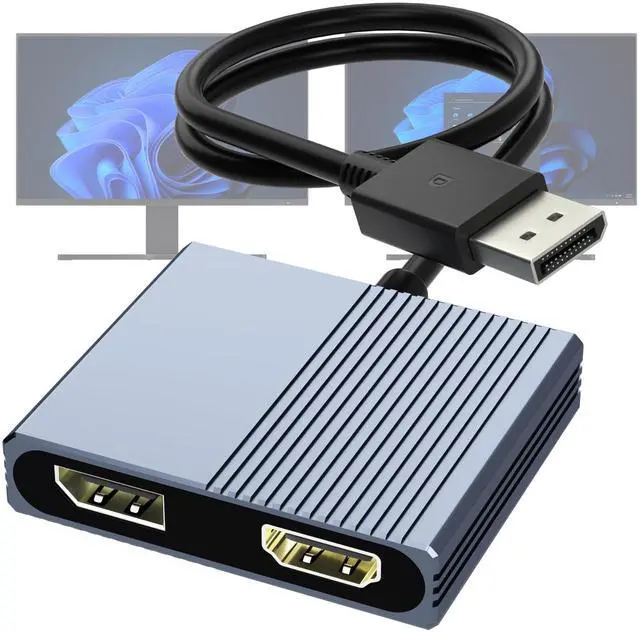
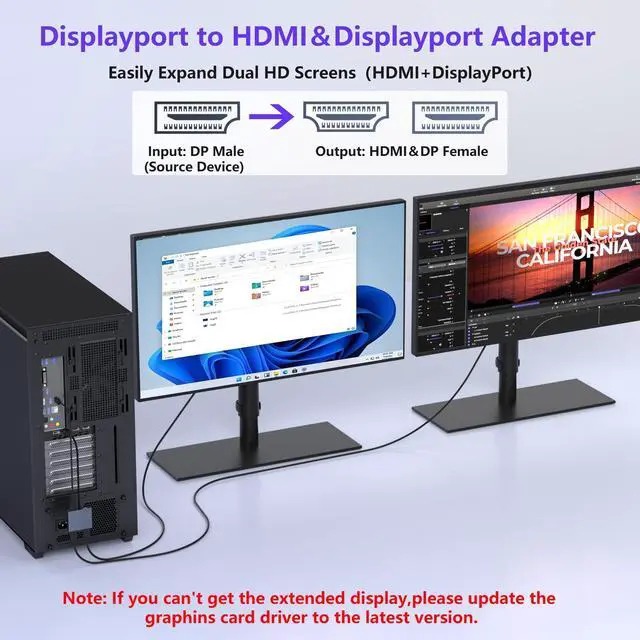
This DisplayPort splitter can send one DisplayPort signal to a DisplayPort monitor and an HDMI monitor, supporting resolutions up to 4K@60Hz.
Ideal for using different types of displays while enjoying high-quality video output.


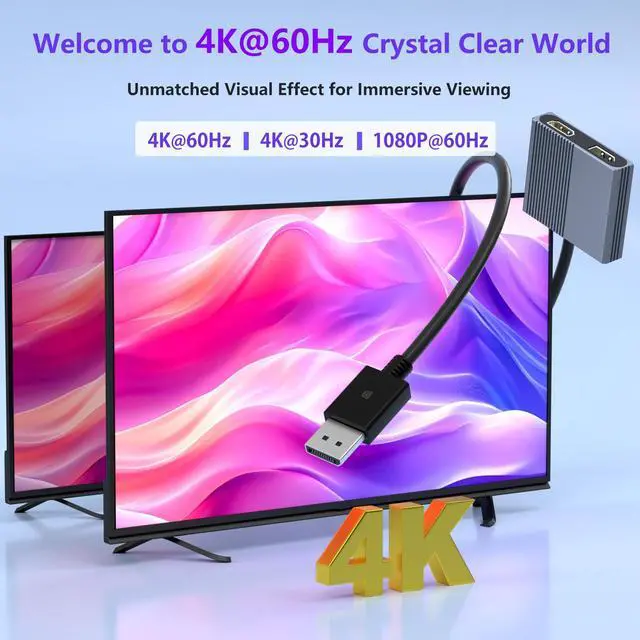
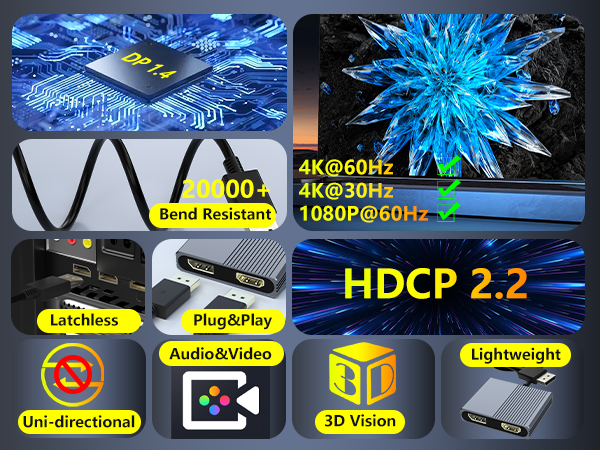
Supports Up to 4K@60Hz
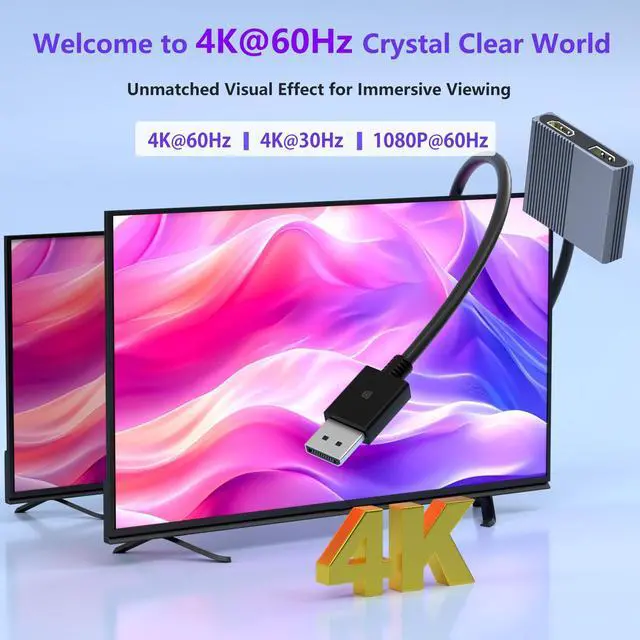
This dual monitor adapter supports up to 4K@60Hz and is backward compatible with 4K@30Hz and 1080p@60Hz.
Note: Dual 4K@60Hz requires DP 1.4. DP 1.2 supports single 4K@60Hz or dual 4K@30Hz only. Ensure your monitor and cable support 4K@60Hz, and keep cable length within 6.5 ft.


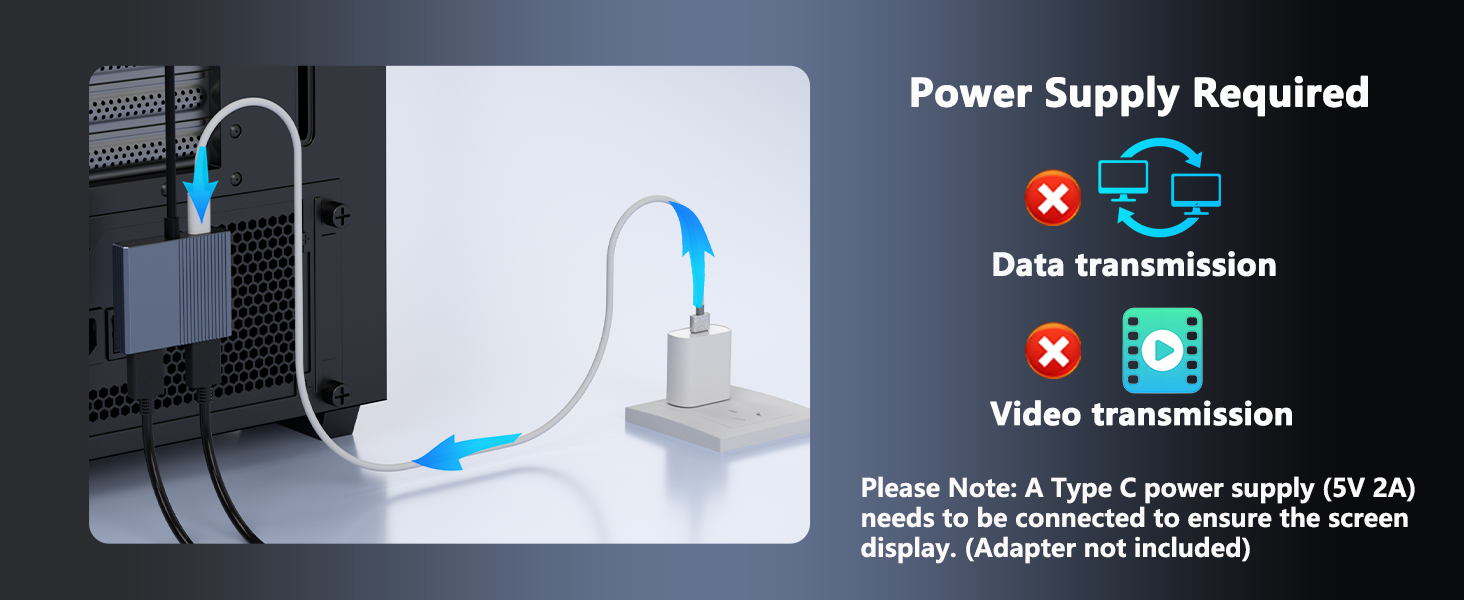
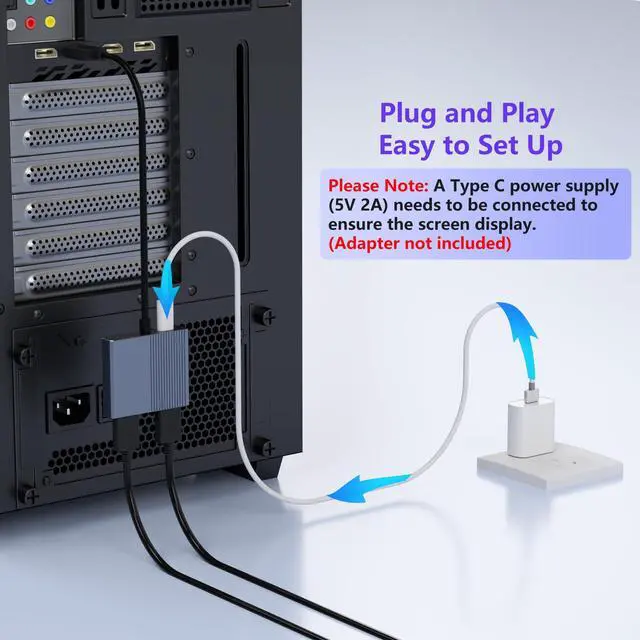
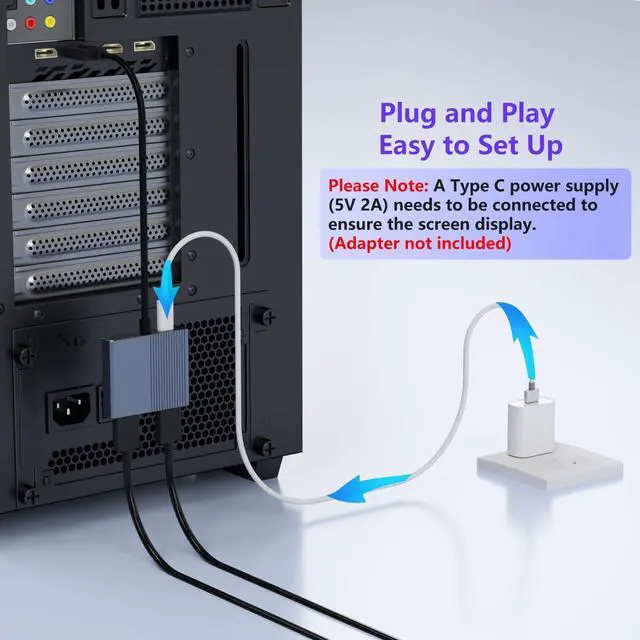
Power Required
Note: A USB-C power supply (5V/2A) is required for proper operation. The power adapter is not included.
If one display is not detected: 1.On Windows, click “Detect” or manually select the missing display ? “Apply.” 2.Make sure the monitor’s correct input source is selected.


DisplayPort to HDMI & DisplayPort Splitter Adapter
This DisplayPort splitter can send one DisplayPort signal to a DisplayPort monitor and an HDMI monitor, supporting resolutions up to 4K@60Hz.
Ideal for using different types of displays while enjoying high-quality video output.
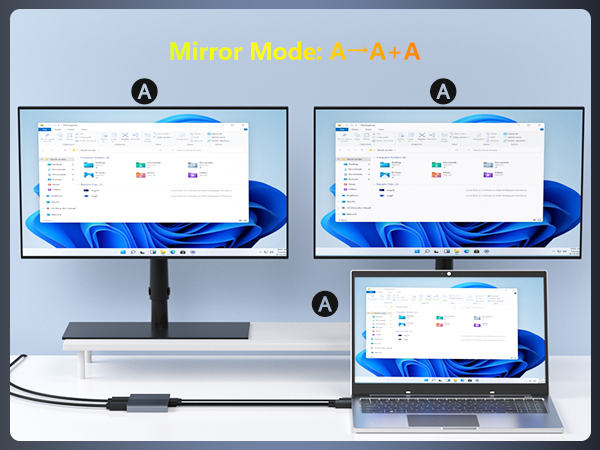
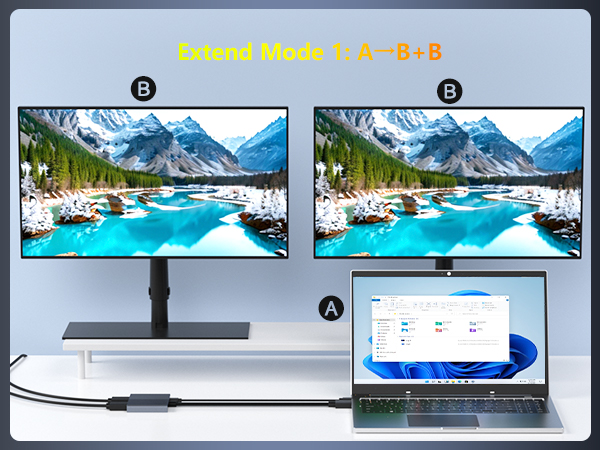
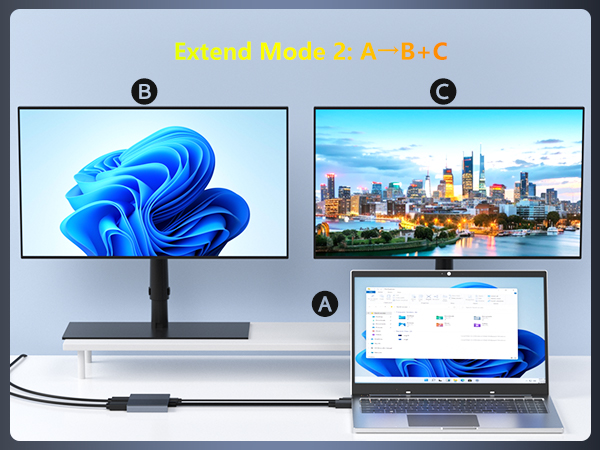
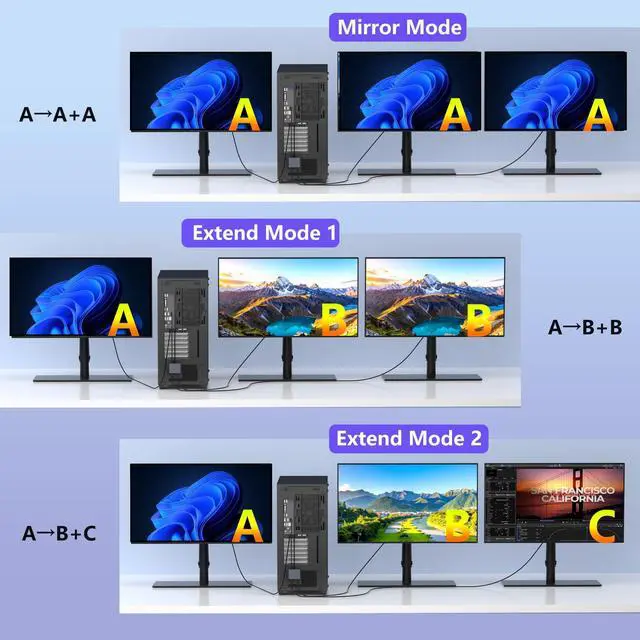
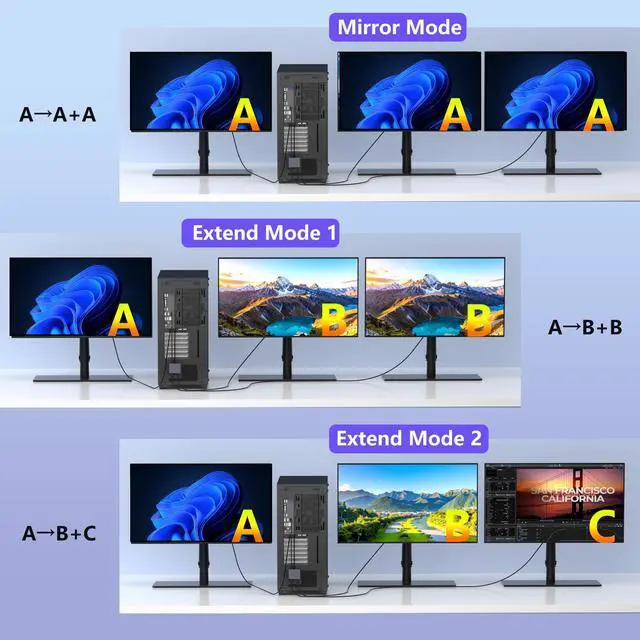
Supports Mirror and Extended Display Modes
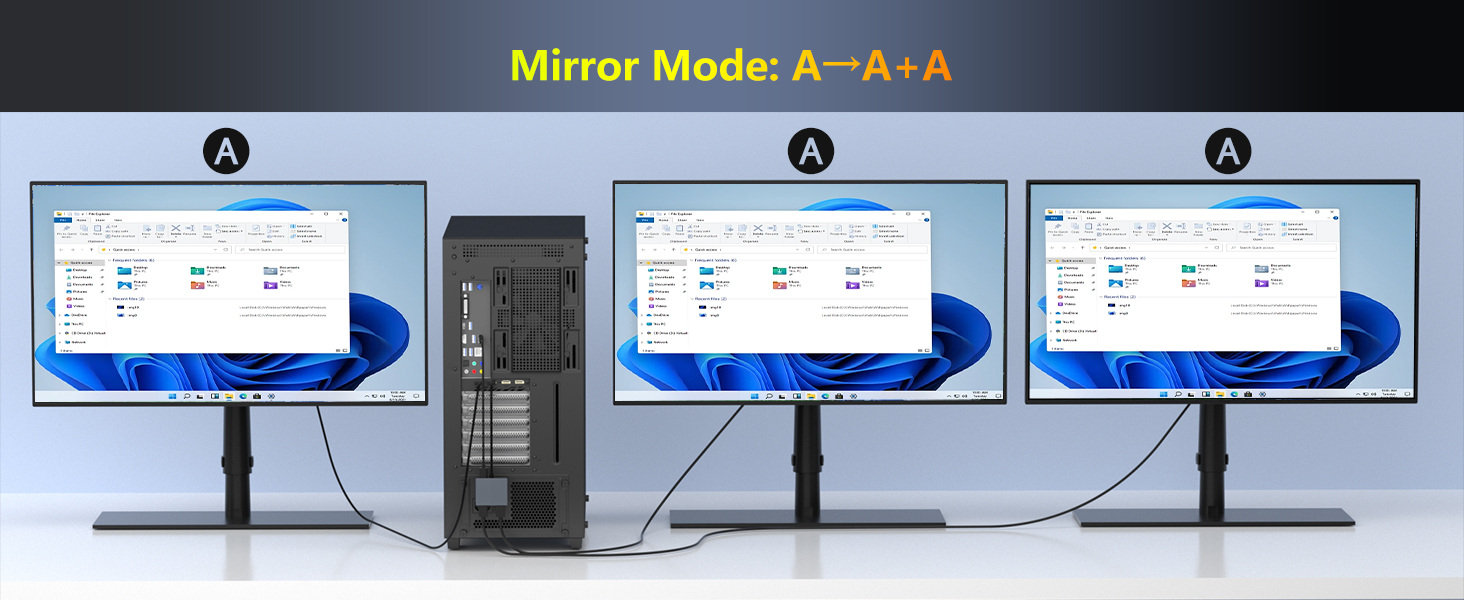
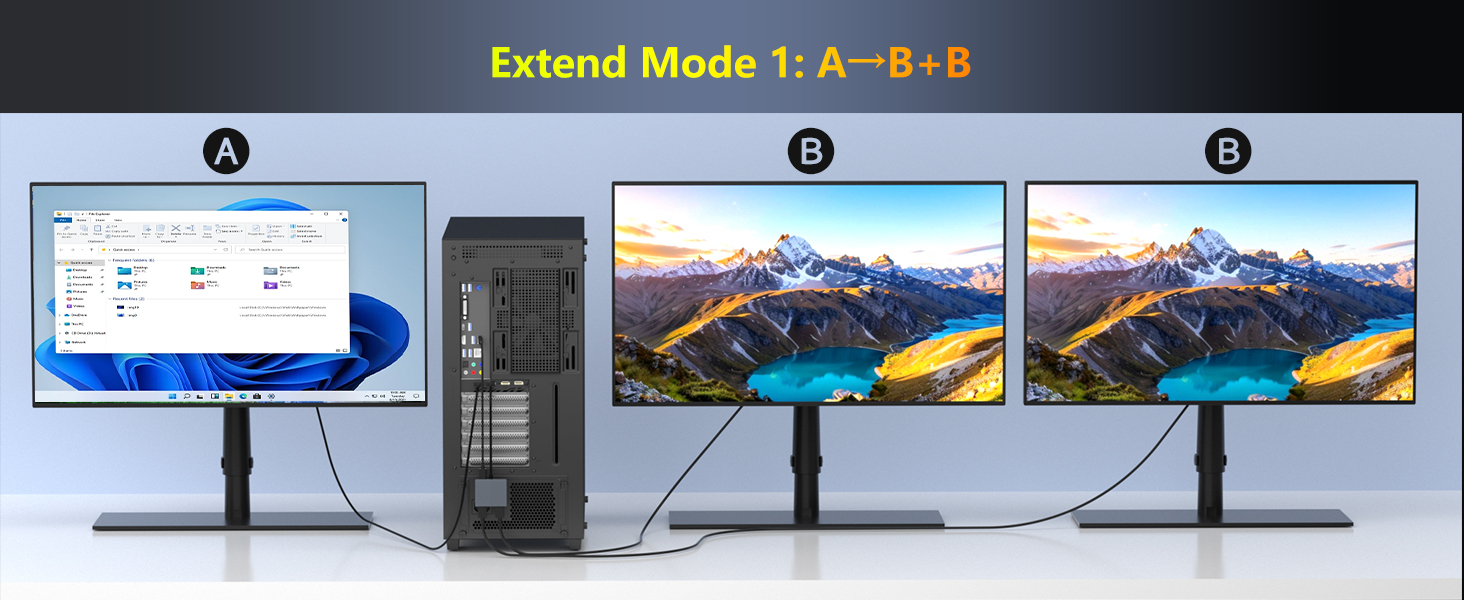
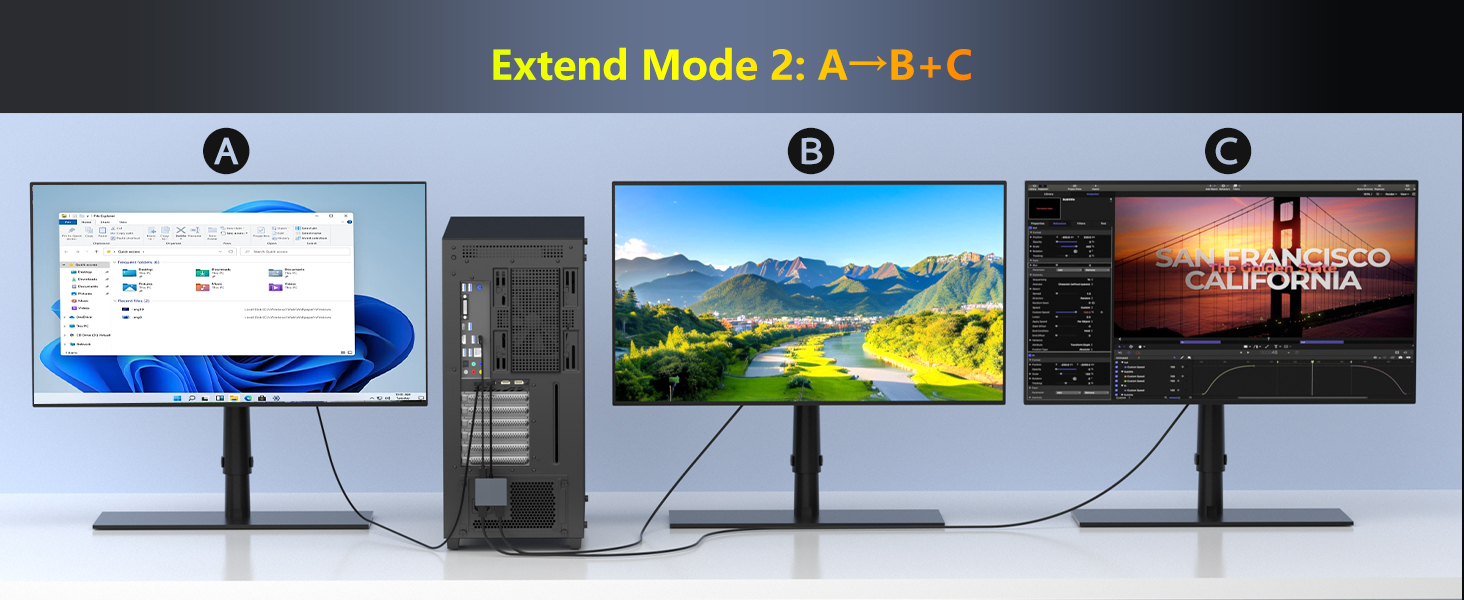
This DisplayPort MST hub support mirror mode(AAA) and extended mode(ABB mode and ABC mode).
How to connect Extend Mode on Windows?
Right-click desktop?Intel display Settings?pop-up Settings screen select display?multi-screen display?expand the desktop


Supports Up to 4K@60Hz
This dual monitor adapter supports up to 4K@60Hz and is backward compatible with 4K@30Hz and 1080p@60Hz.
Note: Dual 4K@60Hz requires DP 1.4. DP 1.2 supports single 4K@60Hz or dual 4K@30Hz only. Ensure your monitor and cable support 4K@60Hz, and keep cable length within 6.5 ft.


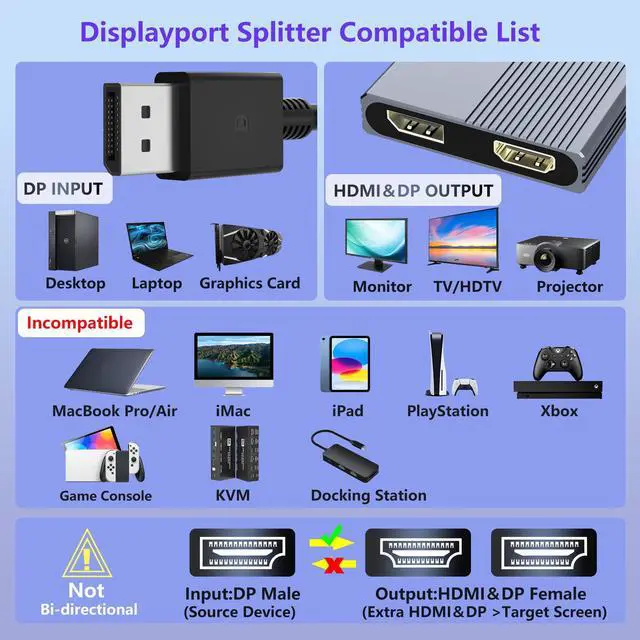
Compatible with DisplayPort Devices
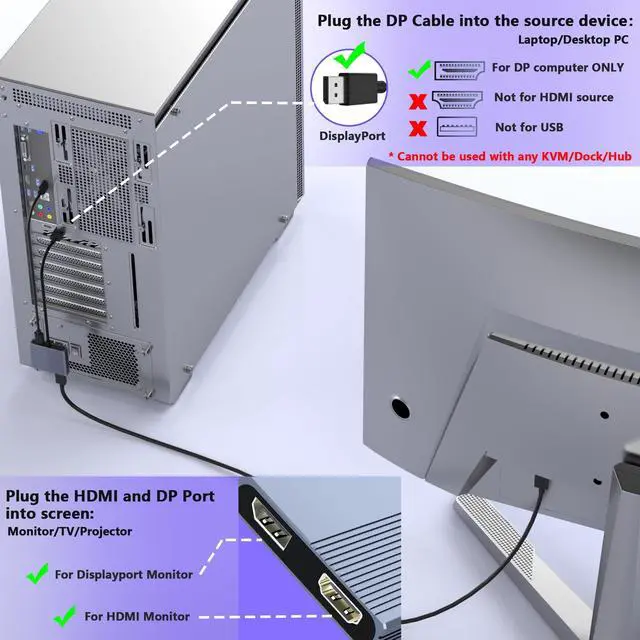
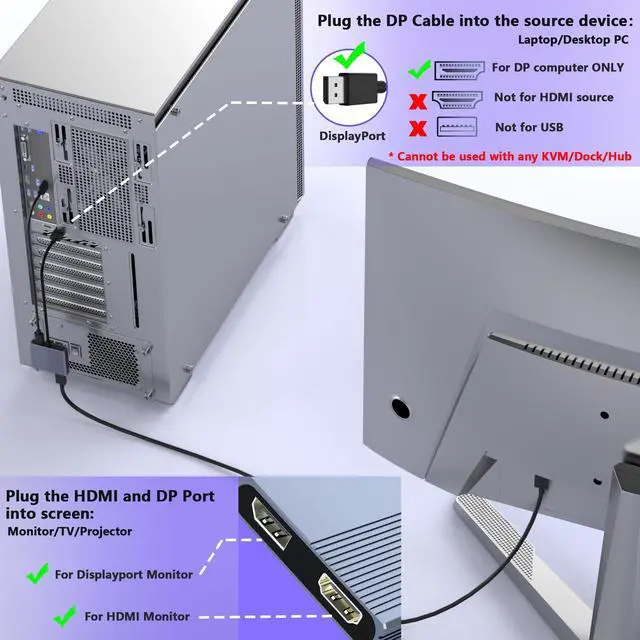
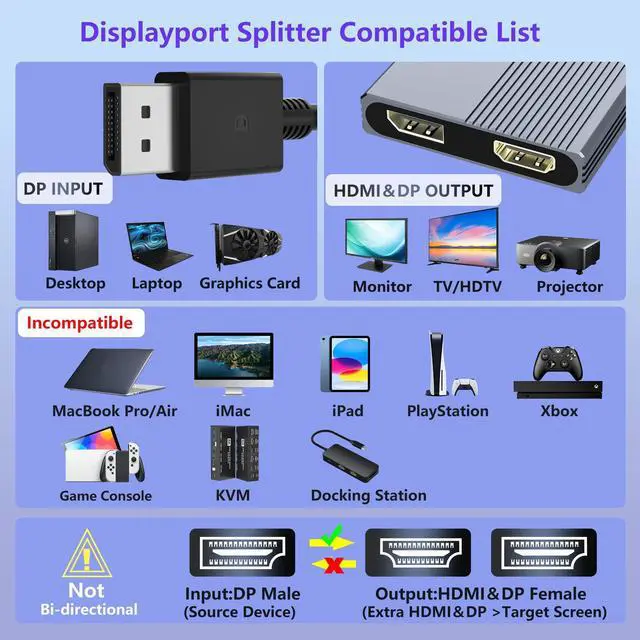
Input Devices: Computers with a standard DisplayPort output
Output Devices: Monitors, projectors, or HDTVs with standard HDMI or DisplayPort input
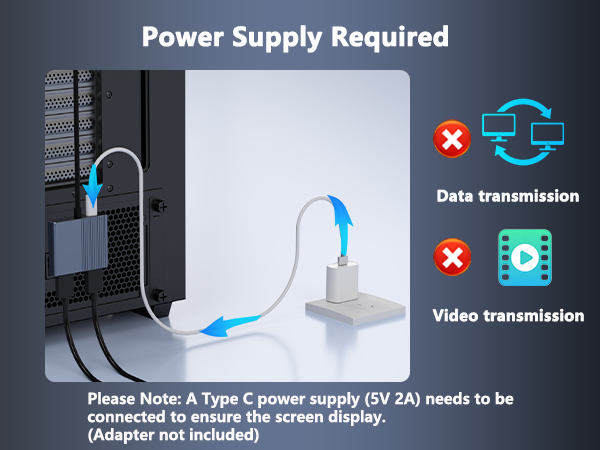
Power Required
Note: A USB-C power supply (5V/2A) is required for proper operation. The power adapter is not included.
If one display is not detected: 1.On Windows, click “Detect” or manually select the missing display ? “Apply.” 2.Make sure the monitor’s correct input source is selected.